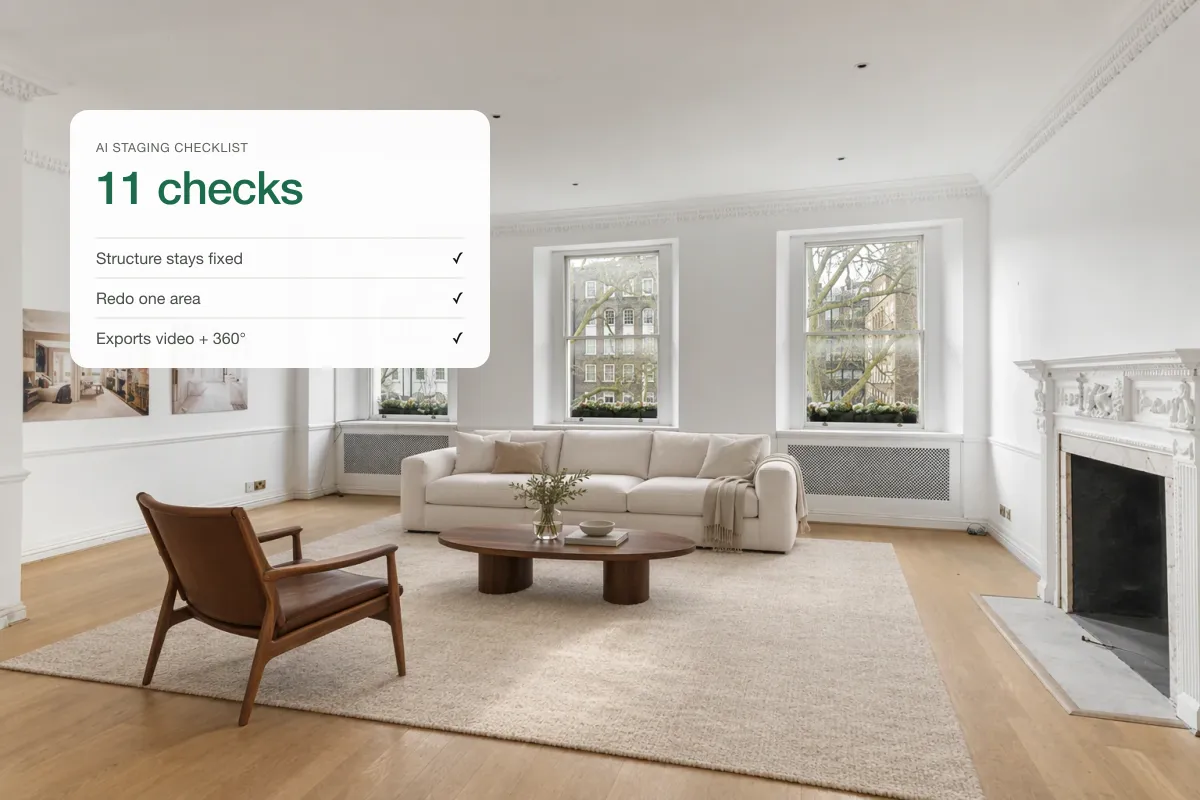
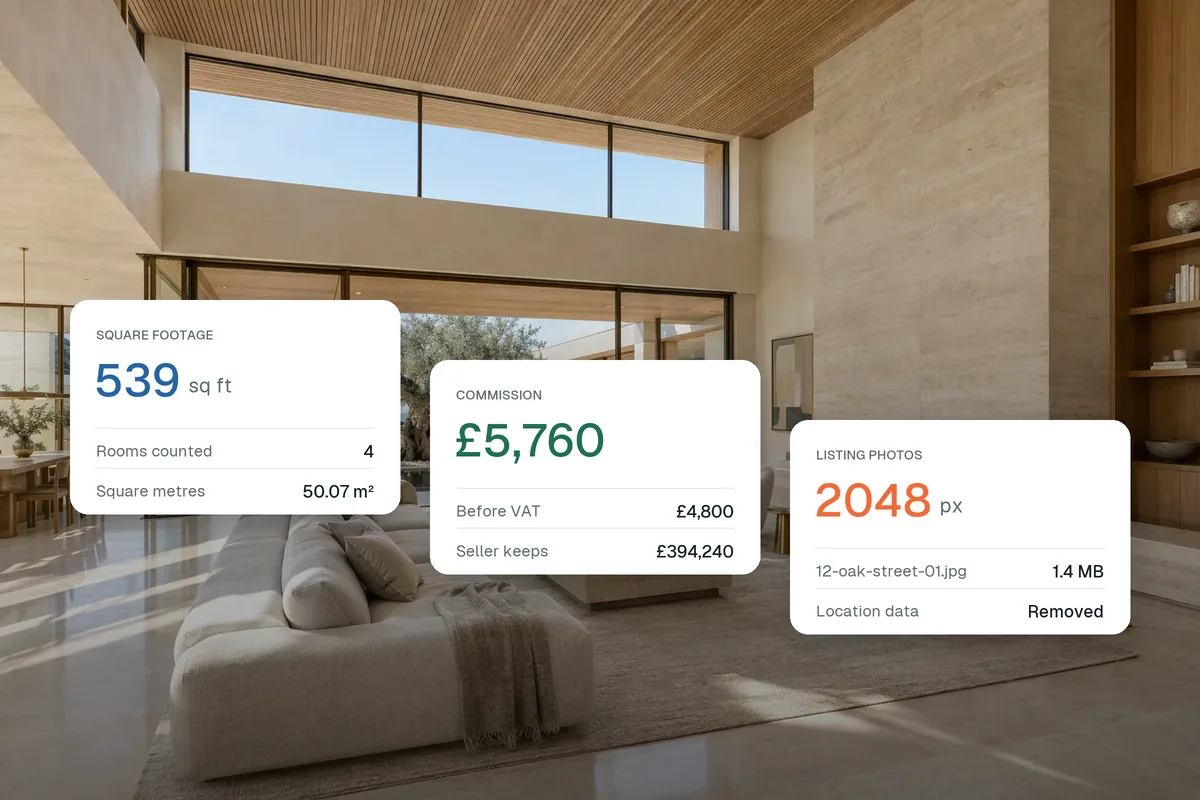
The most useful AI tools for real estate agents cover five jobs: listing media (photo editing, virtual staging and video), listing descriptions, social media content, lead follow-up and admin. Start with listing media, because it affects every listing and every seller pitch. Choose tools that work on your own photos and data, keep you compliant, and save time every week, not once.
The jobs AI can do for agents
| Job | What AI does | What to check |
|---|---|---|
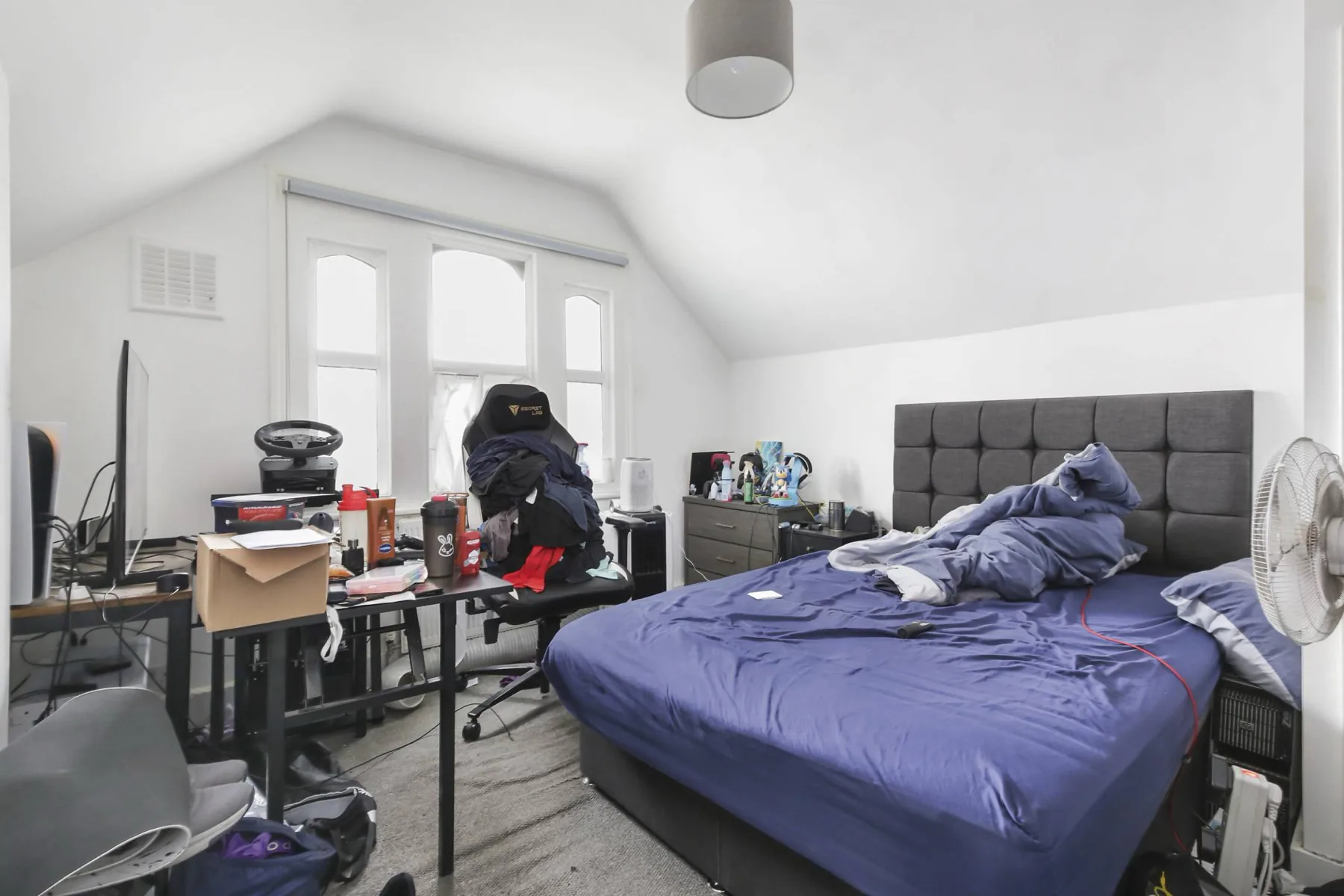
| Photo editing | Brighten, straighten, declutter, sky, dusk | Keeps the room accurate |
| Virtual staging | Furnishes empty rooms in seconds | Scale, style, labelling |
| Listing video | Turns photos into branded walkthroughs | Vertical and horizontal export |
| 360° tours | Hosts and edits panoramas | Portal links, branding |
| Descriptions | Writes listing copy | Facts checked by you |
| Social posts | Captions, reels, calendars | Your voice, local detail |
| Lead follow-up | Replies, reminders, scoring | Works with your CRM |
| Admin | Notes, emails, summaries | Data privacy |
1. Listing media: start here
Better photos, staged rooms and a video on every listing help you sell homes and win new instructions. An all-in-one platform saves uploading the same photos into three different apps.

Splatr covers photo editing, staging, video, 360° tours and a branded property page from one upload.
2. Listing descriptions
General AI assistants write good first versions if you give them facts: rooms, sizes, features, area. Always check every fact. See AI real estate listing descriptions.
3. Social media content
Use AI to plan a calendar, write captions and turn listings into reels. Our real estate content calendar shows the approach.
4. Lead follow-up
Many CRMs now include AI that writes replies, reminds you to follow up and highlights hot leads. Check that it fits your existing CRM before adding another tool.
5. Admin
AI note-takers and email assistants save time on viewings feedback, vendor updates and summaries. Check where data is stored, especially for client information.
How to choose any AI tool
- Test it on your own work, not the demo.
- Measure time saved per week.
- Check accuracy and compliance. Staged and enhanced images need labels; descriptions need facts checked.
- Prefer fewer tools that do more.
- Use free trials properly: run a real listing through it.
Related: AI photo editing for real estate, how to choose a virtual staging app and choose an AI real estate video maker.
Put the guide into practice.
Turn your own photos into edited images and videos in minutes.
7-day free trial.