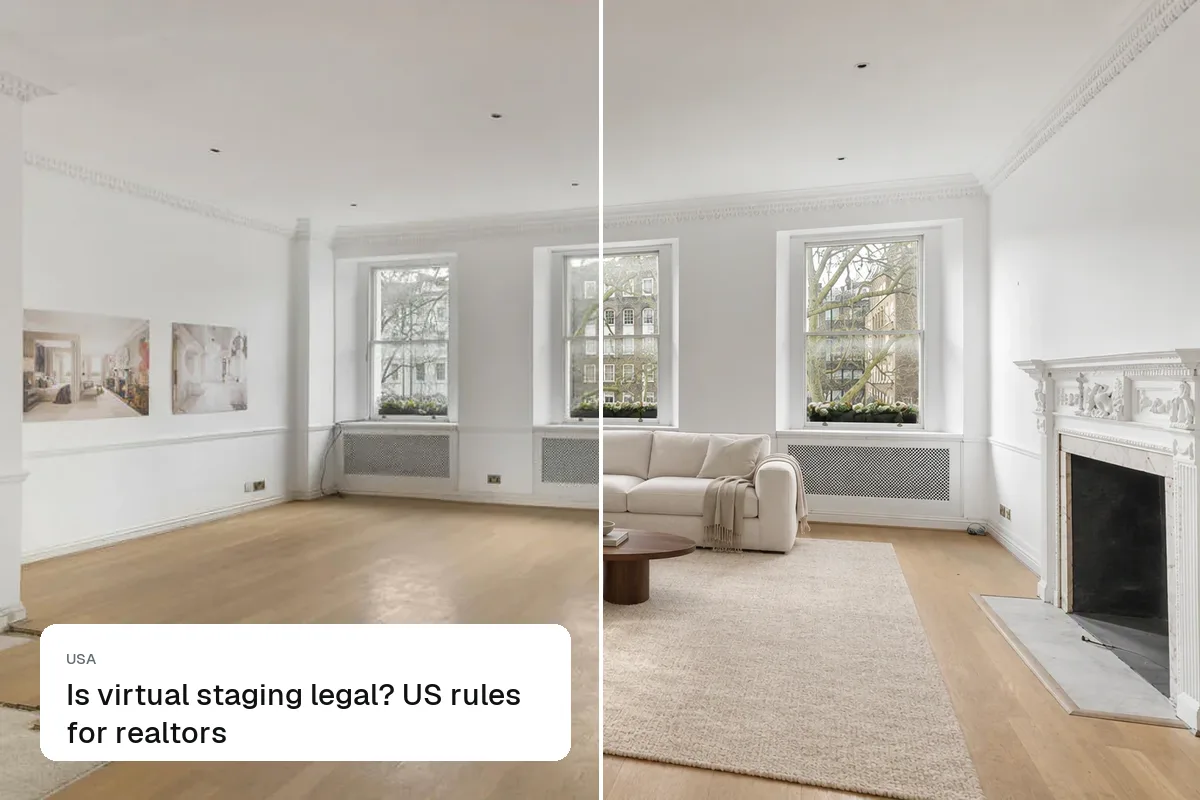
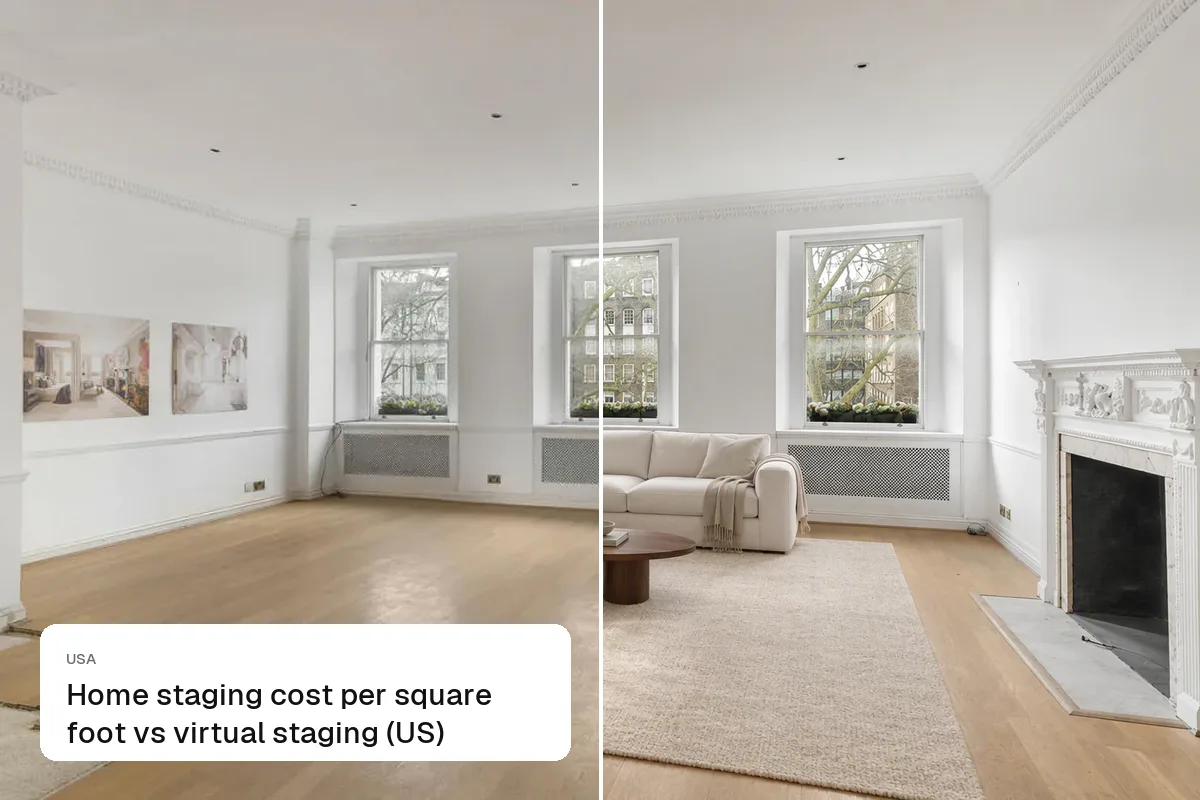
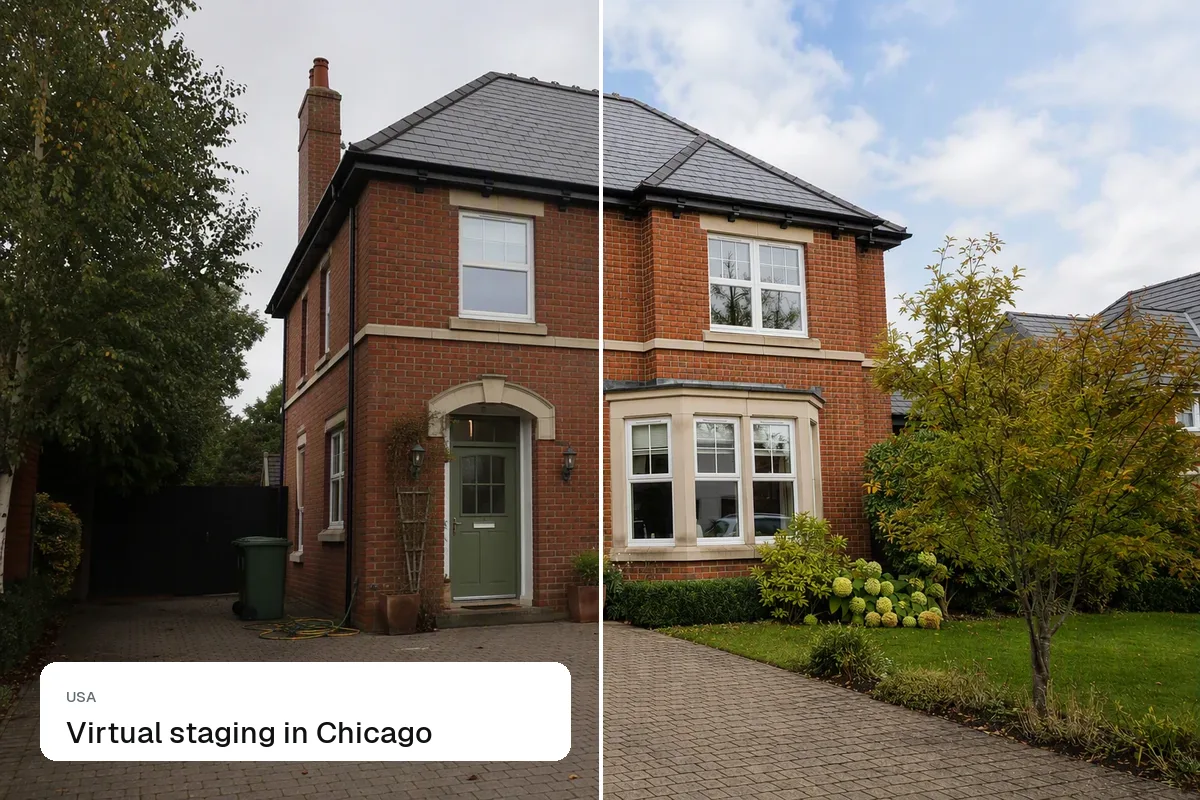
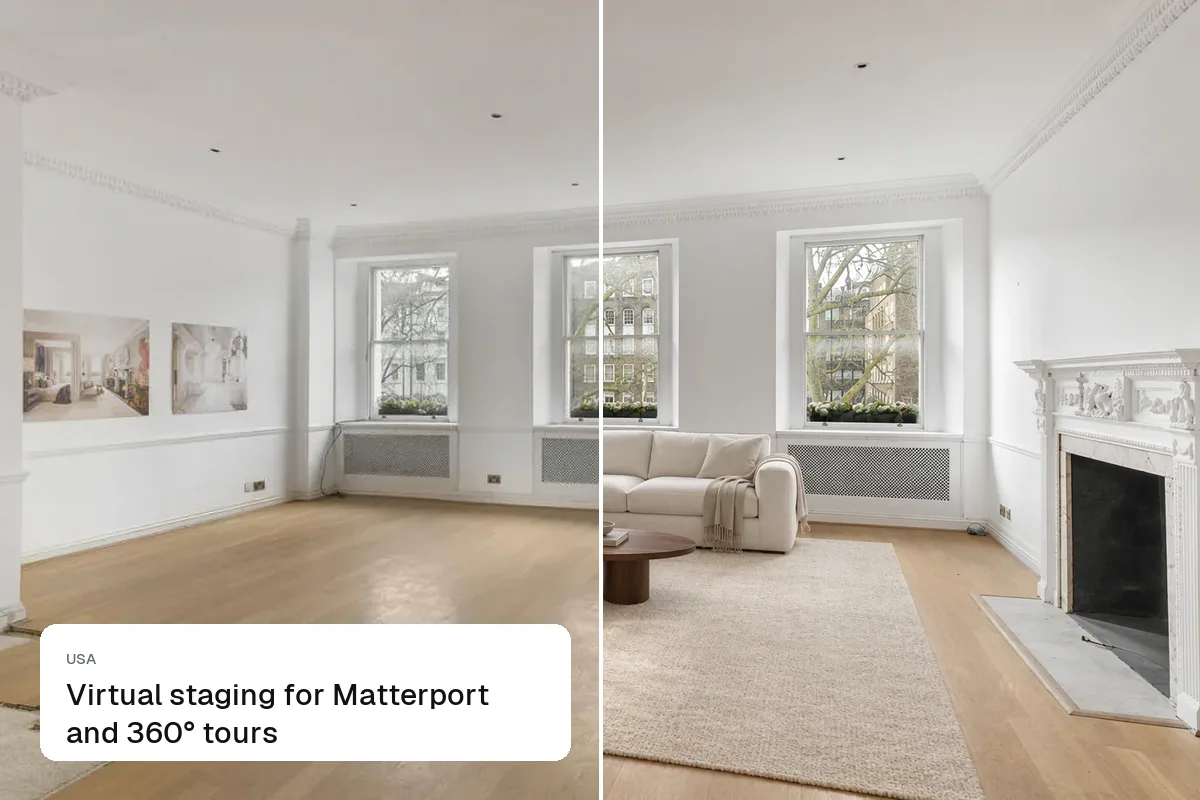
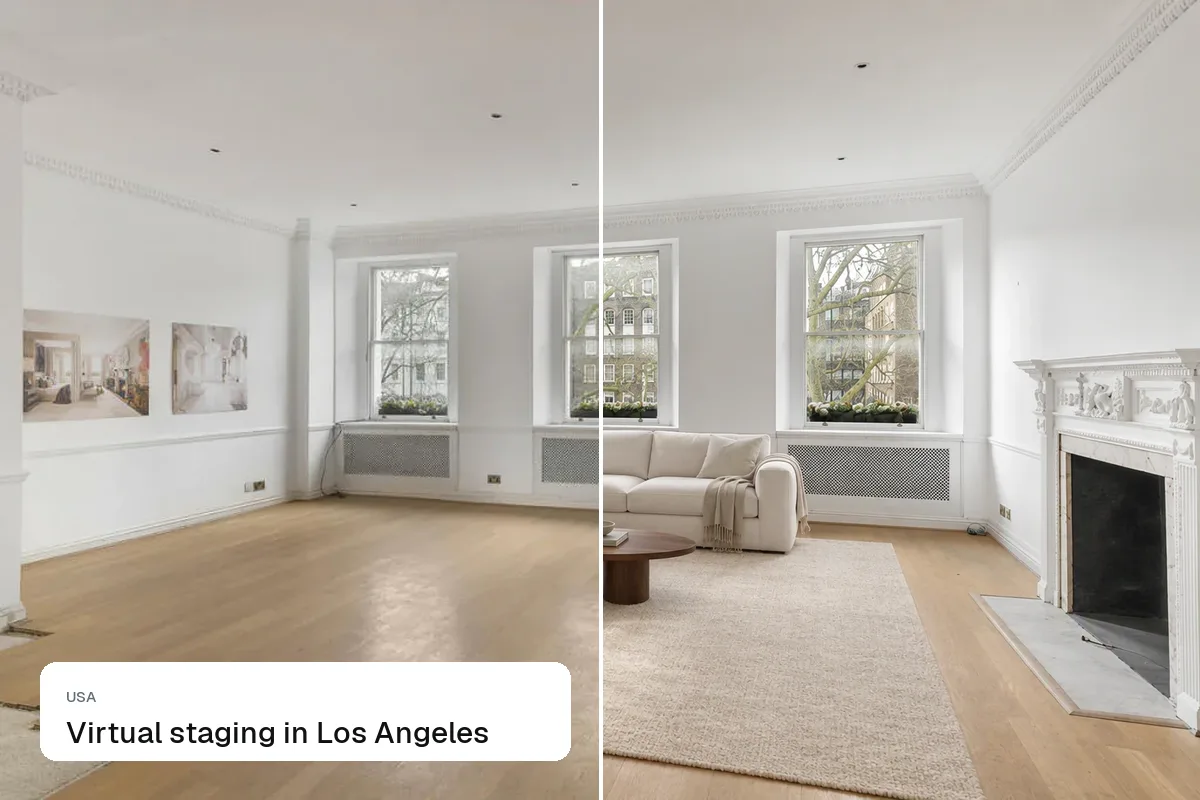
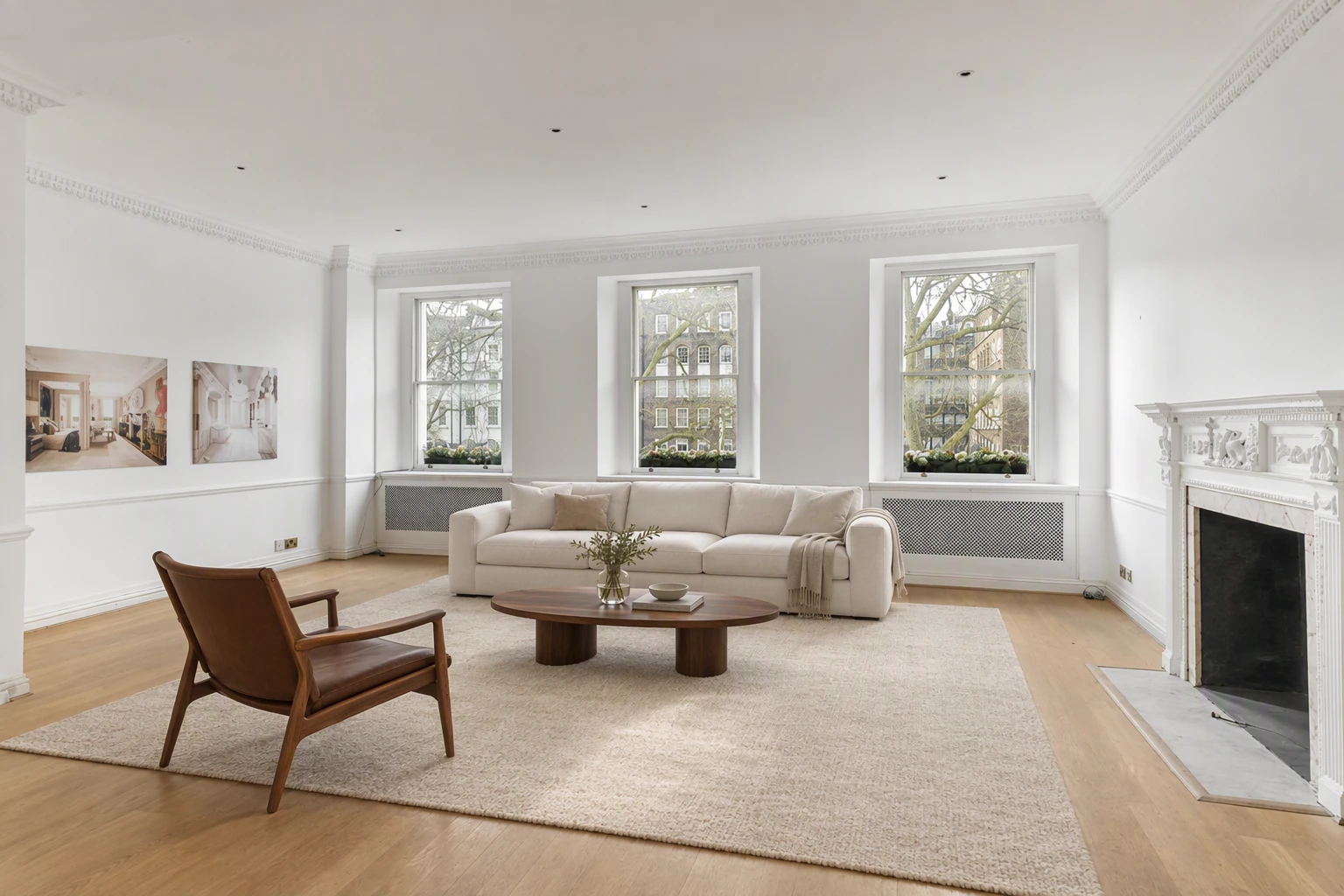
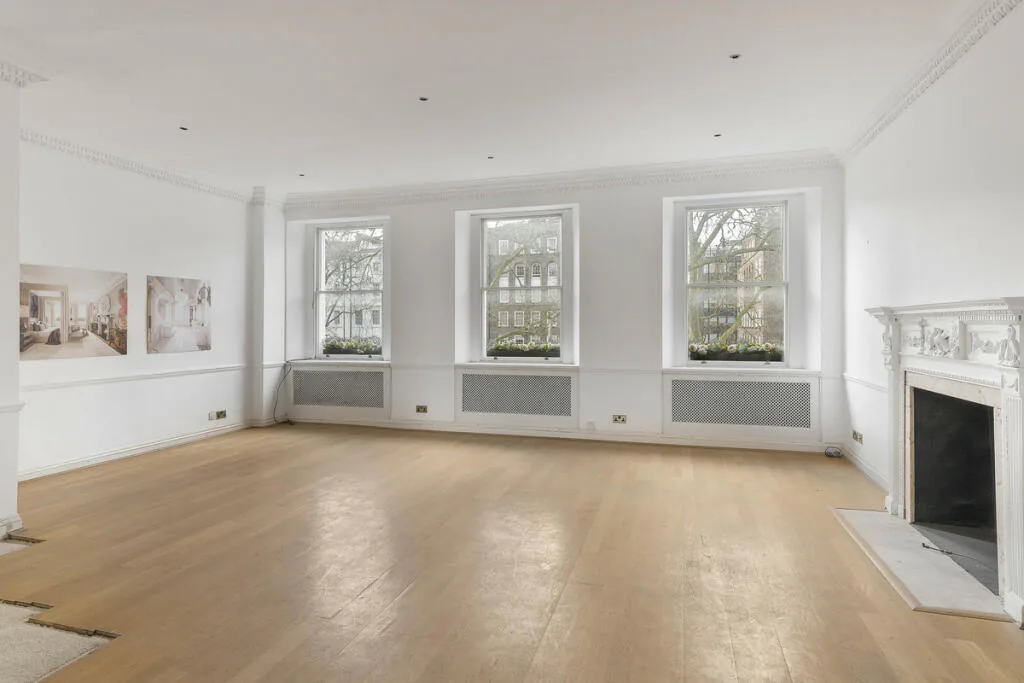
For realtors, virtual staging works best as a standard part of every vacant listing: shoot the empty rooms, stage the three or four that matter, disclose it, and use the before-and-afters to win the next listing. With AI tools it takes minutes per listing and costs less than a single physical staging consultation.
Which listings to stage
- Vacant homes, always
- Homes with dated or worn-out furniture
- New construction without a model home
- Rentals between tenants
- Homes that have sat on the market, as a refresh
Which rooms
- Living room (often the first interior photo)
- Primary bedroom
- Kitchen or dining area
- Any confusing room: bonus room, loft, odd-shaped space
Bathrooms rarely need staging; towels and a plant are enough.
Shoot for staging
- Shoot straight or from a corner, at chest height
- Show the floor clearly; staging needs floor area to place furniture
- Keep the camera level so furniture sits correctly
- Take an extra angle of each room you'll stage
Disclose it
Label each staged image and mention it in the MLS remarks. See is virtual staging legal?.
Use it to win listings
Bring a before-and-after slider to your listing presentation. Sellers immediately understand the value. Make one with our free before and after slider. See realtor marketing plan.
Go further
Turn the staged photos into a listing video, and a 360° tour. See turn property photos into video.
Put the guide into practice.
Turn your own photos into edited images and videos in minutes.
7-day free trial.