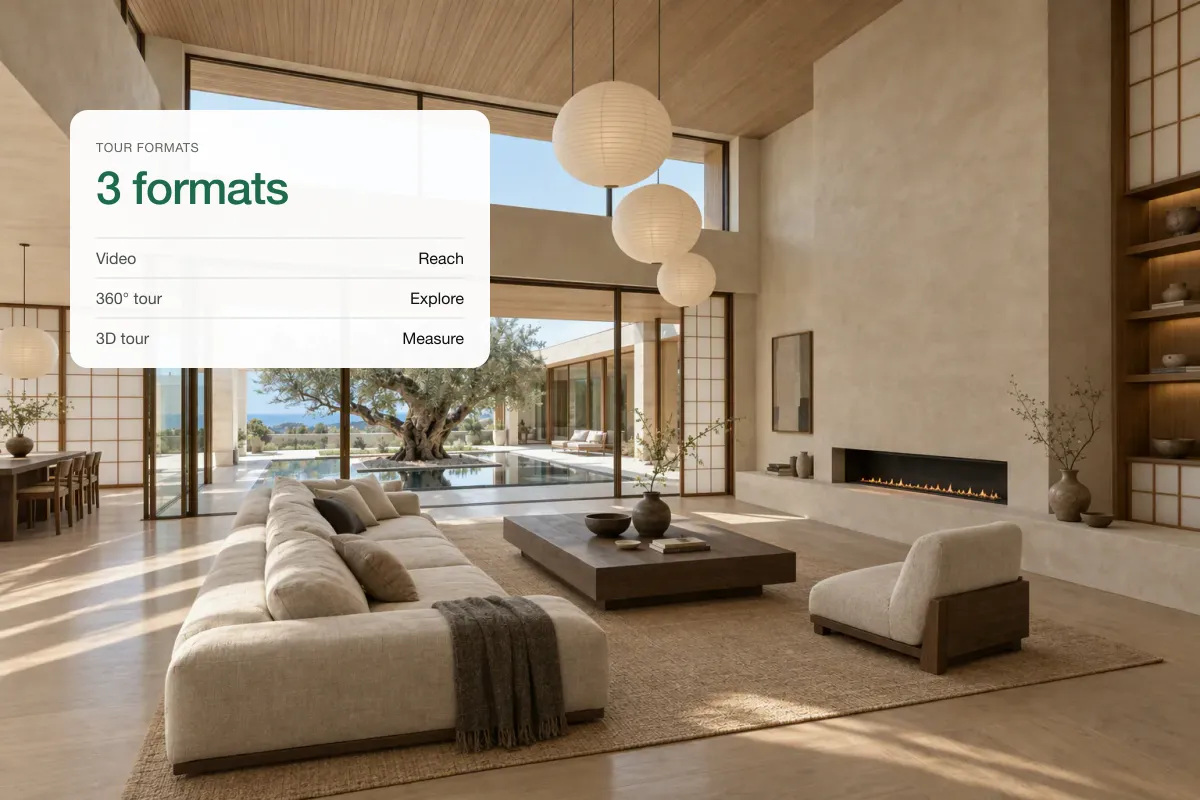
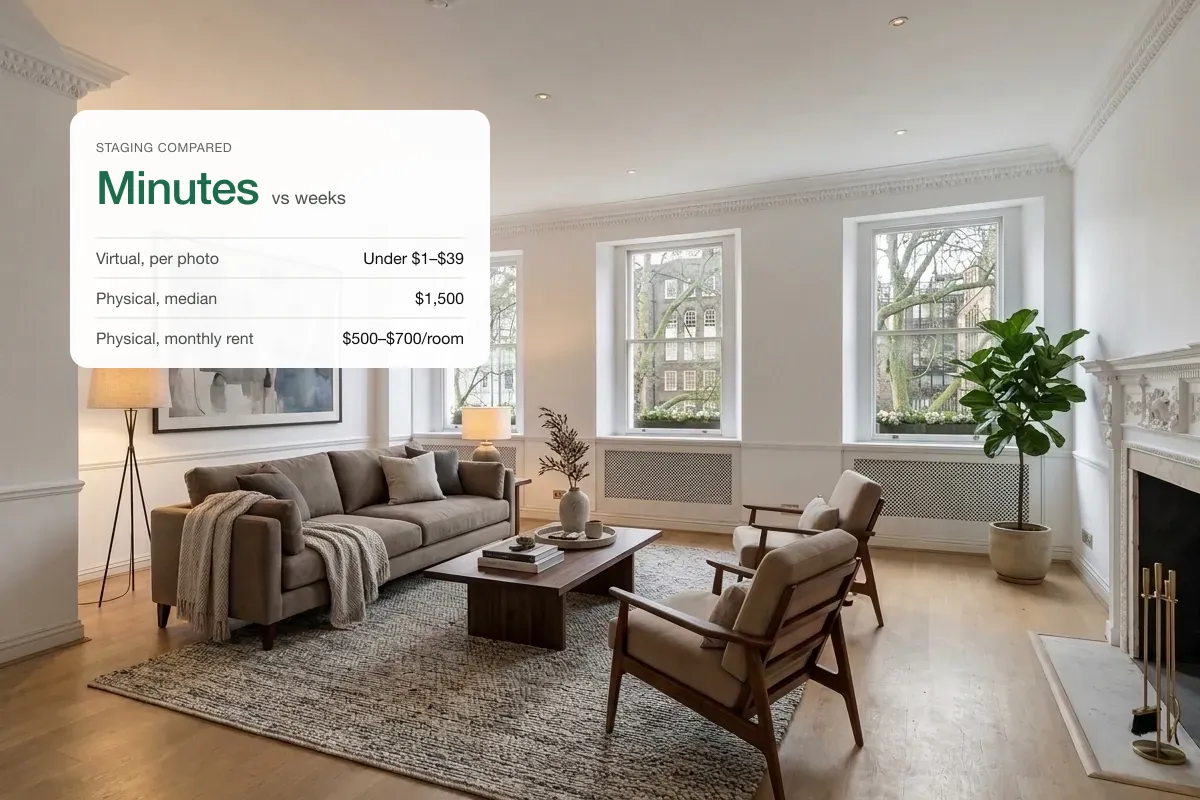
Look for AI virtual staging software that keeps the room’s structure fixed, lets you preview and redo parts of a photo, and exports both staged images and a video in the sizes listing sites and social media need. Most staging tools stop at the image. A smaller group, including Splatr, also turns the staged photos into a property video and a 360° tour, so the whole listing pack comes from one place.
What should AI virtual staging software do?
Use this checklist when you try a tool with your own photos, not the demo images.
| Check | Why it matters |
|---|---|
| Walls, windows, doors and floors stay the same | Changing fixed features misrepresents the property |
| Furniture is to scale and grounded | Oversized or floating furniture makes rooms look bigger than they are |
| You can preview before using credits | Saves money on rooms that need several attempts |
| You can redo one area, not the whole room | Fixes a bad chair without losing a good sofa |
| Declutter or remove existing furniture | Most occupied homes need this before staging |
| Several styles from one photo | Shows the room to different buyers |
| Exports a labelled and an original copy | Required by many MLSs and California’s AB 723 |
| Full-resolution export without a watermark | Portals and print need a clean, large file |
| Turns images into video | Reels and listing videos are where buyers spend time |
| 9:16 and 16:9 export | Vertical for Instagram and TikTok, landscape for portals and YouTube |
| 360° tour support | Lets buyers look around, not just at one angle |
Which platforms export both staged photos and video?
Tools fall into four groups. Names are examples, not a ranking, and features change quickly, so confirm on each provider’s site.
| Type of tool | Examples | Staged images | Listing video | 360° tour |
|---|---|---|---|---|
| AI staging apps | Virtual Staging AI, REimagineHome, Collov | Yes | Usually not | Usually not |
| Human staging services | BoxBrownie, Styldod, PadStyler | Yes, by a designer | Some offer slideshows | Some stage 360° photos |
| AI video-from-photos tools | Various listing reel apps | Uses your photos | Yes | No |
| All-in-one property content platforms | Splatr | Yes | Yes, with camera moves and music | Yes, from phone photos |
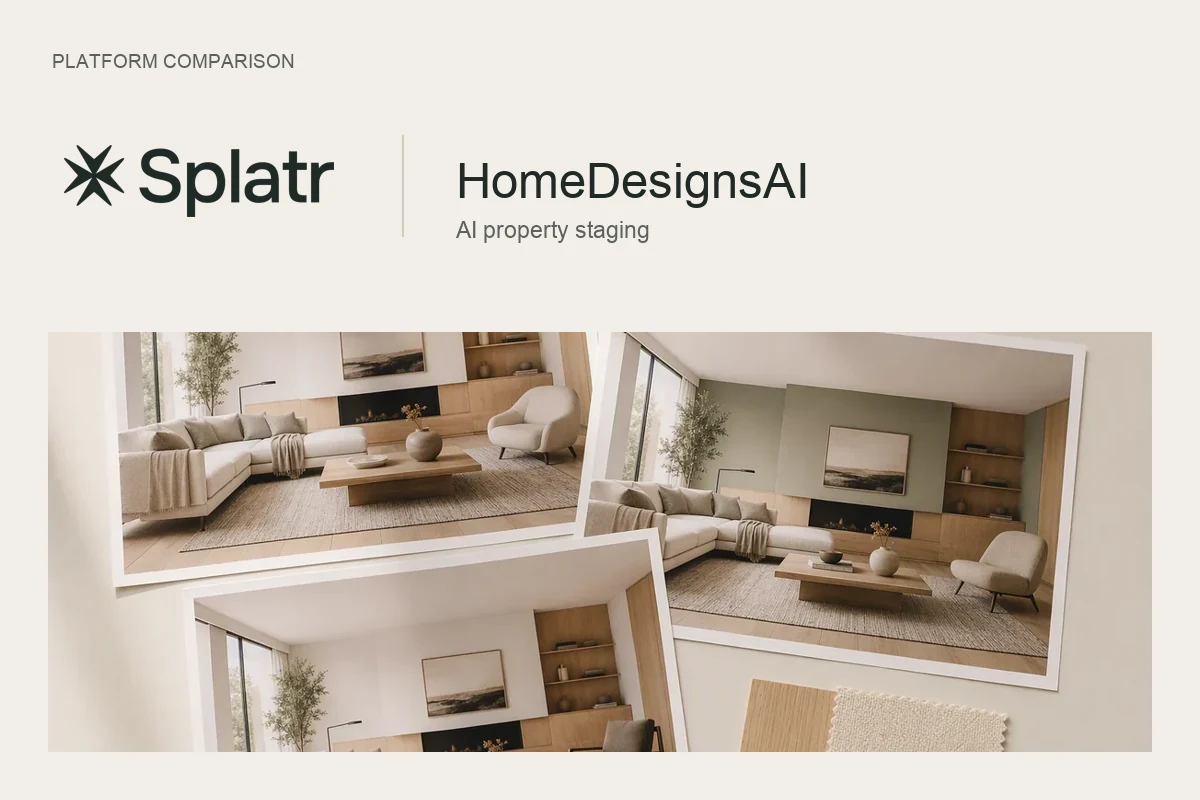
For head-to-head detail, see Splatr vs HomeDesigns AI, Splatr vs Apply Design and Splatr vs REimagineHome.
If you only stage a few photos a month, a single-purpose app may be enough. If you also pay for listing videos, reels and tours, an all-in-one platform saves both money and the time spent moving files between tools.
- Your photosPhone or photographer
- Edit and stageEnhance, declutter, stage
- Make the videoEffects, music, branding
- PublishPortals and social
How Splatr handles staging, video and tours
In Splatr Virtual Studio the staged photos are the starting point for everything else:
- AI staging stages, declutters or restyles a room while keeping walls, windows and layout fixed. You can describe a change or edit just one region.
- Video turns the staged photos into a cinematic film with camera motion, motion graphics, music (a trending track or your own) and your branded end card, in 9:16 or 16:9.
- 360° tours are stitched from four overlapping phone photos, so no 360° camera is needed.
- Reference images let you match a style from a photo you like. See using reference images.
- One property page brings it together to share or embed. The complete platform guide covers every feature.
How to test a tool in 20 minutes
- Pick three of your own photos: an empty room, a furnished room and a small or awkward room.
- Stage each in the same style and check scale, shadows and windows.
- Try fixing one detail without redoing the whole image.
- Export at full size and look at the file on a large screen.
- Make a short video from the results and play it on your phone.
- Check what you would pay for a typical month of listings, including re-runs.
What to avoid
- Tools that change flooring, wall colour or the view from the window without telling you. That is renovation, not staging, and many MLSs ban it for active listings.
- Plans where unused credits vanish each month if your volume varies a lot.
- Exports with small resolution or a watermark on the plan you can afford.
Quick answers
What is the best AI virtual staging software?
The best one is the tool whose results pass the checklist above on your own photos, at a price that fits your volume. If you need video and tours as well, choose a platform that does all three.
Can AI virtual staging make videos?
Some platforms can. Splatr turns staged photos into a property video with camera moves and music, ready for reels and listing sites.
Is AI virtual staging accurate?
It is a visualisation, not a measurement. Review every image for scale and fixed features, and label it as virtually staged. See how much it costs and free options and their limits.
Put the guide into practice.
Turn your own photos into edited images and videos in minutes.
7-day free trial.