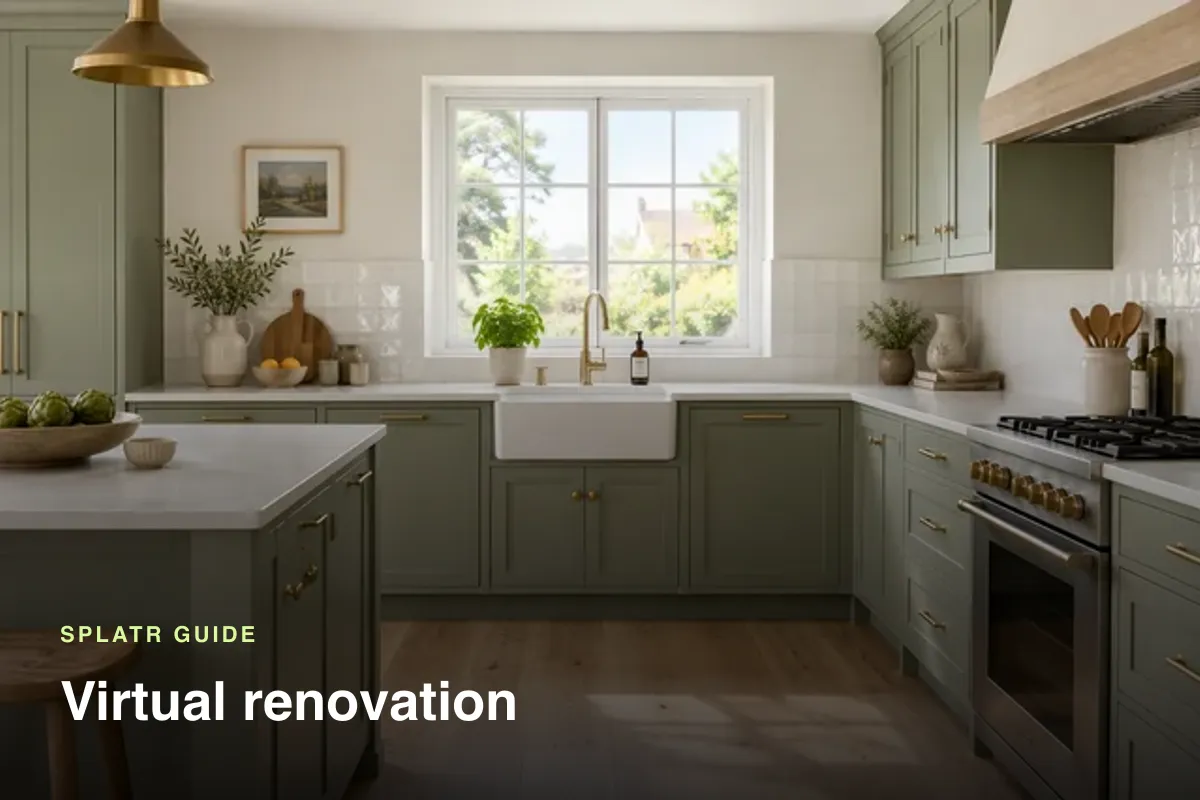
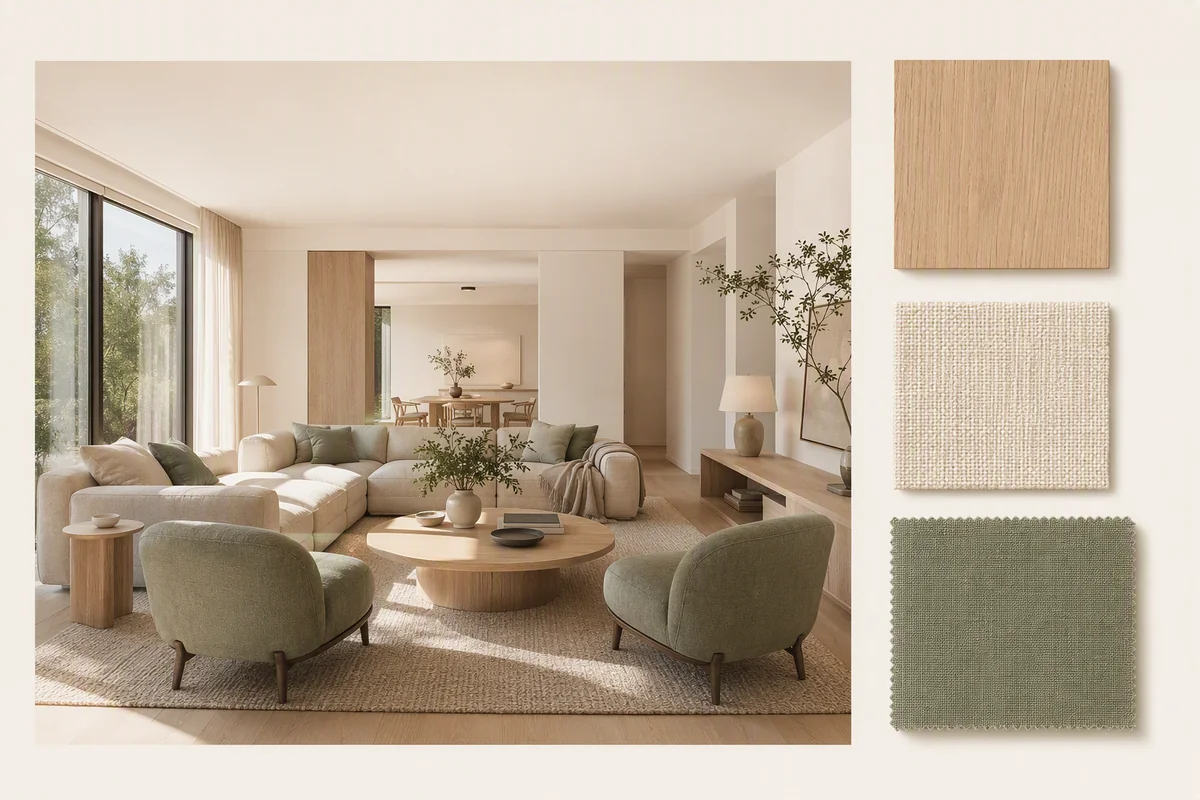
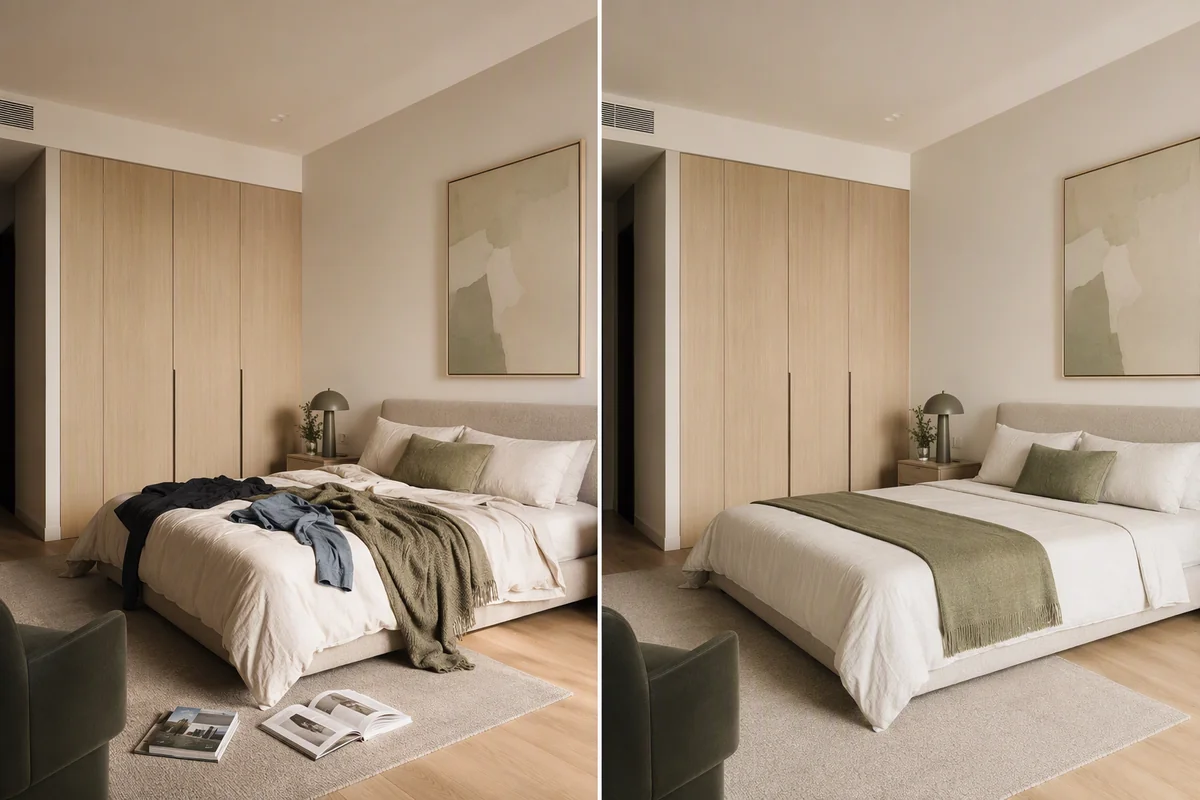
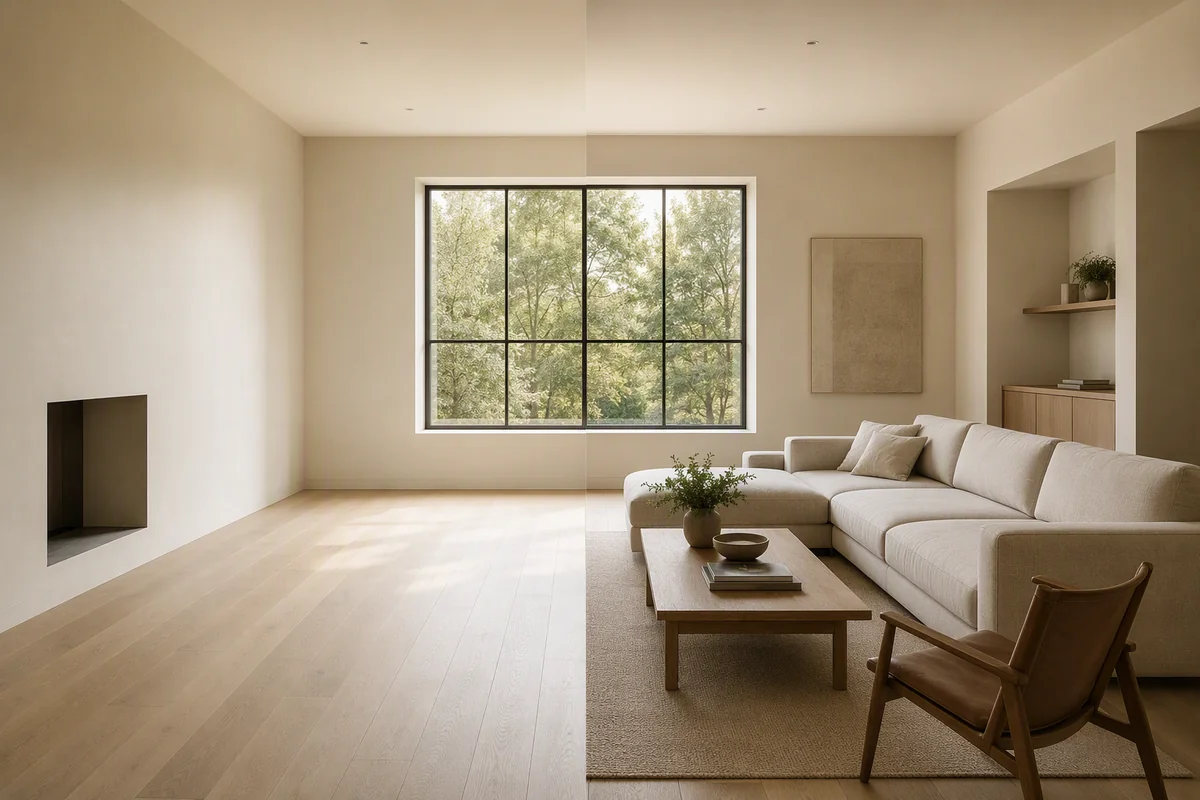
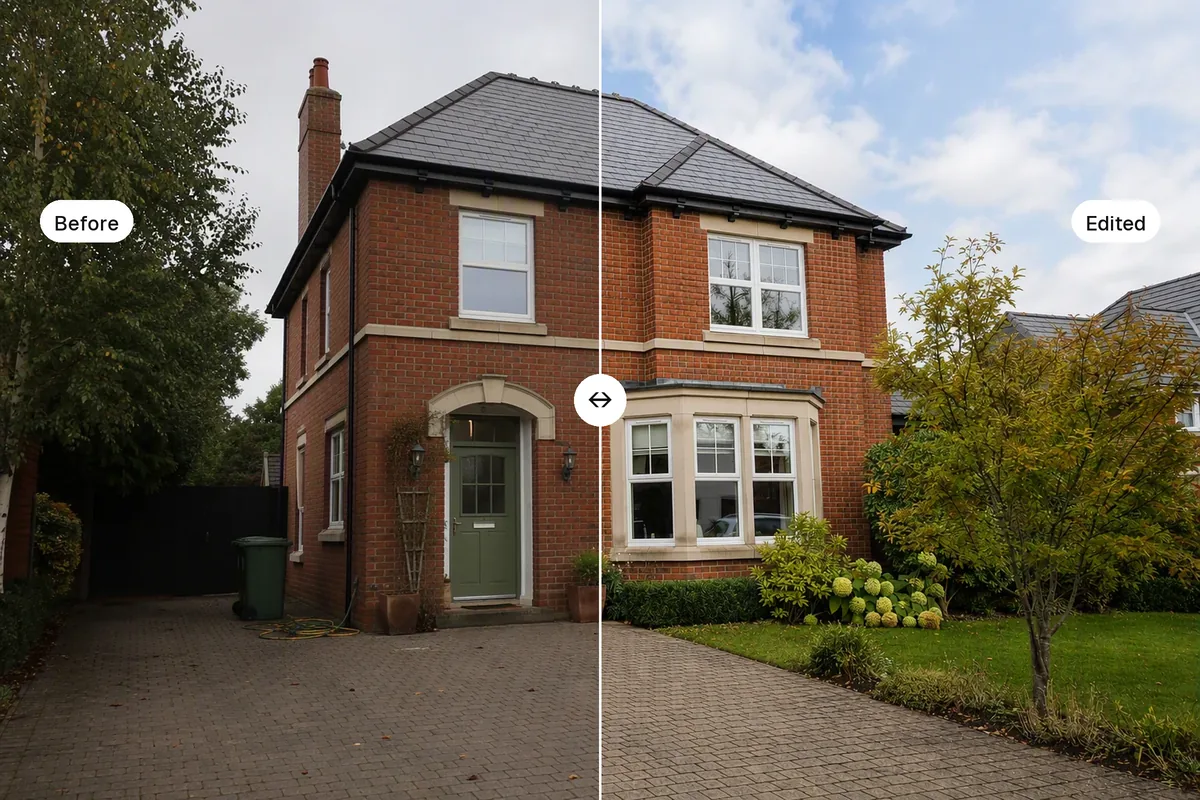
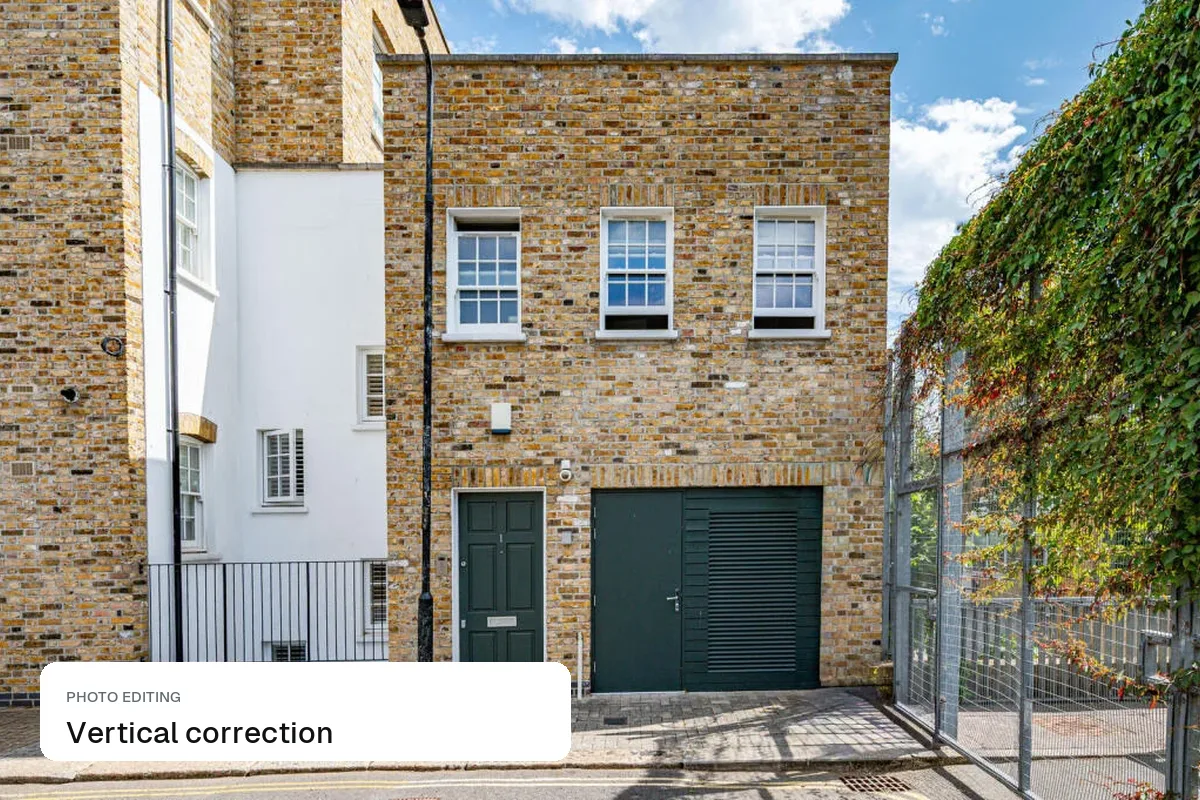
AI restyling shows a room in a new style (new wall colour, flooring, furniture or finishes) from one photo. It helps buyers see past a dated interior, and helps sellers and hosts test a refurb before spending money. Always show the restyled image next to the real one and label it as a design idea.
When is restyling useful?
- A dated home that buyers dismiss on looks alone
- A rental or holiday let you plan to refurbish
- A developer showing finish options
- A hotel testing a new room design
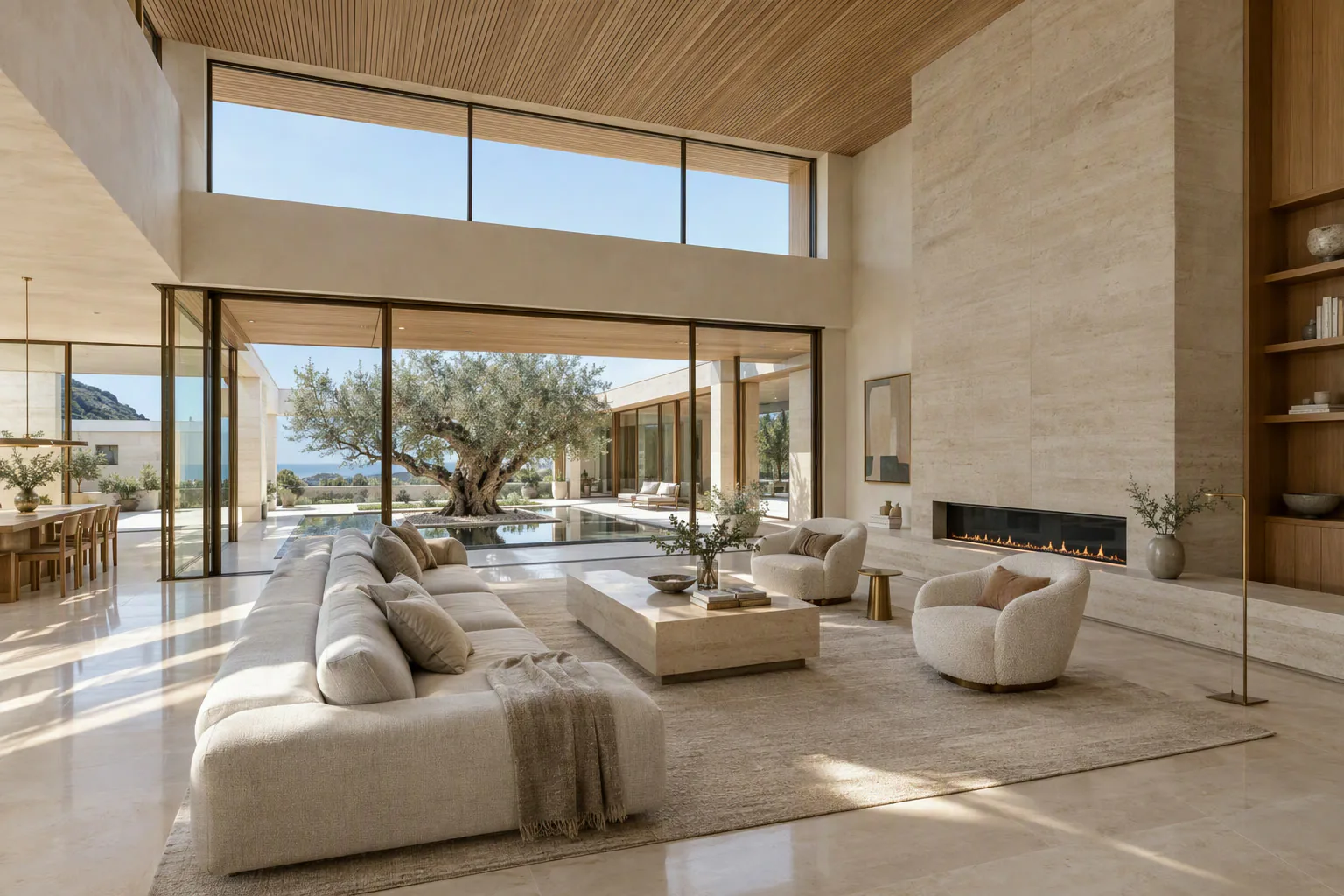 Original
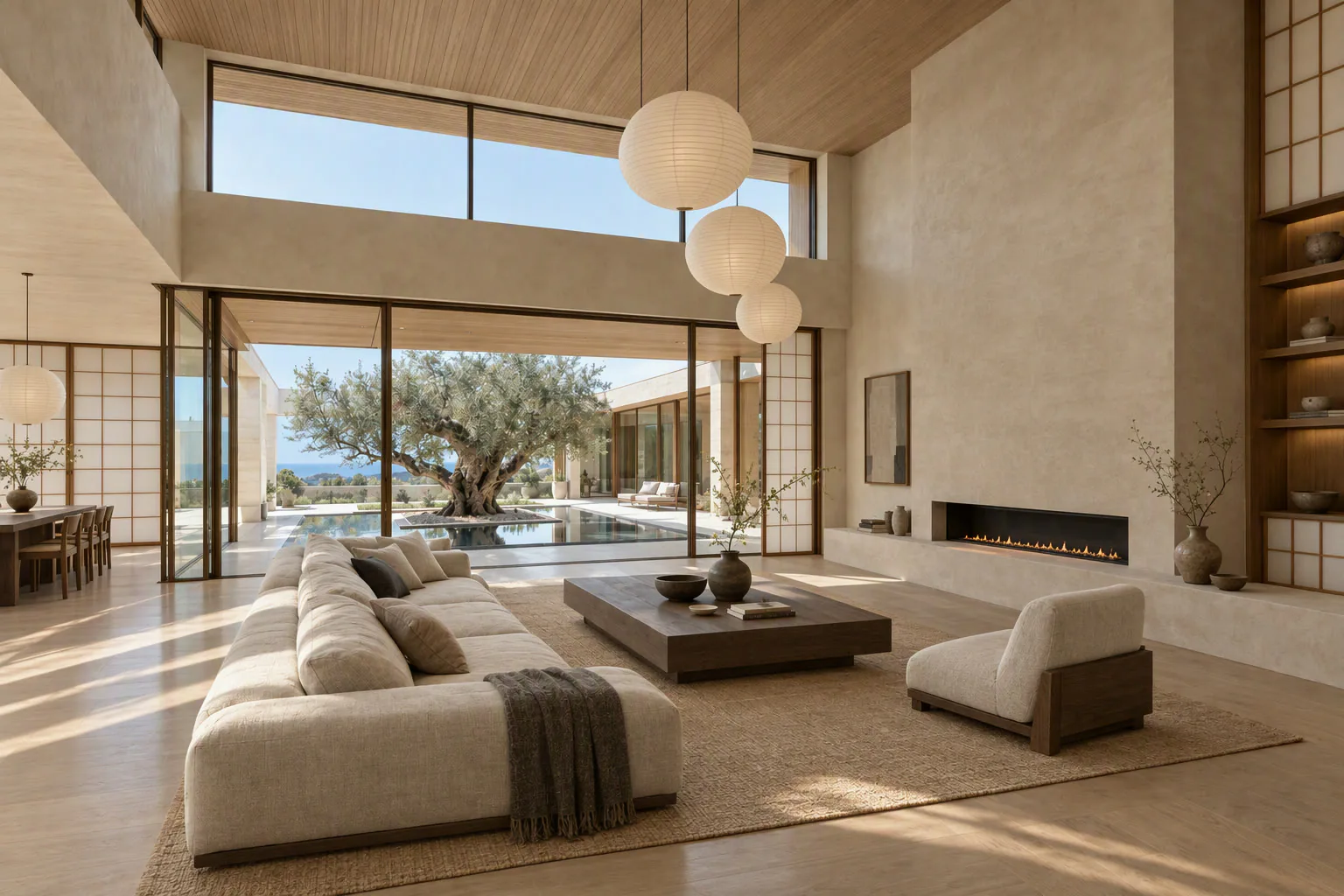 Japandi
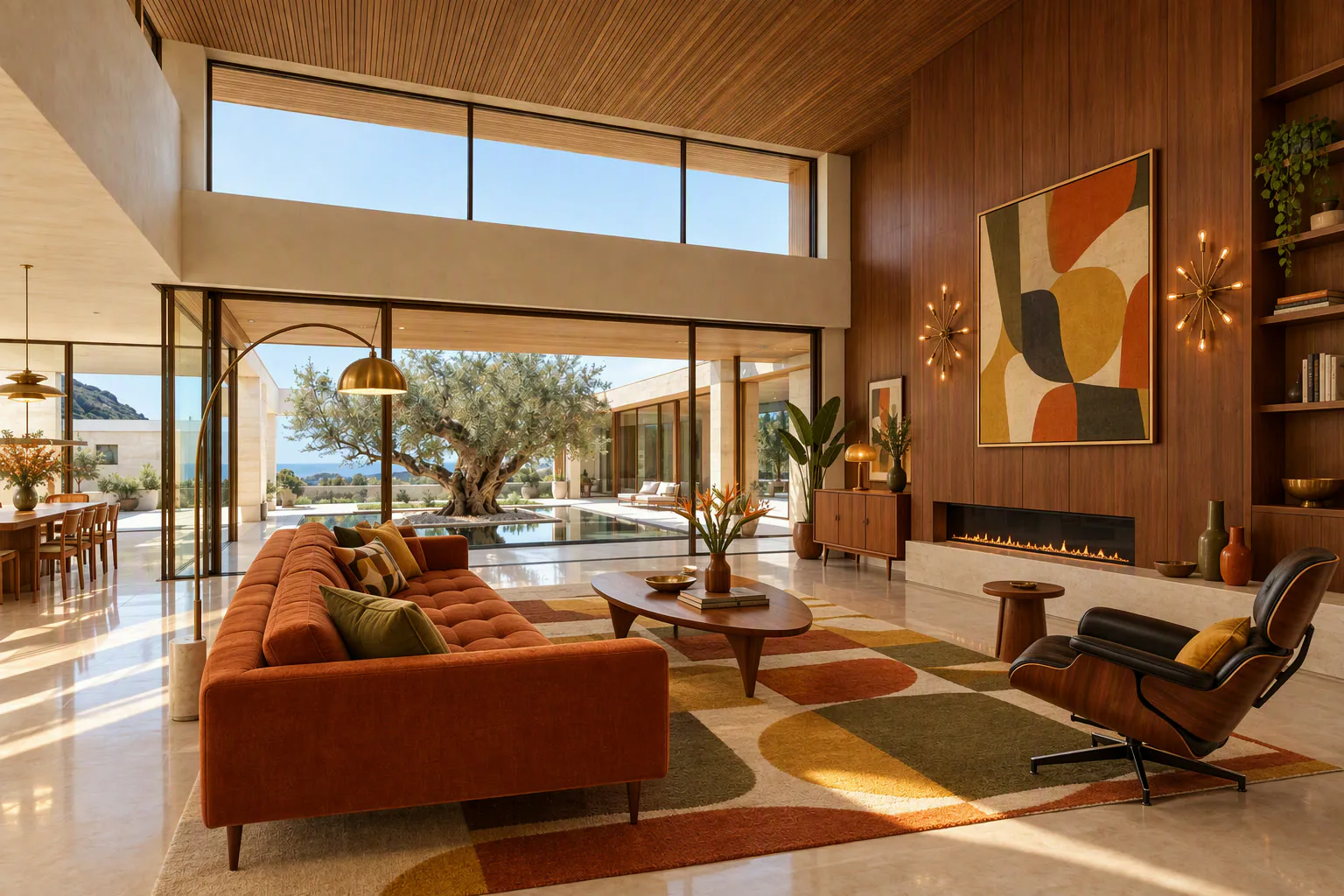 Mid-century
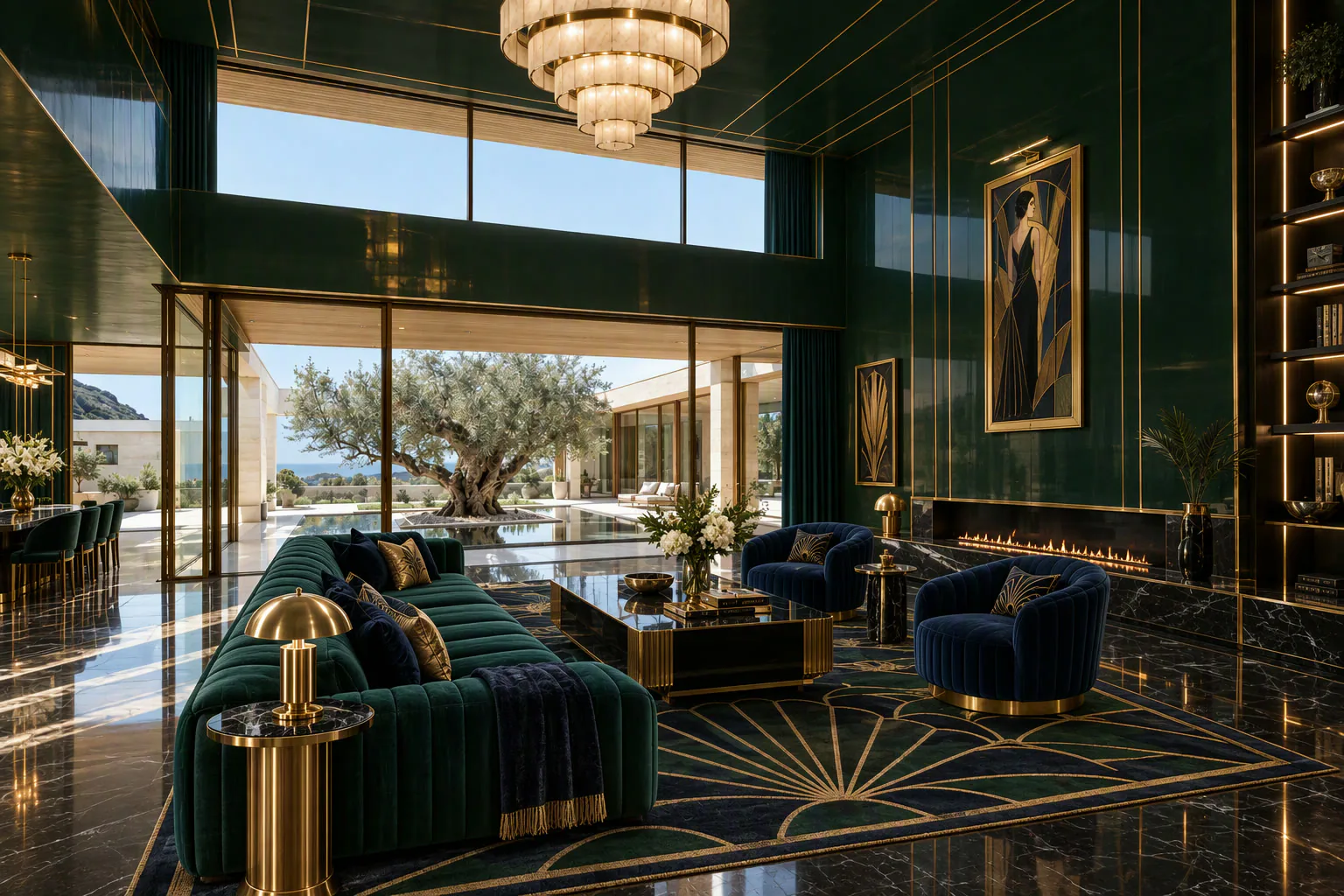 Art deco
How do you present it honestly?
| Do | Don't |
|---|---|
| Show the real photo first | Use the restyle as the lead photo |
| Caption it "Design idea" or "Virtually restyled" | Imply the work is done |
| Keep the layout and size the same | Change walls, windows or room size |
| Put it in a "potential" section | Mix it into the main gallery unlabelled |
How do you do it?
- Upload the roomWide, bright photo
- Pick a styleOr describe finishes
- Adjust detailsMagic Edit one area
- Show side by sideReal vs idea
Frequently asked questions
Can I use a restyled photo as the main listing photo?
It is better not to. Lead with the real photo and show the restyle as a clearly labelled design idea, so buyers know what is there today.
Is restyling useful for landlords and hosts?
Yes. Testing a paint colour or furniture style on a photo costs nothing and helps you decide before you spend money on a refurb.
How much does it cost?
Splatr has a 7-day free trial, and plans start at $29 a month.
Related: reference-led staging, paint and flooring before selling and disclosure rules.
Put the guide into practice.
Turn your own photos into edited images and videos in minutes.
7-day free trial.