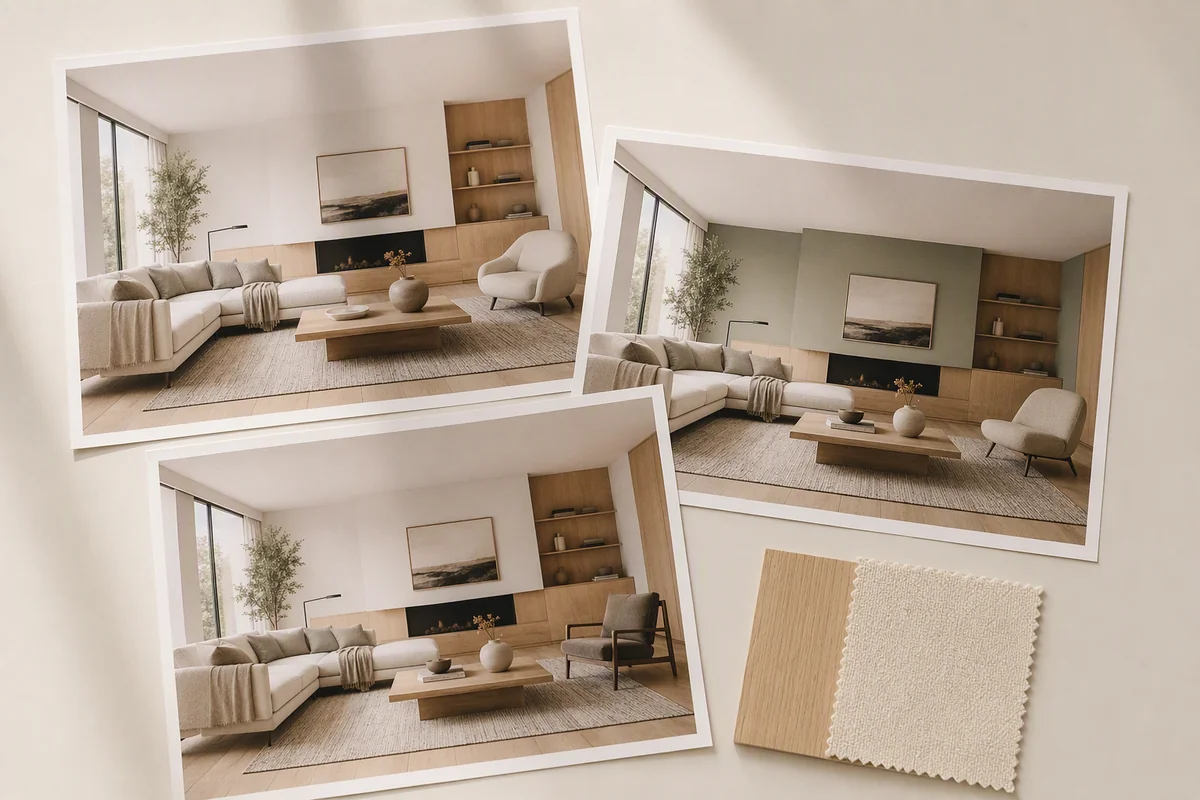
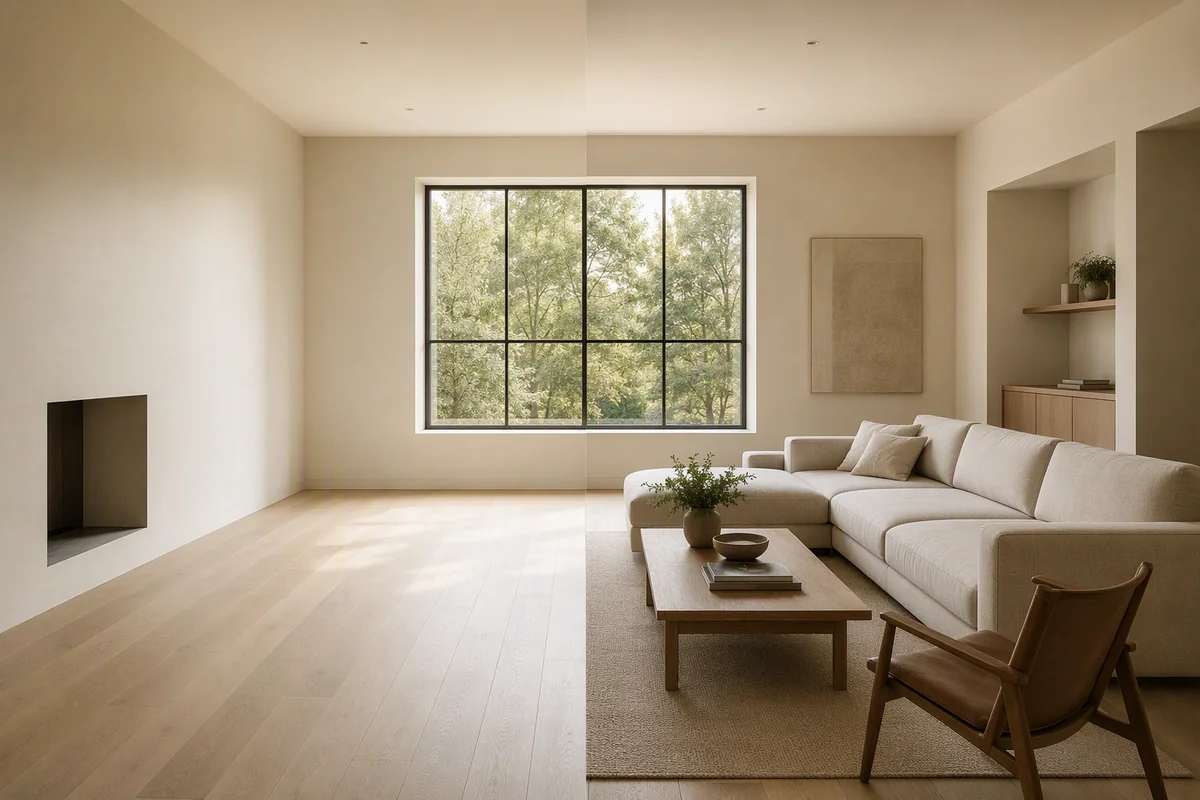
Splatr Reimagine AI’s Model to render preset turns a model screenshot into an image-based visual concept. A BIM or SketchUp view can supply the visible design and camera position, while your prompt guides the materials, lighting and atmosphere.
What do you upload?
Use an image of the model view you want to develop. The workflow operates on the screenshot rather than editing the original model file.
This makes it useful when the geometry is already visible but the image needs a more developed appearance for a design conversation. Reimagine AI also includes a separate sketch-to-render direction for drawing-based concepts.
How do you control the rendered appearance?
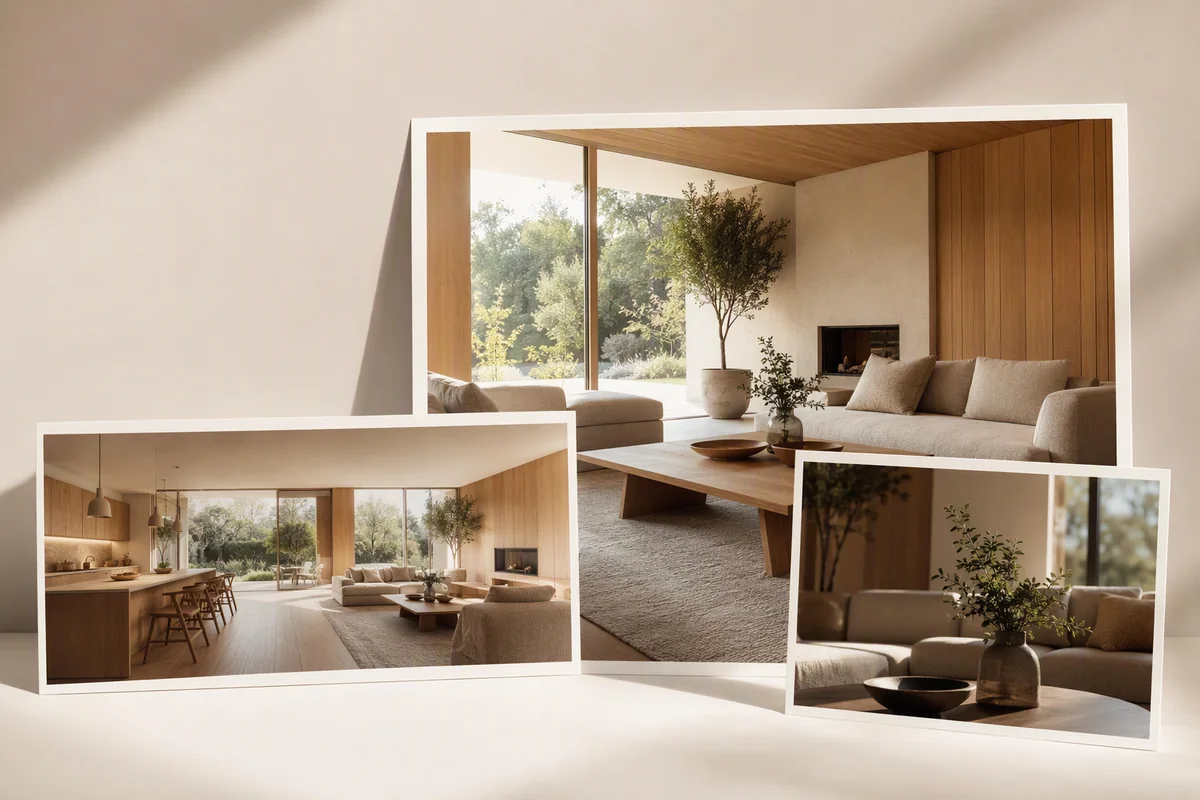
Describe the intended materials, lighting and visual character in the prompt. Reference images can communicate a theme or furnishings, giving the generation additional visual direction.
You can explore different treatments from the same source view, then compare the generated versions. See reference-guided styling.
Can you refine part of the concept?
Region editing supports a local request when one area needs further development. The comparison and history tools help you assess changes before downloading the selected output.
This connects concept generation with refinement in the same image workspace. It is particularly useful when you want to explore a finish or furnishing direction without producing a new screenshot for every variation.
Is this the same as rendering the 3D model?
No. Reimagine AI interprets a two-dimensional image. It does not update the model, calculate verified geometry or guarantee consistency across independently generated views.
For a deliverable that must follow specific dimensions, materials and coordinated camera views, a model-based rendering process is the appropriate route. Splatr’s 3D modelling service is separate from the Virtual Studio platform’s image workflow.
How can you present the result?
A concept can be included in a Showcase presentation or used as source material for Video Generator, currently beta. Identify it as a visual proposal and check how closely it follows the source design.
This gives studios a route from a model view to a presentable concept and onward to other media formats. Compare staging, concepts and 3D rendering to choose the output your project needs.
Put the guide into practice.
Try Virtual Studio with your own property images.
14-day free trial on the Basic plan.