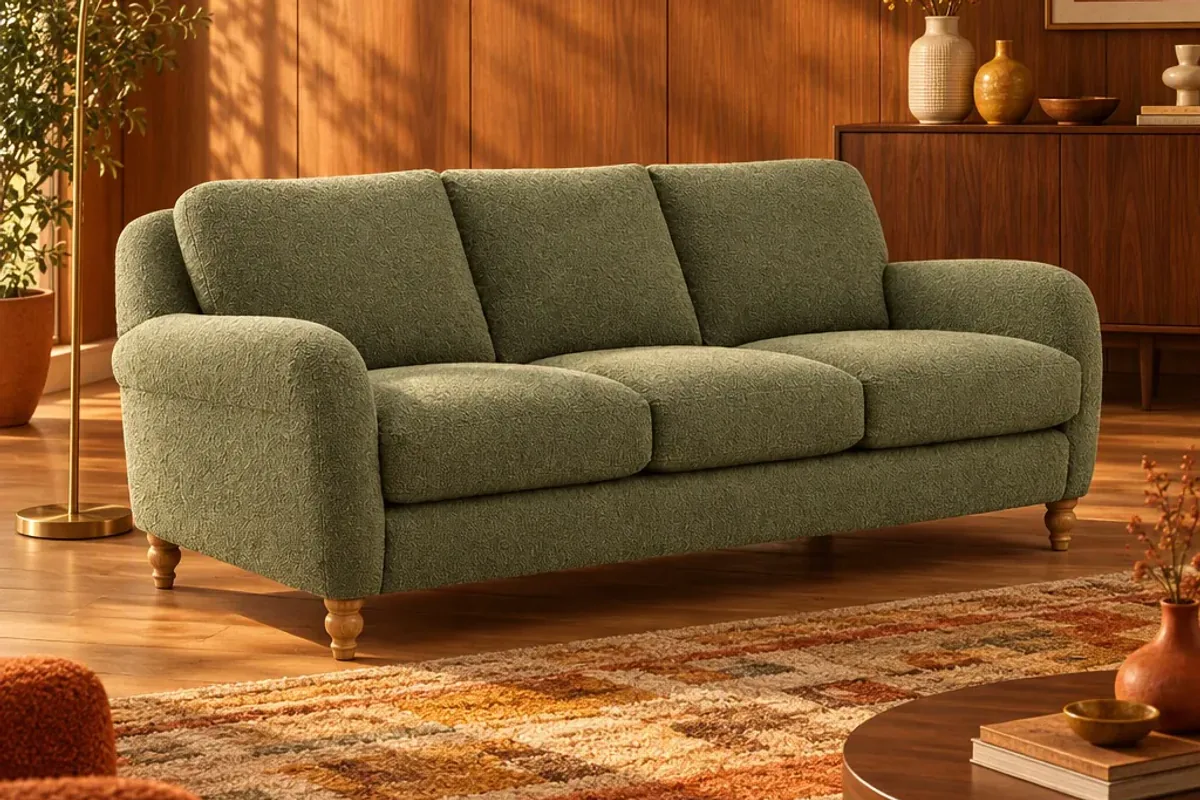
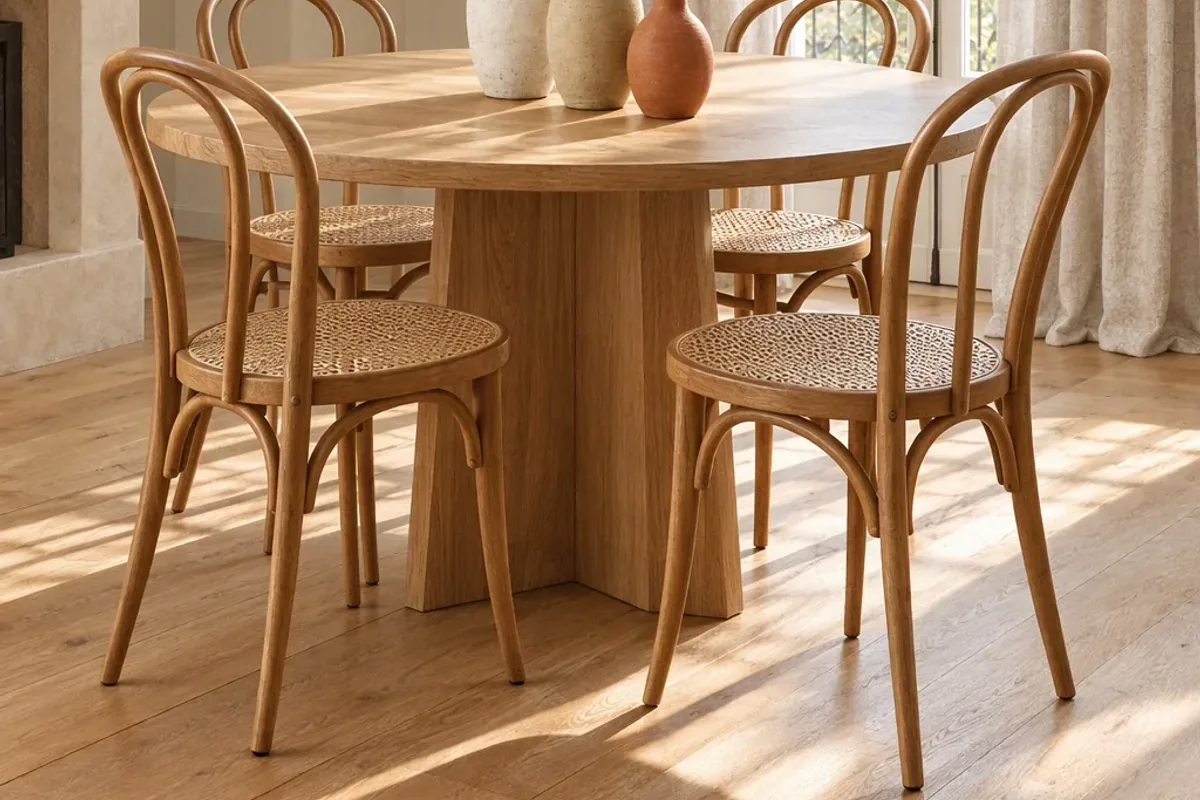
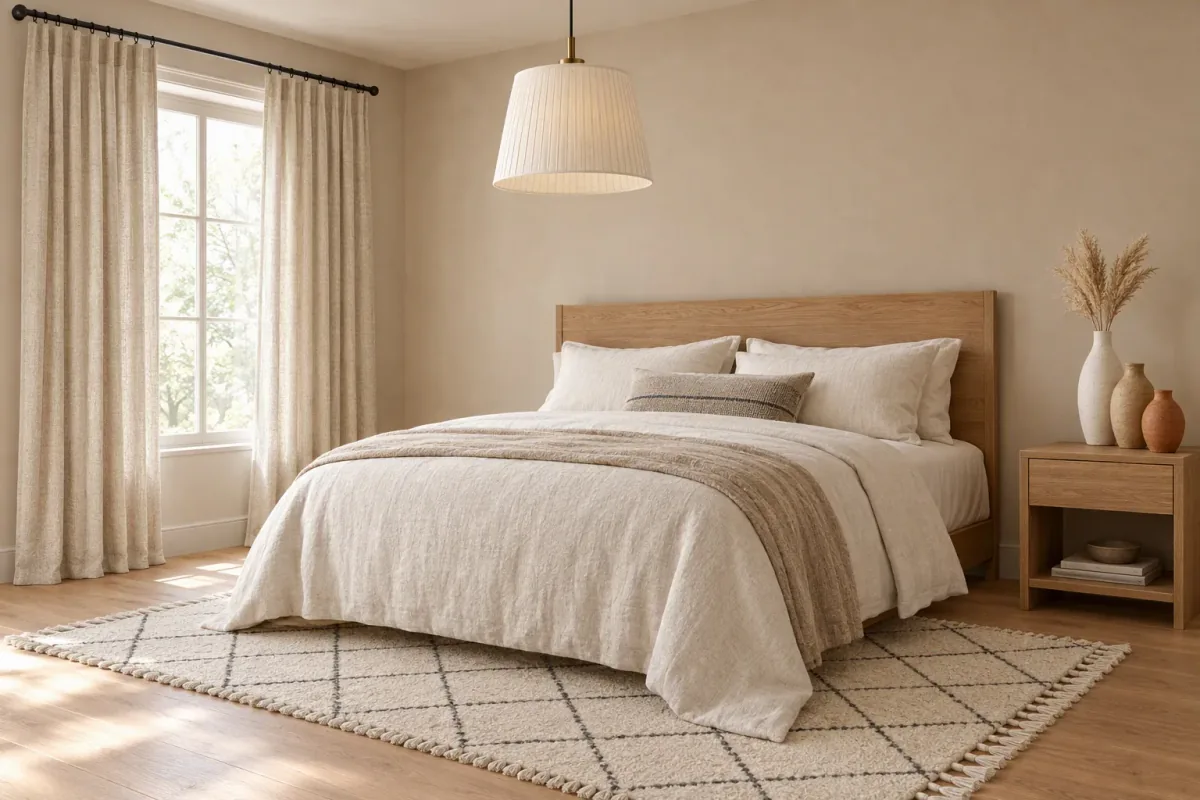
A furniture product page converts when it answers four questions without making the shopper hunt: what does it look like in a room, will it fit, what is it made of, and what happens after I order? Most pages that underperform are missing one of these, usually the first or the second.
What is the quick checklist?
| Part of the page | What to include |
|---|---|
| Images | Plain shot, room shots, scale shot, close-ups, back or side view |
| Video | A short clip or reel showing the piece from several angles |
| Dimensions | Overall size, key internal sizes and packaged size, near the top |
| Materials | Fabric, frame, filling and finish in plain words, with care |
| Delivery | Lead time, cost, delivery to room or door, and assembly |
| Returns | The policy for large items, stated simply |
| Reviews | With customer photos where you have them |
| Room preview | A way to see the product in the shopper’s own space |
Which images does a furniture page need?
Think of the gallery as a short conversation.
- The plain shot. Front three-quarter view on a clean background.
- The room shot. The product in a styled room, to show mood and size.
- A second room in a different style, so more shoppers see their own home.
- The scale shot. With a person, or beside something familiar.
- Close-ups. Fabric, legs, joints, handles.
- The awkward angle. The back of the sofa or the inside of the cabinet.
If you do not have room images, you can stage them from the plain shot. See how to make lifestyle images without a photoshoot.
How should you present dimensions?
Put them on the first screen, not in a tab at the bottom. Give width, depth and height, plus the sizes people forget to ask about: seat height, seat depth, arm height and the clearance under the piece. Add the packaged size and the narrowest doorway it will pass through.
A simple line drawing with measurements is one of the most useful images you can add. Offer centimetres and inches if you sell abroad.
What do shoppers want to know about materials?
Plain facts. What the frame is made of, what the cushions are filled with, whether the cover comes off and how to clean it. If the fabric is suitable for homes with pets or children, say so. If the timber will vary in grain and colour, say that too. Honest detail builds more trust than adjectives.
Offer swatches for anything upholstered. It costs little and removes the biggest colour worry.
How do you remove the last doubt?
After images and dimensions, one question remains: will it look right in my home? A room preview answers it. Products on the Splatr marketplace can be placed into a photo of the shopper’s own room at realistic scale, lighting and perspective, and each listing links back to your product page to buy. Shopify has also reported higher conversion for products with 3D content, from its own data.
Whatever preview you offer, describe it as a visualisation and keep the measurements beside it.
What should you say about delivery and returns?
Large furniture carries more delivery anxiety than any small parcel. State clearly:
- The lead time, as an honest range.
- Whether delivery is to the door or into the room of choice.
- Whether assembly is needed, and how long it takes.
- What happens if it does not fit or arrives damaged.
Put a one-line summary beside the buy button and the full detail further down.
Does video belong on the page?
Yes. A short video showing the piece from a few angles, with a close-up of the material, helps shoppers judge depth and finish. It does not need to be filmed. You can build a reel from your images and place it in the gallery.
How do you make the page readable by search and AI?
Keep the facts as text, not inside images. Use clear headings, descriptive alt text and structured product data for price, stock and reviews. Add a short set of questions and answers at the bottom of the page. This is the same information AI assistants look for when someone asks what to buy. Read more in how brands get recommended by AI assistants.
Which mistakes cost the most?
- One image, on white, and nothing else.
- Dimensions hidden or incomplete.
- Colour names with no description, such as “Mist” or “Pebble”.
- Delivery costs that appear only at checkout.
- Lifestyle images that show a different colour from the one selected.
Fix those five first. Then work through the checklist for your ten best-selling products before the rest of the range.
Put the guide into practice.
Stage your own products and make your first reel in Splatr.
7-day free trial.