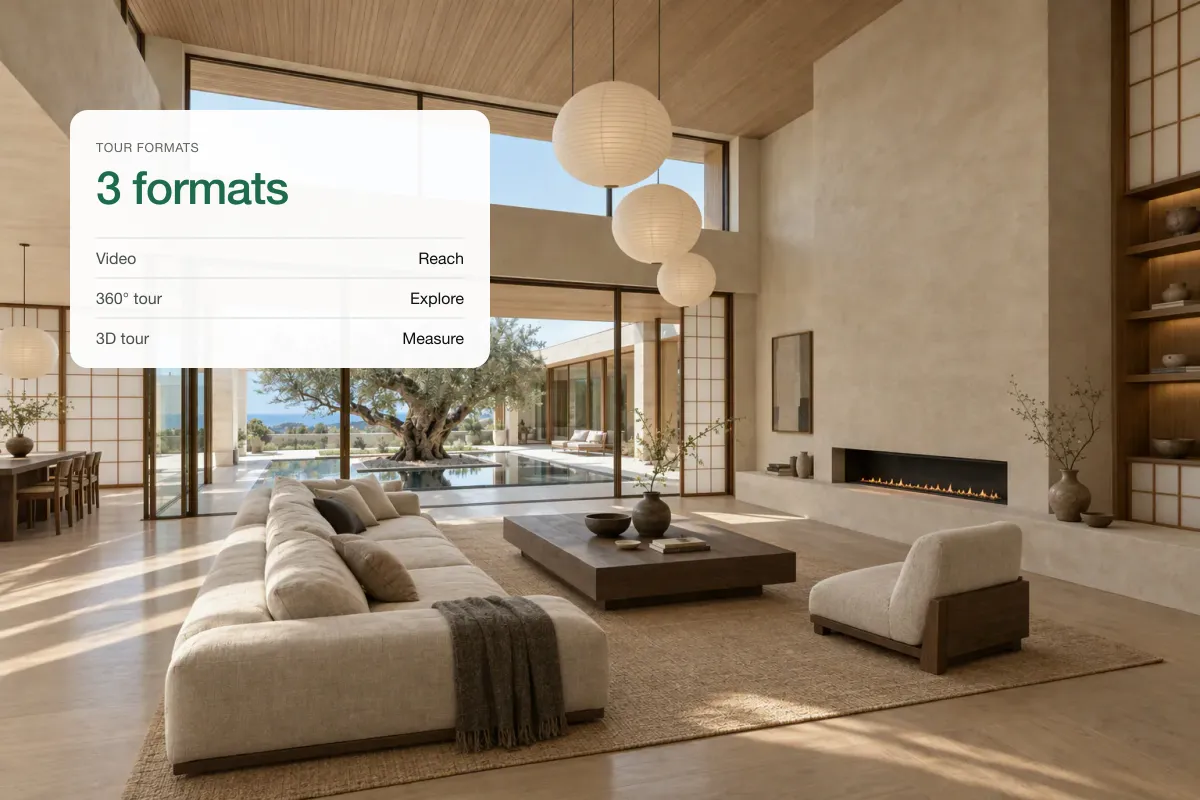
Commercial real estate video sells different things from residential video: location, access, floor plates, fit-out and the numbers. A good CRE video shows the building in context, walks the space, puts the key facts on screen (size, rent, availability) and ends with the broker's contact. Tenants and investors shortlist online before they ever call, and a 60-second video answers the questions a brochure leaves open, such as how much light a floor gets or how the loading bay works.
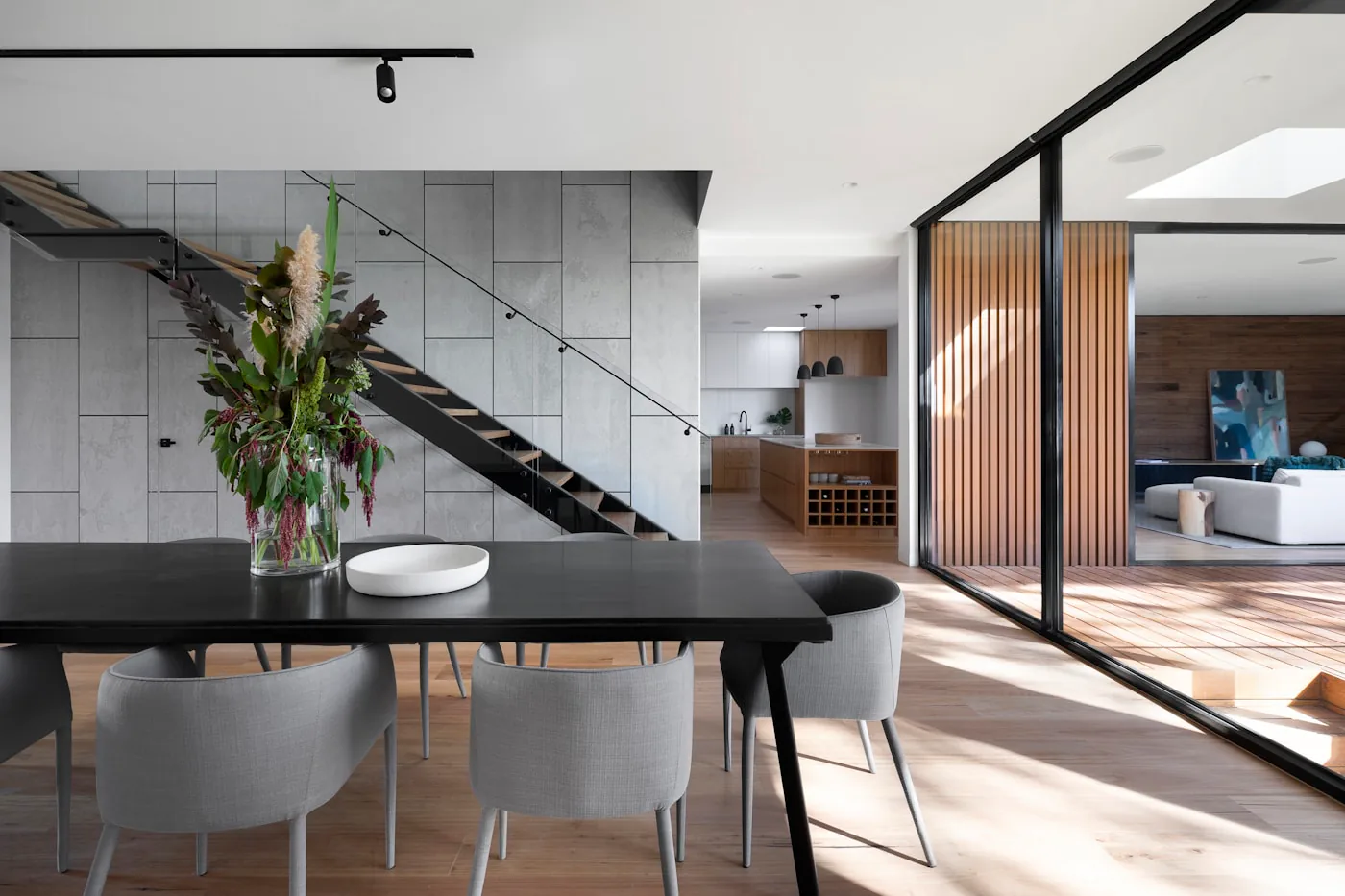 Open-plan floor
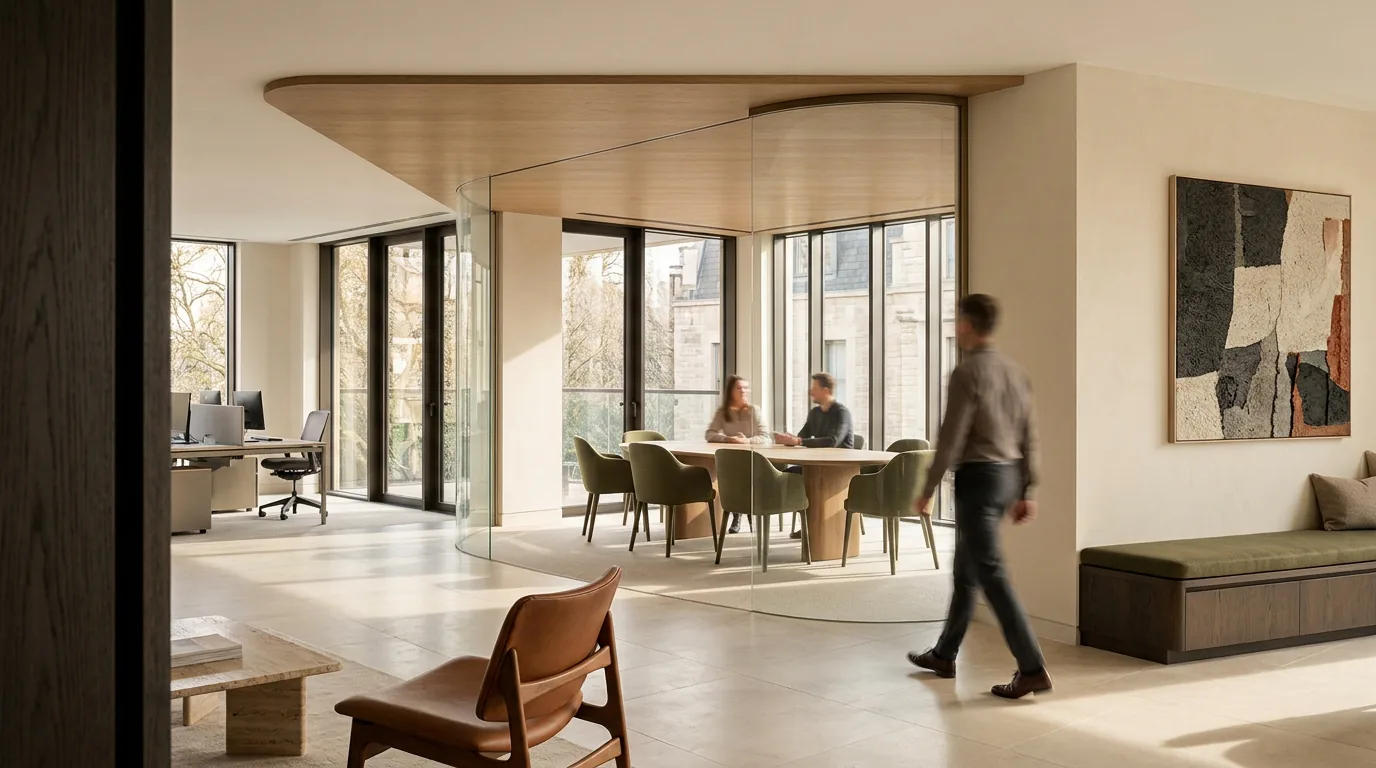 Office and meeting space
What to show for each asset type
| Asset | Show | On-screen facts |
|---|---|---|
| Office | Reception, a typical floor, meeting rooms, views, amenities | Sq ft per floor, rent, fit-out level, availability |
| Retail | Frontage, footfall, the street, the shop floor | Frontage width, sq ft, rent, use class or zoning |
| Industrial and logistics | Yard, loading doors, eaves height, access to motorways or highways | Eaves height, doors, power, yard depth |
| Mixed-use and investment | The whole building, tenants, the area | Income, yield, WAULT or lease terms |
| Flex and coworking | Desks, phone booths, kitchen, events space | Price per desk, terms |
Video types and costs
| Video | Typical cost | Use |
|---|---|---|
| Filmed walkthrough with drone | $2,000–$8,000 | Flagship offices, investment sales |
| CGI for pre-construction or redevelopment | $6,000–$15,000+ | Pre-letting new schemes |
| Photo-based listing video | A few dollars on Splatr | Every availability, every floor |
| Short vertical reel | A few dollars on Splatr | LinkedIn, Instagram, email |
Vendor price ranges vary widely by city and crew. The photo-based options run on Splatr's Pro plan, $49 a month with video included.
LinkedIn is the main channel
CRE buyers and occupiers are on LinkedIn more than Instagram. Post square or vertical video natively rather than as a YouTube link, put the key facts in the first three seconds, and tag the landlord or developer where appropriate. A 30-second "now available" video per floor or unit keeps a broker visible week after week.
Staging empty commercial space
Empty offices photograph like car parks. Virtually staging one floor with desks and a meeting area helps occupiers see the capacity. Label it as indicative. See virtual staging for commercial and office space.
How to make one from photos
- Photograph the frontage, entrance, a typical floor, the best view and any amenity.
- In Splatr, upload the photos and pick a video style; camera moves are added to each shot.
- Add titles with size, rent and availability, and your logo and contact on the end card.
- Export 16:9 for listing sites and 9:16 or 1:1 for LinkedIn and Instagram.
Questions brokers ask
Do commercial listing sites accept video?
Most major commercial platforms let you add a video link or embed. Host it on YouTube or Vimeo and link it in the listing and brochure.
How long should a CRE video be?
Thirty to 90 seconds. Investors watch longer videos when the numbers are good; occupiers decide in the first 15 seconds.
Keep exploring
Related guides: video marketing for home builders, property video production, real estate videographer vs AI, real estate video walkthrough and apartment leasing virtual tours.
Put the guide into practice.
Turn your own photos into edited images and videos in minutes.
7-day free trial.