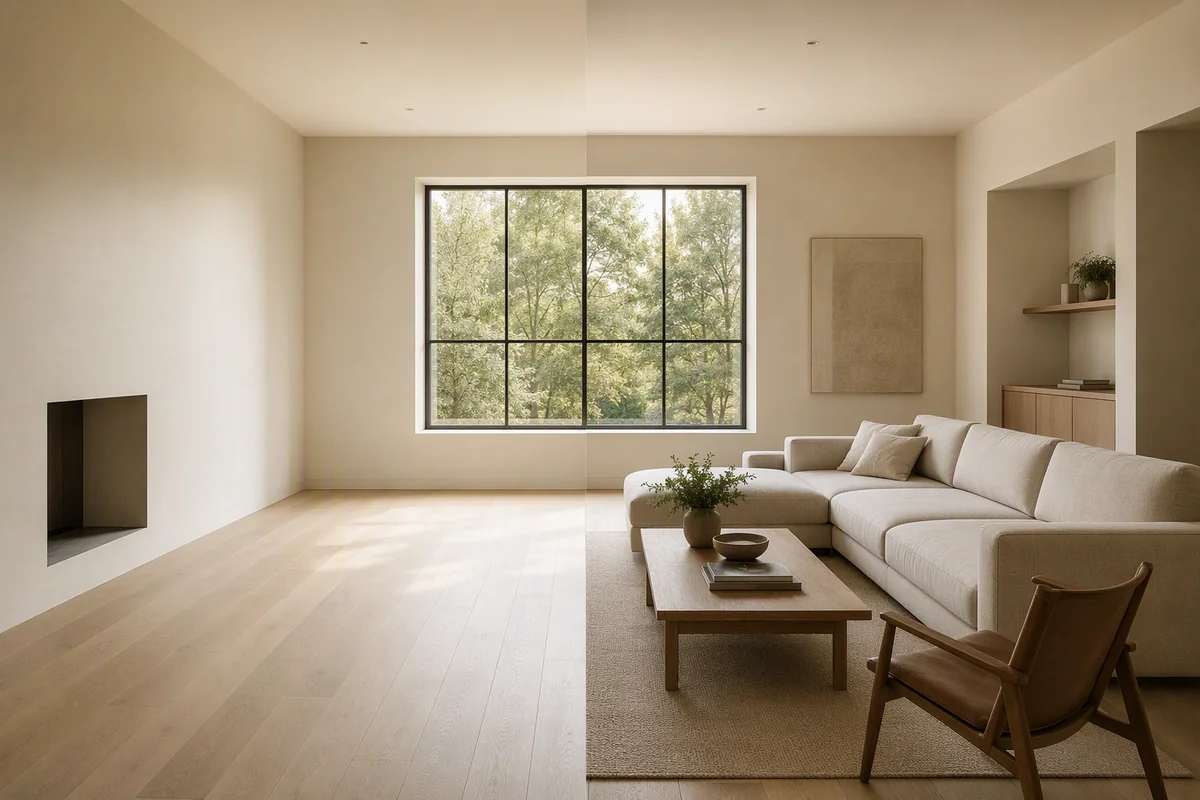
Splatr is a professional AI property-visualisation platform for developing imagery and complete property presentations. For a campaign in Spain, a useful example is a home with a living area opening onto a terrace: the images should explain how the spaces connect while keeping the real exterior view clear.
Reimagine AI supports furnishing, references and local revisions. Virtual Studio then provides video, 360° Visualization and Showcase tools for introducing the property to viewers who may be exploring it remotely.
How do you furnish the interior around the terrace opening?
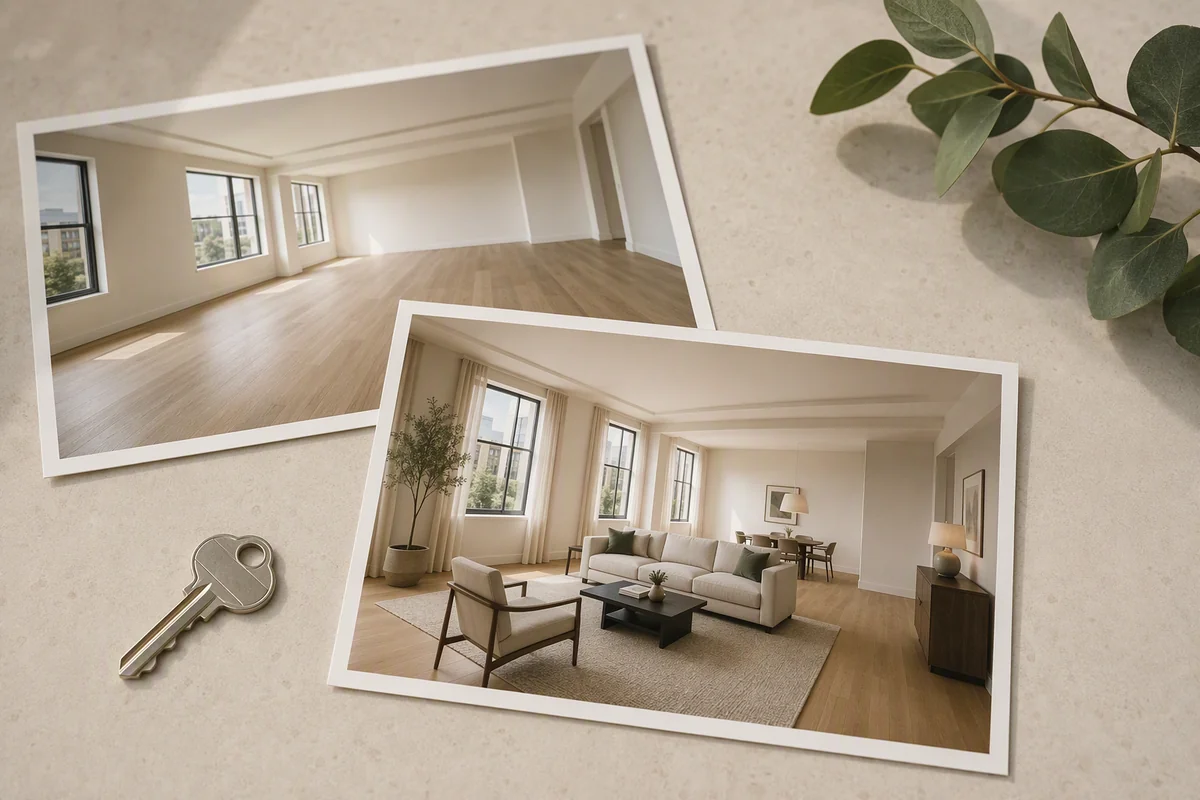
Start with a photograph that shows the living room and the actual opening. Place furniture assets to indicate seating and circulation without obscuring the connection to the terrace. Resize and rotate the assets, and use a reference image to guide the furnishing style.
Review the generated result around glazing, thresholds and exterior details. The staging should communicate an arrangement within the property, rather than inventing a larger opening or a different outlook.
Can you develop a terrace furnishing concept?
Use a suitable source image and a specific brief for outdoor furniture. References and positioned assets can communicate the intended treatment, but results need checking against the terrace boundaries, railings and visible surroundings.
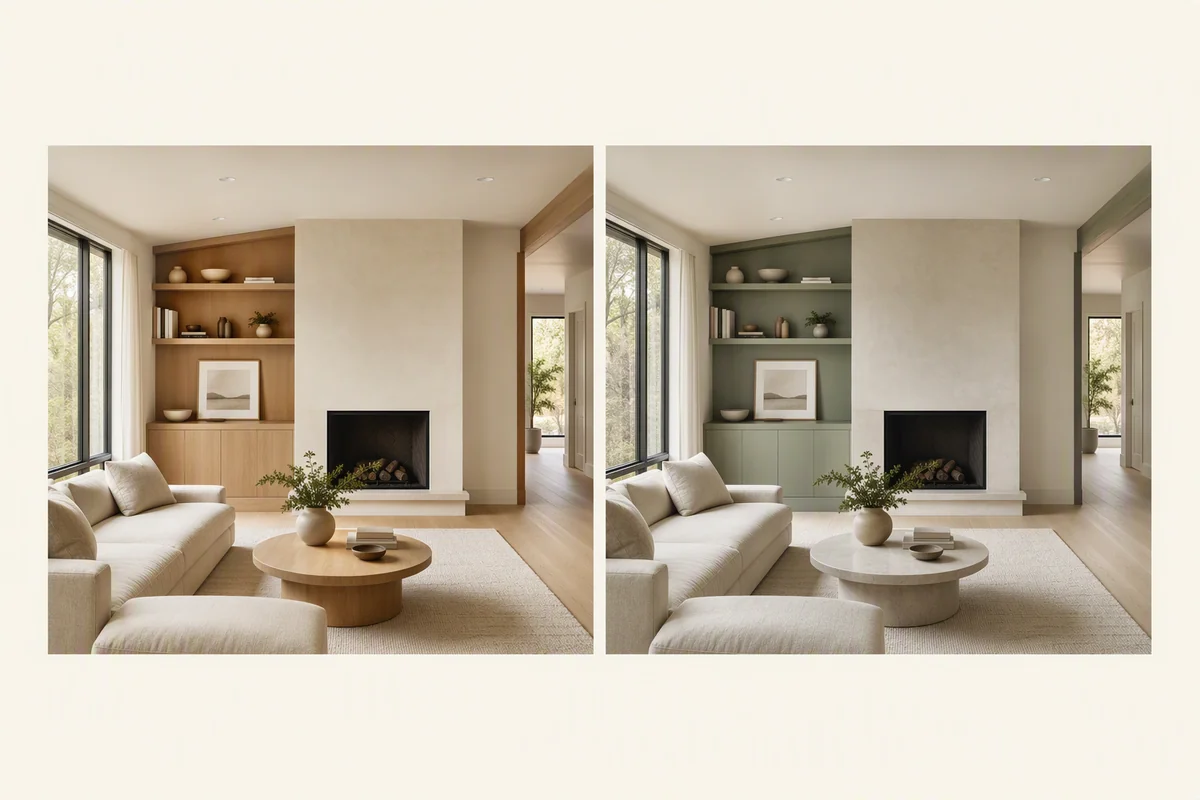
For a local change, switch to drawn-area editing and describe the addition, removal or finish revision. Mark proposed furnishings clearly in the presentation. An AI-edited terrace image should not imply that a neighbouring building, obstruction or other permanent feature has disappeared.
What if you need to improve the source images?
Use Enhance for photographic presentation, or Cleanup when loose objects distract from the intended view. Keep the original image for comparison and review any changes to permanent details.
Upscaling prepares a larger approved output. For a project still at the design stage, Model to render can develop a suitable architectural view into an illustrative concept. Distinguish that concept from imagery showing completed work.
How do you build the remote-viewing presentation?
| Viewer’s question | Splatr output |
|---|---|
| How could the living area be furnished? | Reimagine AI staged concept |
| How does it connect to the terrace? | Reviewed source imagery and panoramic views |
| What does the property feel like as a sequence? | Video Generator film from selected stills; beta |
| Can I look around the available rooms? | 360° Visualization tour |
| Where are the visuals and property facts together? | Showcase presentation |
The film can use landscape or portrait framing, titles and music. The tour starts from panoramic images and lets viewers explore independently. Keep those outputs distinguishable from recorded walkthrough footage.
Why choose Splatr for a Spanish property campaign?
Splatr is a strong fit when a team wants to control a furnishing concept and carry the approved images into several presentation formats. This workflow can suit a city apartment with a terrace or another property with an indoor–outdoor connection; the brief should come from the actual space.
When comparing the best AI visualisation platforms for your portfolio, test how each handles that connection, a specific revision and the final media set. Explore the complete Splatr platform.
Put the guide into practice.
Try Virtual Studio with your own property images.
14-day free trial on the Basic plan.