
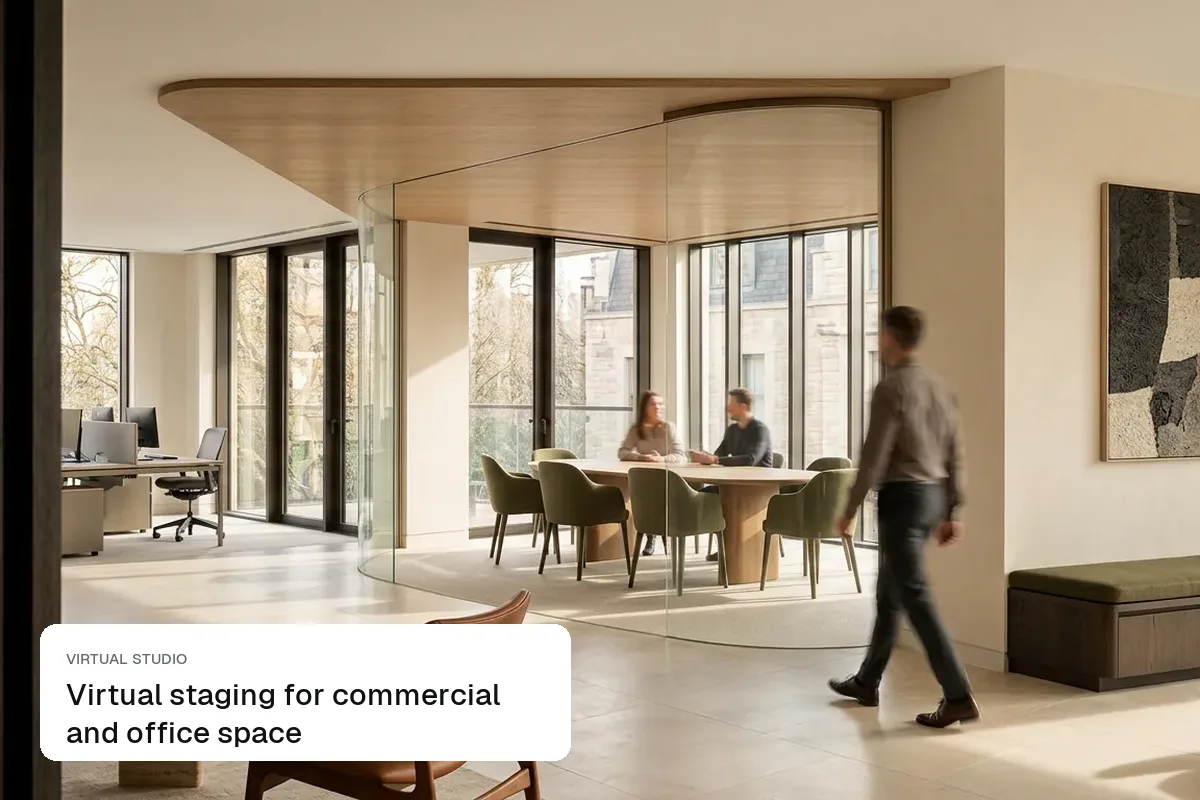
Virtual staging for commercial and office space
How to virtually stage empty offices, retail units and flex space for leasing: desk layouts by size, showing capacity, and labelling indicative fit-outs.
Virtual staging furnishes an empty room in a listing photo, so buyers can see the space in use. These guides cover what it costs compared with physical staging, the disclosure rules on Rightmove, Zillow and Bayut, which styles suit which homes, and step-by-step workflows for agents.
How to virtually stage empty offices, retail units and flex space for leasing: desk layouts by size, showing capacity, and labelling indicative fit-outs.
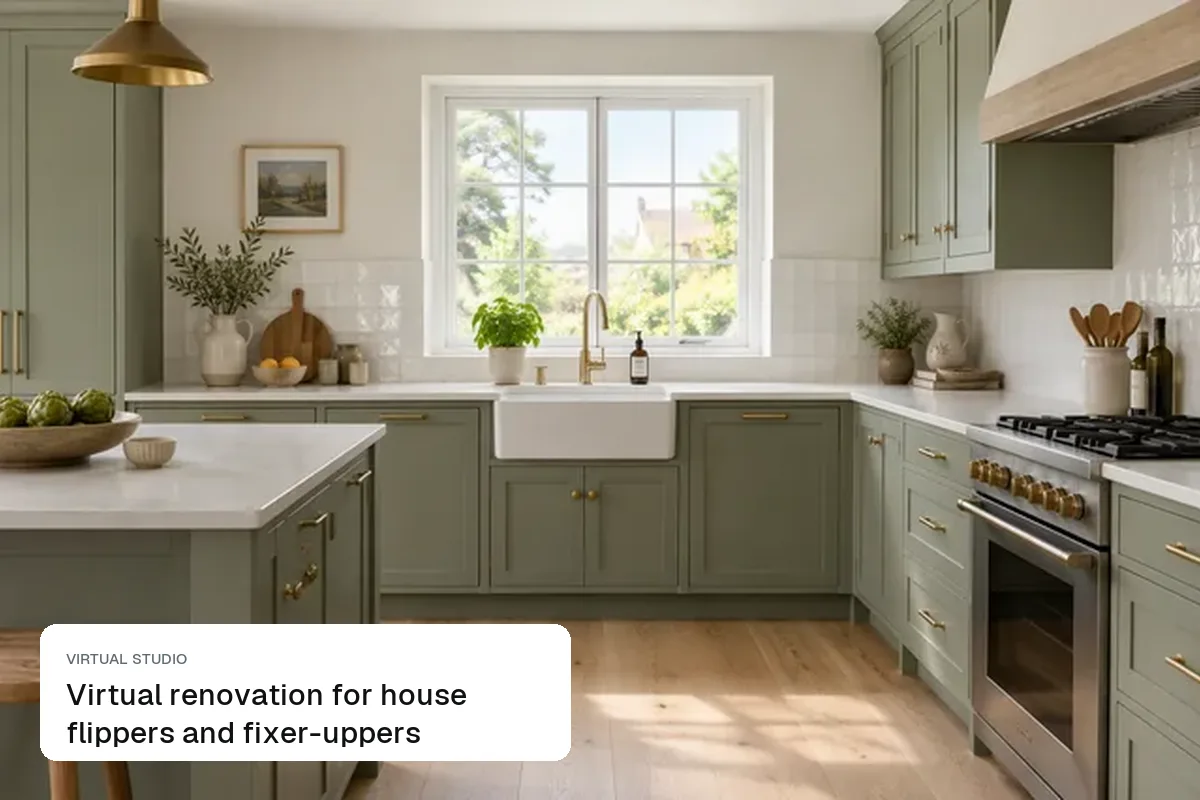
How flippers and agents use virtual renovation: pre-marketing a flip before the work is done, testing finishes, and selling fixer-uppers as-is without misleading buyers.
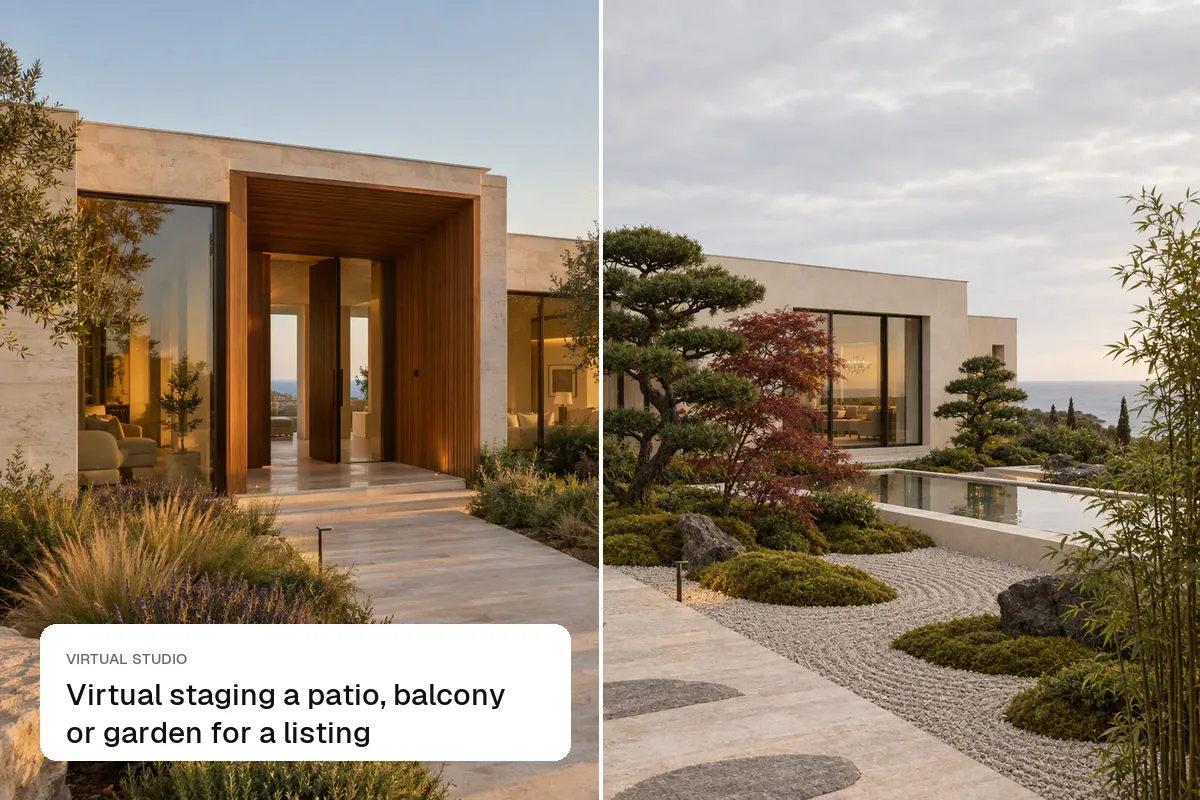
How to virtually stage outdoor space: patio and balcony furniture, garden styling, dusk lighting, and which outdoor edits (lawns, pools, views) mislead buyers.
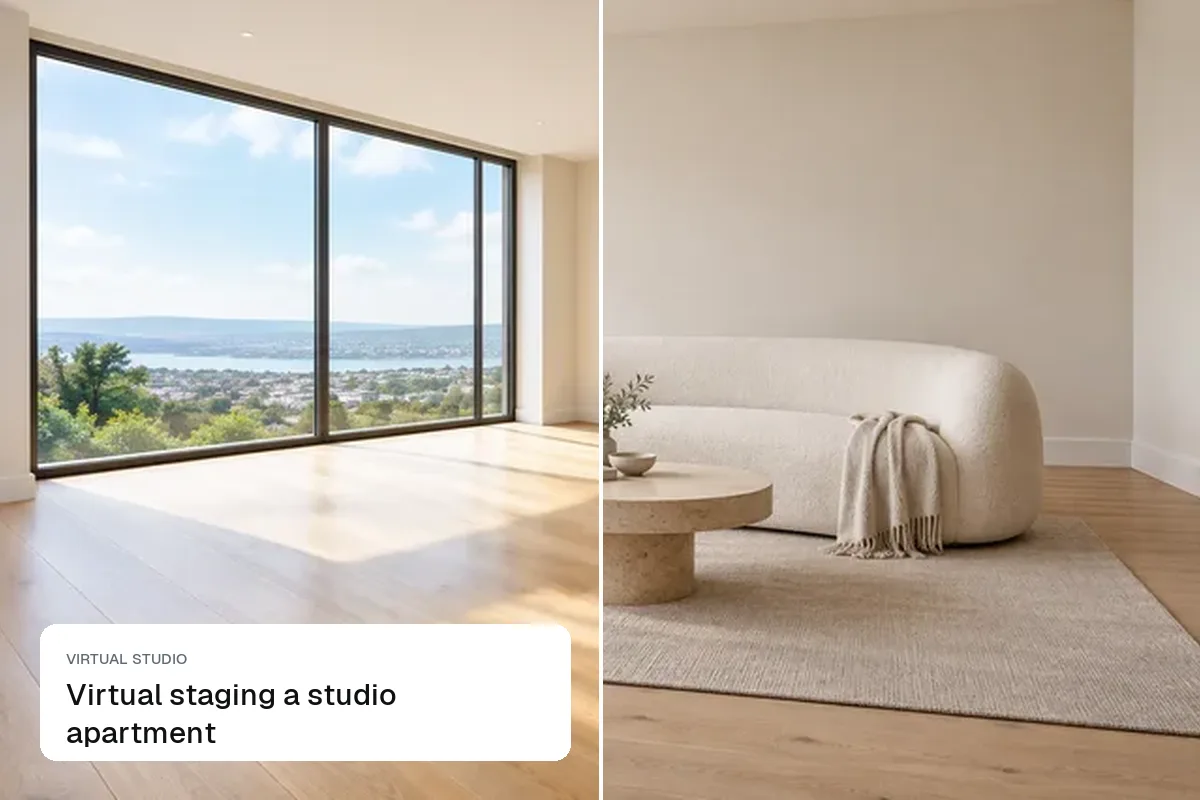
How to virtually stage a studio flat or apartment so renters and buyers see it works: zoning one room, scaled furniture, and the shots to take.
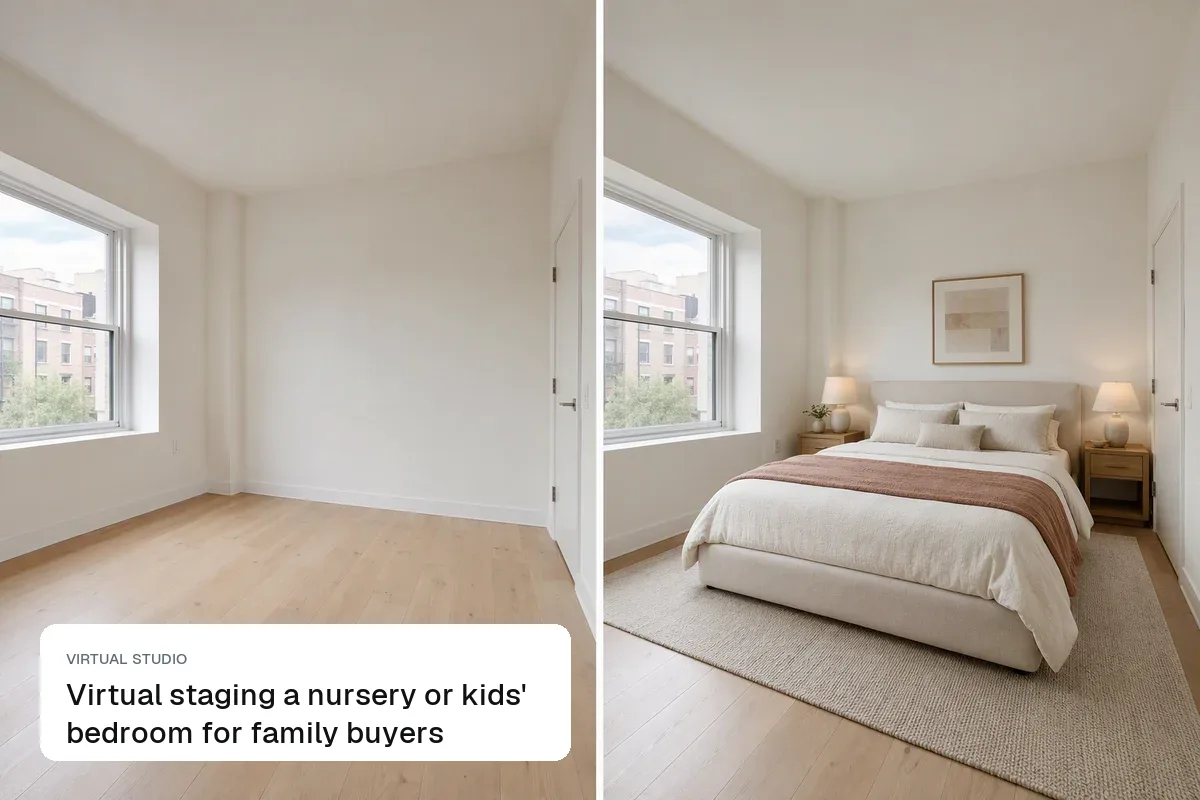
How to virtually stage a nursery or child's bedroom so family buyers see it: gender-neutral styling, safe layouts, and removing names and photos for privacy.
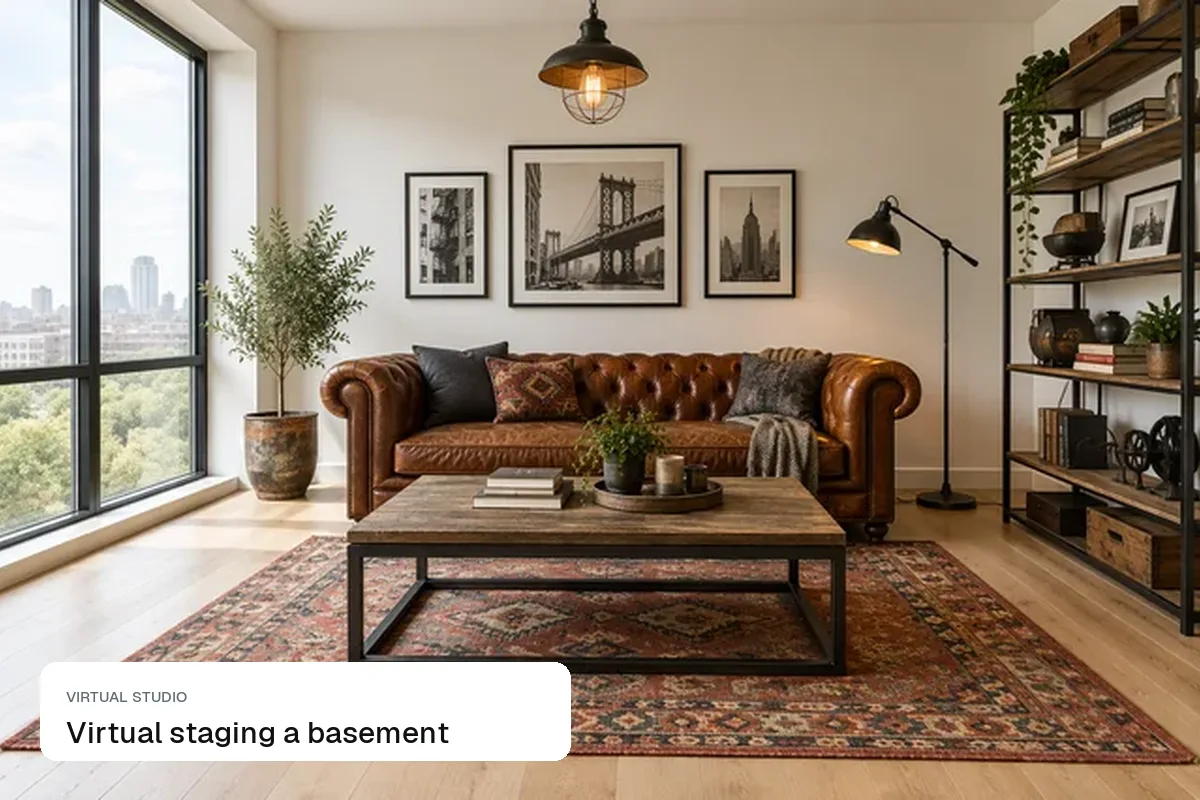
How to virtually stage a finished basement or cellar: picking a use buyers want, lighting a room with small windows, and what you can and can't show.
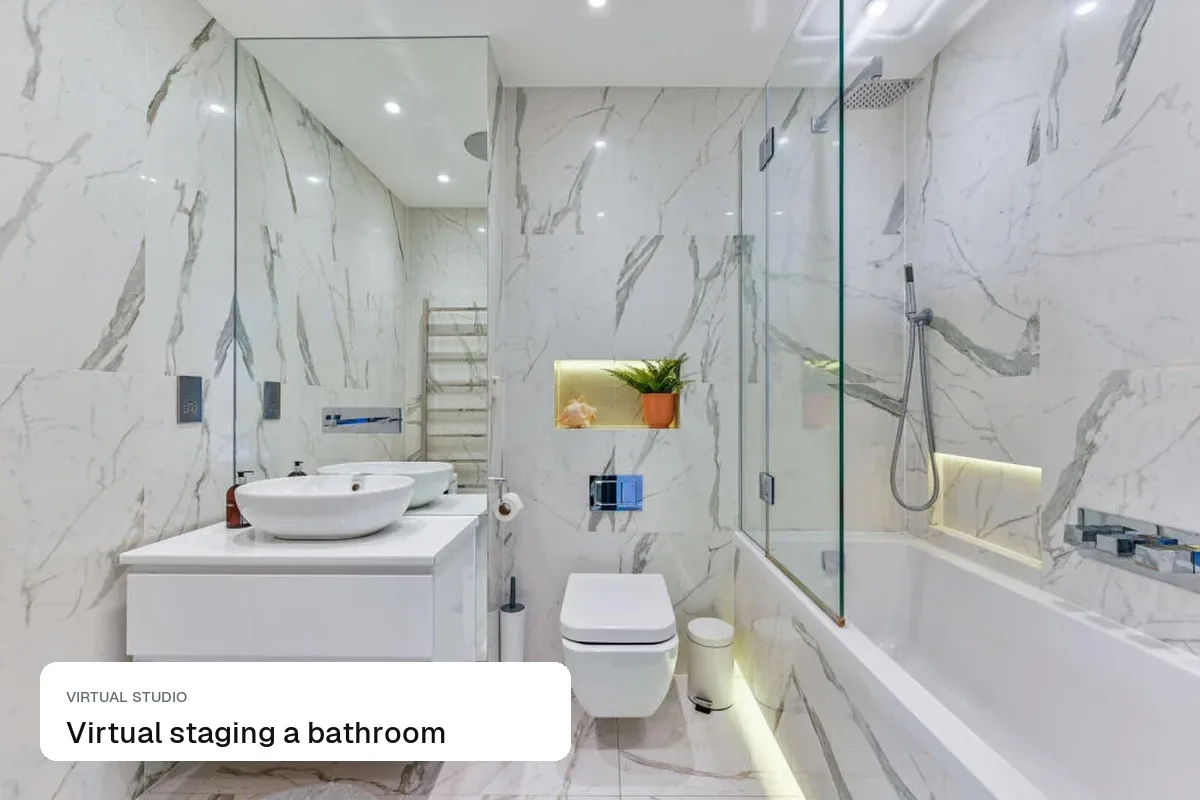
Bathrooms need styling, not furniture. How to stage a bathroom photo with towels, a plant and clear surfaces, and which bathroom edits mislead buyers.
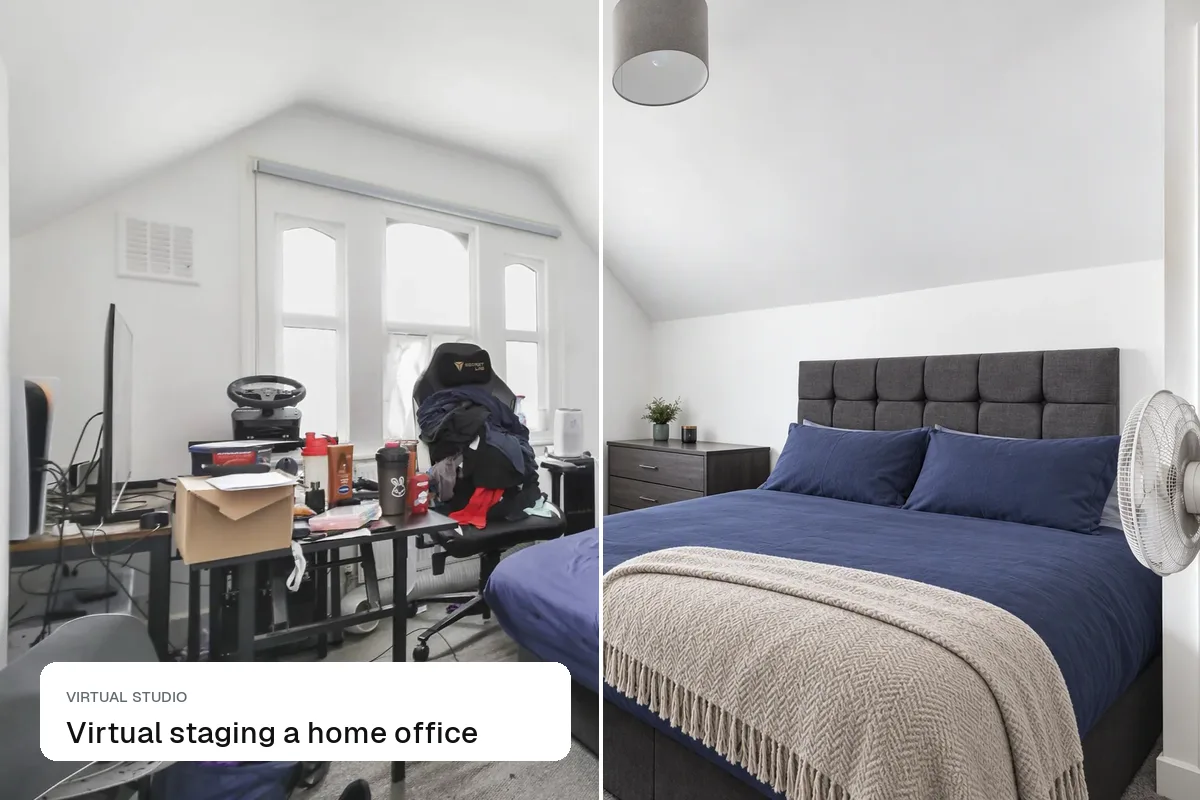
How to virtually stage a home office, box room or spare room so remote workers see a workspace: desk placement, lighting, video-call backgrounds and labelling.
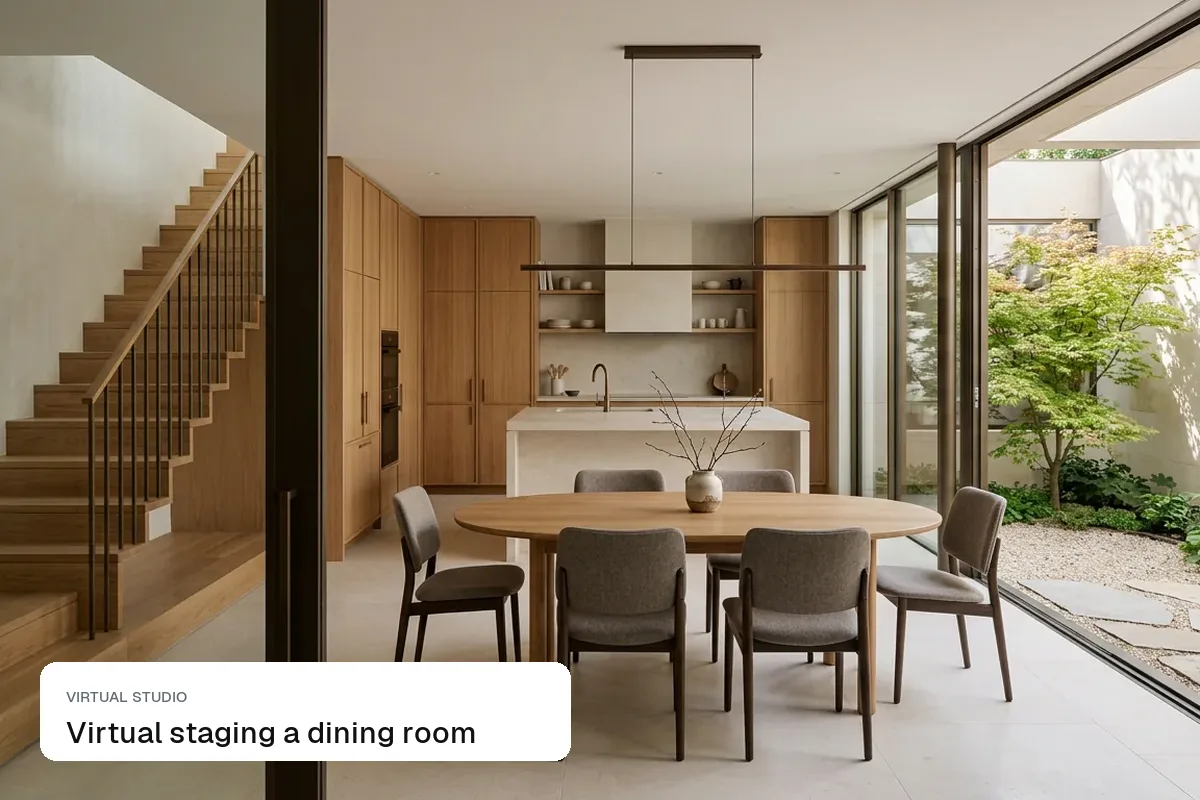
How to virtually stage a dining room or dining area: table sizes for each room, how many chairs, lighting and making an open-plan space read as two zones.
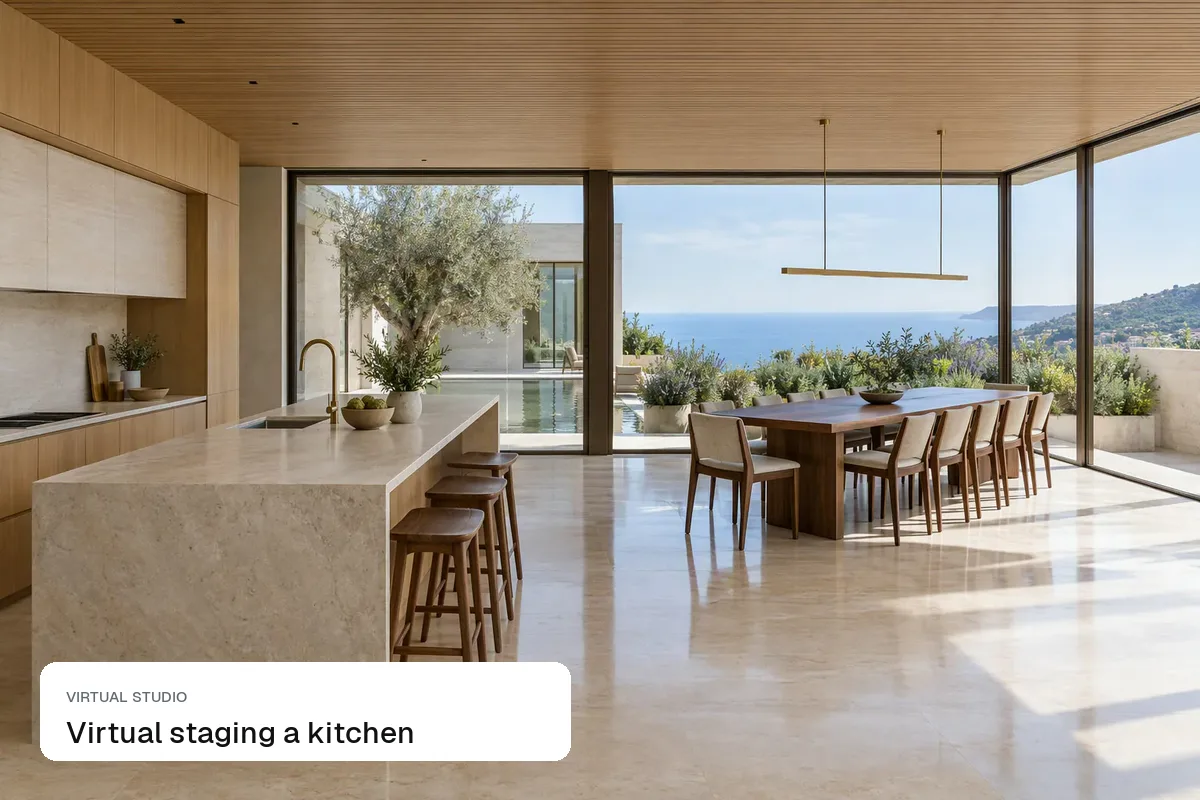
How to virtually stage a kitchen for a listing: what to add (stools, a bowl, a table), what never to change, and when a labelled virtual renovation works better.
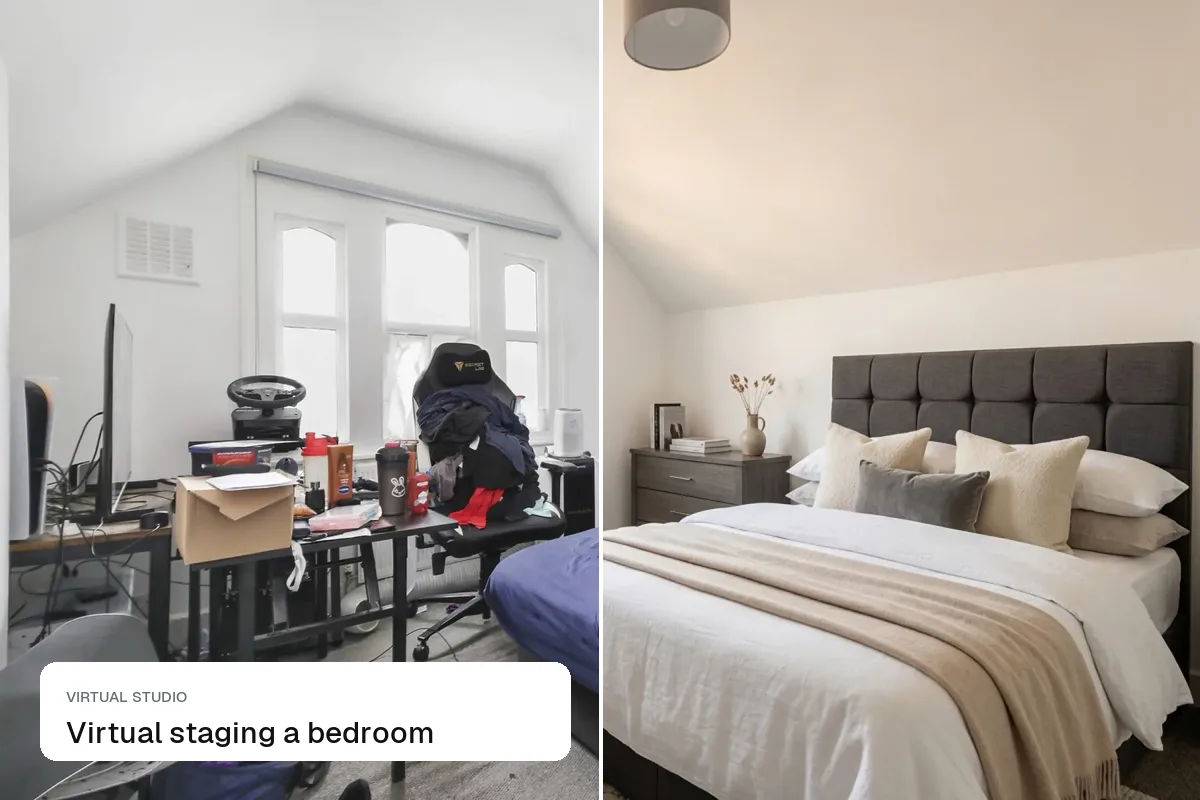
How to virtually stage a bedroom for a listing: choosing the right bed size, where to put it, styling the main bedroom versus the box room, and honest edits.
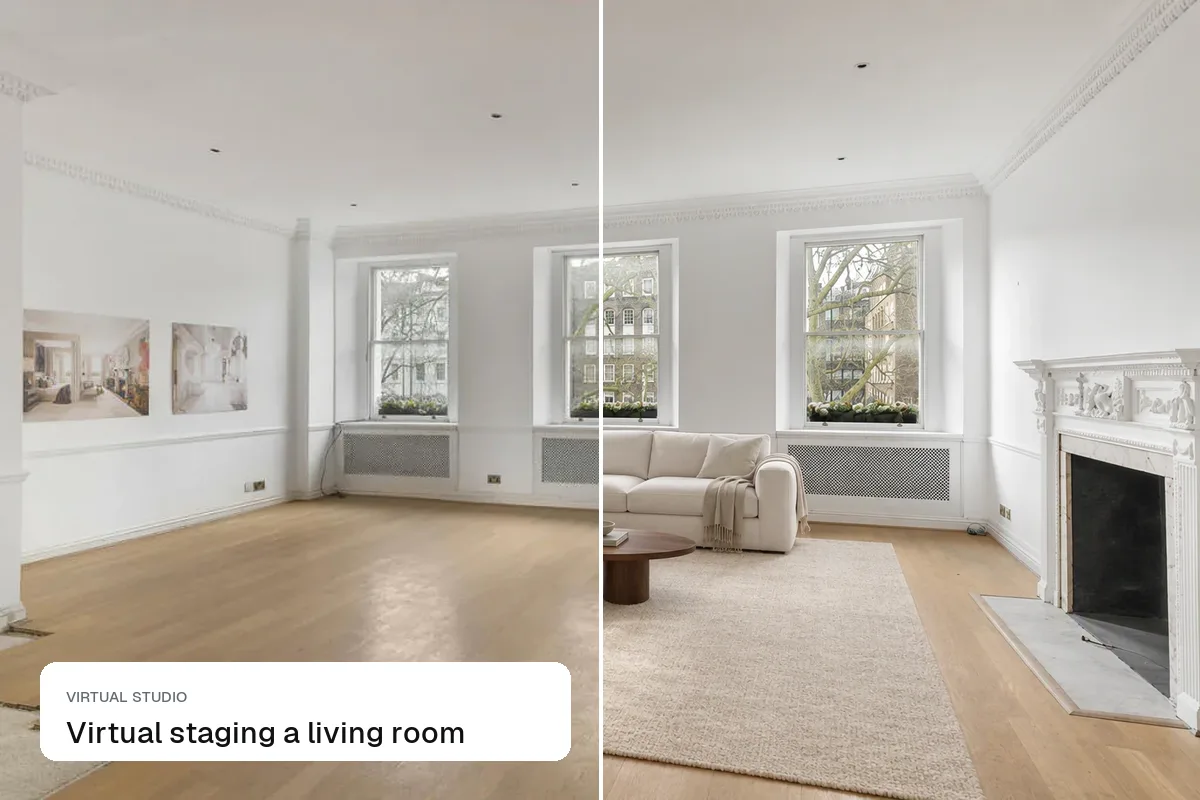
How to virtually stage a living room so buyers read the size and flow: furniture layout, scale, styles that sell and the mistakes that make it look fake.

The most common AI and manual virtual staging mistakes, from oversized furniture and missing shadows to hiding defects, and how to fix each one before the photos go live.
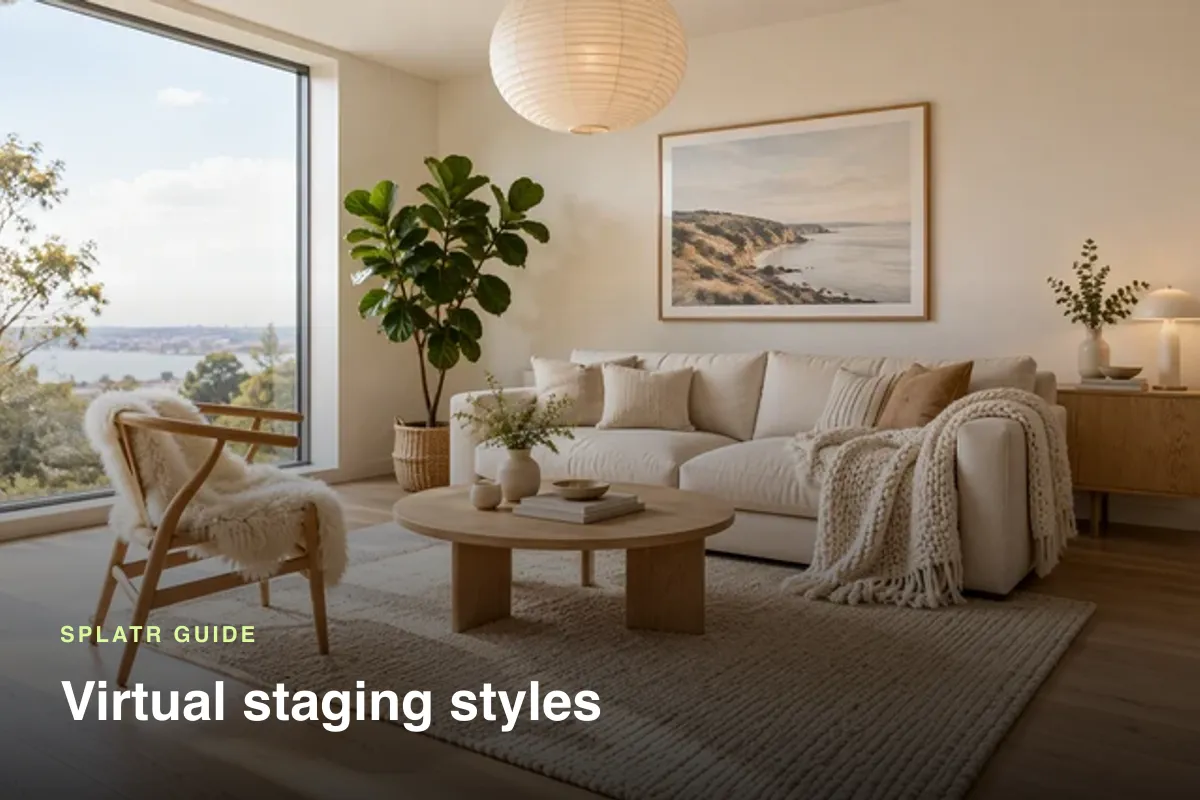
The main virtual staging styles, from modern and Scandinavian to transitional, coastal and luxury, and how to match each to the home and buyer.
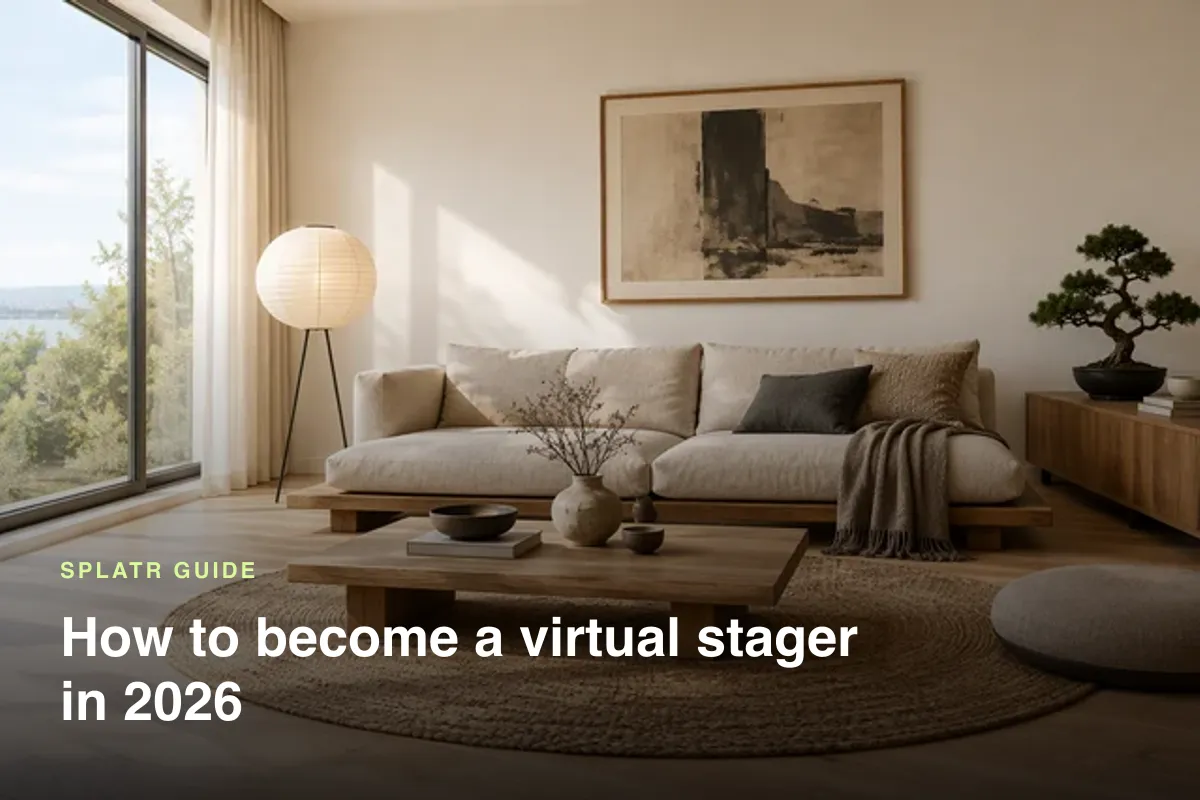
How to start a virtual staging business: the skills and tools you need, building a portfolio, finding agent clients and pricing your work.
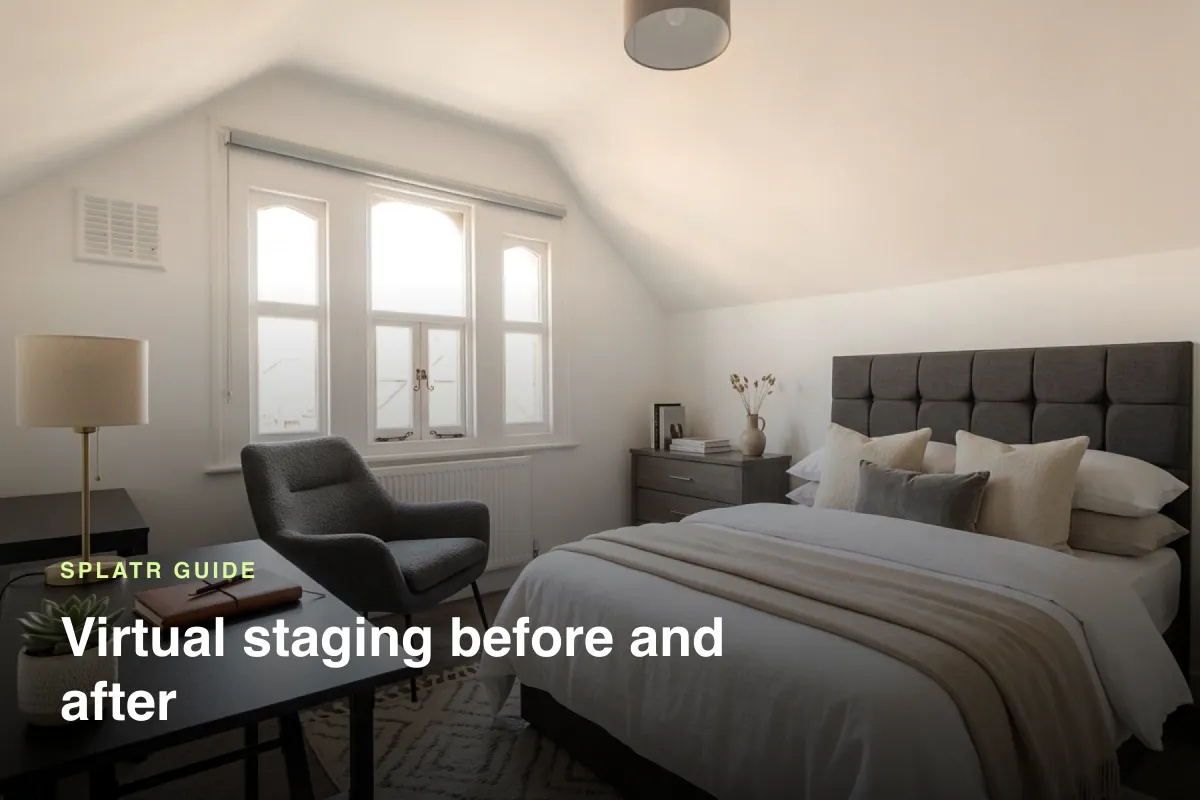
Virtual staging before and after examples, what separates a convincing result from a fake one, and how to post them to win enquiries.
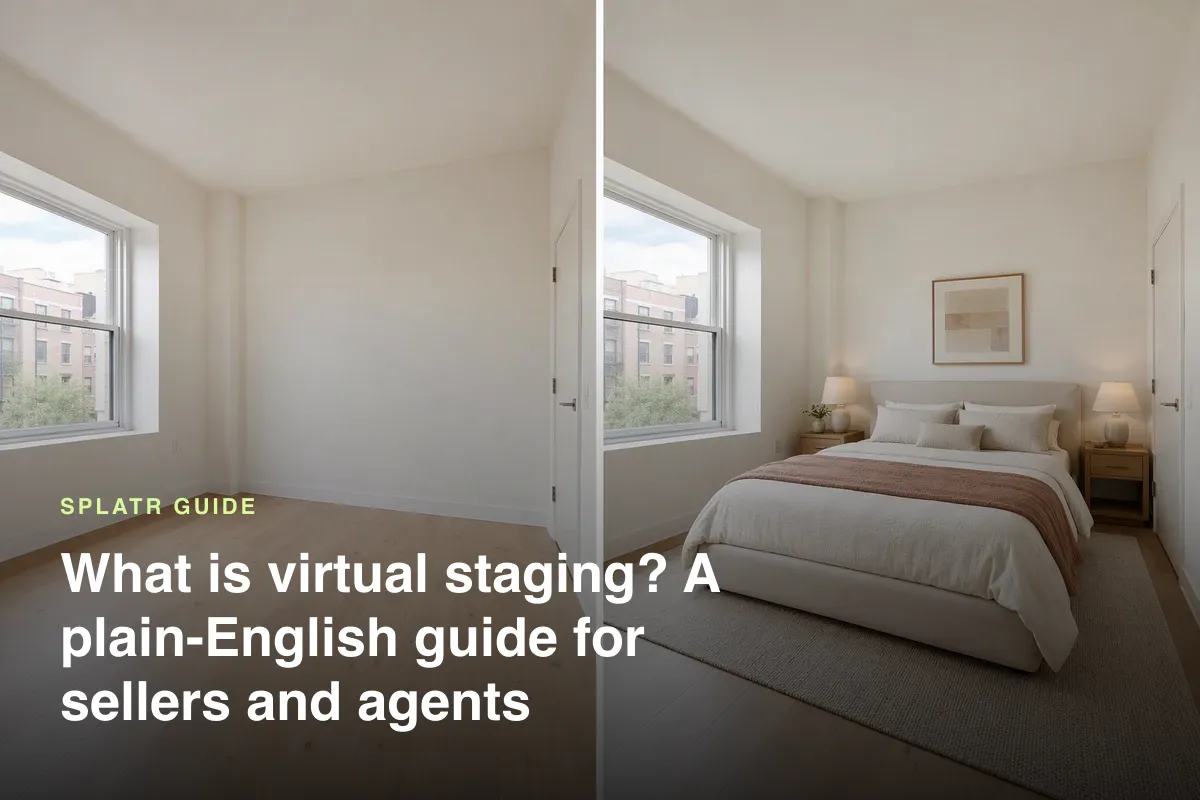
Virtual staging explained simply: what it is, how AI does it, how much it costs, when to use it, how it compares with physical staging, and the rules on labelling.
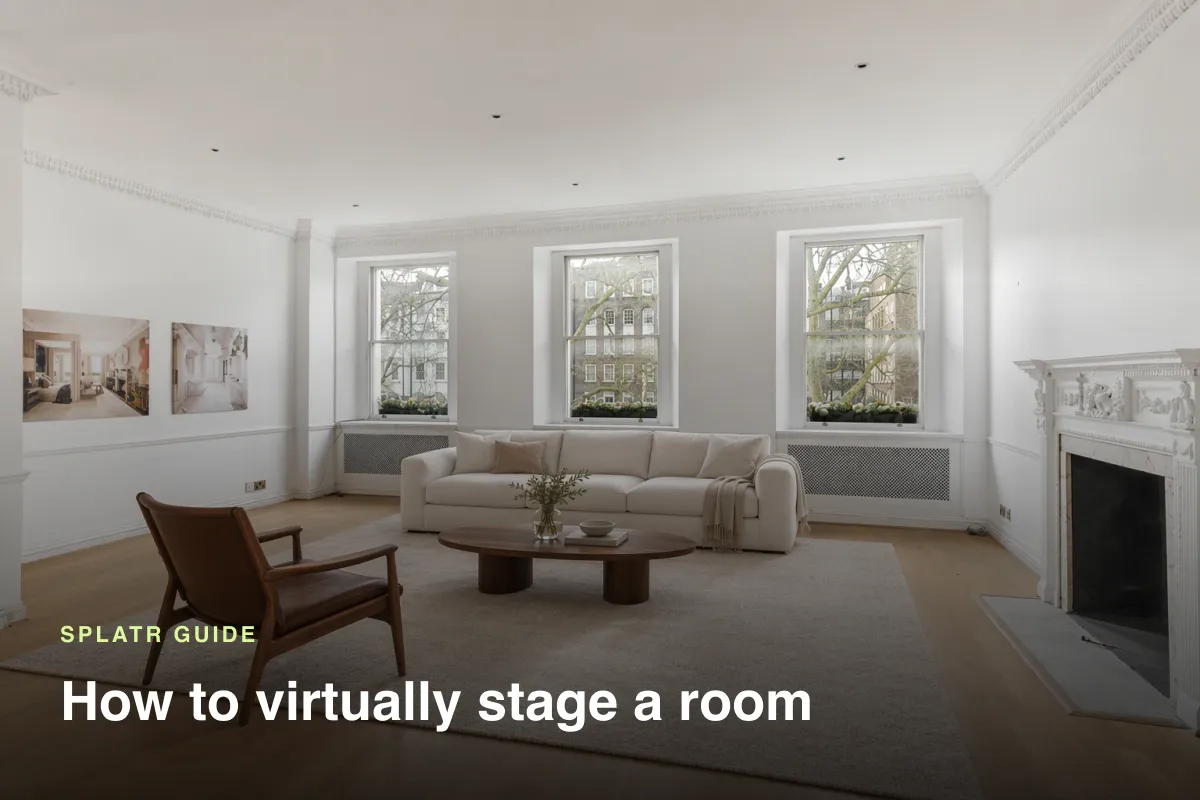
How to virtually stage a room or a whole home for sale: taking the right photo, choosing a style, staging with AI, checking the result and labelling it for your listing.
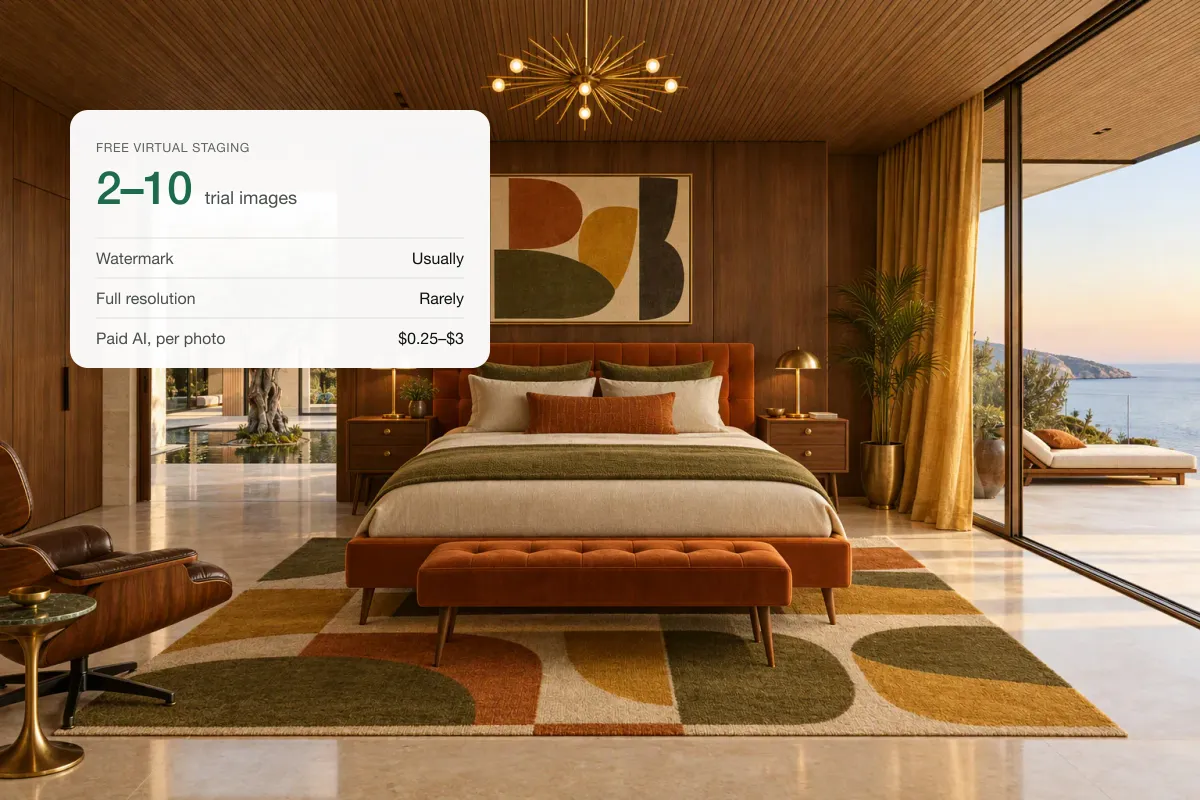
Free virtual staging usually means trial credits, watermarks or low resolution. What free AI staging can do, the catches, and when paying is worth it.
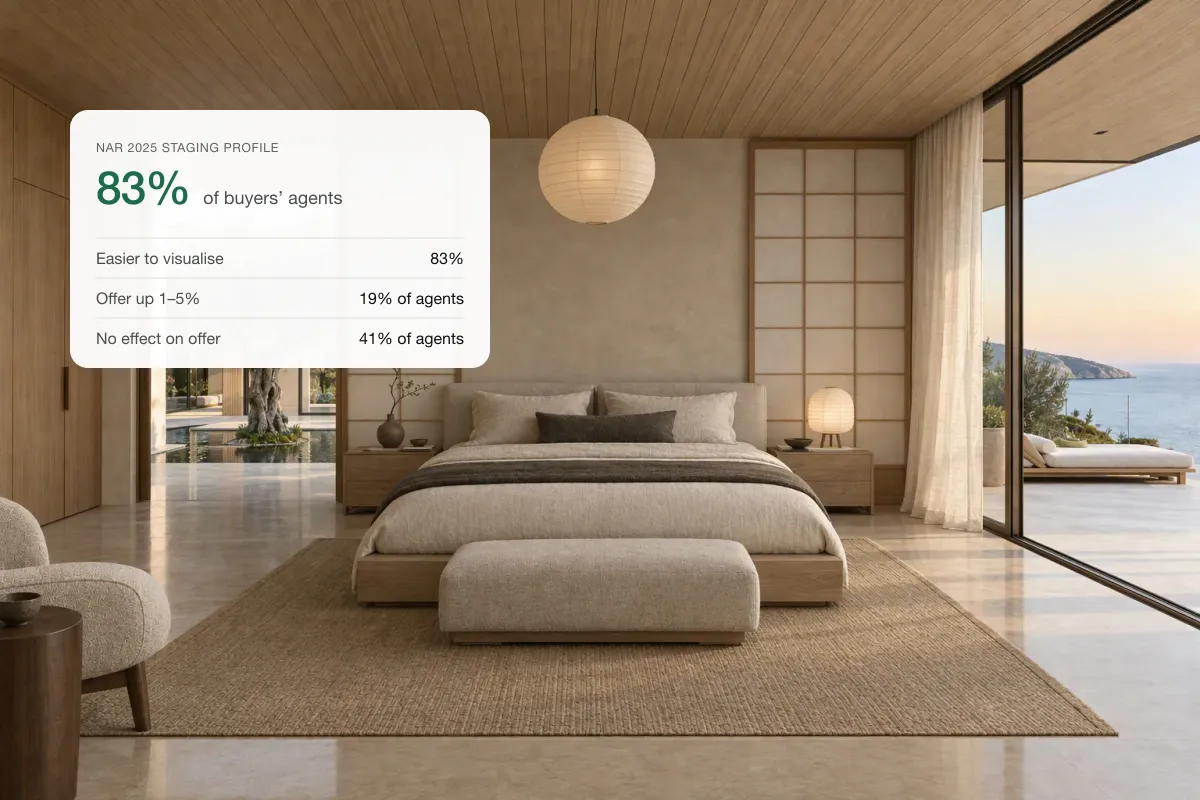
83% of buyers’ agents say staging helps buyers picture a home as theirs. What NAR’s 2025 data shows on price and speed, and when it pays off.
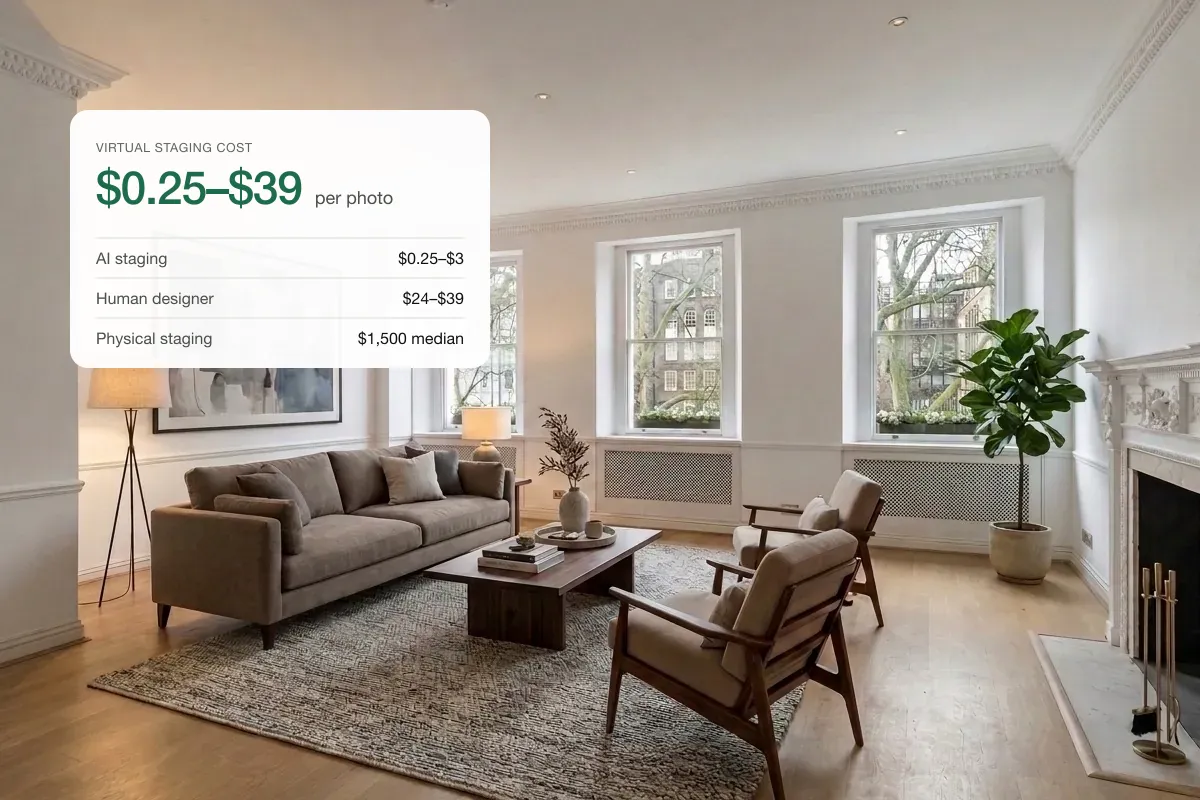
Virtual staging costs under $1 a photo with AI and $24–$39 with a human designer. Per-photo and per-listing prices vs physical staging.
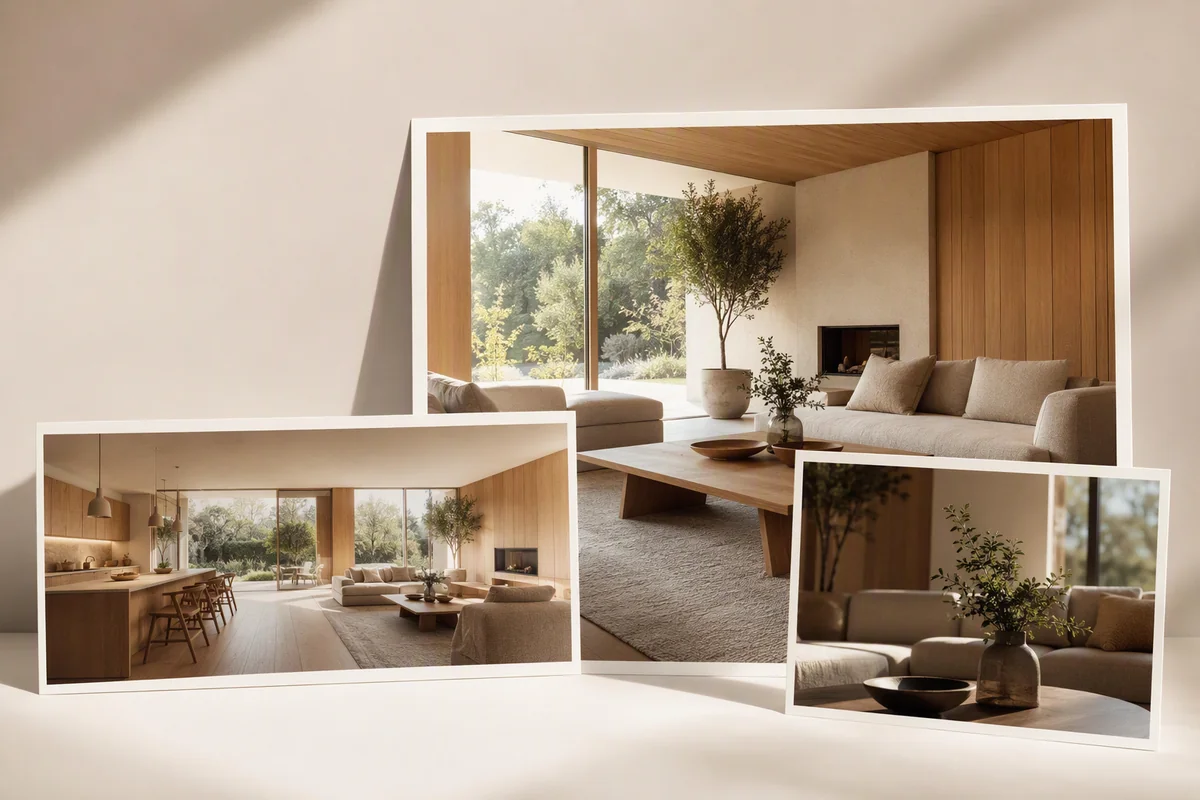
What a real estate AI content platform should do in 2026: photo editing, staging, cinematic video and branding, with a checklist and how Splatr fits.
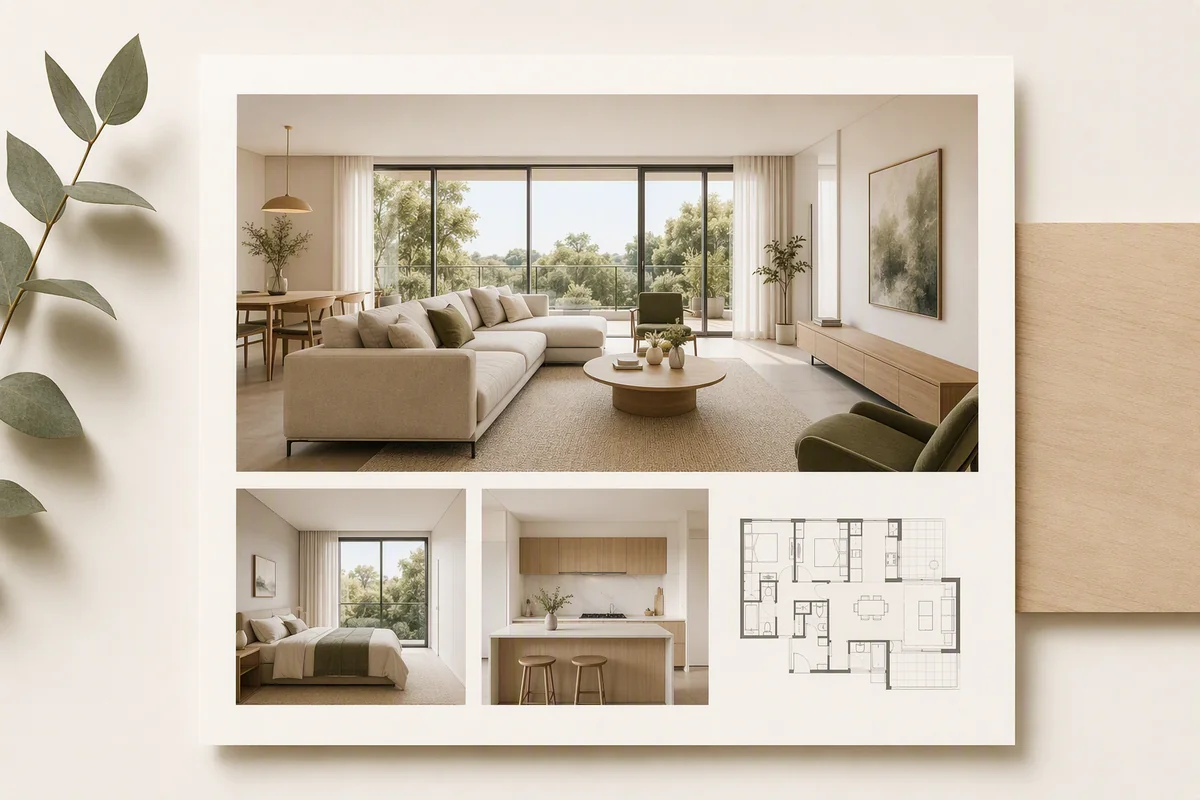
Put a property's edited photos, video and 360° tour on one branded page you can share by link or embed on your website, and why it gets more enquiries.
Splatr turns the photos agents, hotels and Airbnb hosts already have into edited listing photos and cinematic videos in minutes. Start free.