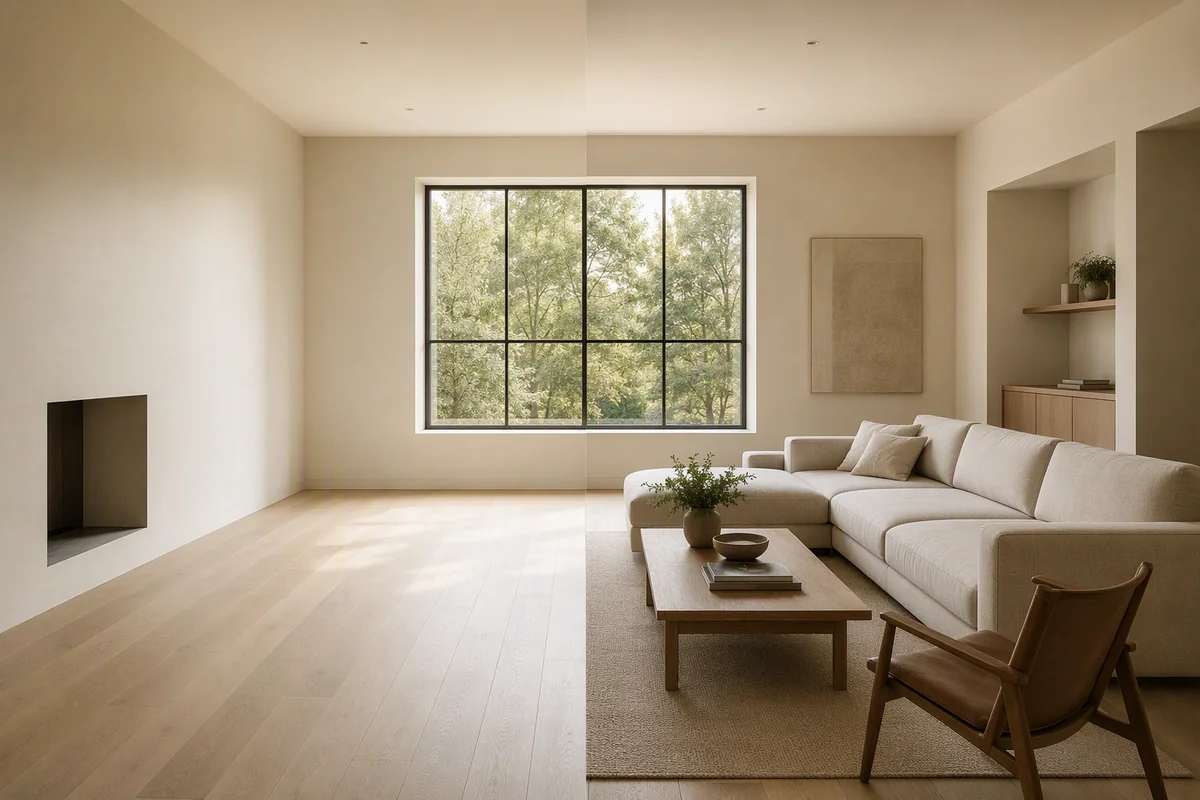
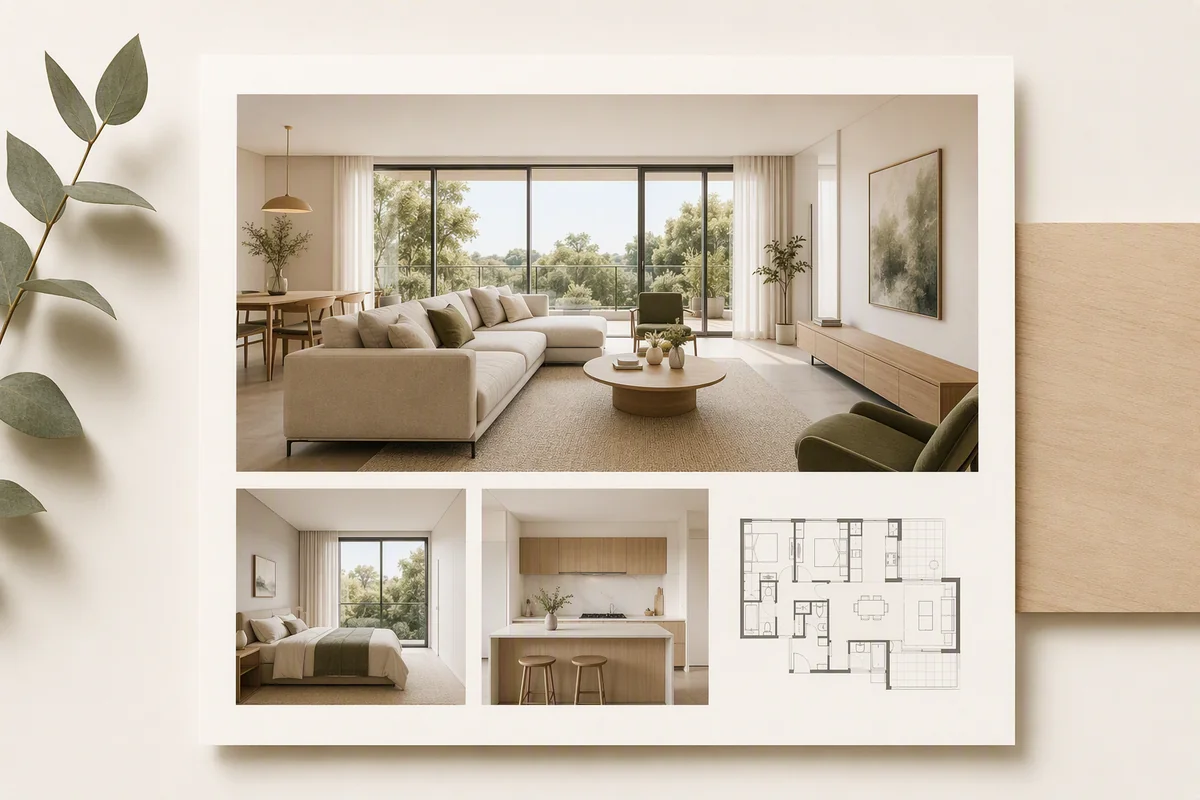
Splatr Virtual Studio helps developers and property managers present vacant units, furnishing possibilities and proposed interiors. Reimagine AI creates image concepts, 360° Visualization presents panoramic spaces, and Showcase brings the property media and details into a shareable page.
How can you present an unfurnished unit?
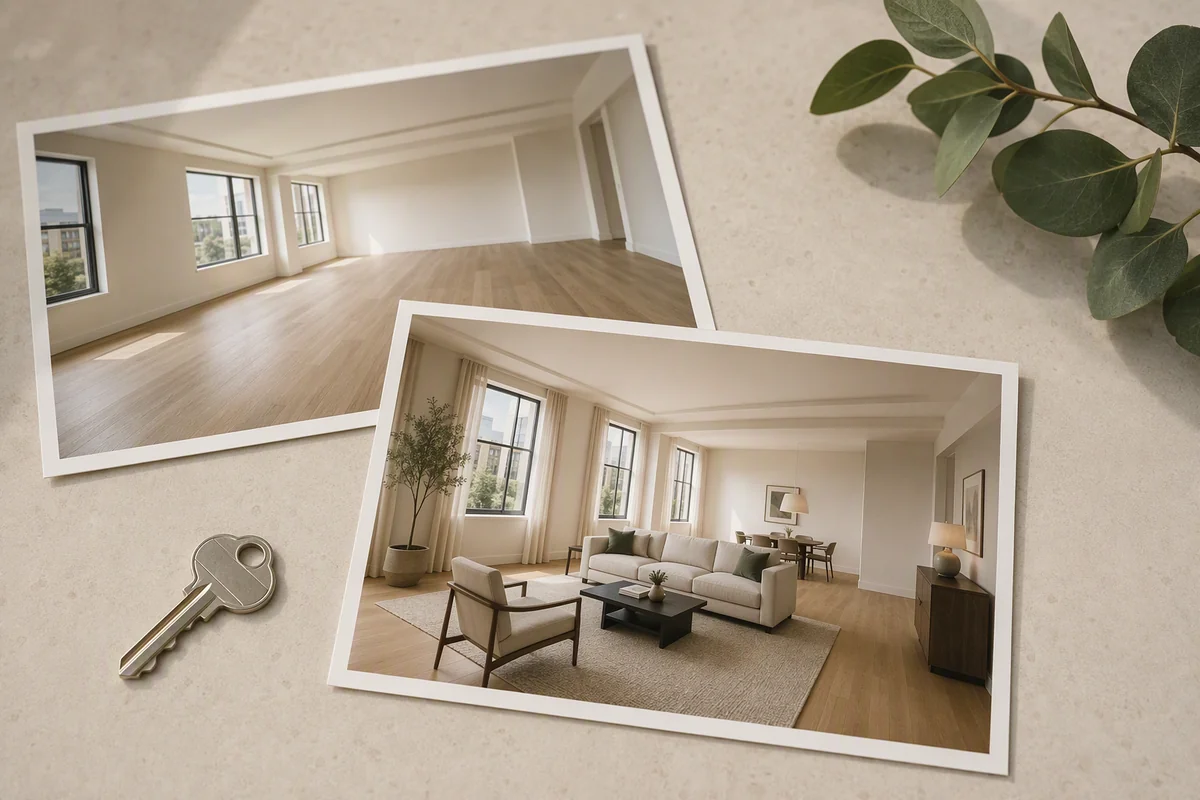
Start with a photograph in Reimagine AI and use Furnish to create a furniture arrangement. A styled living area or bedroom can communicate how the space might be used before furniture is installed.
Use theme references to explore a design direction, or object references to guide particular furnishings. Region editing helps refine a selected part of the image without requesting a complete redesign. Learn about reference images.
Can you explore different finishes?
Room restyle supports image-based concepts for alternative palettes, furniture and finishes. A property manager can explore a refreshed interior; a developer can show a proposed visual direction before committing to detailed production.
The generated image is a concept, not a specification or construction assessment. For coordinated visuals based on plans, materials and an agreed design revision, Splatr also offers a separate 3D modelling service.
Can you create a tour before the property is complete?
360° Visualization can use suitable rendered panoramas as well as panoramic photography. Organise the views by room and floor, then connect them to a matching floor plan.
This lets a prospective resident explore proposed interiors through a browser. After completion, panoramic photography can present the actual space. Identify rendered proposals and representative unit imagery clearly.
How do films and property pages fit in?
Video Generator turns selected property images into clips, with camera direction, sequence editing and MP4 export. Its portrait and landscape formats offer different ways to introduce a unit. The plugin is currently beta.
Showcase combines the selected images, optional film, property information and location into a hosted page. Add the tour where available and share the published presentation with prospective buyers or tenants.
What is the advantage of using the Studio plugins together?
You can develop several presentations around the same property imagery: a furnishing concept for the gallery, a generated film for promotion, a tour for exploration and a page for direct sharing. The combination covers both media creation and presentation.
Each published unit should retain its own accurate facts and imagery. Virtual Studio is a visual-content platform; current availability and listing distribution remain part of your property-management process.
Put the guide into practice.
Try Virtual Studio with your own property images.
14-day free trial on the Basic plan.