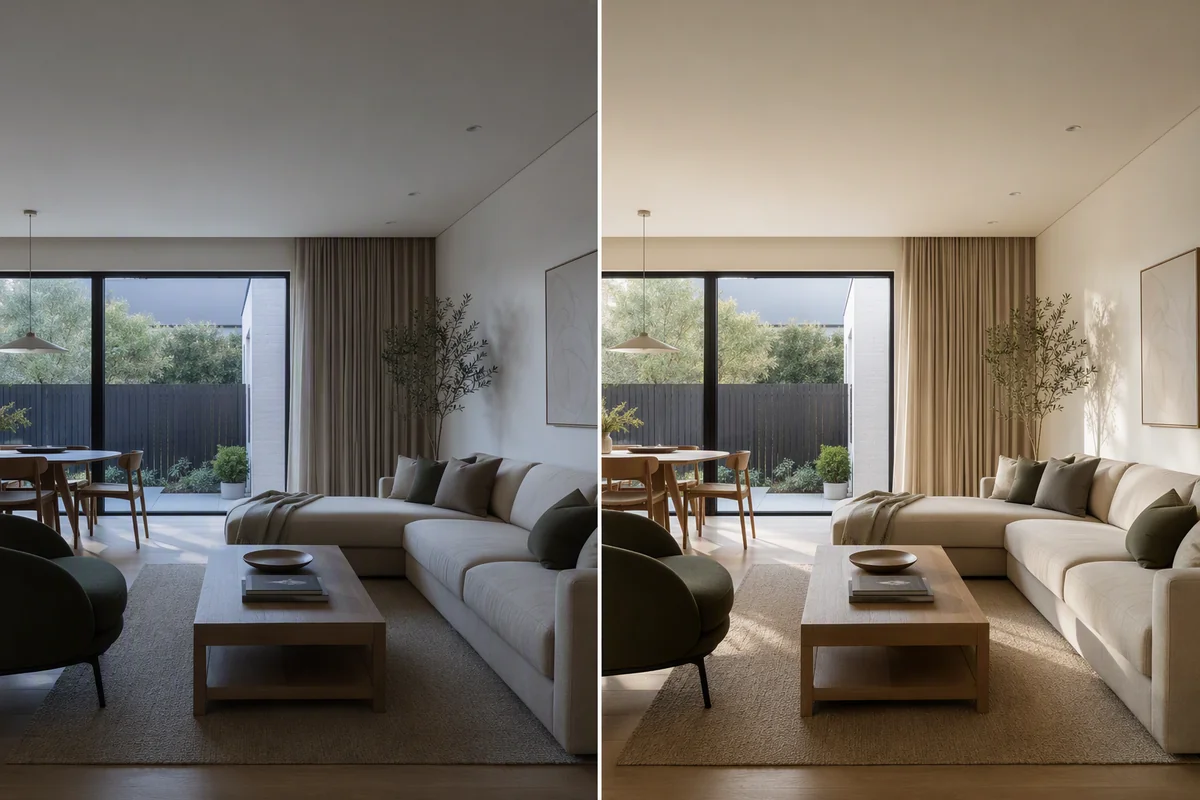
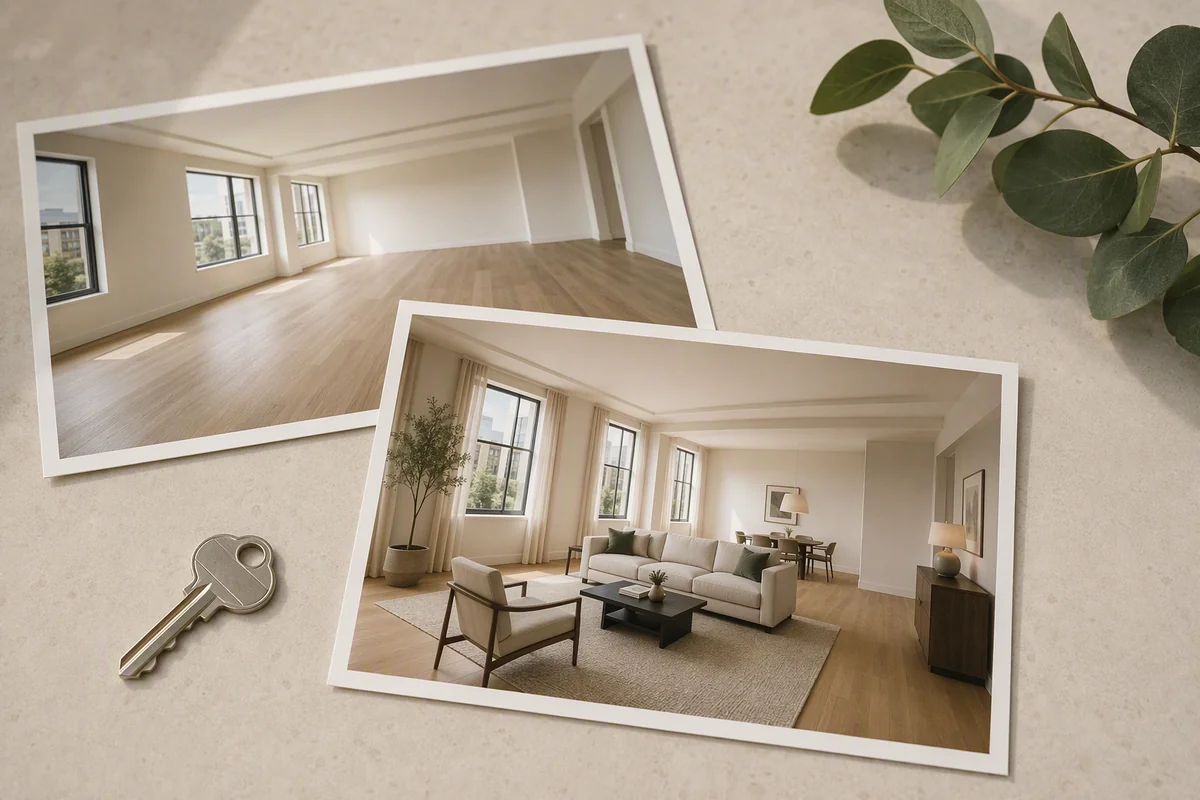
To change the wall colour in a listing photo, select the walls and give a plain instruction such as "paint the walls warm white" or "sage green". AI keeps the light, shadows, sockets and trim, and only the paint changes. Agents use it in two ways: to show buyers what a room looks like without a loud colour, or to test a colour before the seller pays a decorator. Either way, it is a concept image, so it should be labelled and shown alongside the real room.
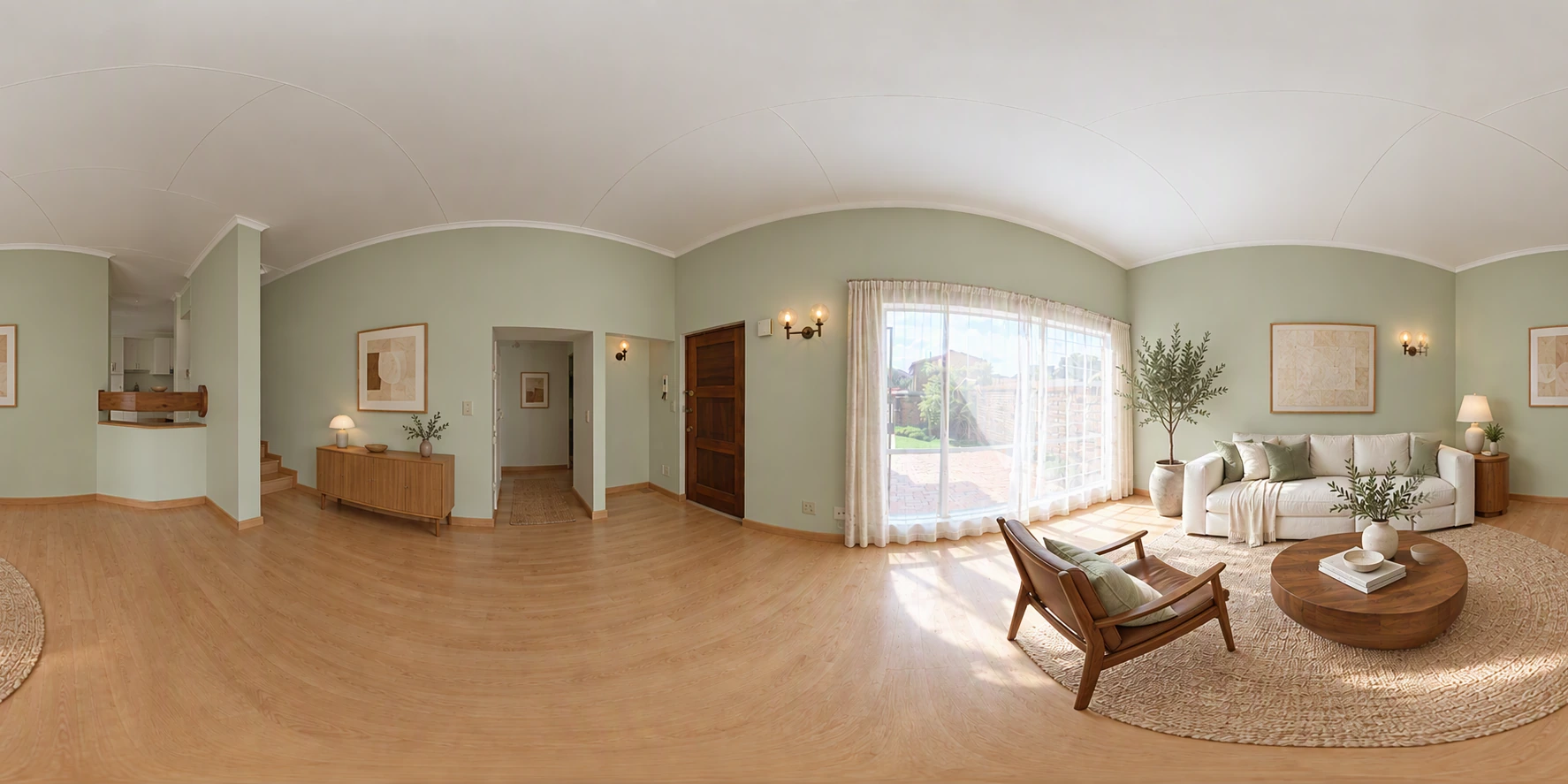
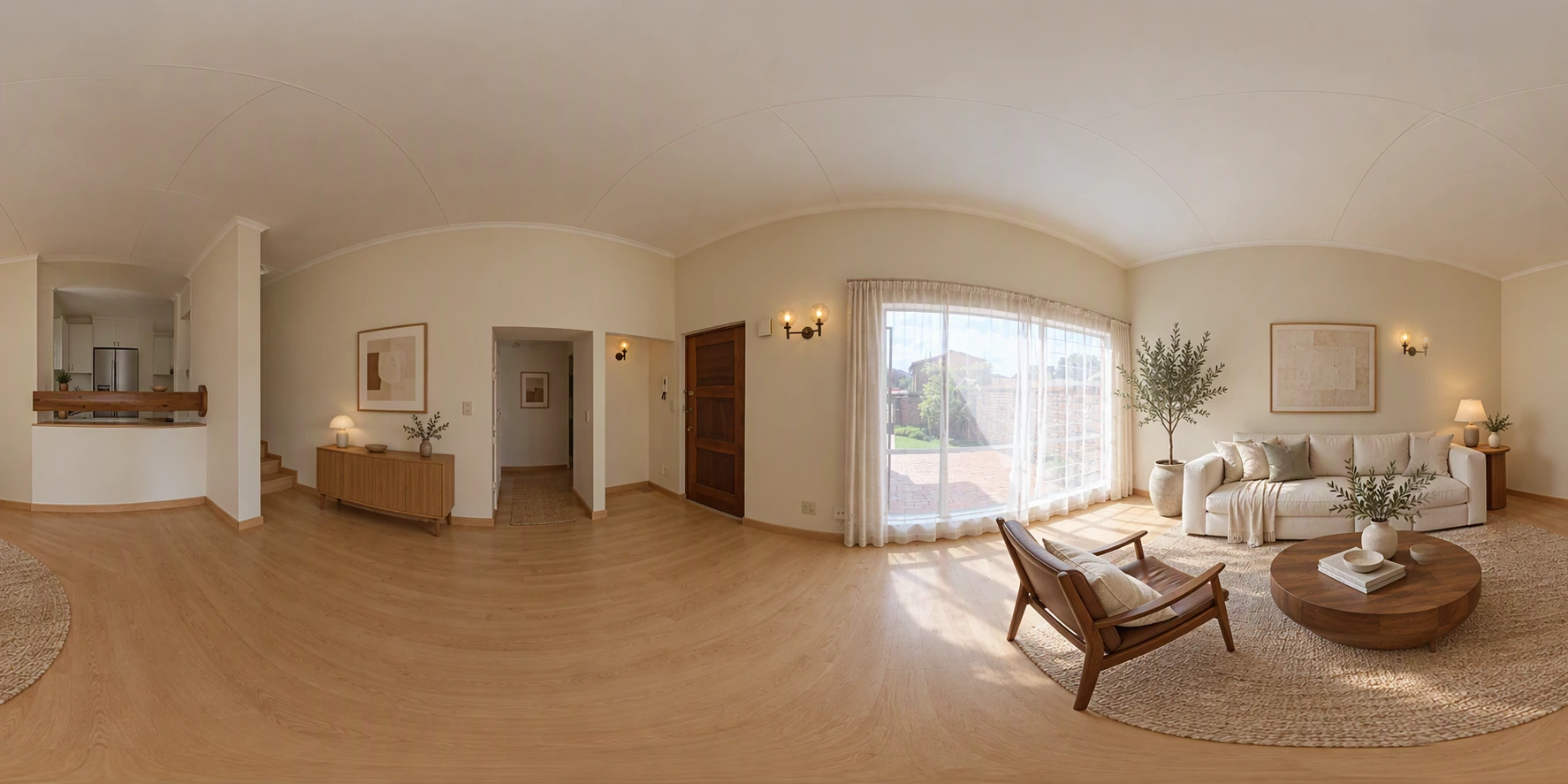
When virtual paint helps
- Bold or dark colours that put off most buyers: deep red dining rooms, purple bedrooms, neon children's rooms
- Tired magnolia or yellowed walls that make photos look dated
- Testing before decorating: show the seller three colours, then paint the one that works
- Developers and landlords showing finish options in a new build or refurbishment
It helps least when the walls are already neutral. A white room repainted white is wasted effort.
Label it
A virtually repainted room isn't how the home looks today. Put the real photo first and the repainted version after it, with a note such as "Virtually repainted to show potential". In the UK, accuracy rules on Rightmove and Zoopla and National Trading Standards guidance apply. In the US, follow your MLS rules on edited photos. See virtual staging disclosure rules.
Colours that photograph well
| Colour | Works in | Note |
|---|---|---|
| Warm white | Any room | The safest choice; avoid blue-whites that look cold |
| Greige (grey-beige) | Living rooms, hallways | Neutral without looking empty |
| Soft sage | Kitchens, bedrooms | Popular in 2026, calm on camera |
| Pale blue-grey | Bathrooms, bedrooms | Can turn cold on a grey day; enhance after |
| Deep green or navy | One feature wall only | Only in large, bright rooms |
Virtual paint or real paint?
A real repaint of one room costs roughly $300–$900 in the US or £300–£700 in the UK with a decorator, more for a whole home. Work out paint for DIY with the free paint calculator. If the seller will repaint anyway, test the colour virtually first; if they won't, a labelled virtual version shows buyers how simple the fix is. See paint and flooring before selling.
How to do it in Splatr
- Upload the room photo, or a 360° photo from your tour.
- Open Magic Edit, circle the walls and type the colour.
- Compare the versions and keep the original as the main image.
Full guide to region edits: Magic Edit.
Questions agents ask
Does a virtual paint job look realistic?
Yes, when the instruction is simple and the photo is well lit. Strong colours in dark rooms can look flat; enhance the photo first.
Can I change the ceiling or woodwork too?
Yes, as separate edits. Keep wooden features like beams and panelling in their real finish unless you are showing a clear renovation concept.
Keep exploring
More photo fixes: window pulls, grass greening, vertical correction, white balance, change flooring, remove cars, people and bins and blurry listing photos.
Related guides: interior restyling of finishes, virtual renovation in real estate and reimagine 360° rooms.
Put the guide into practice.
Turn your own photos into edited images and videos in minutes.
7-day free trial.