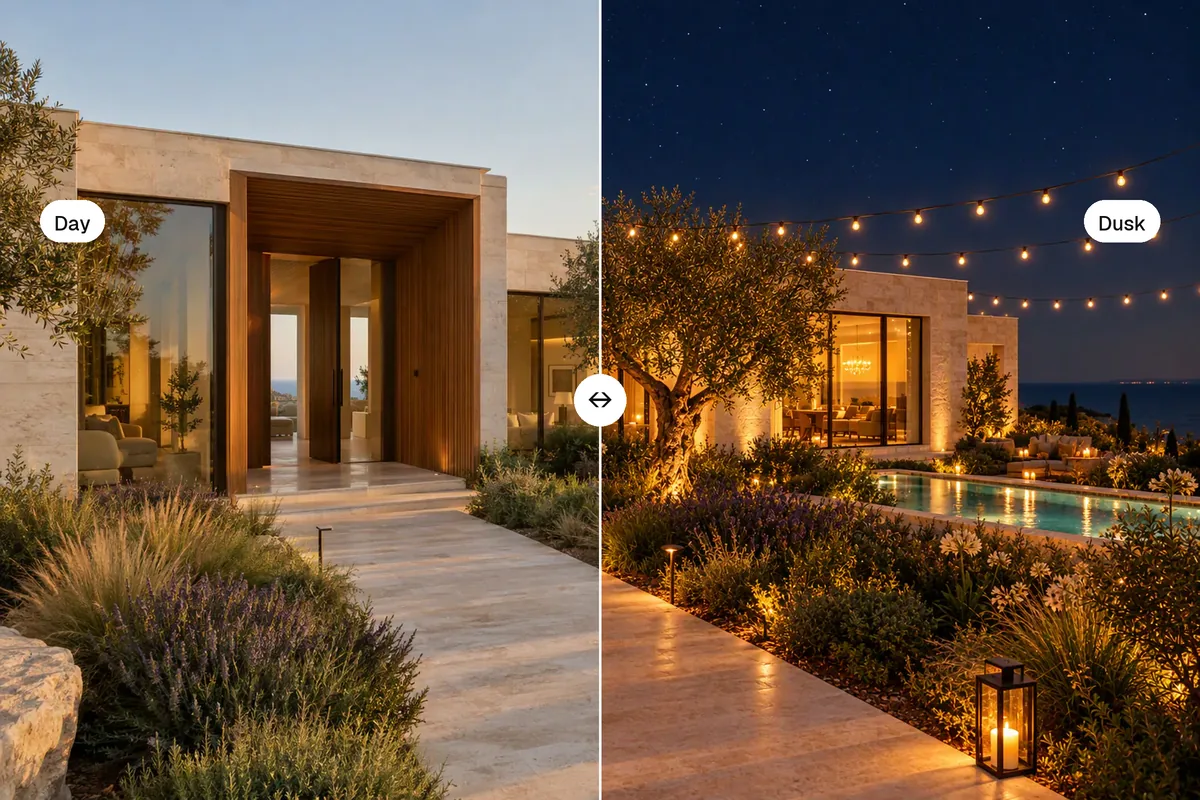
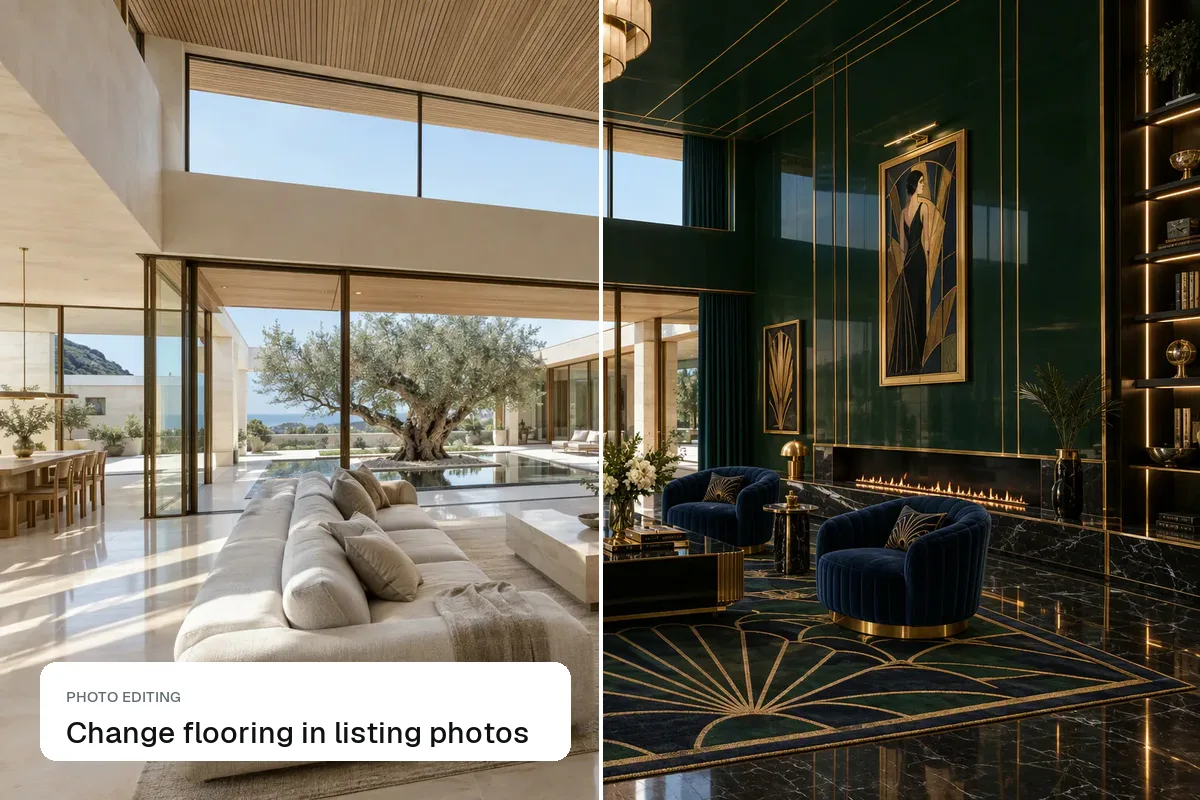
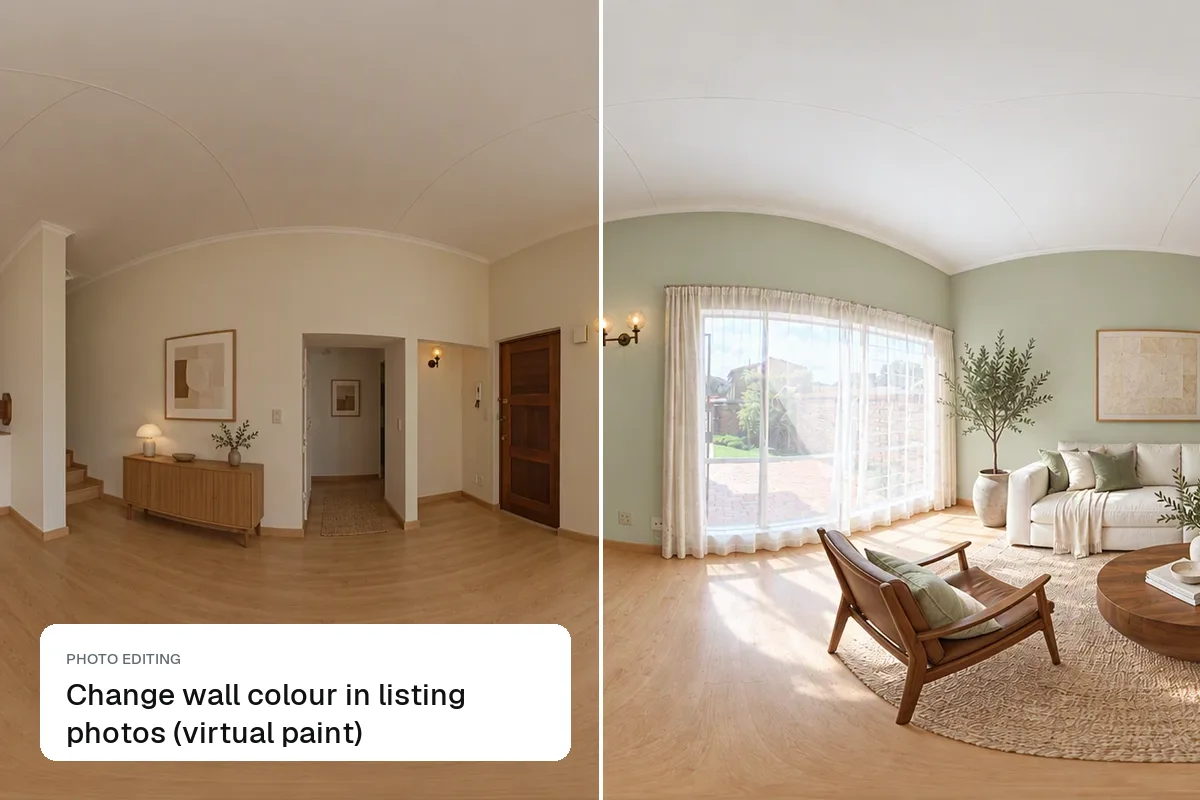
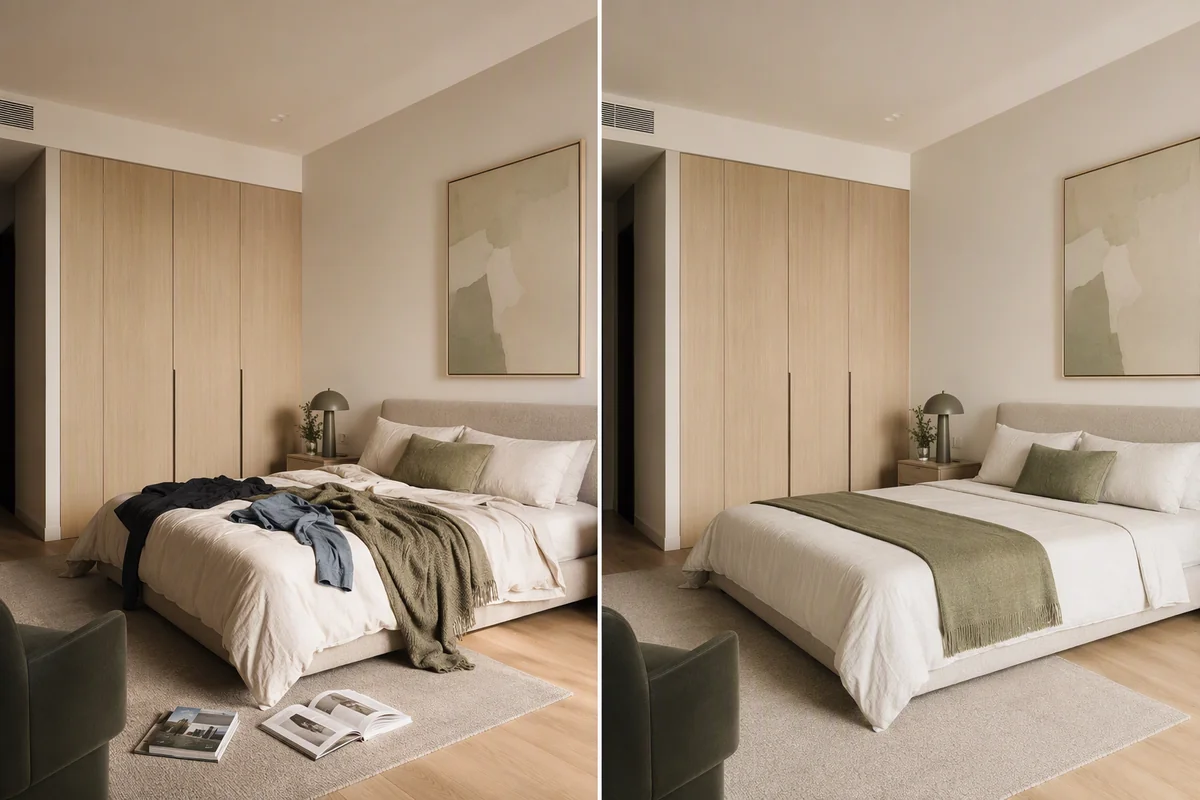
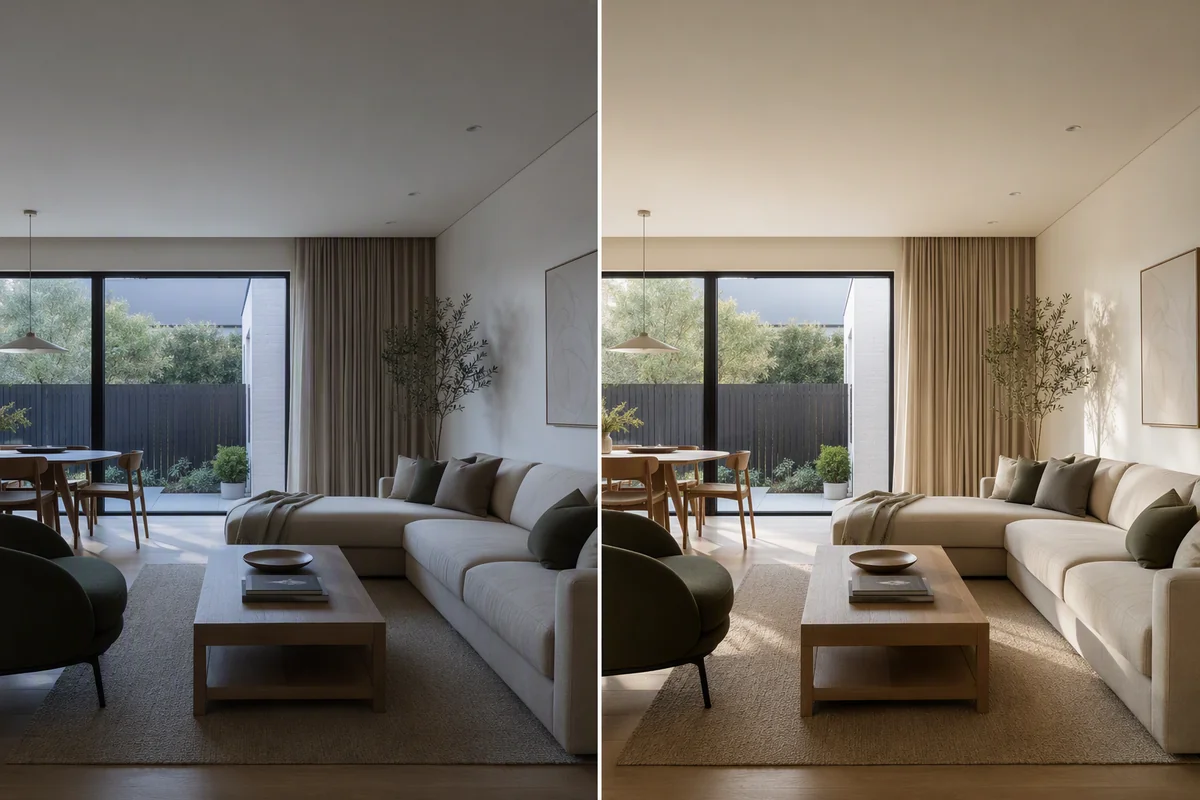
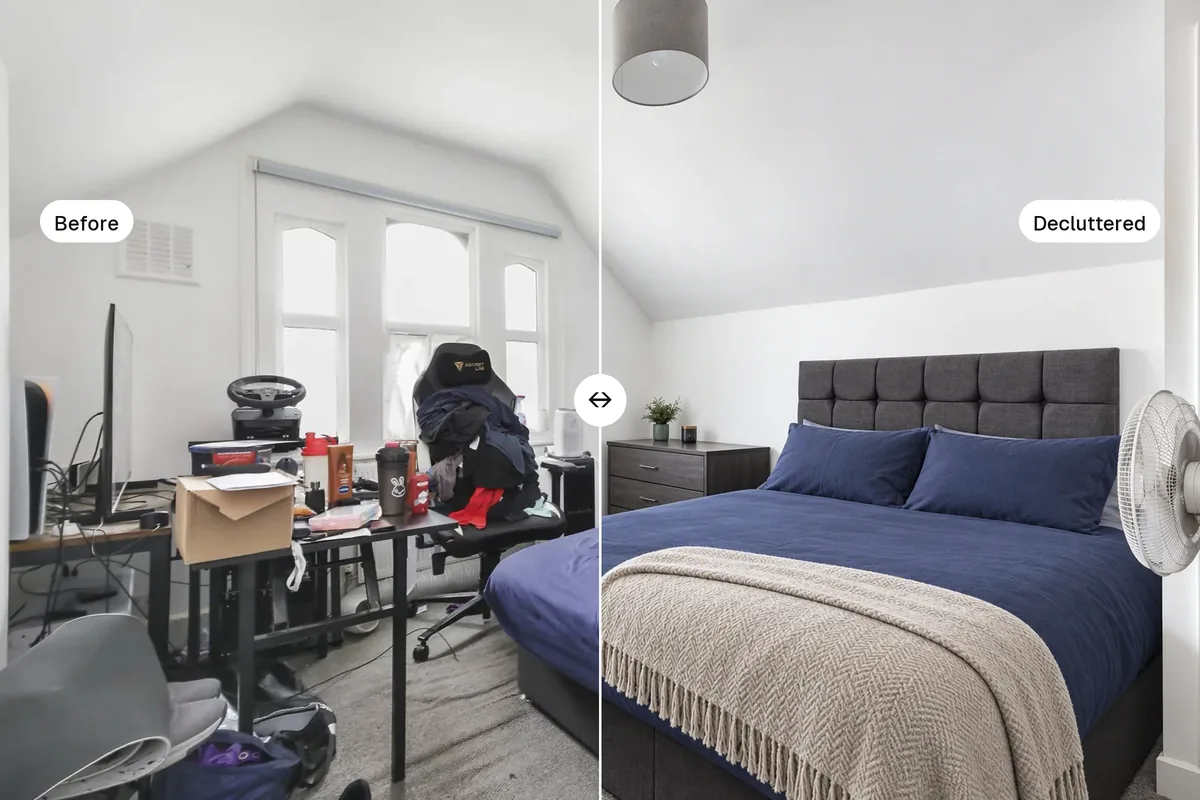
Listing photos look blurry for one of four reasons: camera shake in low light, uploading a file that is too small, the portal compressing a file that is too large, or zooming on the phone instead of moving closer. The first one happens at the shoot and can rarely be fixed afterwards. The other three are settings, and a two-minute check fixes them for every future listing.
 Sharp at full size
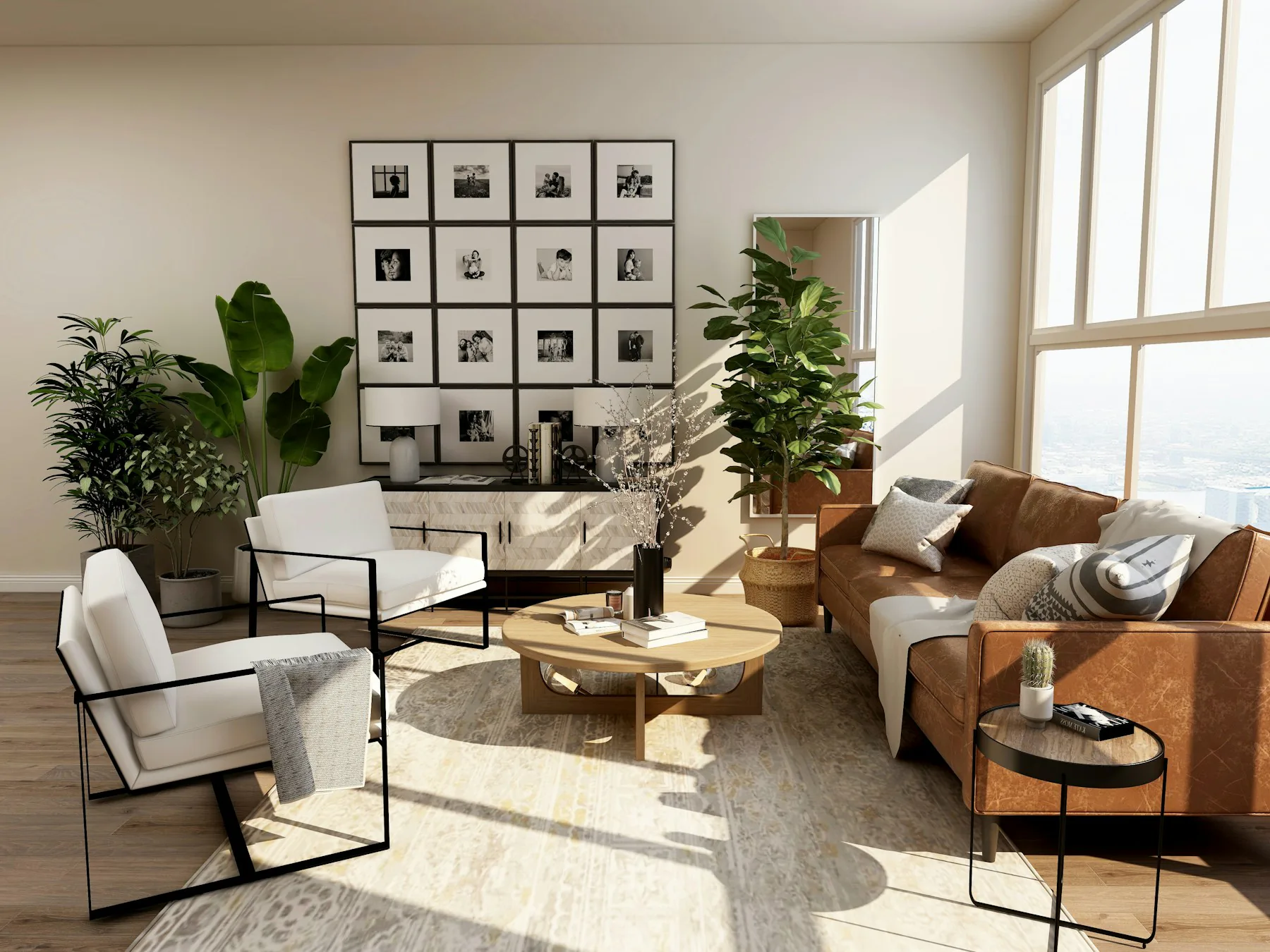 Even detail into the corners
Find the cause
| What you see | Likely cause | Fix |
|---|---|---|
| Soft everywhere, worse in dark rooms | Camera shake, slow shutter | Brace or use a tripod, add light |
| Pixelated, blocky edges | File too small or zoomed in | Shoot at full resolution, don't use digital zoom |
| Sharp on your computer, soft on the portal | Portal resized or compressed it | Upload at the size the portal wants |
| Smeared, painterly texture | Over-processed by phone or AI upscaling | Turn down sharpening and noise reduction |
| One part sharp, the rest soft | Focus on the wrong spot | Tap to focus a third of the way into the room |
Upload at the right size
Portals resize every photo. Upload too small and it gets stretched; upload a huge file and heavy compression can soften it.
- Zillow: most photos arrive through your MLS feed; landscape JPGs of 2048 pixels or more on the long edge display best
- Rightmove and Zoopla: landscape, about 1600–2000 pixels on the long edge
- Bayut and Property Finder: landscape, high resolution, no watermarks
- MLS: varies; many cap file size, so check yours
Resize and compress correctly with the free listing photo resizer. Full size tables in real estate listing photo sizes and MLS photo requirements.
Sharper at the shoot
- Rest the phone on a door frame, a shelf or a small tripod. Interiors are darker than they look
- Turn on every light and open the curtains; more light means a faster shutter
- Use the 1× lens in bright rooms; the 0.5× ultra-wide is softer, especially in the corners
- Wipe the lens. A greasy phone lens is the most common cause of hazy photos
- Turn off Live Photos and portrait mode for listings
What editing can and can't fix
Editing can fix exposure, colour, windows and a grey sky. It can't put real detail back into a photo blurred by shake. AI upscalers invent detail, which can change textures like brickwork and tiles, so on a listing they risk showing something that isn't there. Splatr's HDR enhance works best on a sharp photo; if a photo is badly blurred, reshoot it.
Questions agents ask
Should I upload JPEG or PNG?
JPEG at high quality (80–90%). PNG files are much larger and often get converted anyway.
Why do my photos look worse on the portal app than the website?
Apps load smaller versions to save data. A sharp, well-exposed original still looks better than a soft one at any size.
Keep exploring
More photo fixes: window pulls, grass greening, vertical correction, white balance, change wall colour, change flooring and remove cars, people and bins.
Related guides: Zillow photo requirements, Rightmove listing photos and how to take real estate photos with an iPhone.
Put the guide into practice.
Turn your own photos into edited images and videos in minutes.
7-day free trial.