To make a real estate reel, pick six to ten of your best listing photos, add slow camera motion to each, open with a one-line hook, add music and your end card, and export a 15–30 second video at 9:16 (1080×1920). You do not need to film anything: AI tools now turn still photos into moving shots, so a reel can be ready the same day the photos arrive.
What makes a real estate reel work?
People decide in the first second whether to keep watching. A good reel does four things:
- Hooks fast. The first shot is the best one, with a short line of text such as “3-bed with a garden, £450k, Clapham”.
- Moves. Each shot has gentle motion, a push-in or a slow pan, so it feels like a walk through the home.
- Tells a route. Front door, living room, kitchen, bedroom, bathroom, garden. Viewers should understand the layout.
- Ends with a next step. Your name, agency, phone number or “DM to book a viewing”.
Step by step: a reel from listing photos
1. Choose the photos
Pick six to ten photos. Lead with the exterior or the single best room. Include the kitchen and main bedroom; buyers look for them. Skip near-duplicates and dark or tilted shots. If rooms are empty, stage them virtually first, because furnished rooms hold attention better.
2. Put them in walking order
Order the photos the way a visitor would move through the property. Jumping back and forth confuses people about the layout.
3. Add motion
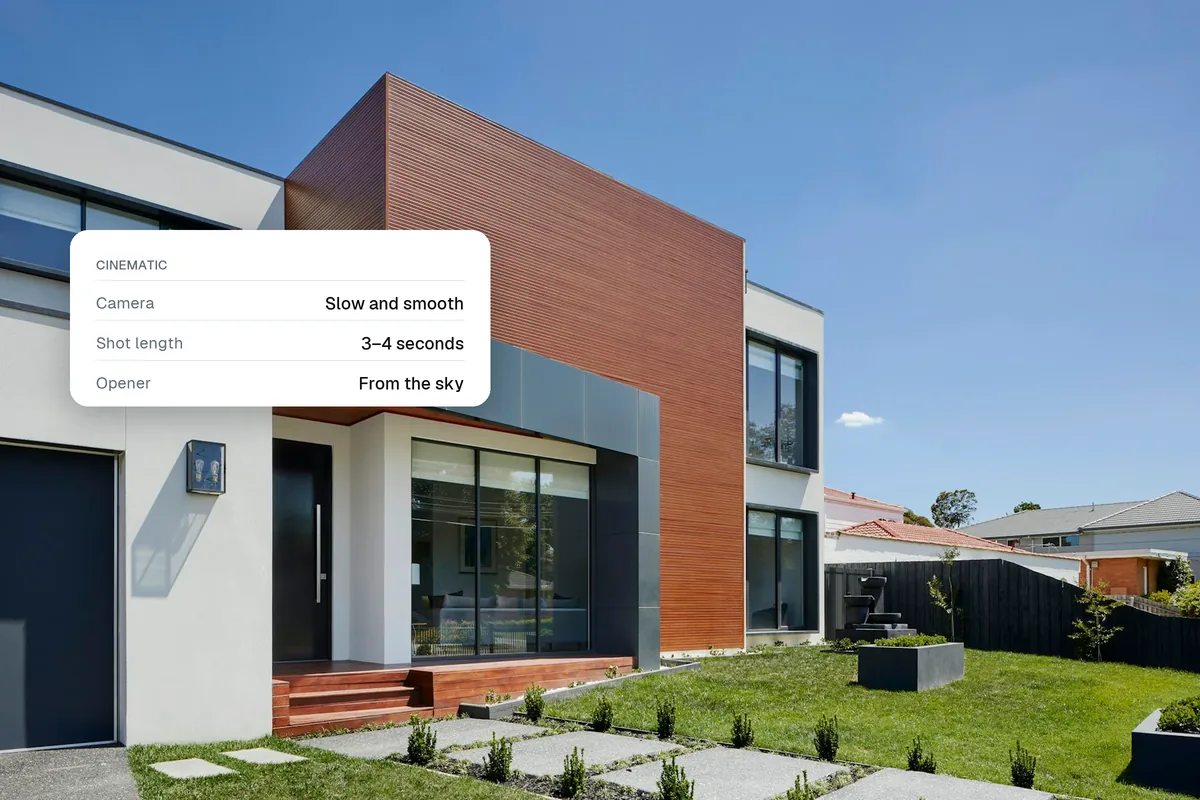
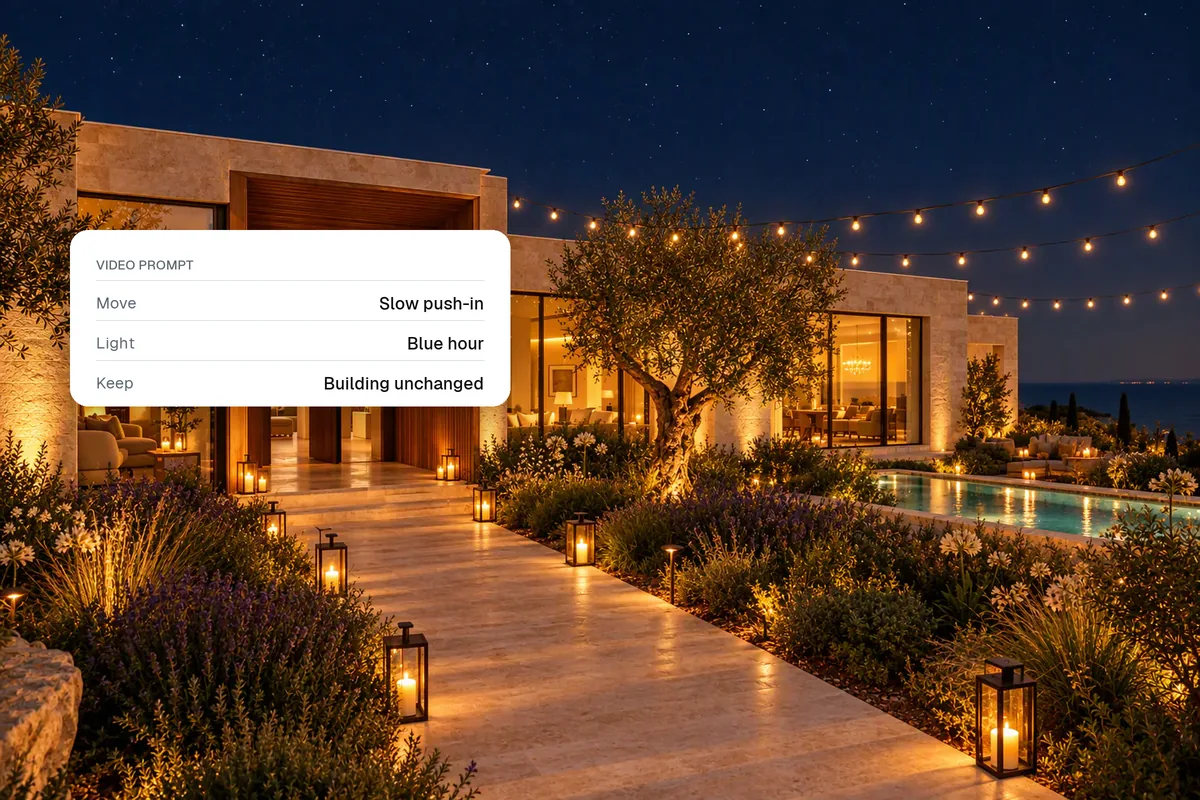
Give each photo two to three seconds with a simple camera move. Vary them: push in on a feature, pan across a wide room, pull back to reveal a garden. In Splatr, the auto-edit chooses a suitable motion for each clip and adds motion graphics for you.
4. Add text
Keep it to a few words per screen: price, area, beds and one standout feature. Place text in the middle of the frame. Instagram covers roughly the top 14% and bottom 35% of a reel with its own buttons and caption.
5. Add music
Choose music that matches the property: calm for a family home, upbeat for a city flat. Use audio you are licensed to use for business. Music for real estate reels explains what a business account can and cannot use.
6. Add your end card
Close with your logo, name and contact details for two to three seconds. In Dubai, include the advert’s permit QR code. On an MLS, use an unbranded version without contact details.
7. Export and post
| Setting | Value |
|---|---|
| Aspect ratio | 9:16 vertical |
| Resolution | 1080×1920 |
| Length | 15–30 seconds for listings; under 3 minutes overall |
| Format | MP4 (H.264), AAC audio |
| Frame rate | 24–30 fps |
Post the reel, then share it to your Story and pin your best listing reels to the top of your profile. Make a 16:9 version of the same film for YouTube, your website and portals.
How long should a real estate reel be?
For a single listing, 15–30 seconds is the sweet spot: long enough to show five to eight rooms, short enough that people watch to the end and replay it. Instagram says it keeps prioritising reels under three minutes for new audiences, so longer tours belong on YouTube or your website.
Common mistakes
- Starting with the logo. Put branding at the end, not the start.
- Too many photos. Twenty photos at one second each feels like a slideshow.
- Fast zooms and spinning transitions. They look cheap and can make the property feel smaller.
- Text in the bottom third. It gets hidden behind the caption.
- Unlabelled staging. If rooms are virtually staged, say so in the caption.
Make it once, post it everywhere
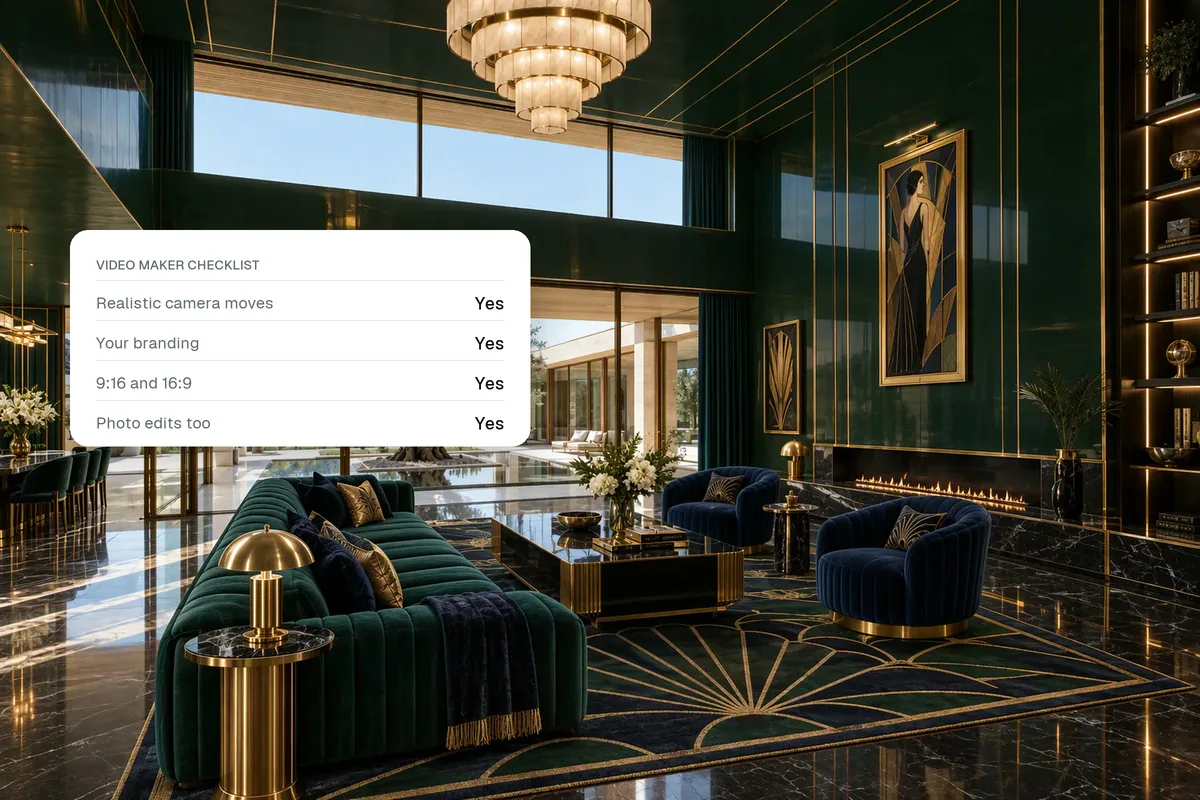
The same reel works on Instagram, Facebook Reels, TikTok and YouTube Shorts. Splatr makes the vertical and landscape versions from the same photos, so you can post a reel and add the wide version to the portal listing without editing twice. Need ideas for what to post between listings? Try these real estate reel ideas.
Quick answers
What is the best app for real estate reels?
The best app is one that turns your listing photos into moving shots, handles music you are allowed to use, and exports both 9:16 and 16:9. Splatr does this from your photos in a few minutes.
Can I make a real estate reel without a video?
Yes. AI image-to-video tools add camera motion to still photos, so a reel can be made entirely from the listing photography.
How many photos do I need for a reel?
Six to ten good photos make a 15–30 second reel.
Put the guide into practice.
Turn your own photos into edited images and videos in minutes.
7-day free trial.