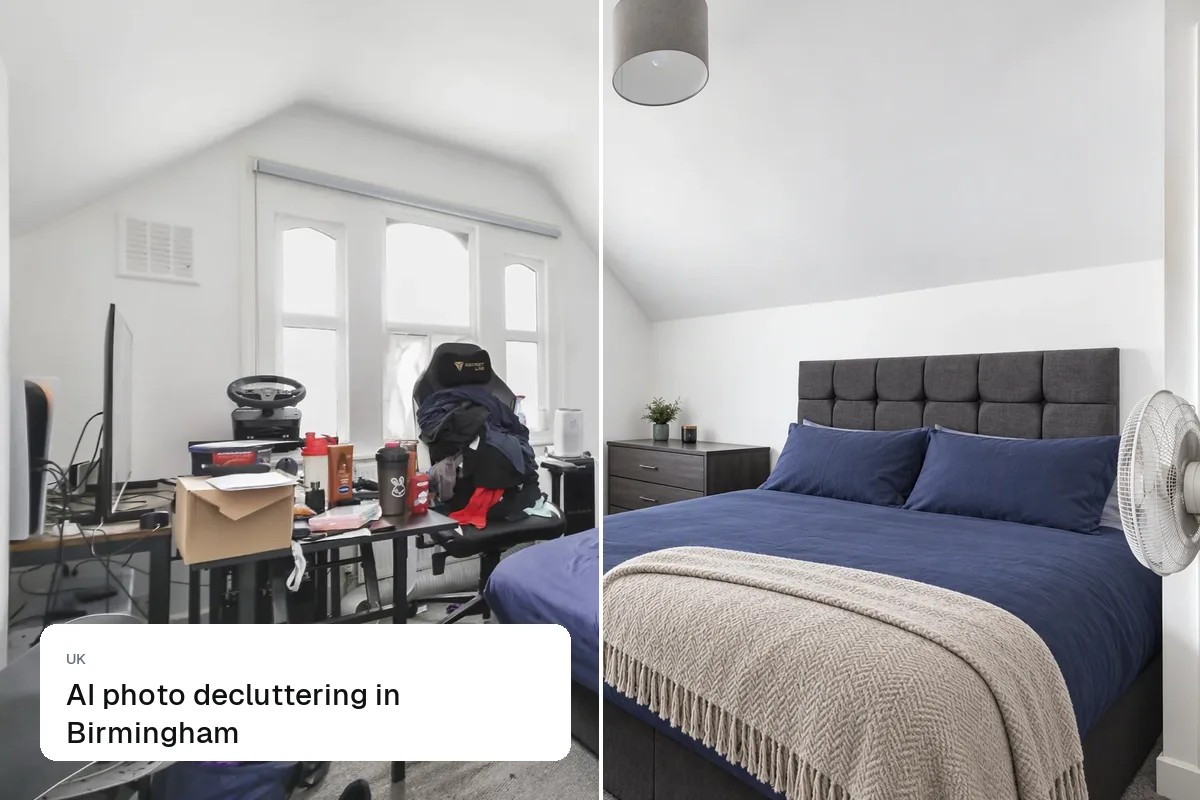
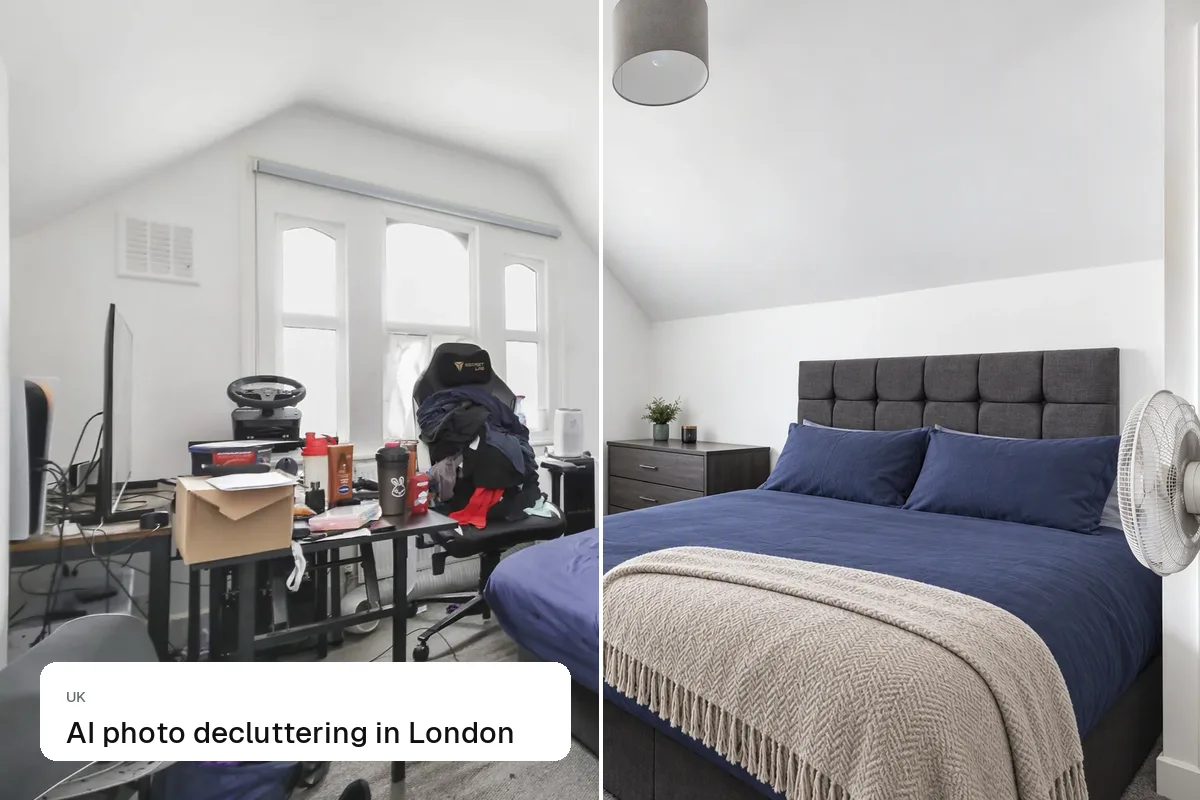
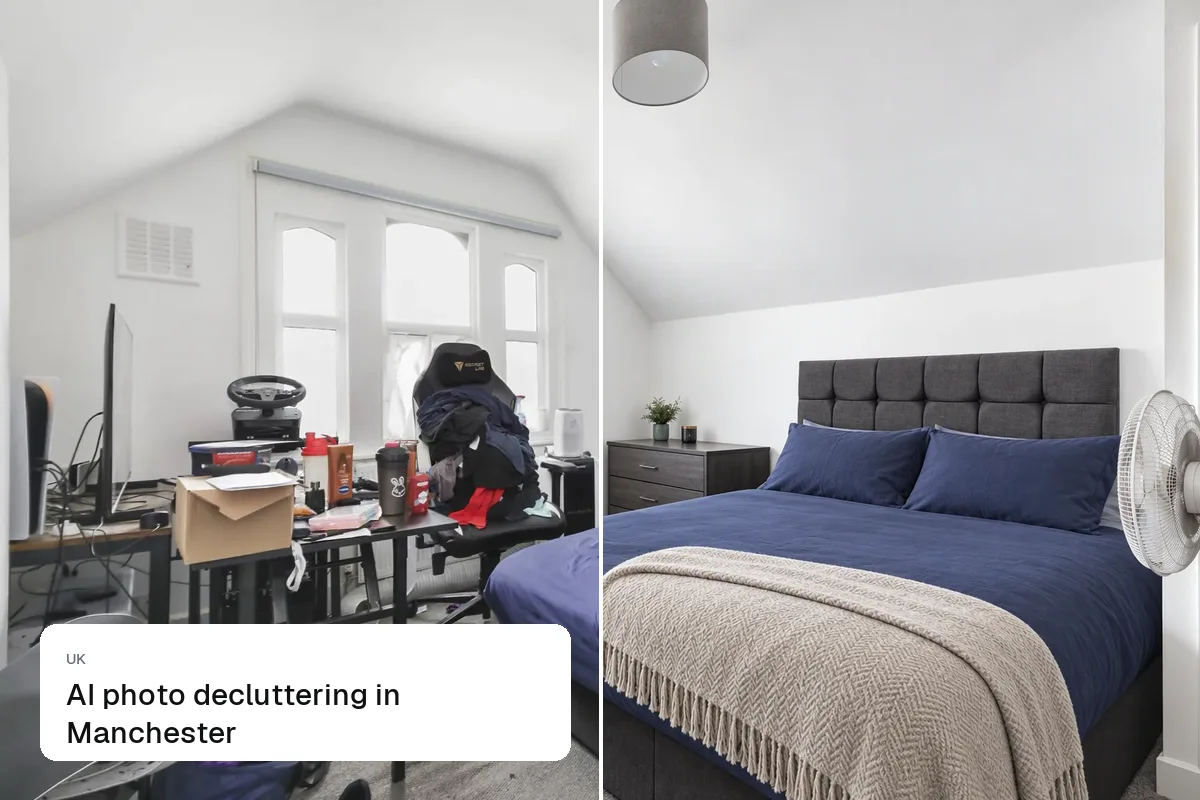
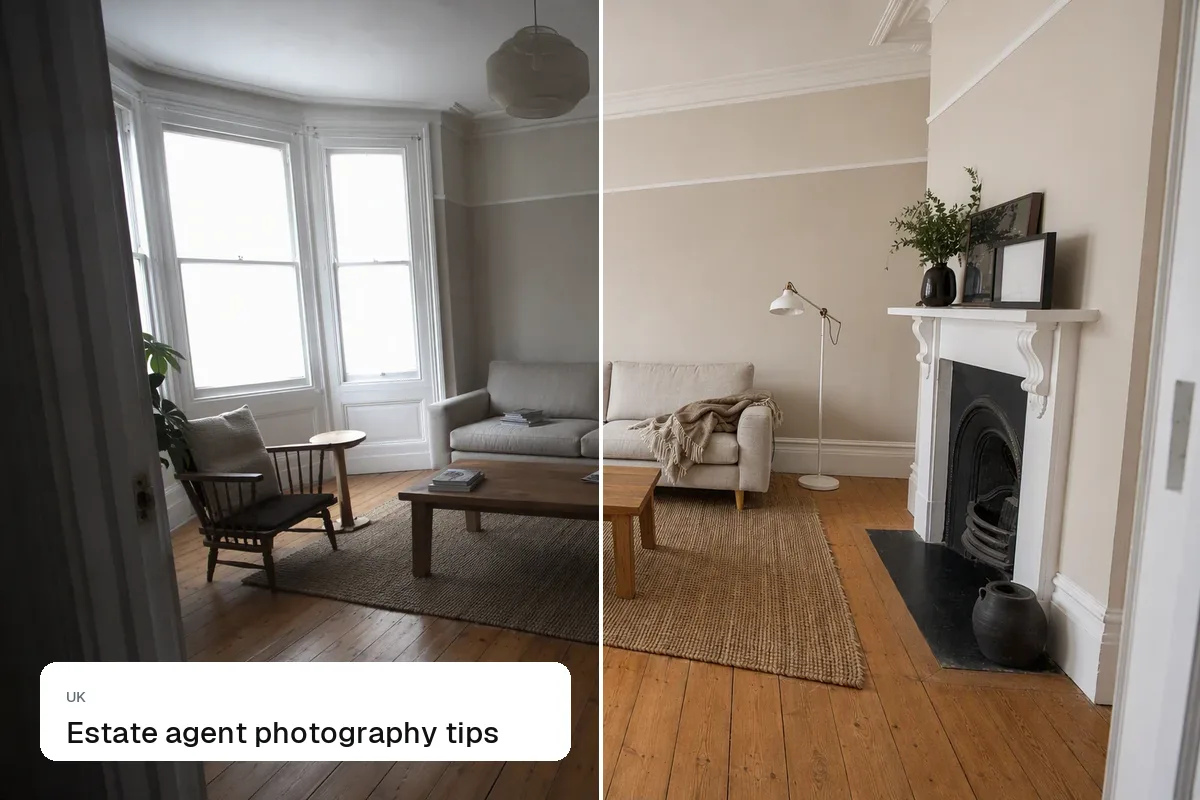
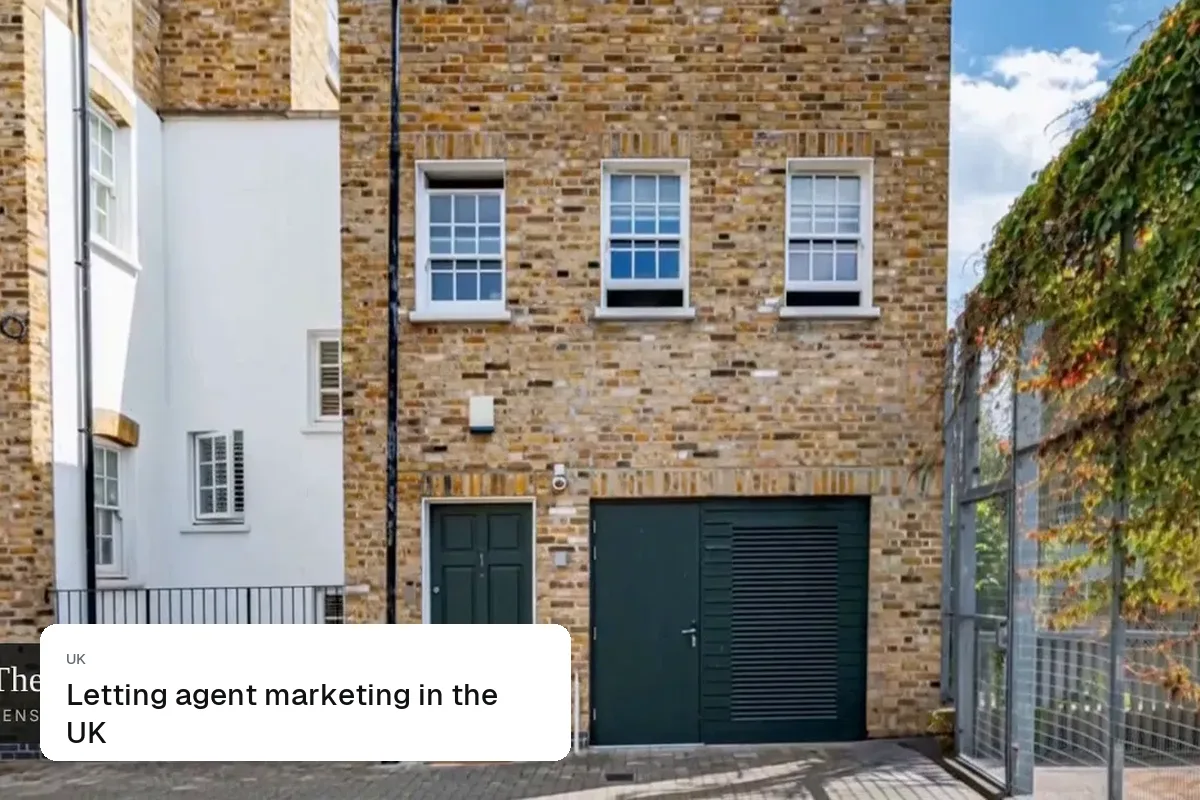
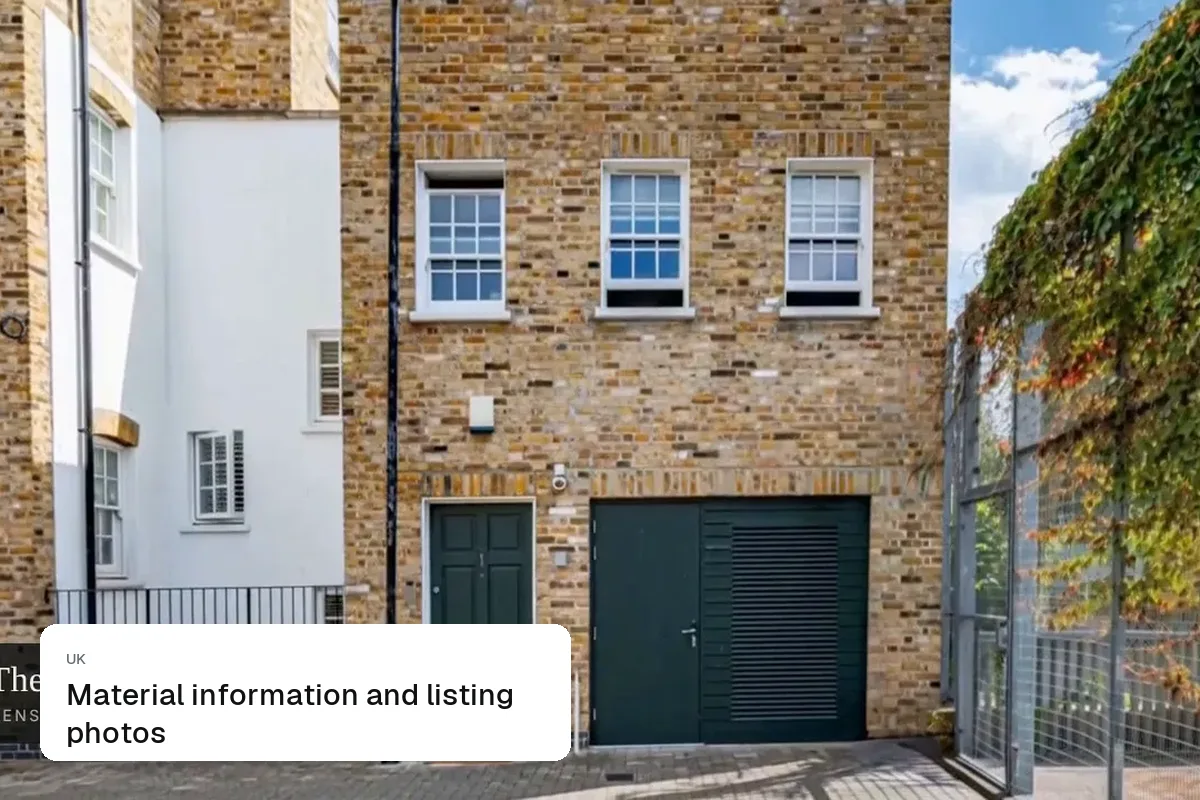
Most UK agents send the same photos to Rightmove, Zoopla and OnTheMarket through their CRM feed, so prepare one strong set: 15–25 landscape photos, a clear main image, a floor plan, and a video or tour link. The differences between the portals are small. What matters is that your photos are bright, accurate and in a logical order.
One set for three portals
- Format: landscape JPG, 4:3 or 3:2, at least 1600–2000 px wide
- Order: main image, reception, kitchen, bedrooms, bathrooms, garden, exterior, floor plan
- Clean images: no text, borders or agency logos burned in
- Floor plan: required in practice; buyers filter it out if it's missing
If your CRM resizes images, upload the largest version you have. To prepare a batch, use our listing photo resizer.
Where Zoopla differs
Zoopla shows estimated values and price history next to listings, so buyers compare your photos with the price more closely. Bright, staged photos help justify the asking price.
Where OnTheMarket differs
OnTheMarket highlights new listings, so the first few days matter most. Have photos, video and tour ready before the listing goes live.
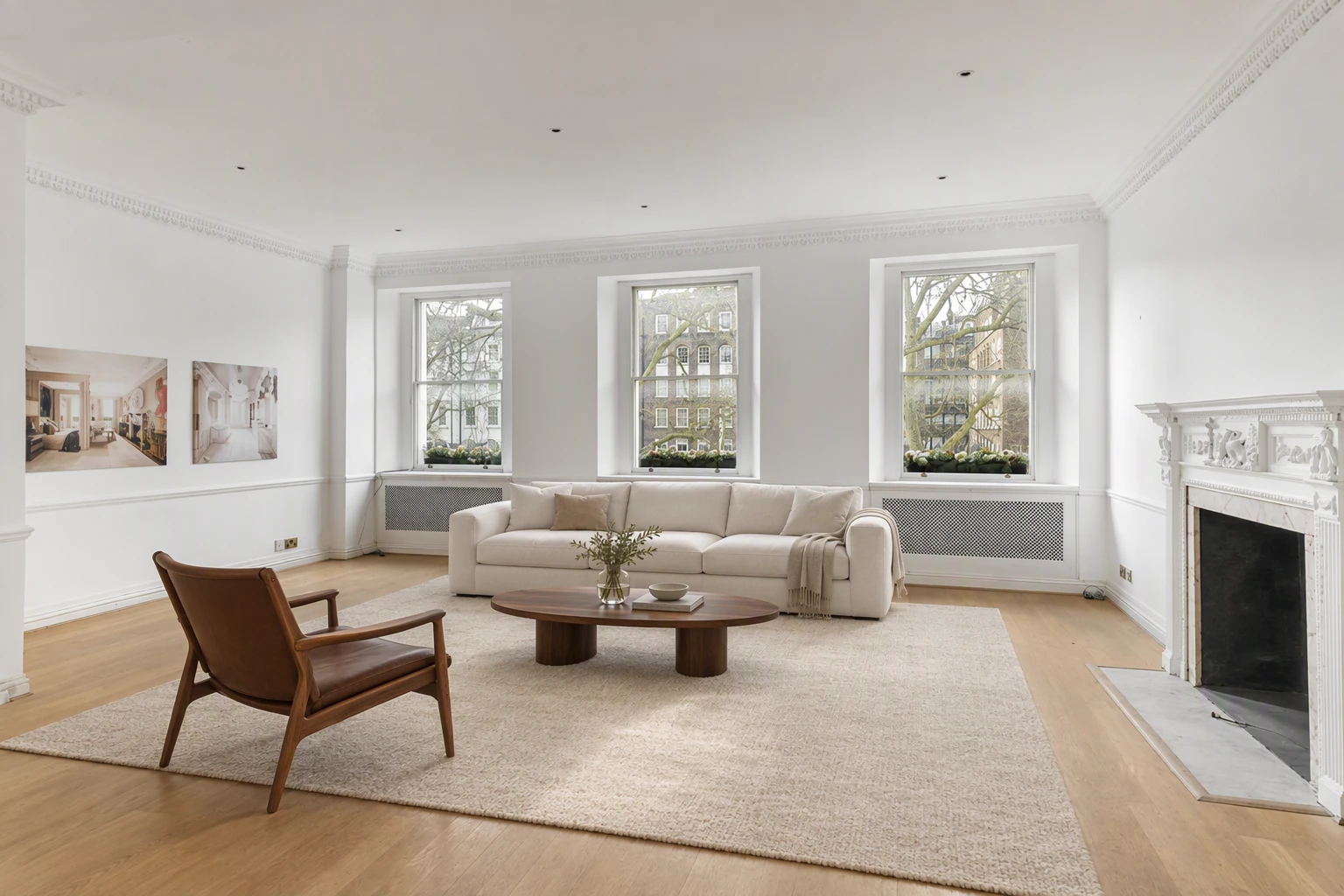
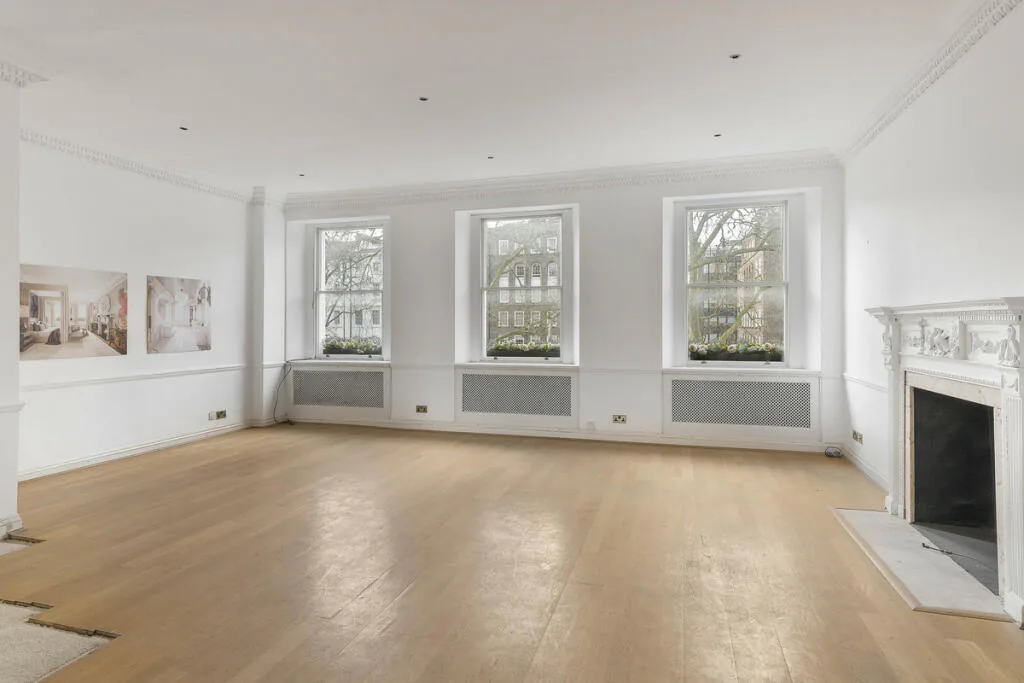
Video and tours
All three portals support video and virtual tour links. See share tours on Rightmove and Zoopla and property video for estate agents.
Read also Rightmove listing photos and can you use AI photos on Rightmove?.
Put the guide into practice.
Turn your own photos into edited images and videos in minutes.
7-day free trial.