Most of an agent’s week is not spent on big decisions. It goes on small, repeated jobs: shrinking photos so the portal accepts them, working out a room size from a plan, checking a fee before a valuation, or splitting a month’s rent when a tenant moves in on the 19th. Each job is simple. Doing it by hand, or paying for software to do it, is what wastes the time.
Splatr’s free property tools cover those jobs. They run in your browser, need no account, and do not upload your files. Here is what each one does, when you would use it, and the guide that goes with it.
What makes a free tool worth using?
Three things. It should do one job properly, not a teaser version that asks for a card at the last step. It should not need an account, because nobody wants another login for a two-minute task. And it should keep your files private, because listing photos, floor plans and inspection reports belong to your clients.
All eleven tools below meet that bar. They are calculators and file tools, not AI, so the same inputs always give the same answer.
Listing photos and media
Listing photo resizer
Portals and MLS boards reject photos that are too large, and phone cameras now produce files of 5–15 MB. The listing photo resizer resizes a whole shoot at once to a long edge you choose, compresses each photo under a file-size limit, and saves new JPGs.
Two extras save real time. It can draw a “Virtually staged” label onto each photo, and saving a new JPG strips GPS location and camera data from phone photos. For the sizes to use, see listing photo sizes for Rightmove, Zoopla, Zillow and MLS.
Before and after slider
A before-and-after slider is the clearest way to show a renovation, a decluttered room or a virtually staged one. The before and after slider takes two photos and gives you a single HTML file you can embed on a website, plus a side-by-side JPG for social posts. There is more on using them well in before-and-after photos in property marketing.
360° photo viewer
If you shoot with a 360° camera, the 360° photo viewer opens the panorama in your browser so you can check the stitch, save flat photos from any angle, and download a shareable viewer file. See how to view, check and share a 360° photo.
- Your photosPhone or photographer
- Edit and stageEnhance, declutter, stage
- Make the videoEffects, music, branding
- PublishPortals and social
Measuring and floor area
Floor plan ruler
The floor plan ruler measures rooms from a PDF or image plan. Click both ends of a dimension you know, type its length, then trace rooms to get areas, perimeters and wall lengths. It exports a marked-up PNG and a CSV. The method is explained in how to measure a floor plan to scale.
Square footage calculator
When you have tape-measure sizes rather than a plan, the square footage calculator adds up every room, including L-shapes, triangles and round bays. Type feet and inches the way you would write them, such as 12' 6", and it gives totals in square feet and square metres, plus price per square foot. The full method is in how to calculate square footage.
Sales, lettings and money
Commission calculator
Percentages hide the real numbers. The commission calculator turns a rate or fixed fee into amounts: the fee before and after VAT or sales tax, each brokerage’s side, the agent’s split and what the seller keeps. It has starting points for the UK, the US and the UAE. Read how commission is calculated for the detail.
Rental yield calculator
Landlords ask agents about yield all the time. The rental yield calculator gives gross yield, net yield after empty weeks and costs, monthly cash flow with an optional mortgage, and cash-on-cash return. The formulas are in how to calculate rental yield.
Prorated rent calculator
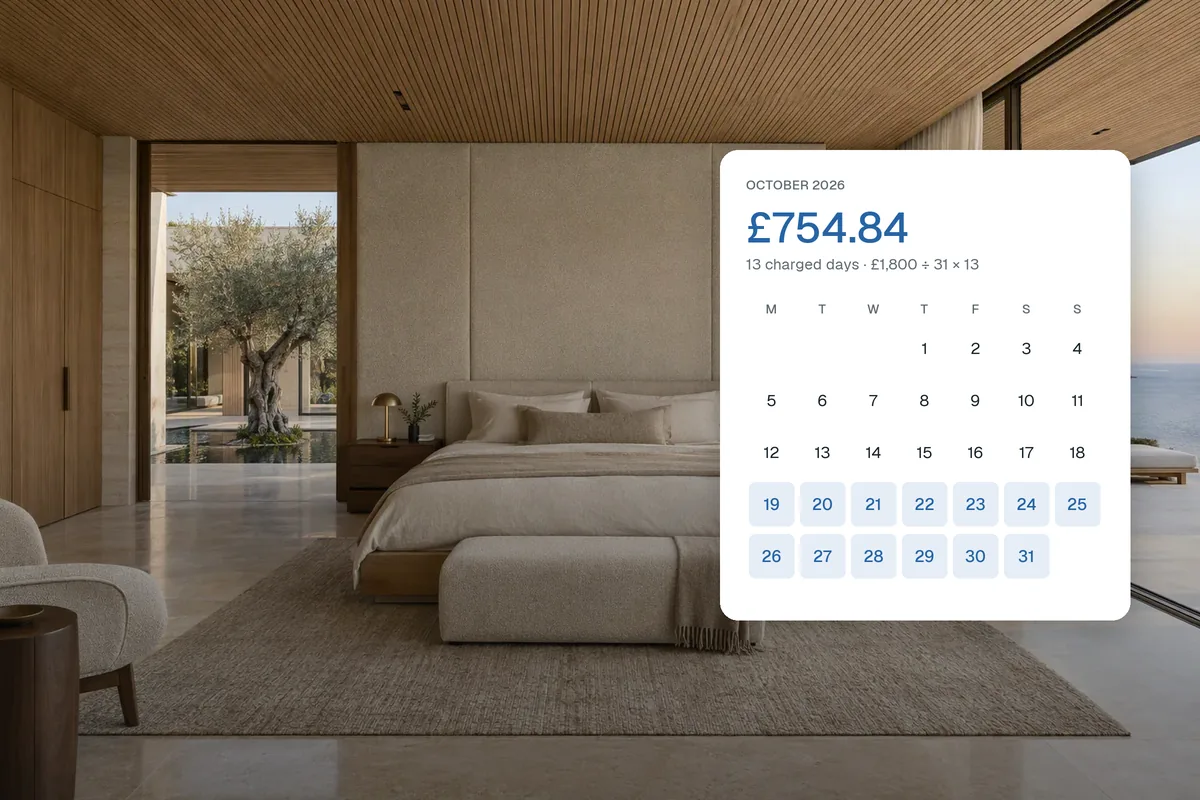
When a tenancy starts or ends mid-month, the prorated rent calculator works out the part-month rent by three methods: days in that month, annual rent ÷ 365, or a 30-day month. It shows every day counted. See how to calculate prorated rent.
Inspections and renovation
Property inspection report
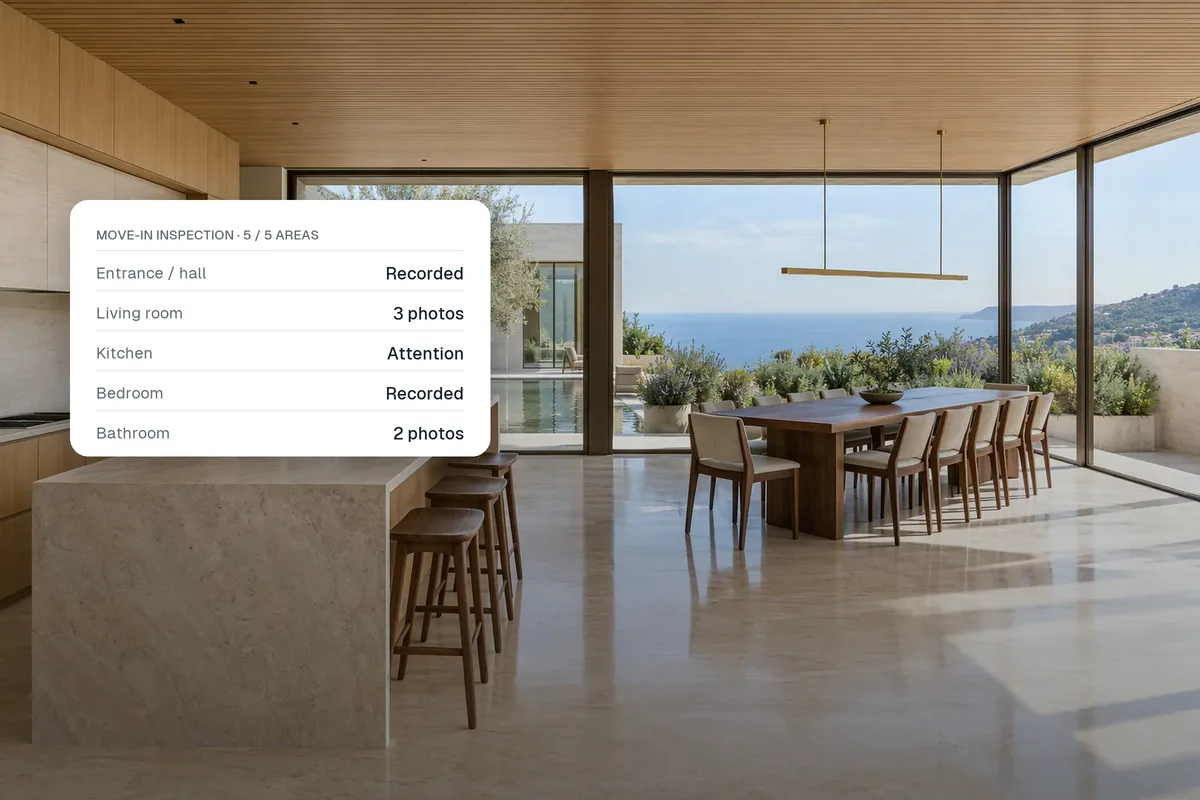
The inspection report builder turns room-by-room notes and photos into a tidy report for a move-in, move-out or routine visit. Print it, save it as a PDF or keep a project file to edit later. Pair it with the move-in and move-out inspection checklist.
Paint and flooring calculators
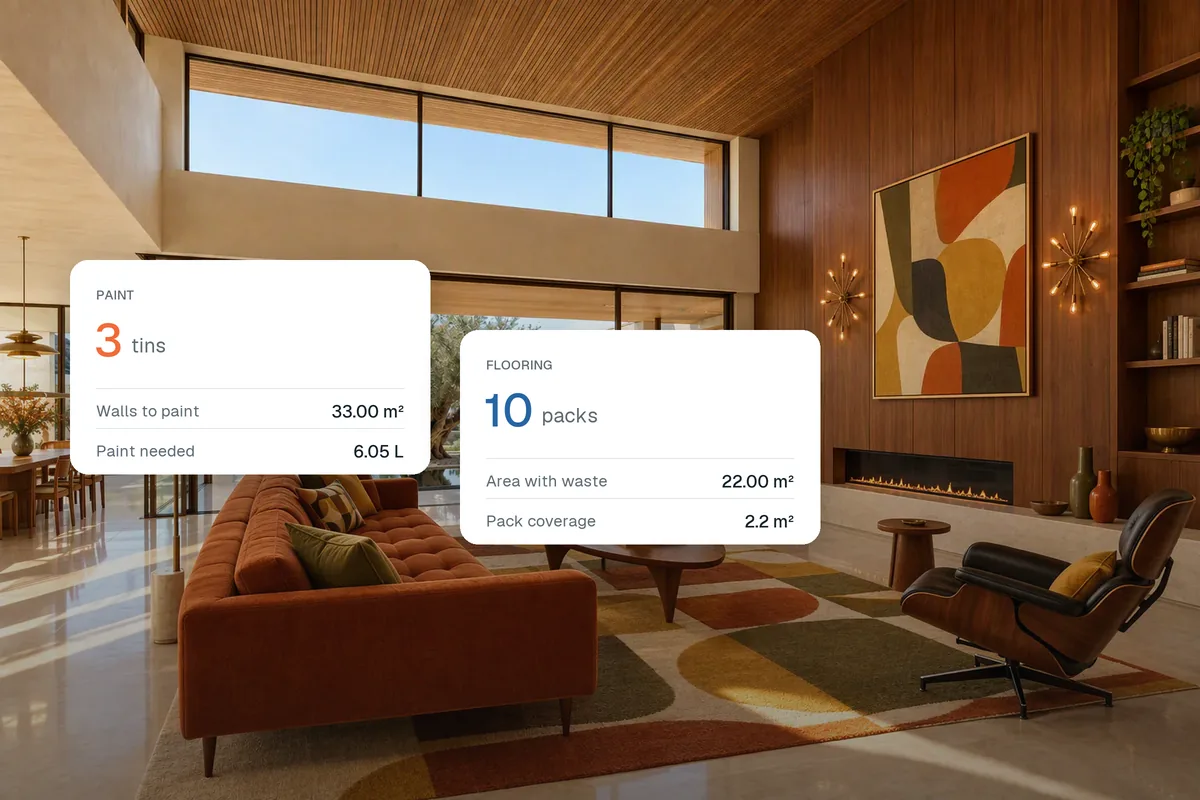
Before a property goes to market it often needs a coat of paint or new flooring. The paint calculator works from the room’s size, doors and windows to litres and tins. The flooring calculator turns floor area and waste allowance into whole packs. See how much paint and flooring you need.
Which tools fit which jobs?
| Job | Tool | You get |
|---|---|---|
| Upload a shoot to a portal or MLS | Listing photo resizer | Resized, labelled JPGs and a ZIP |
| Show a room before and after | Before and after slider | Embeddable HTML and a JPG |
| Check a 360° camera photo | 360° photo viewer | Flat views and a viewer file |
| Room sizes from a plan | Floor plan ruler | Areas, perimeters, PNG and CSV |
| Total floor area from measurements | Square footage calculator | sq ft, m² and price per sq ft |
| Fee before a valuation | Commission calculator | Fee, tax, splits and seller’s net |
| Investor or landlord question | Rental yield calculator | Gross, net yield and cash flow |
| Mid-month move-in or move-out | Prorated rent calculator | Part-month rent and a CSV |
| Check-in or check-out visit | Inspection report | Printable report and backup |
| Pre-sale refresh | Paint and flooring calculators | Litres, tins and packs to buy |
Are the results reliable enough to use with clients?
They are reliable arithmetic on the numbers you enter. That is different from a professional opinion. A floor area traced from a plan that is not to scale will be wrong. A yield figure leaves out tax. A prorated rent figure is only correct if it uses the method in the tenancy agreement.
Use the tools to get to an answer quickly, then check anything you will publish, sign or charge for against the contract, the measurement standard you follow and any local rules. Each tool page explains its method and limits, so you can show a client exactly how a figure was worked out.
What should you do when a listing needs more than a quick fix?
The free tools handle the small jobs. When a listing needs better content, such as an empty room that should look furnished, a dull photo that needs relighting, a property video for social or a 360° tour buyers can explore, that is what Splatr Virtual Studio is for. It is free to start, and works from the photos you already have. If you are new to it, start with the Virtual Studio guide.
Put the guide into practice.
Turn your own photos into edited images and videos in minutes.
7-day free trial.