
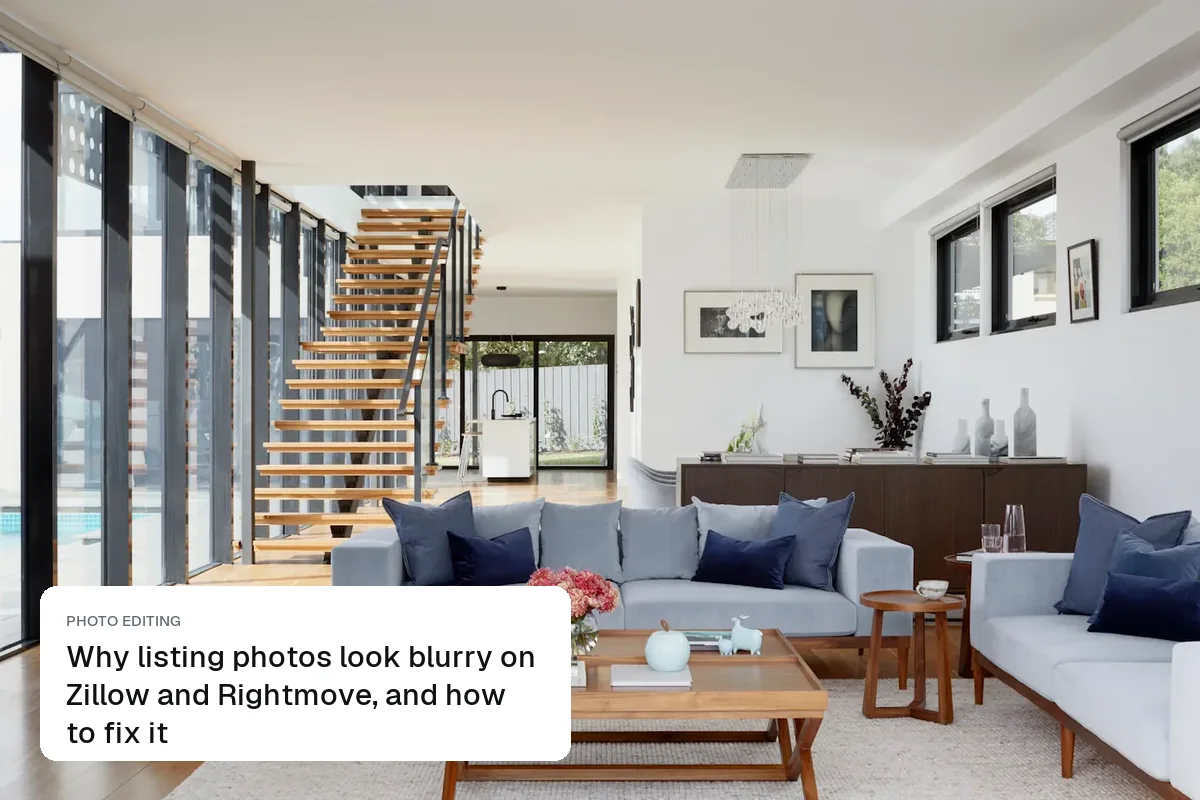
Why listing photos look blurry on Zillow and Rightmove, and how to fix it
Why real estate photos look soft or pixelated once uploaded: camera shake, wrong sizes, portal compression and zooming. The fixes, and what editing can't recover.
Most listing photos are taken on a phone, in an occupied home, on a grey day. These guides show how to fix that in the edit: clearing clutter, balancing dark rooms and bright windows, replacing a dull sky, making dusk shots and emptying furnished rooms, while keeping the photos honest.
Why real estate photos look soft or pixelated once uploaded: camera shake, wrong sizes, portal compression and zooming. The fixes, and what editing can't recover.
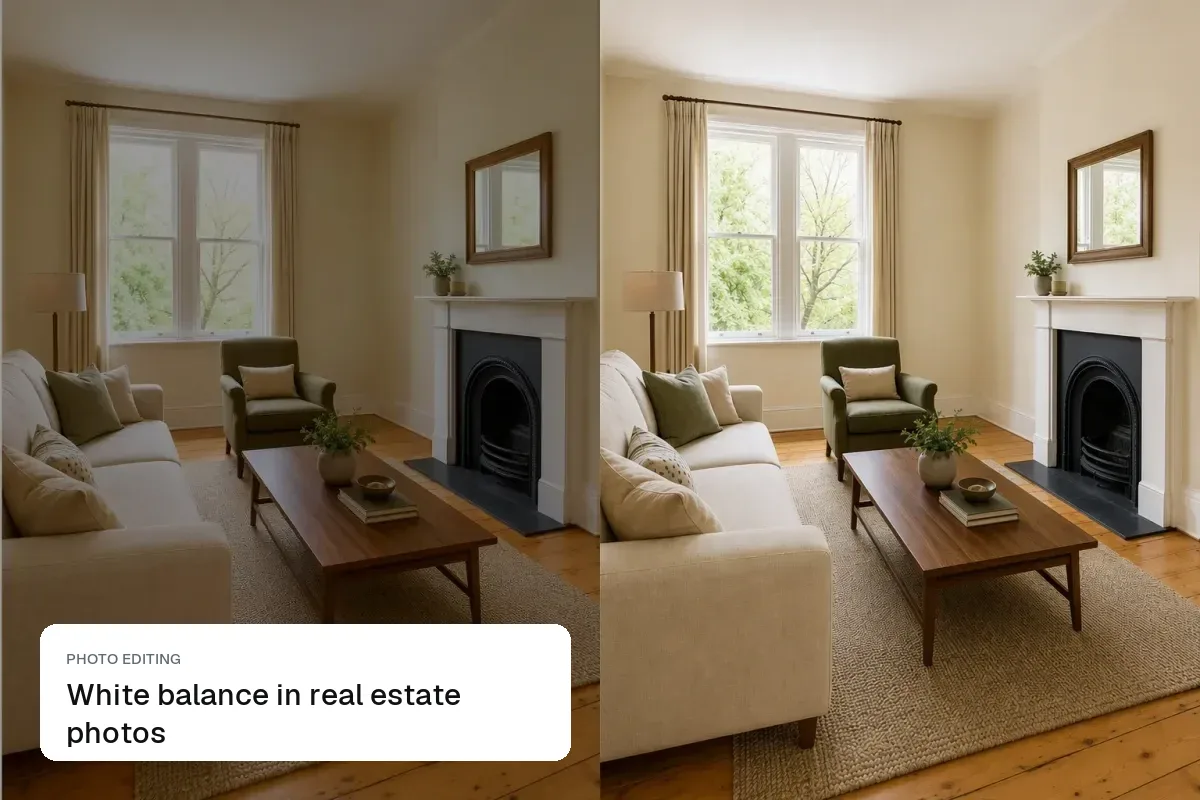
Why listing photos come out yellow, orange or blue, how to set white balance on a phone, and how to correct mixed light from bulbs and windows in one edit.
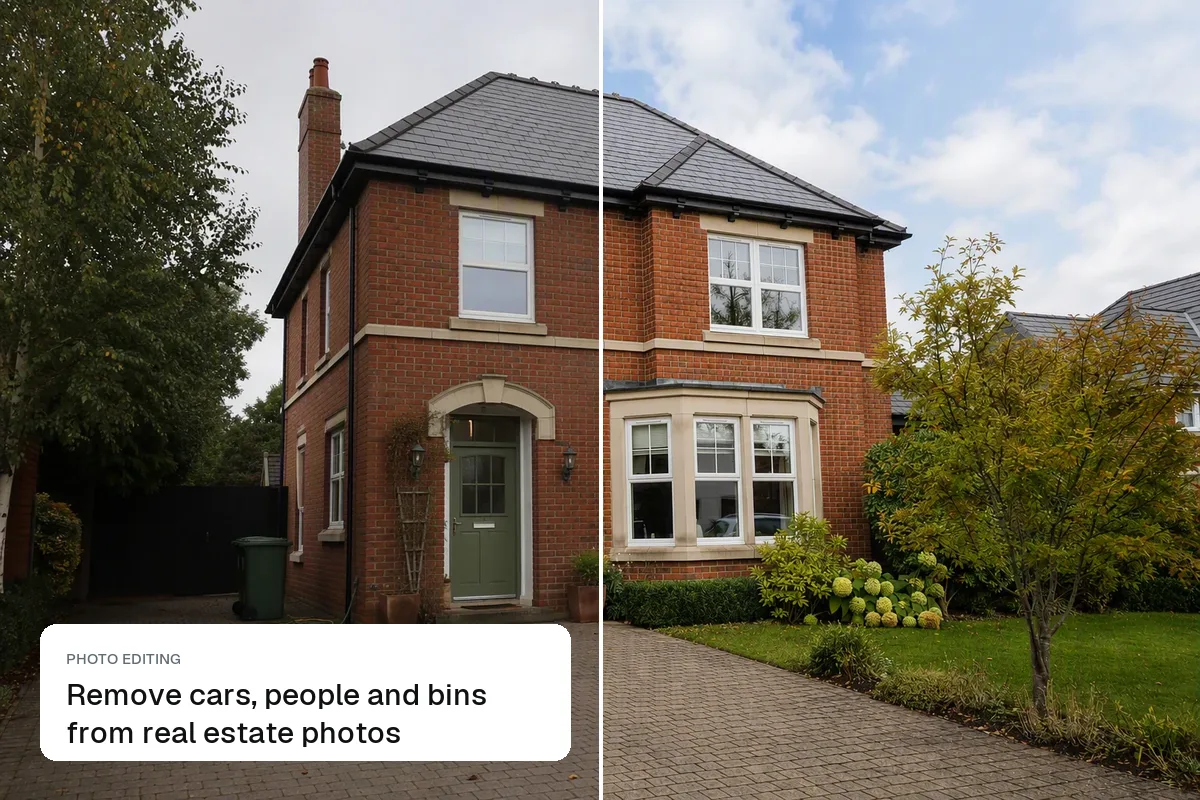
How to remove cars, passers-by, wheelie bins and other distractions from listing photos, what you're allowed to remove, and how to do it in one click.
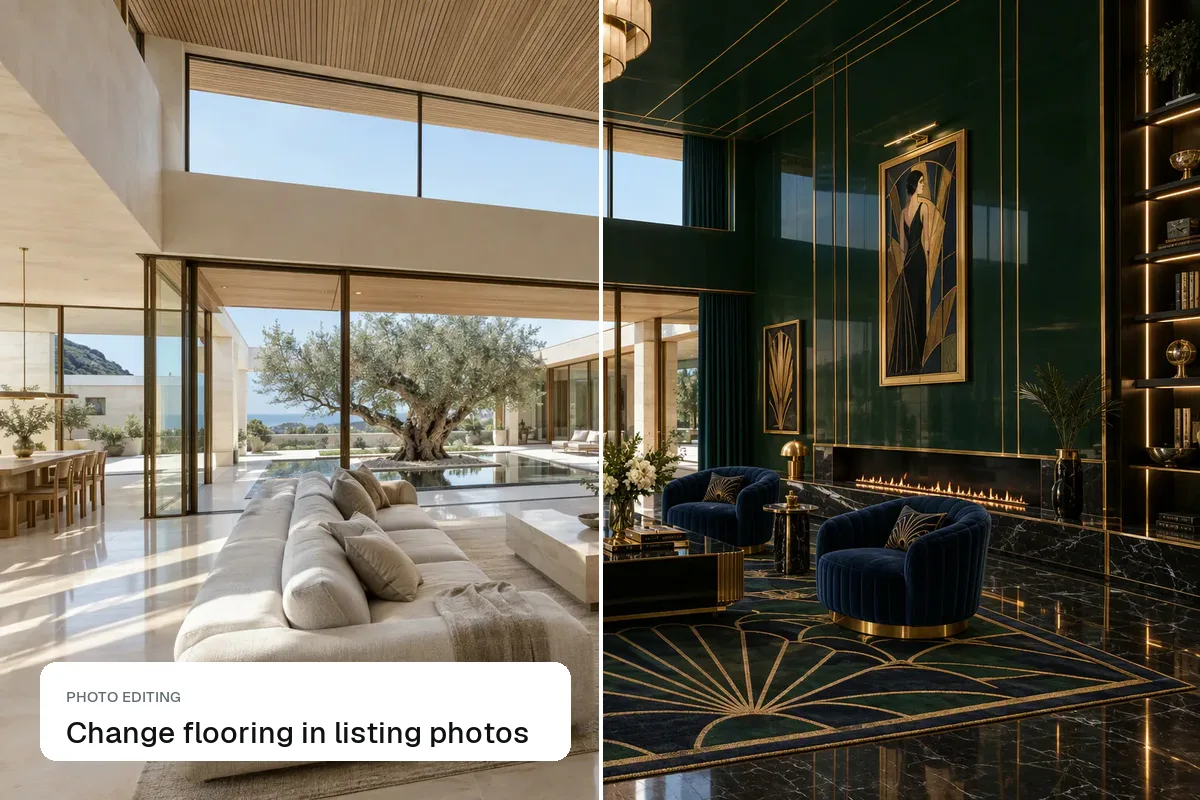
How to show new floors in a property photo with AI, when virtual flooring helps a dated listing, how to label it, and what real new flooring would cost.
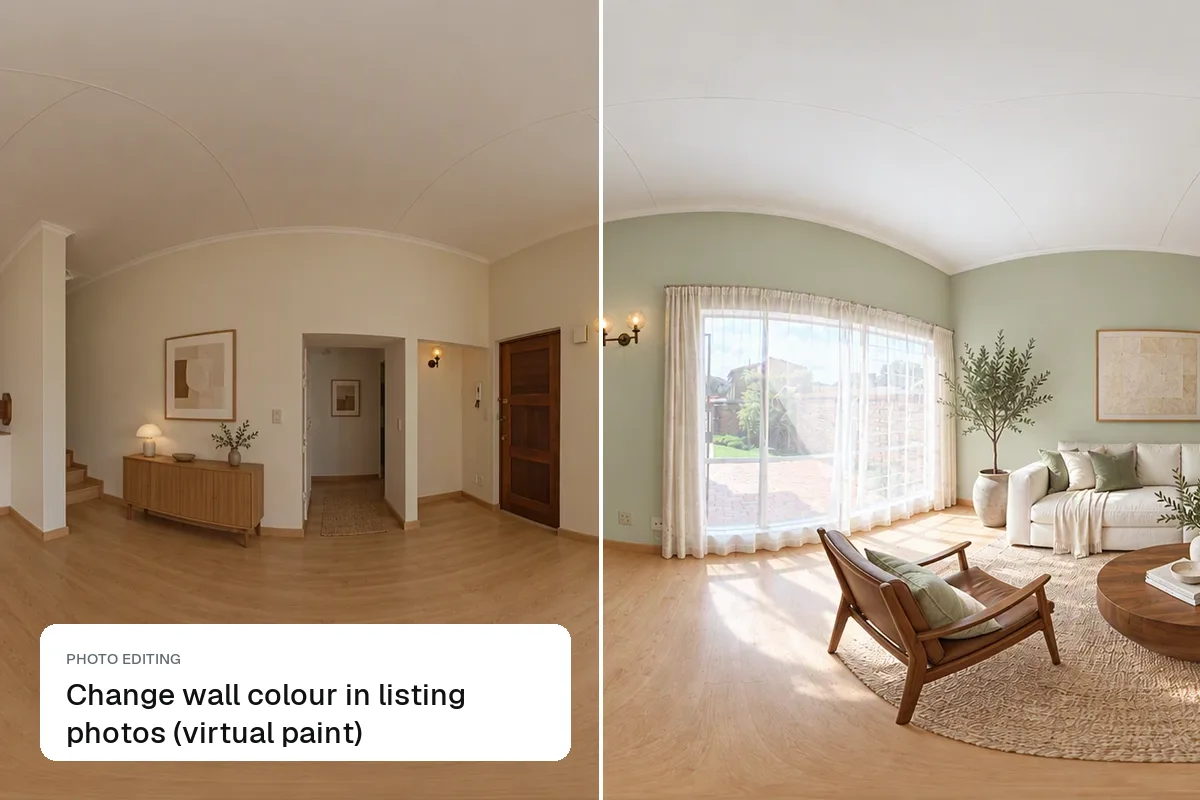
How to repaint walls virtually in a property photo, when a virtual paint job helps a listing, how to label it, and what a real repaint would cost instead.
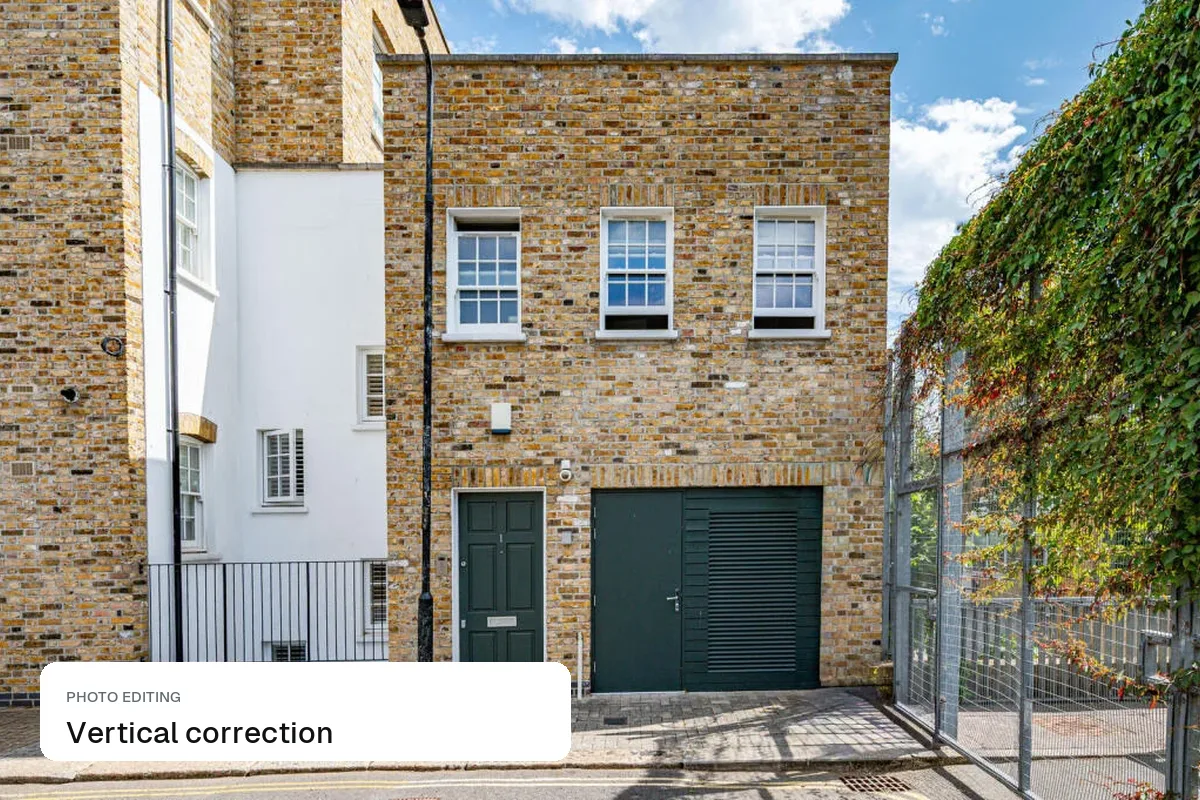
Why walls lean in listing photos, how to shoot them straight with a phone, and how to fix converging verticals in Lightroom, Snapseed or your phone's editor.
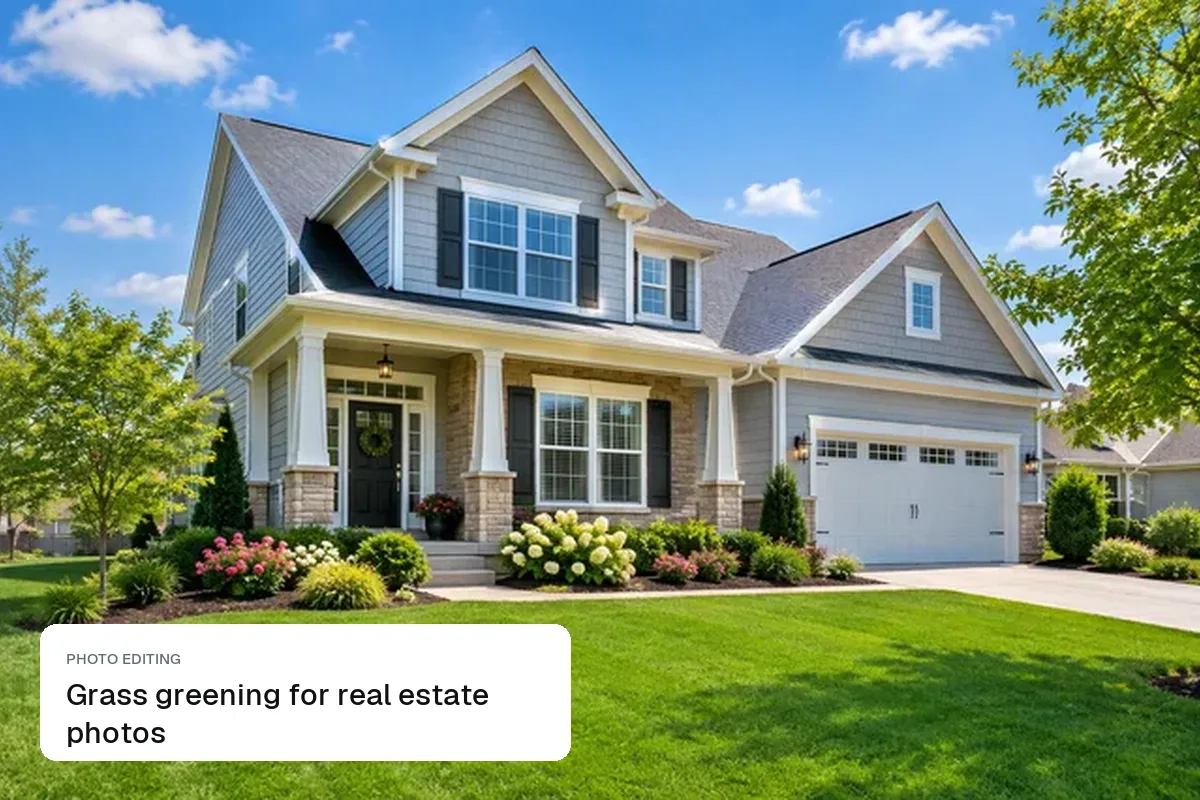
Is it OK to green the lawn in a listing photo? Where grass greening is normal editing, where it becomes misleading under MLS and UK rules, and how to do it.
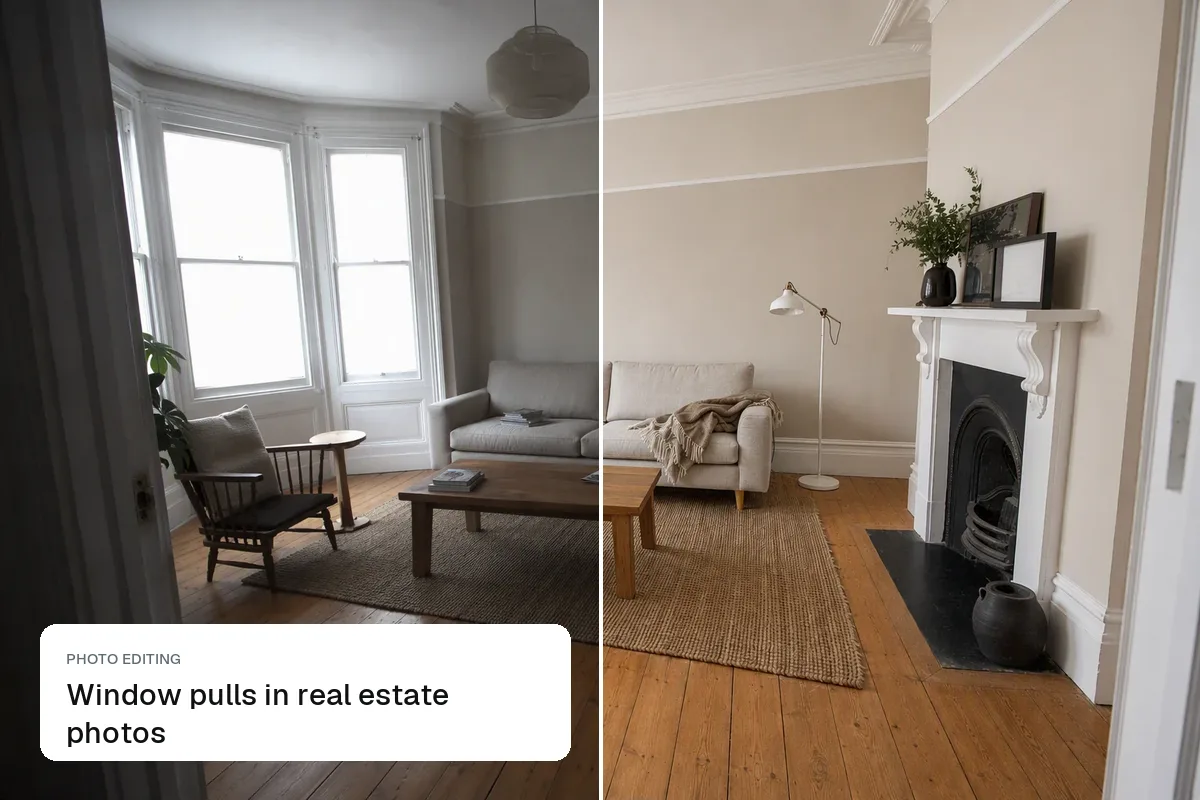
What a window pull is, why listing photos get white blown-out windows, how photographers fix them with brackets, and how to do it from one phone photo with AI.
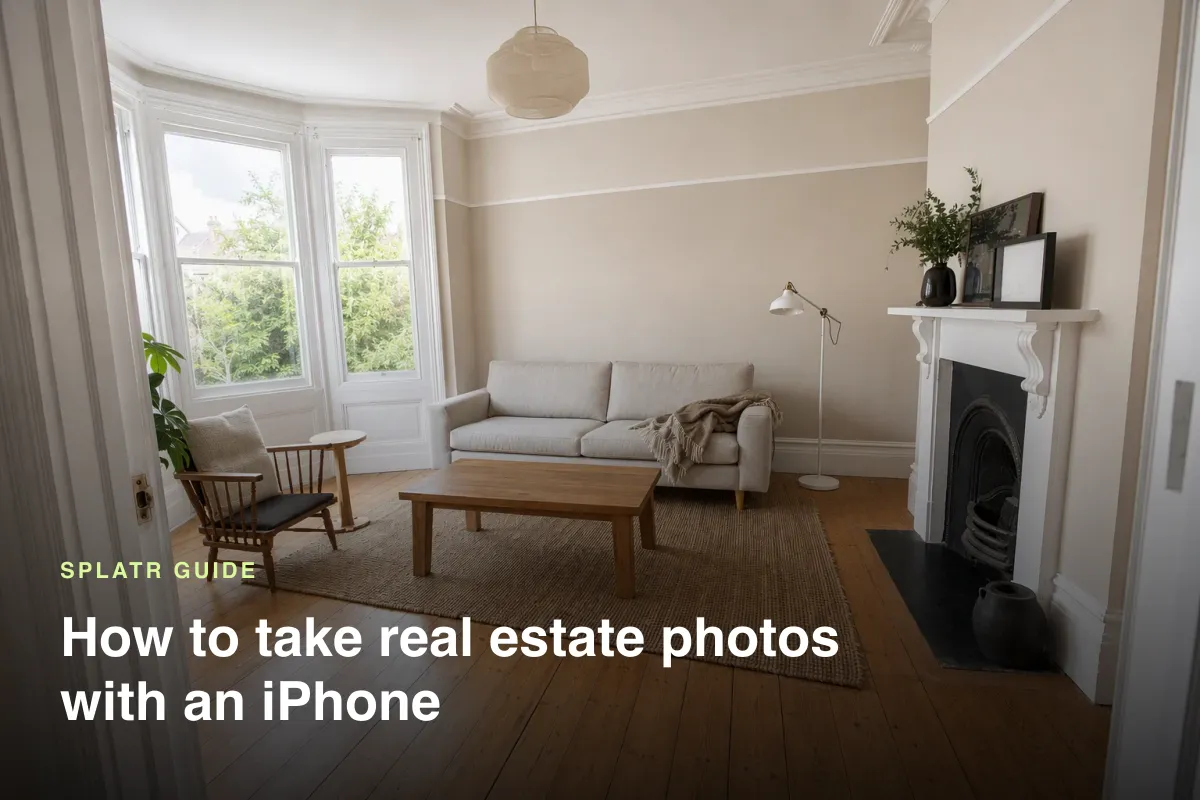
How to take professional real estate photos with an iPhone or Android: settings, height, angles, light, which lens to use and how to edit.
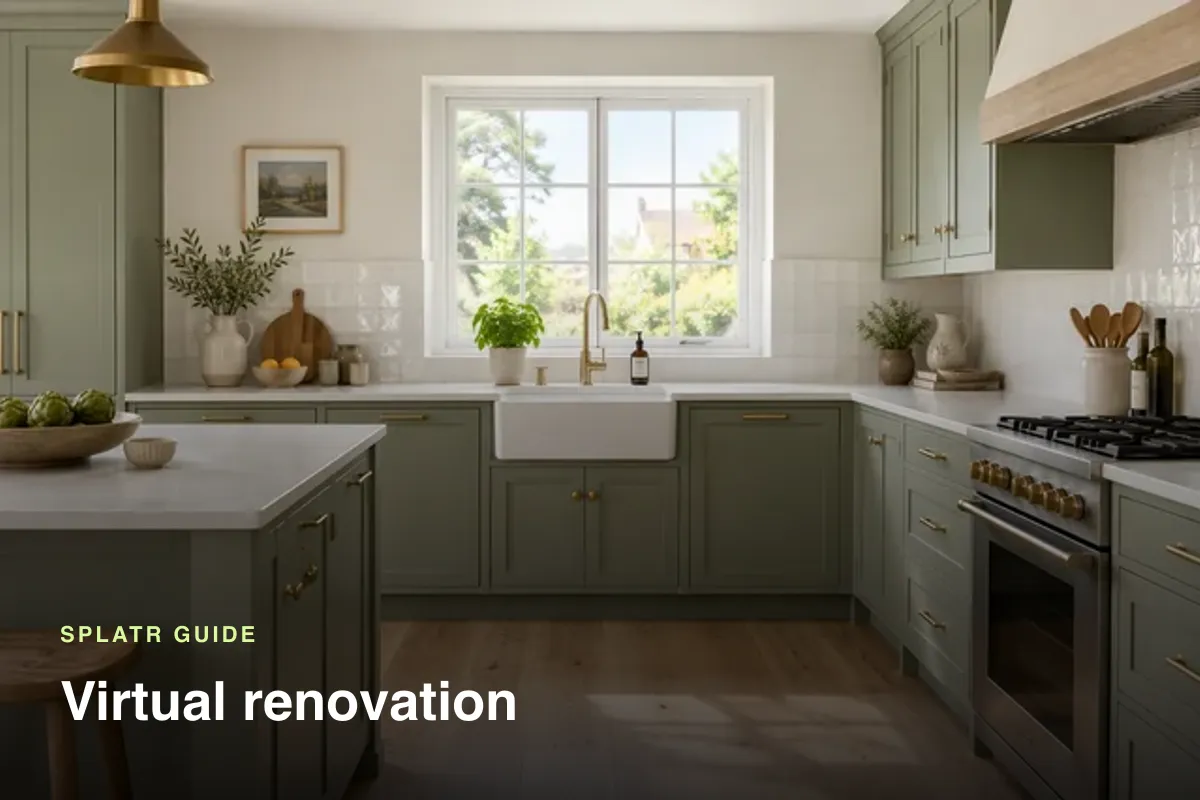
What virtual renovation is, when to use it for a dated listing, what to change and what to leave alone, and how to present renovation ideas honestly to buyers.
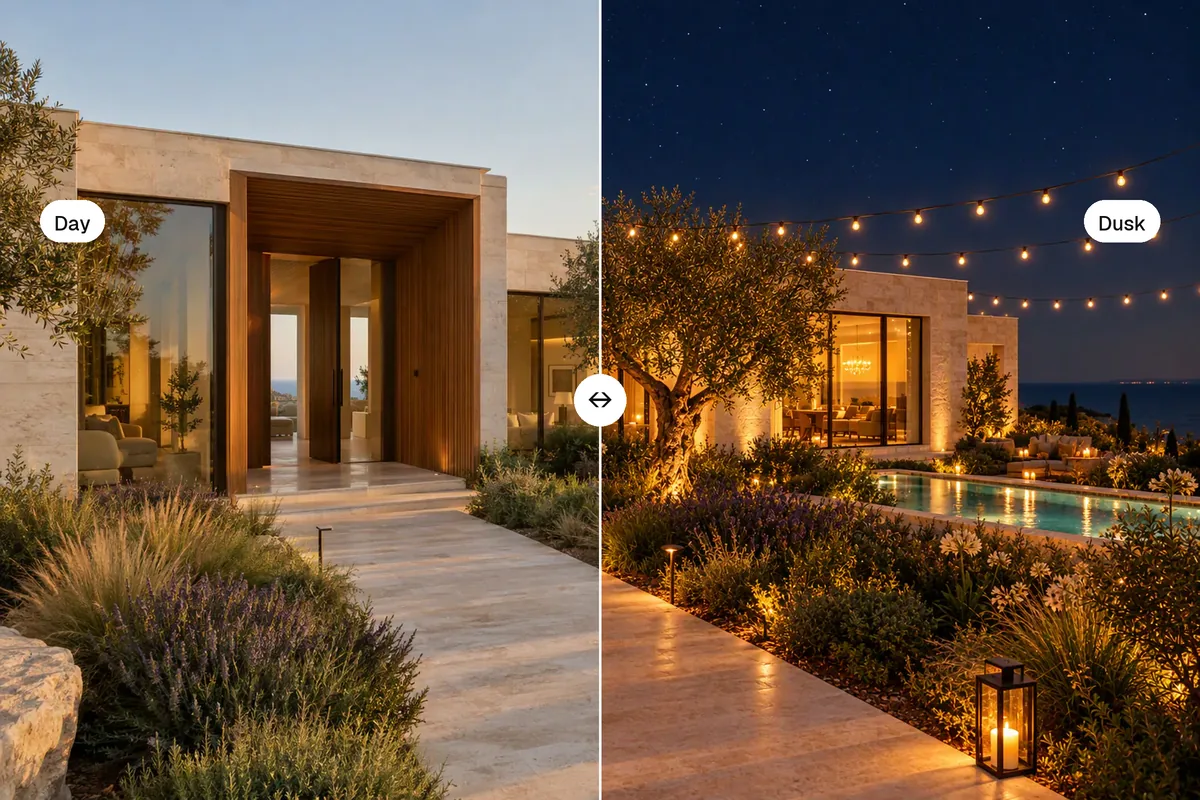
Why twilight photos get more clicks, how to shoot them for real, and how to turn a daytime photo into a dusk photo or video with AI in one click.
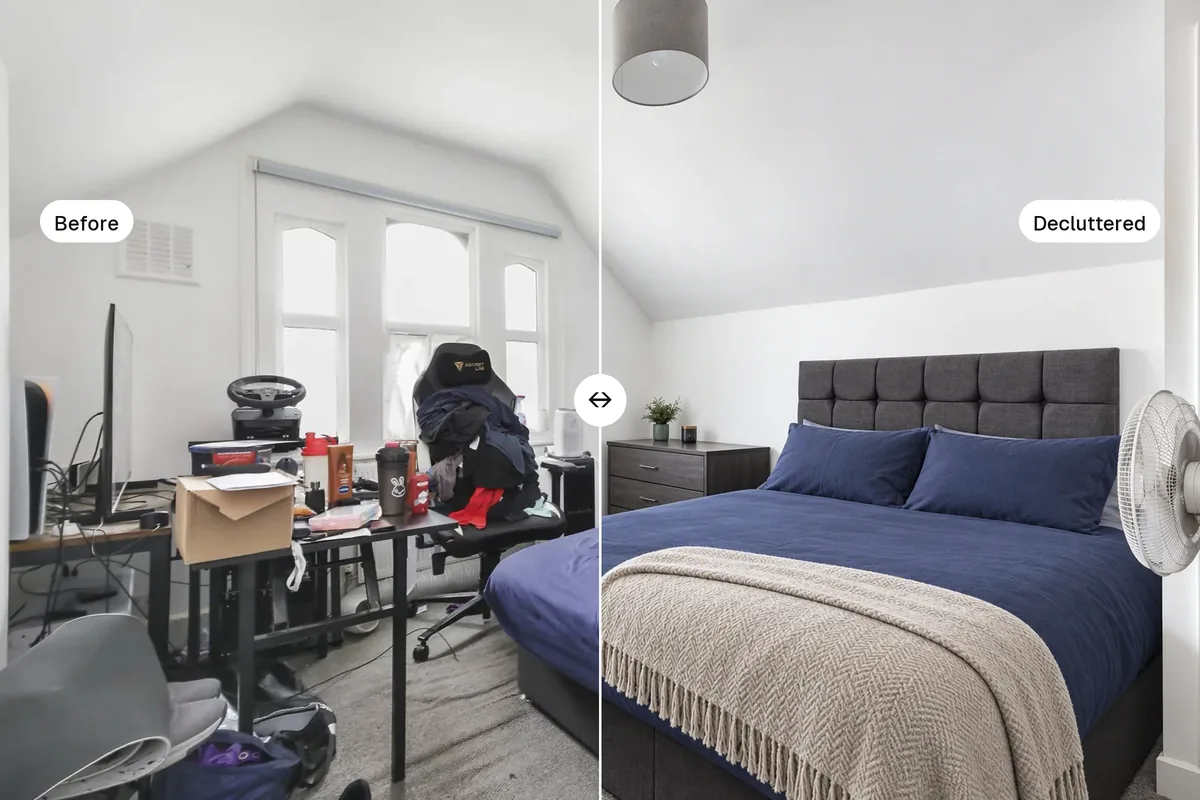
What AI photo editing can do for real estate listings, what it should never change, and a checklist for choosing an AI real estate photo editor.
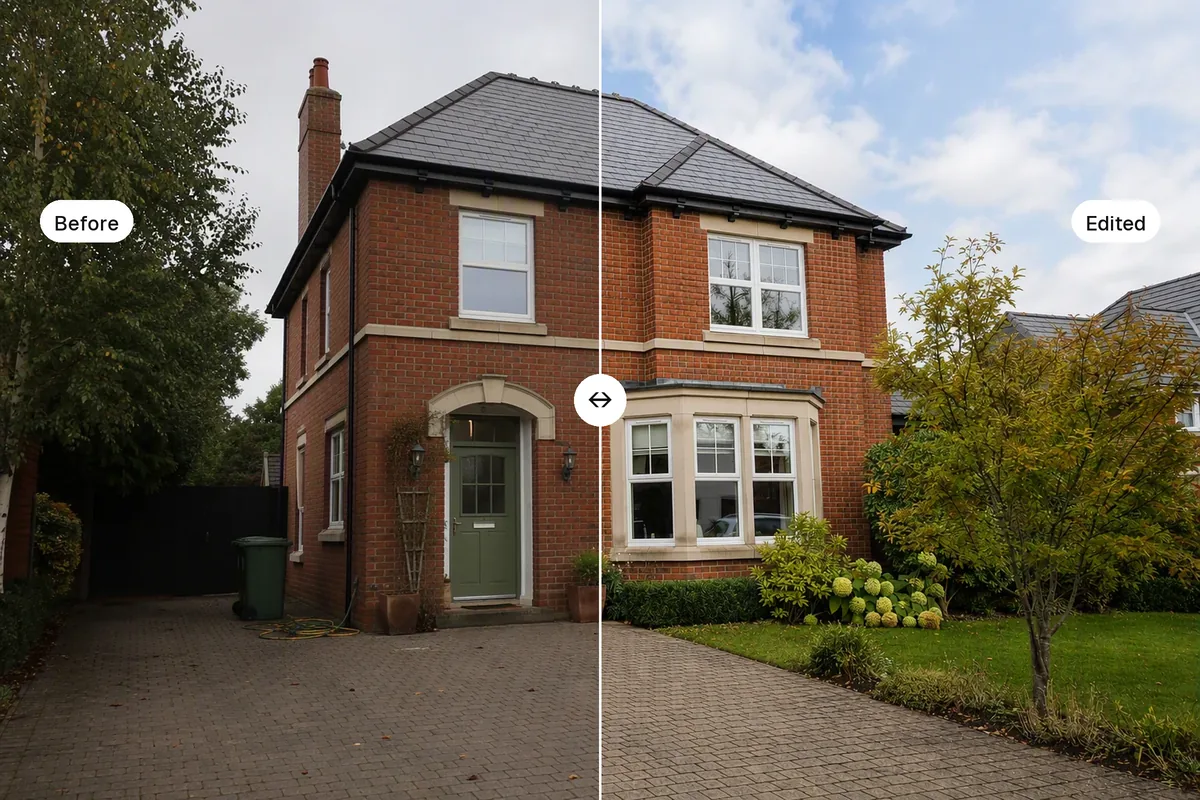
A step-by-step way to edit real estate photos fast: light, lines, colour, sky, clutter and staging, by hand or with AI, plus what you must not change.
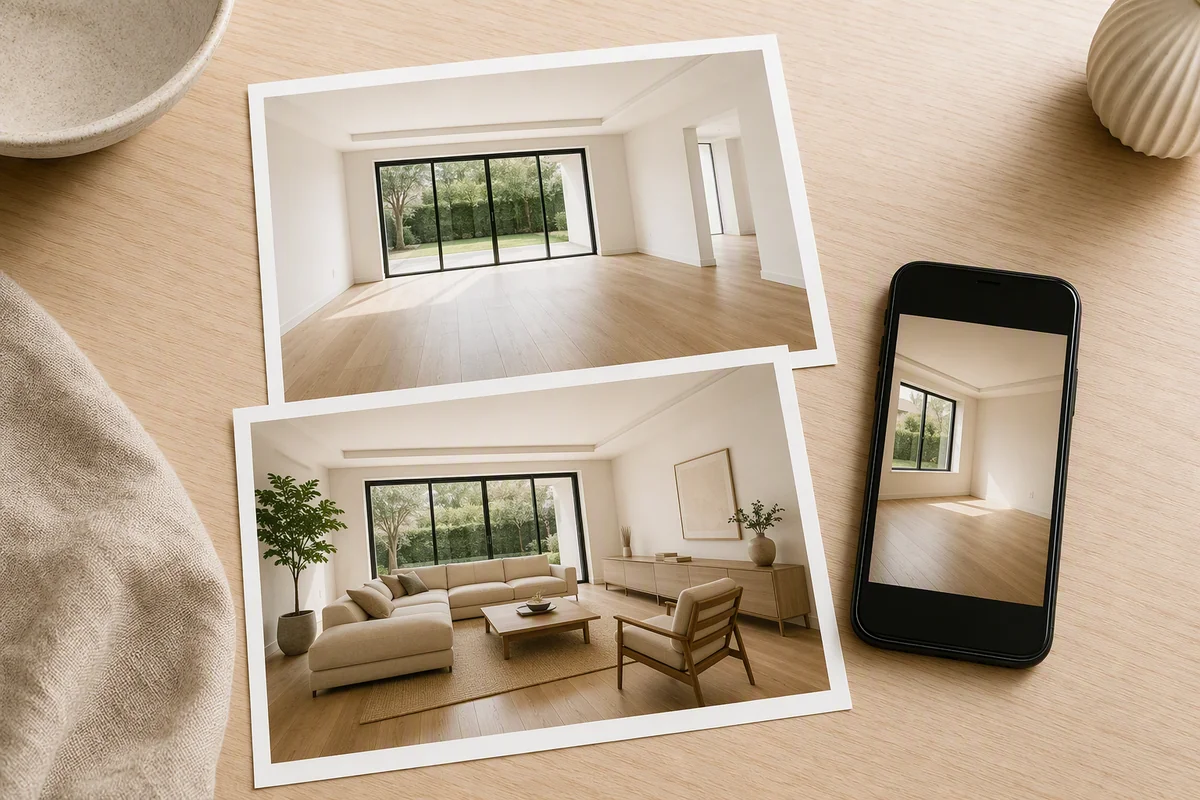
How to take property photos on a smartphone and make them listing-ready with AI: enhance, declutter, stage and turn them into a video, all in minutes.
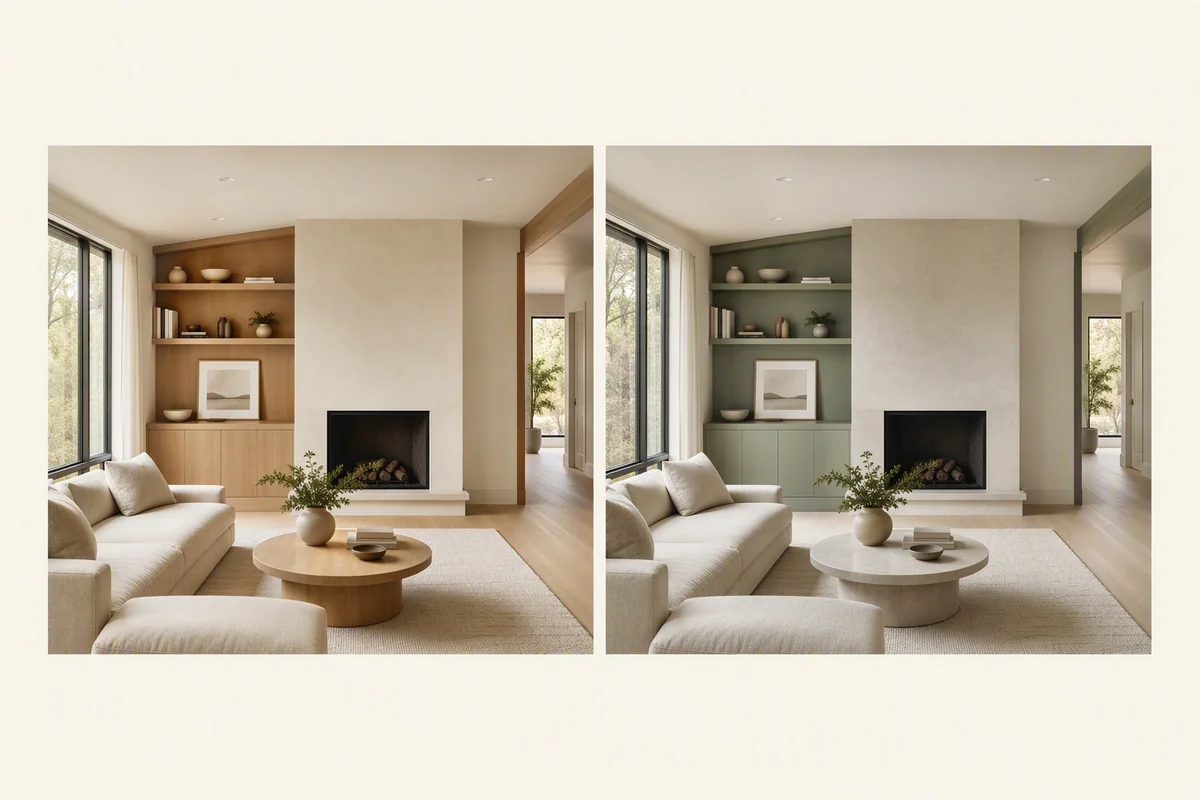
Use AI restyling to show what a dated room could look like with new finishes, colours and furniture, and how to present it honestly next to the real photo.
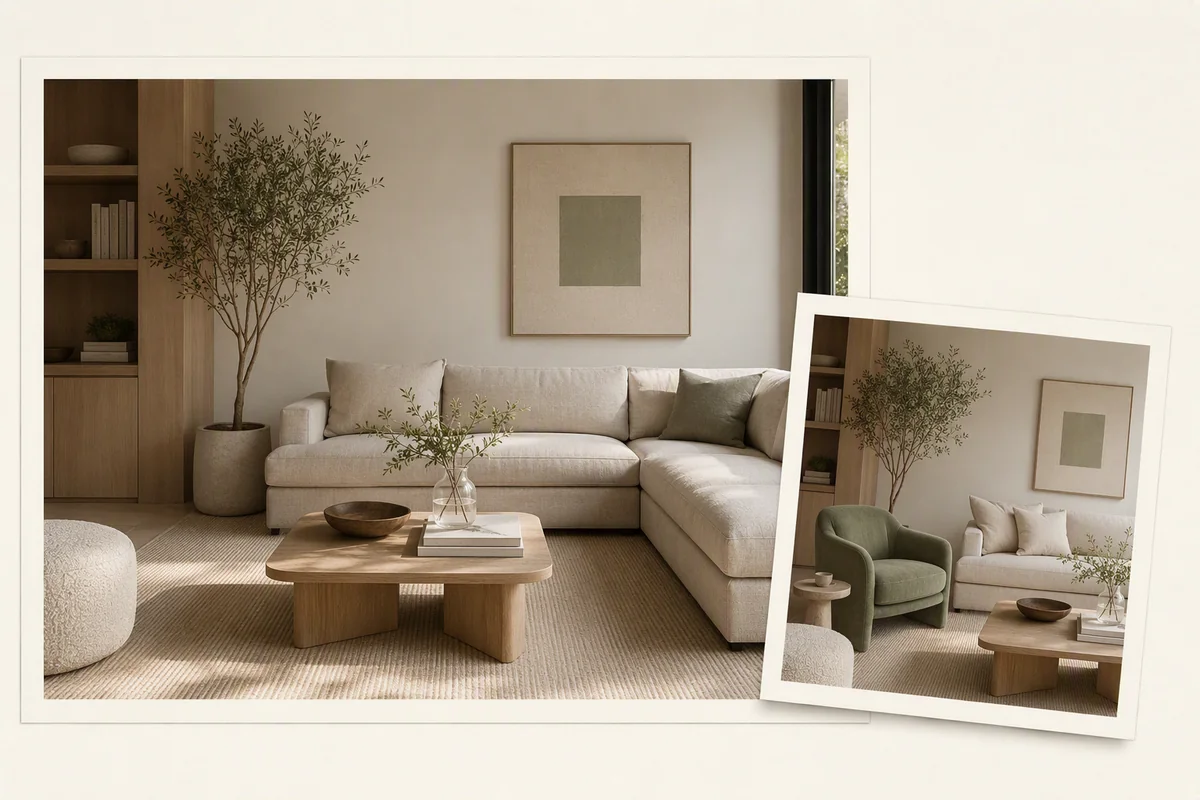
Circle one area of a listing photo and describe the change, like removing a bin or changing a sofa colour, without redoing the whole image.
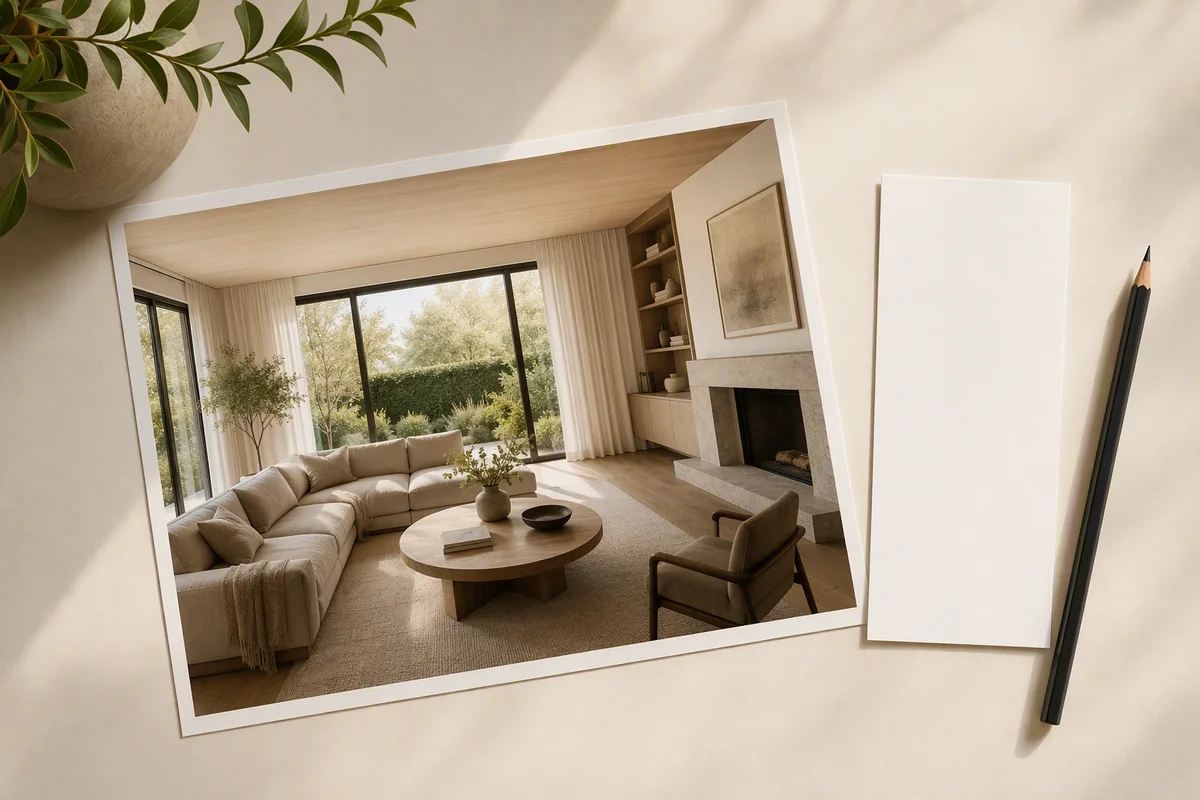
Copy-and-paste AI virtual staging prompts for living rooms, bedrooms, kitchens and exteriors, plus the four-part formula that keeps rooms realistic.
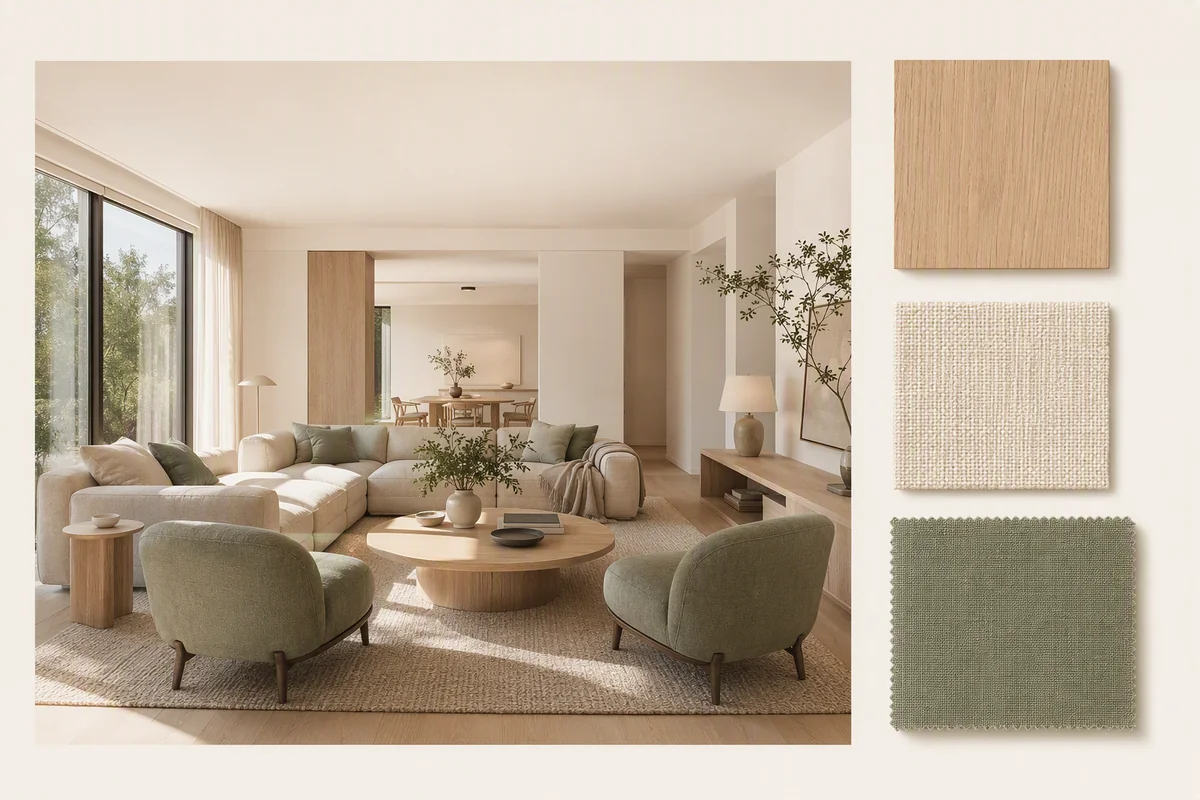
Use a reference photo or your own furniture to guide AI virtual staging, so the result matches a brand, a show home or a buyer's taste.
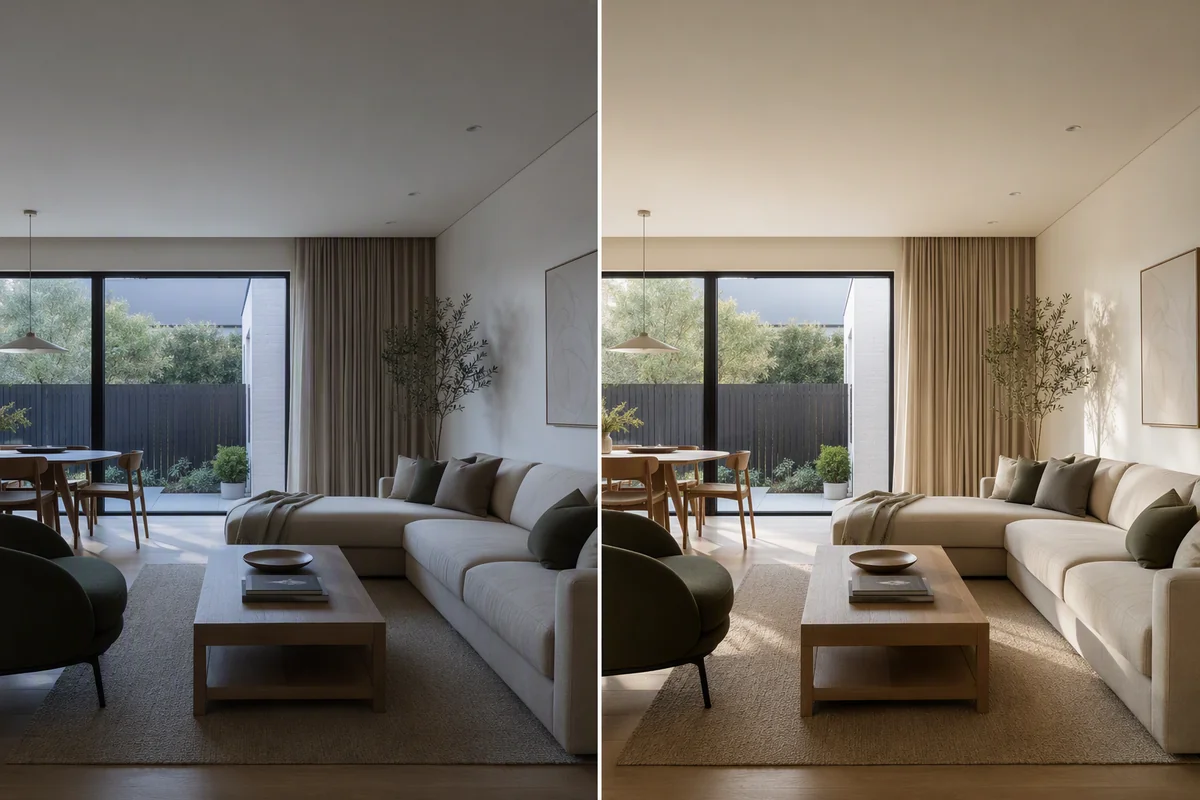
Fix dark rooms, blown-out windows, yellow light and grey skies in one click. How AI HDR enhance works for listing photos and how to keep results natural.
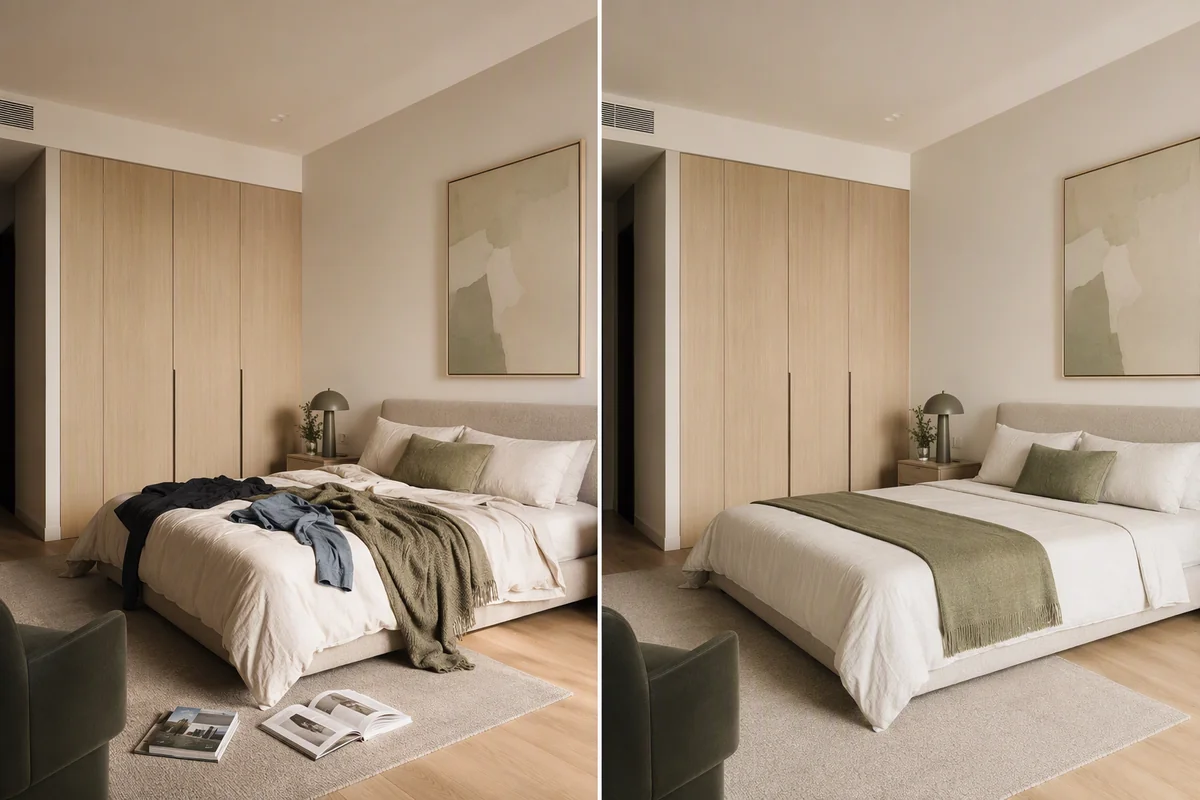
Remove everyday mess from listing photos in one click while keeping the furniture, walls and windows. When to declutter, what to leave alone and how to do it free.
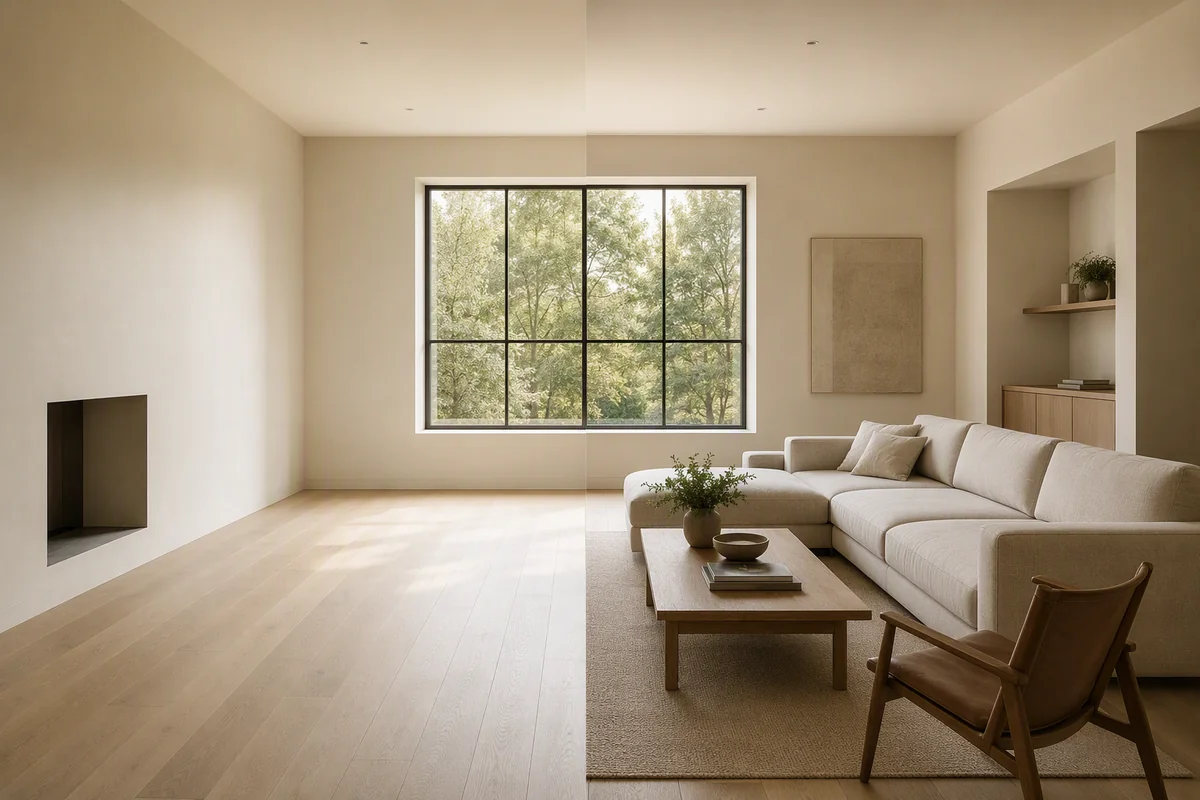
Turn an empty room photo into a furnished one in seconds with AI virtual staging. Which style to pick, how to keep it realistic and how to label it.
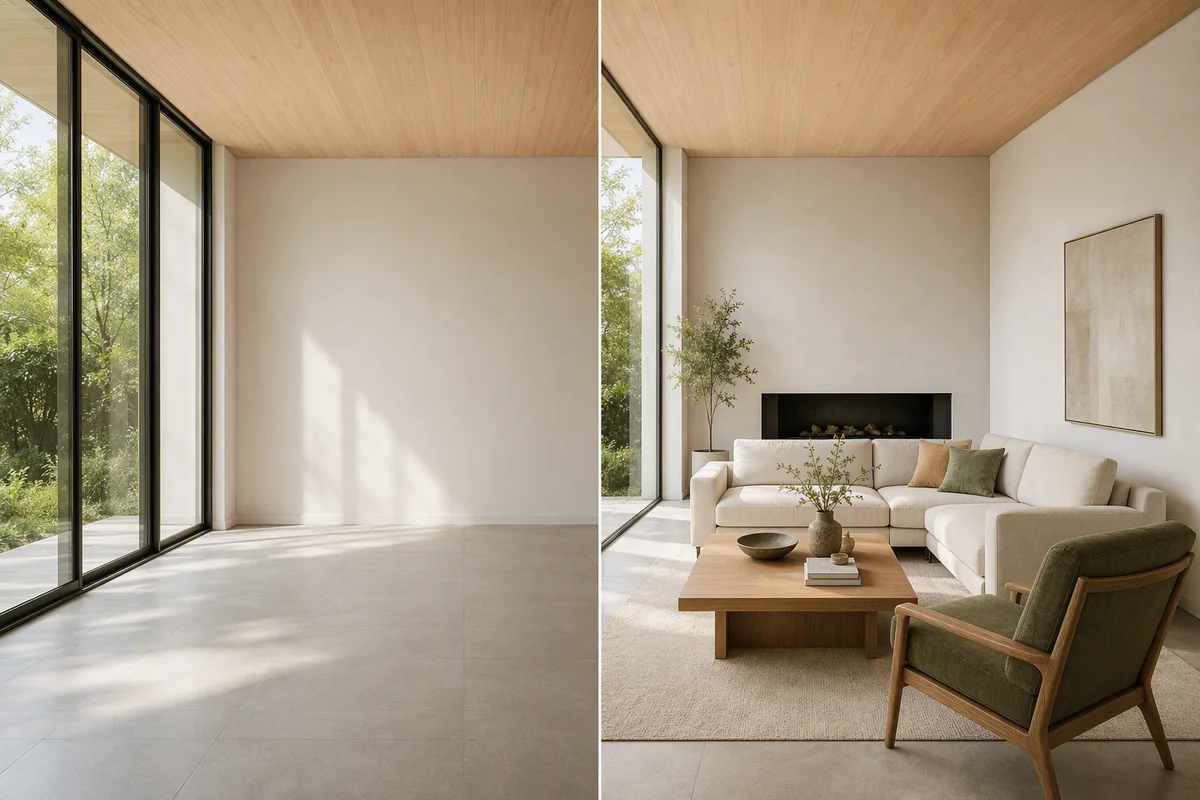
What AI virtual staging does, the tools it includes (staging, declutter, enhance, restyle, Magic Edit), how long it takes and how to get realistic results.