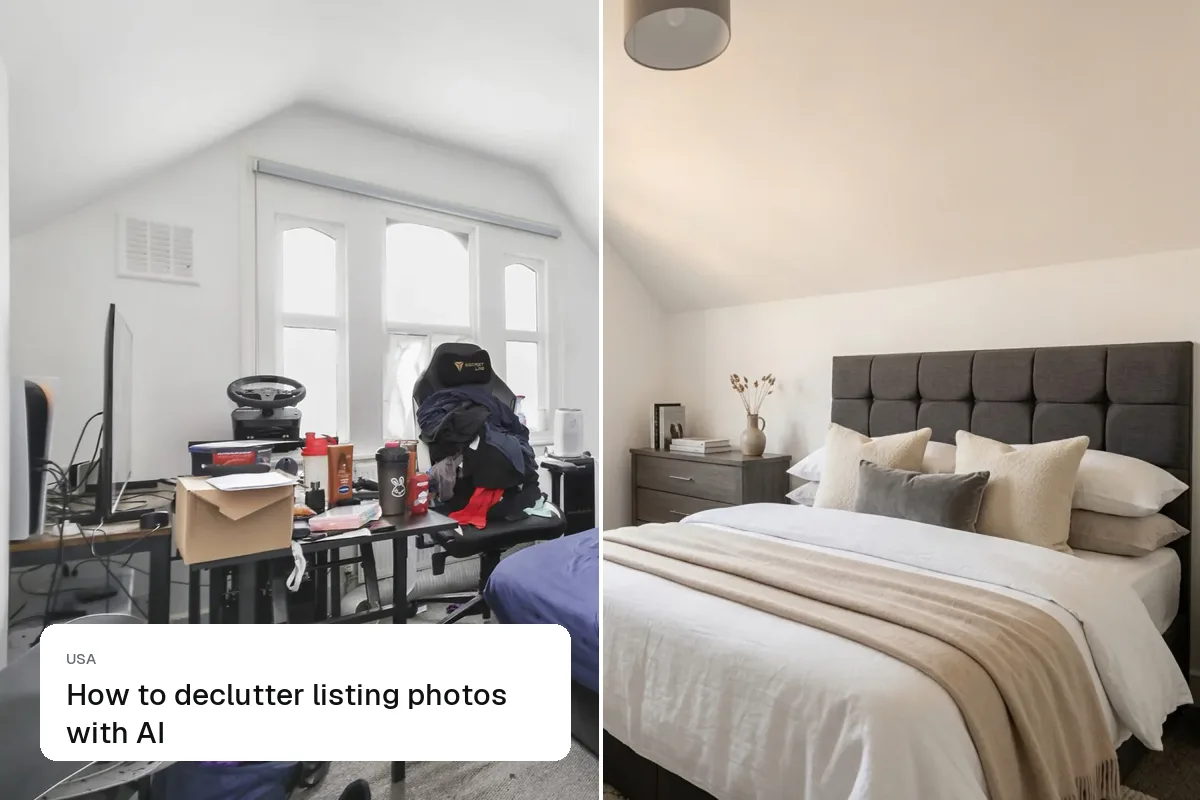
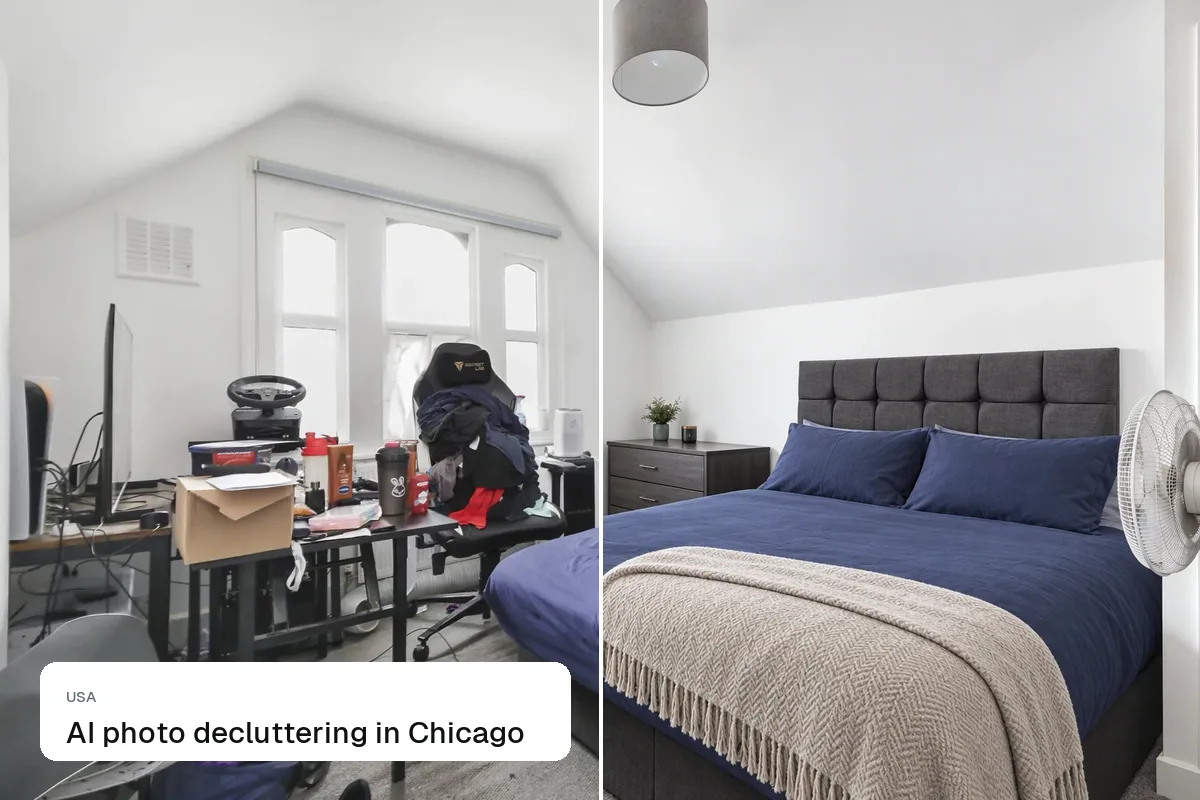
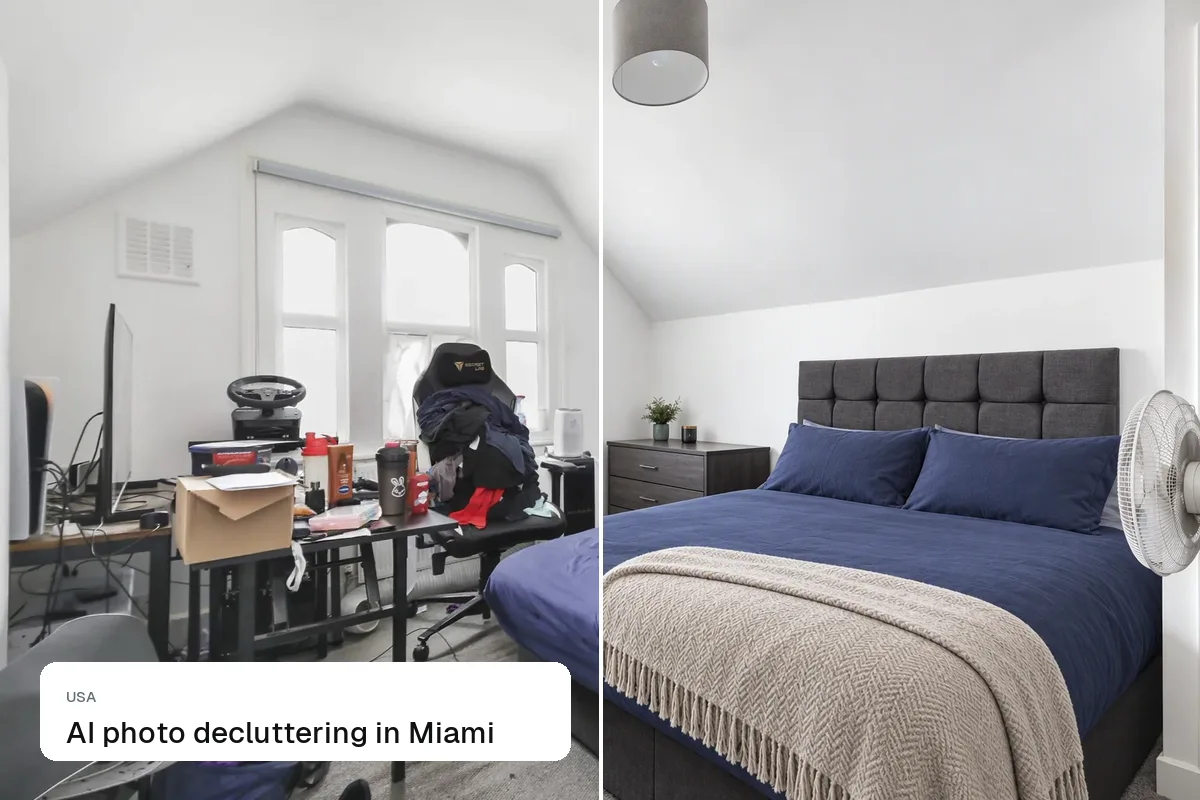
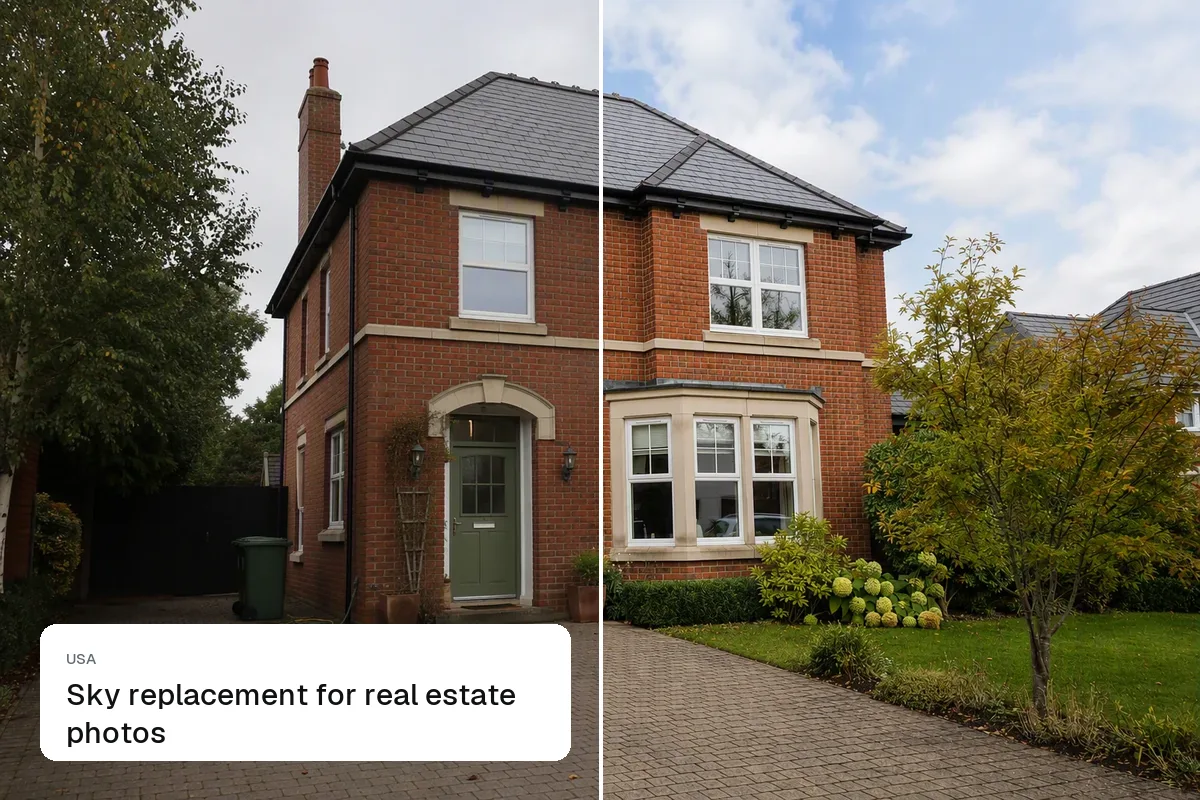
Redfin and Realtor.com get most listing photos from the MLS, just like Zillow, so one well-prepared set of large, bright, landscape photos covers all three. The differences are in how they display: large galleries on desktop, swipeable full-screen photos on mobile, and prominent video and tour links. Prepare for the largest display and every site will look good.
One set for every site
- Large landscape JPGs, 2048 px or wider on the long edge
- A strong first photo: it's the thumbnail in every search result
- 25+ photos in walk-through order
- No text, logos or watermarks (MLS rules)
- Disclosed staging, labelled on the image so the label survives syndication
- An unbranded video or tour link in the MLS virtual tour field
See MLS photo requirements and Zillow photo requirements.
Mobile first
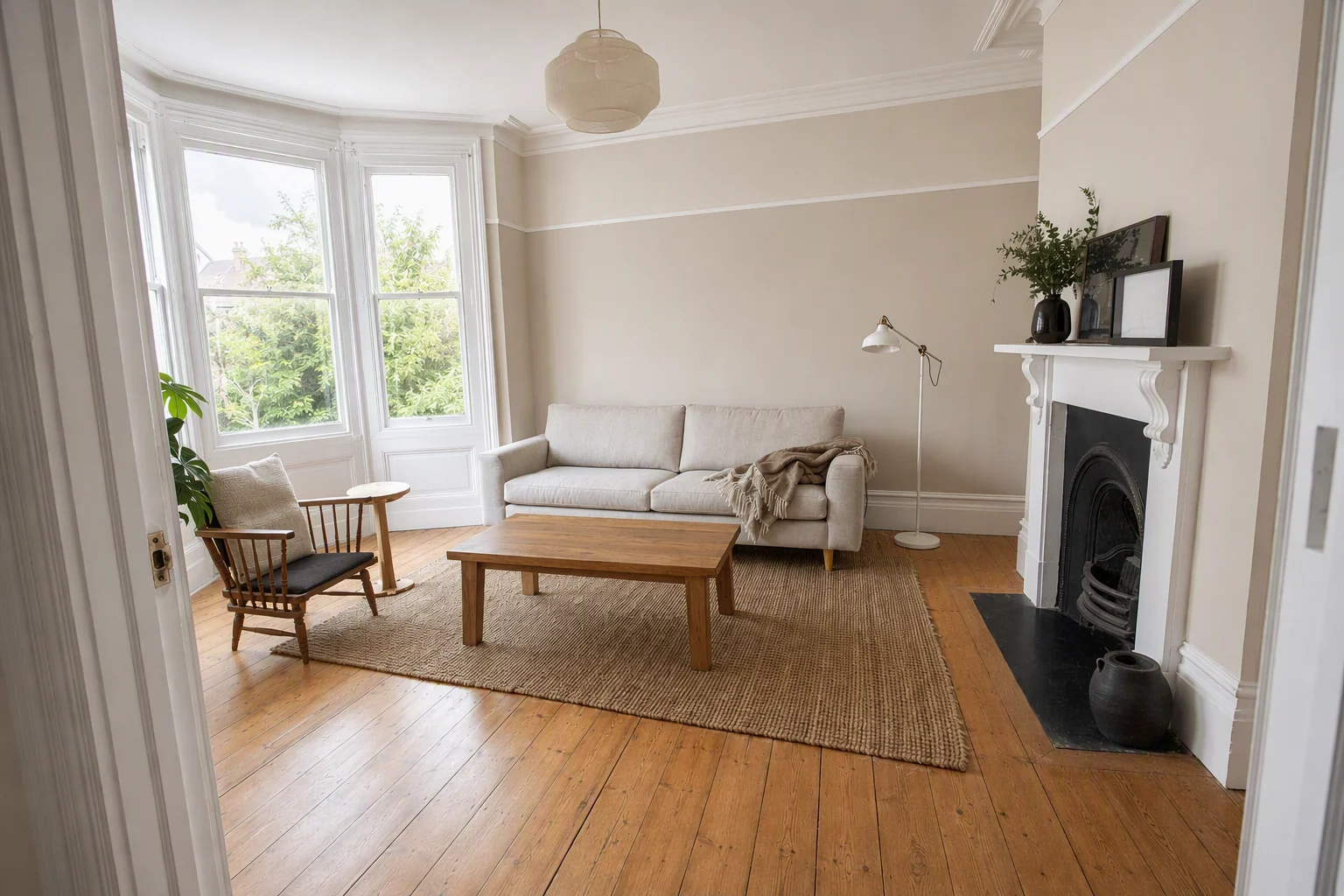
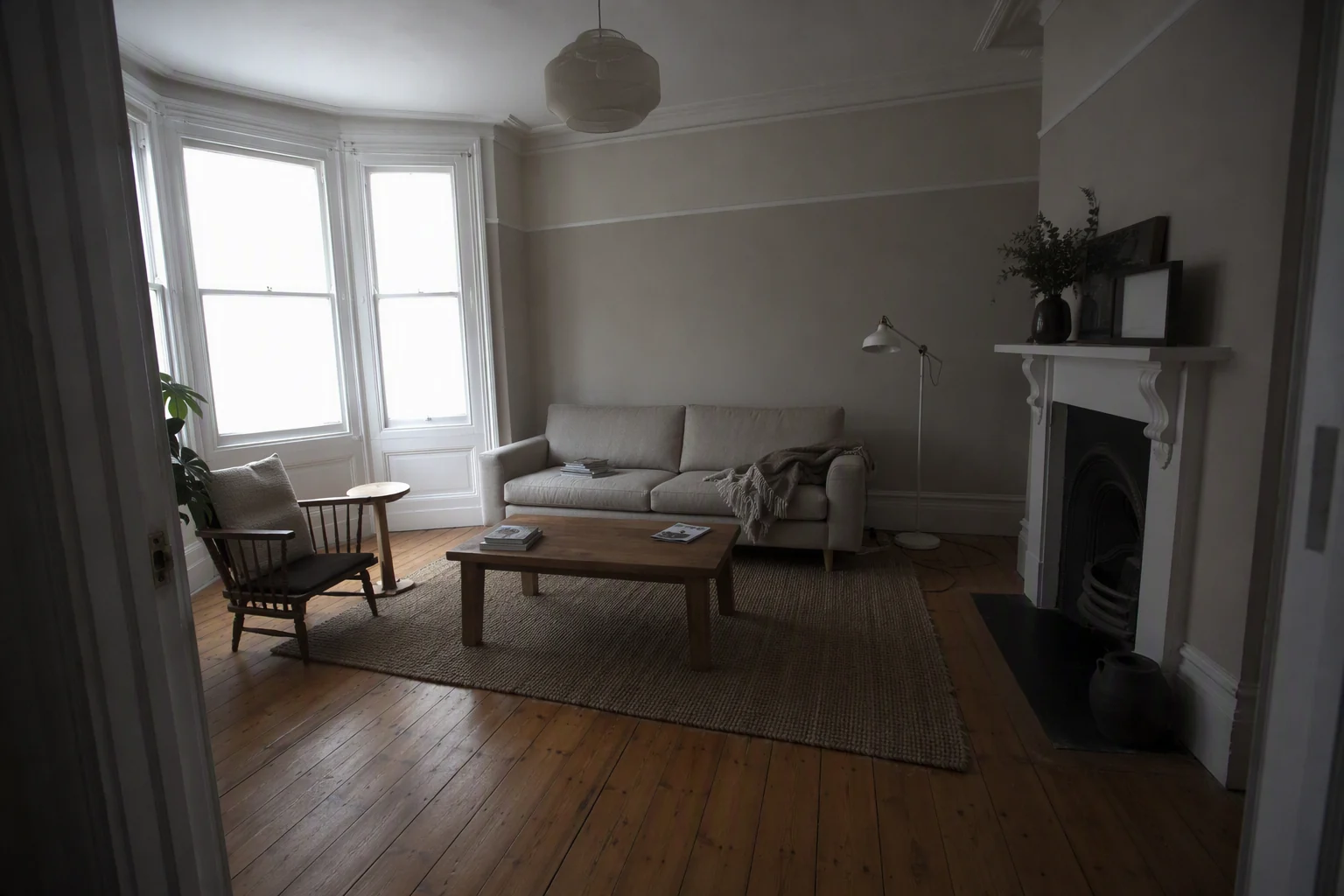
Most buyers browse on phones. Photos that are dark, tilted or small look worse full-screen on a phone than on a desktop. Fix exposure, verticals and windows before upload.
Video and 3D tours
Both sites show video and tour links prominently. A short walkthrough video made from your photos takes minutes. See add a video or virtual tour to an MLS listing and virtual tour real estate software.
Resize in one go
Our free listing photo resizer prepares a whole shoot in the right size, renames files in order and strips location data.
Put the guide into practice.
Turn your own photos into edited images and videos in minutes.
7-day free trial.