To edit Airbnb photos, fix five things in order: brightness, straight lines, colour, sky and clutter. You can do it by hand in Lightroom or Snapseed, or upload the photos to an AI editor that does each fix in one click. Keep the edits honest: brighten and tidy the space, but never hide damage, permanent features or the view guests will actually see.
What are the five edits every Airbnb photo needs?
| Edit | Why it matters | Manual tool | In Splatr |
|---|---|---|---|
| Brightness and HDR | Dark rooms look small and cold | Lightroom exposure, shadows, highlights | HDR enhance |
| Straight lines | Leaning walls look cheap | Lightroom transform | Done on enhance |
| White balance | Yellow or blue walls look dirty | Temperature and tint | HDR enhance |
| Sky | Grey skies make exteriors gloomy | Photoshop sky replacement | Sky and day to dusk |
| Clutter | Bins, cables and bottles distract | Healing brush, one item at a time | Declutter or Magic Edit |
Done by hand, this is 10 to 20 minutes per photo. With AI, it is a few seconds each.
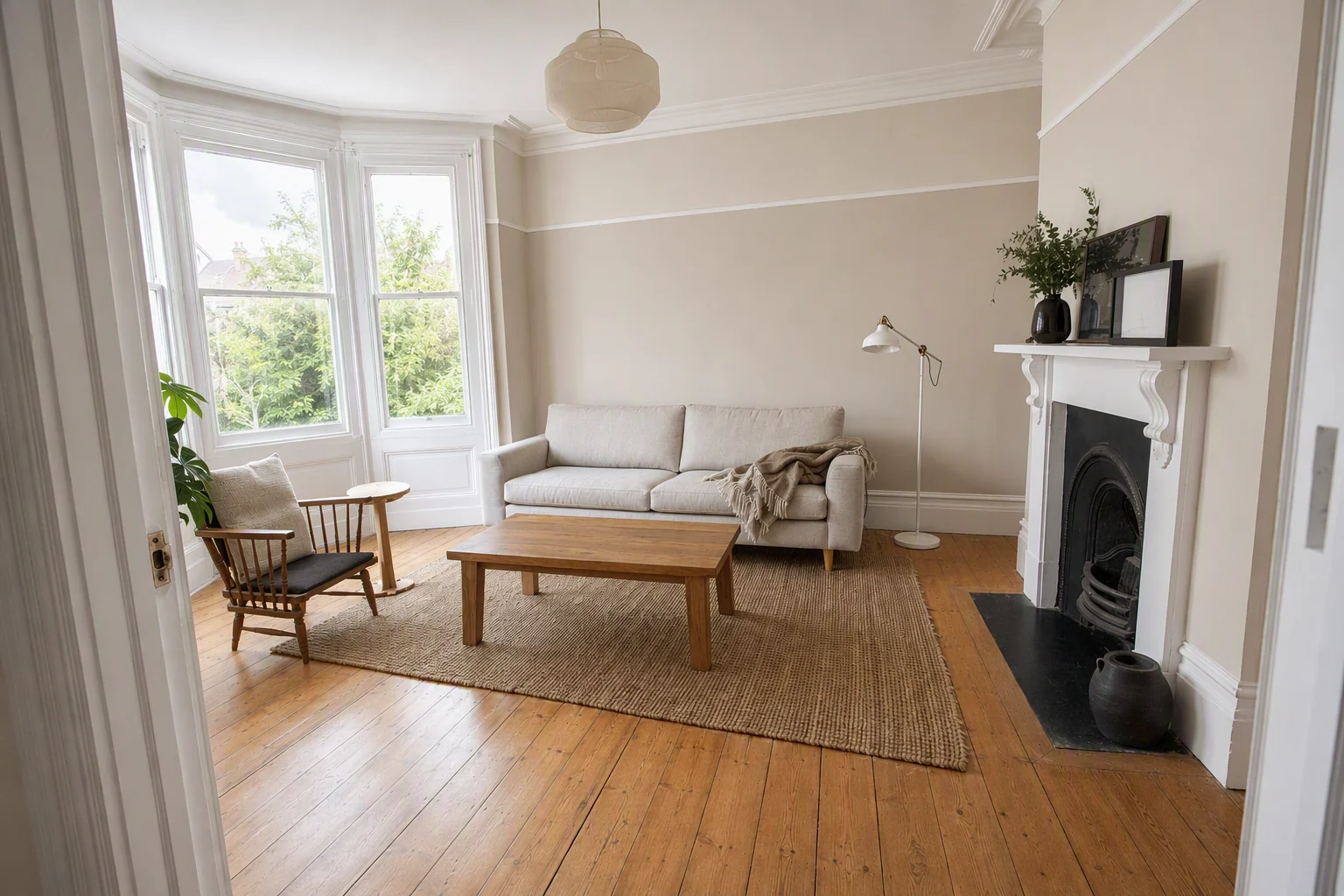
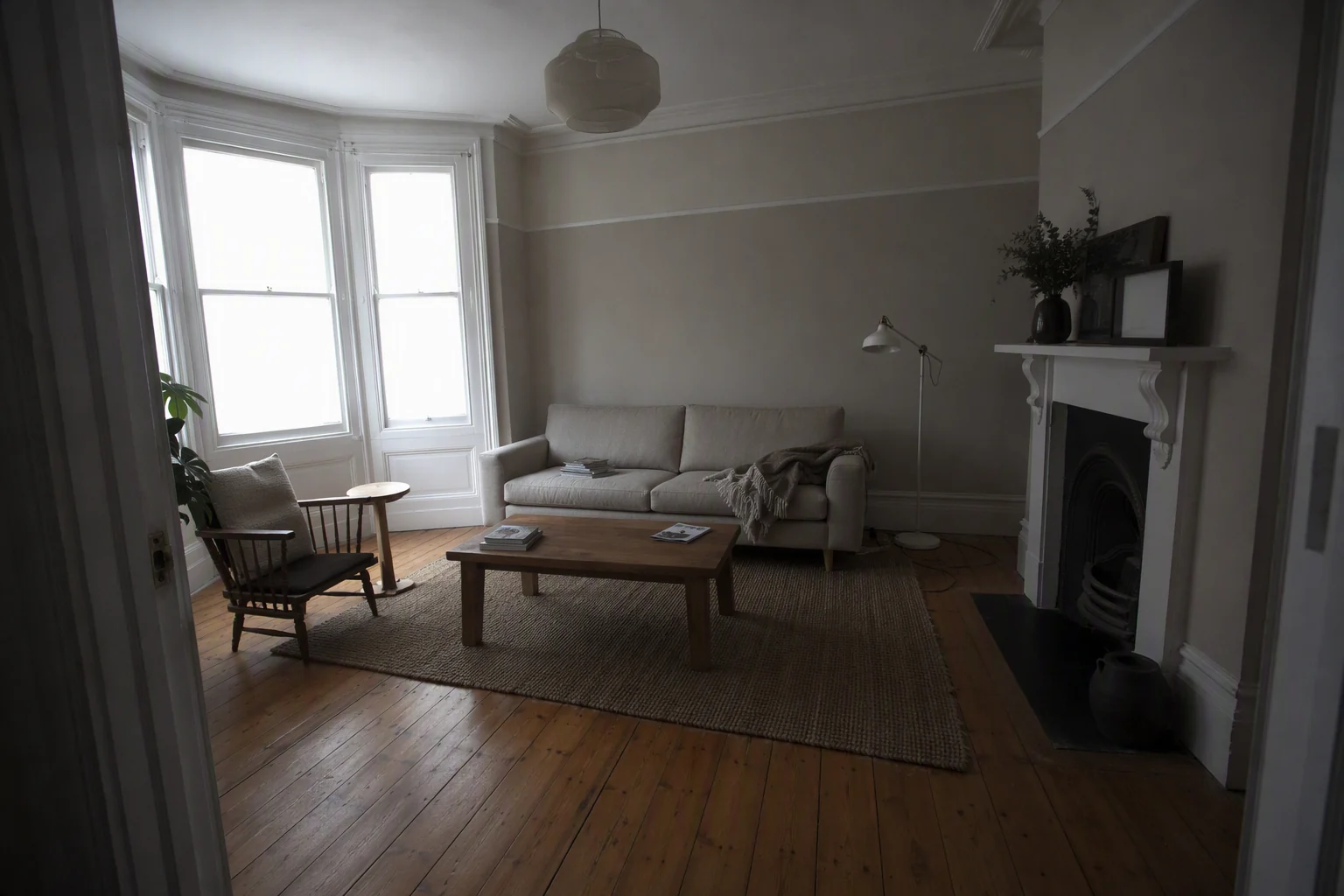
How do you brighten Airbnb photos without making them look fake?
Raise shadows more than exposure. Keep windows from blowing out to pure white. Aim for a room that looks like a bright day, not a showroom.
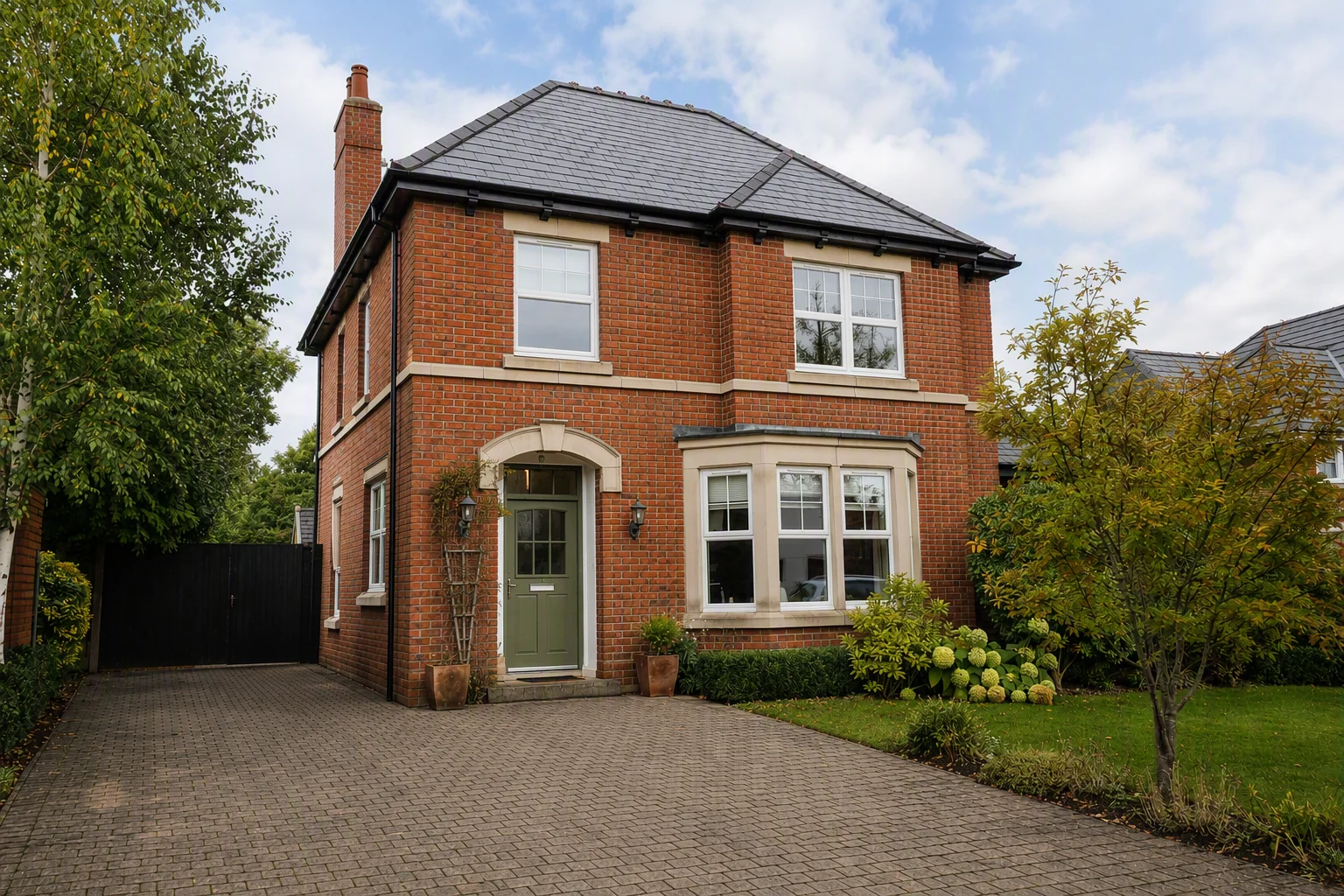
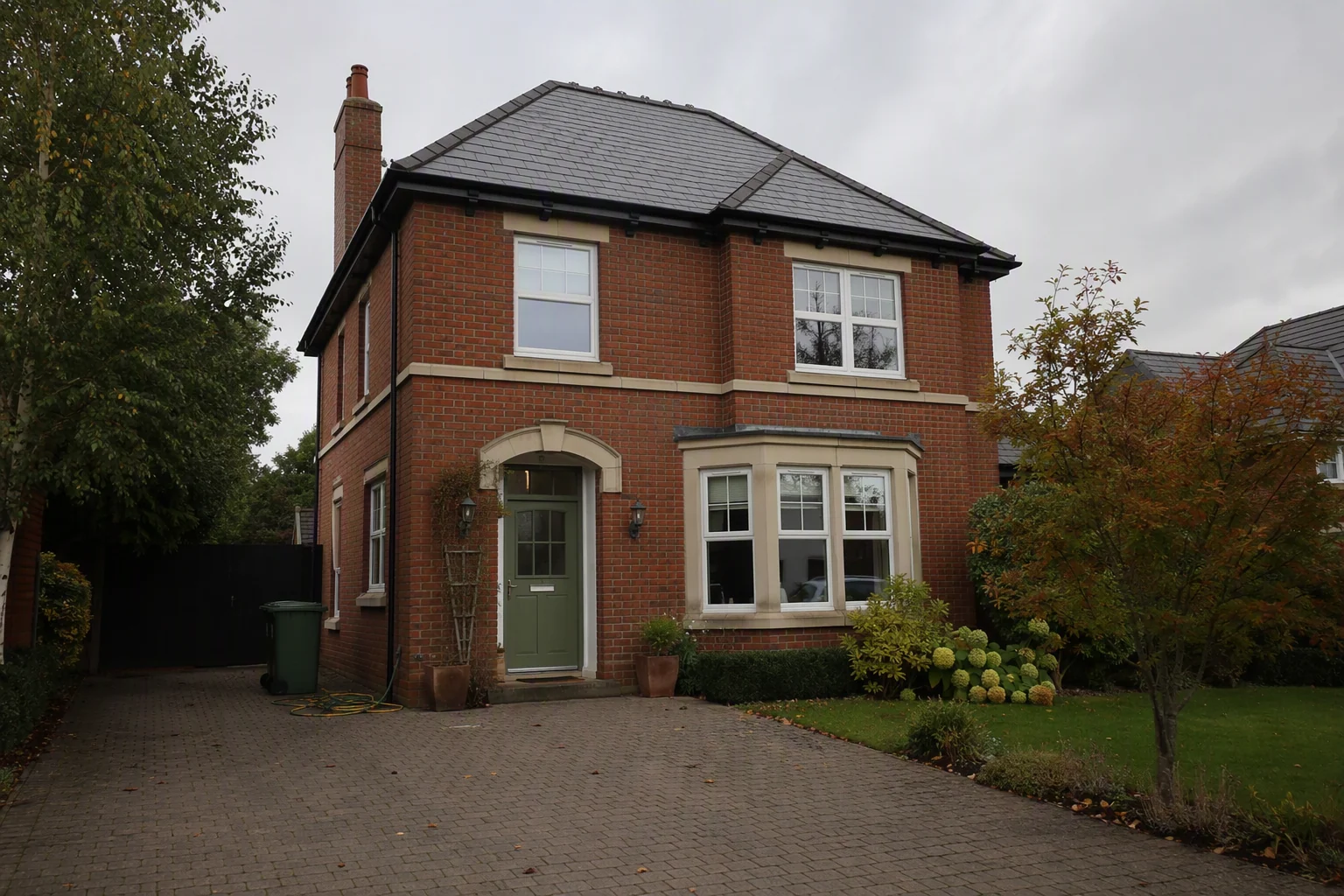
How do you fix a grey sky?
Exterior shots taken on a cloudy day can get a clear blue sky, or a warm twilight look for your cover photo. Keep the sky believable for the location and season.
How do you remove clutter from a photo?
If you forgot to hide the remote, the bins or a pile of towels, declutter removes everyday mess and keeps the room the same. For one small object, use Magic Edit: circle it and type what to change ("remove the bottles on the counter").
What should you never edit out?
Airbnb asks for photos that accurately show the space, and guests will tell you in reviews if they don't. Do not:
- Remove stains, cracks, damp or worn carpet. Fix them instead.
- Hide a building, road or construction site next to the property.
- Make rooms look bigger with extreme wide angles.
- Add furniture or amenities you do not have.
- Replace a city view with a sea view.
Virtual staging is fine for showing an empty room's potential, but your Airbnb photos should show what the guest will get.
Can you edit Airbnb photos on your phone?
Yes. Snapseed and Lightroom Mobile are free and good for basic brightness and straightening. They are slow for clutter and skies. Splatr runs in the browser, so you can upload from your phone and edit there too.
What else can you do with the edited photos?
Once the photos are done, use them twice:
- Upload them to Airbnb, Vrbo and Booking.com.
- Turn the best 6 to 10 into a short video for Instagram, TikTok and your direct booking site.
See how to make an Airbnb video tour from photos.
Related guides
Put the guide into practice.
Turn your own photos into edited images and videos in minutes.
7-day free trial.