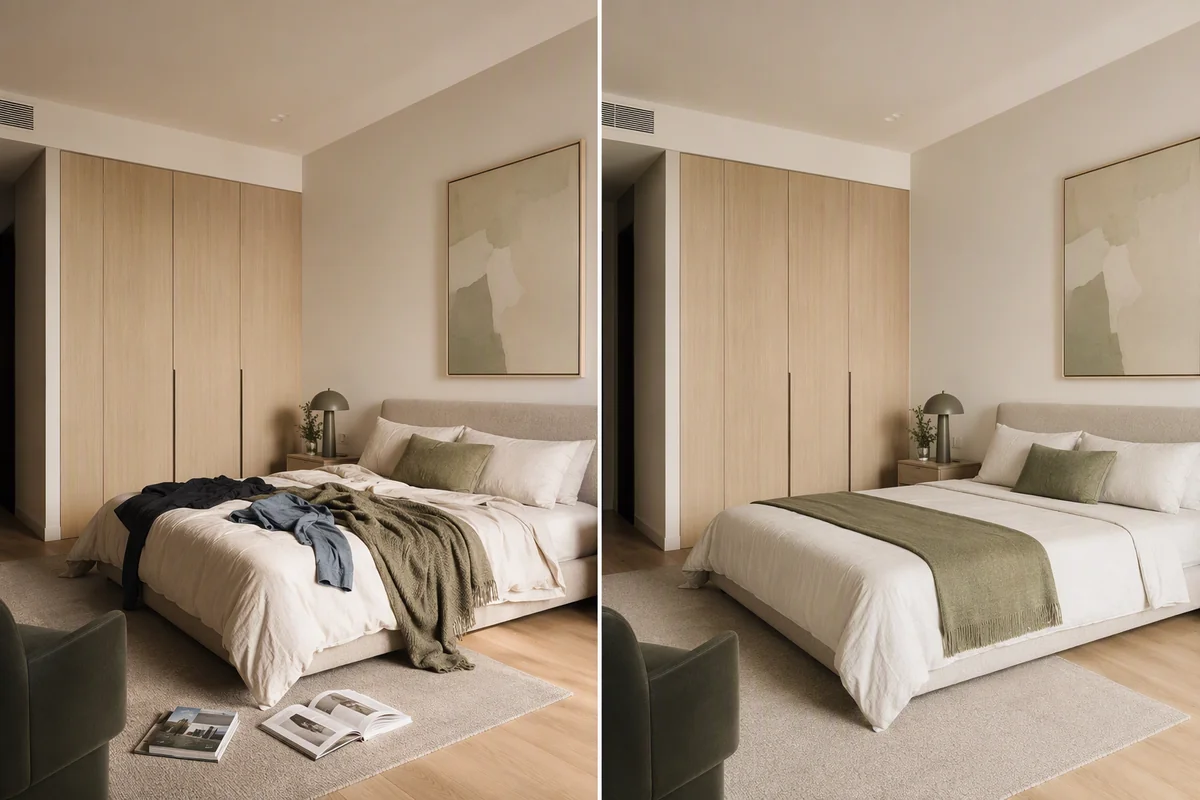
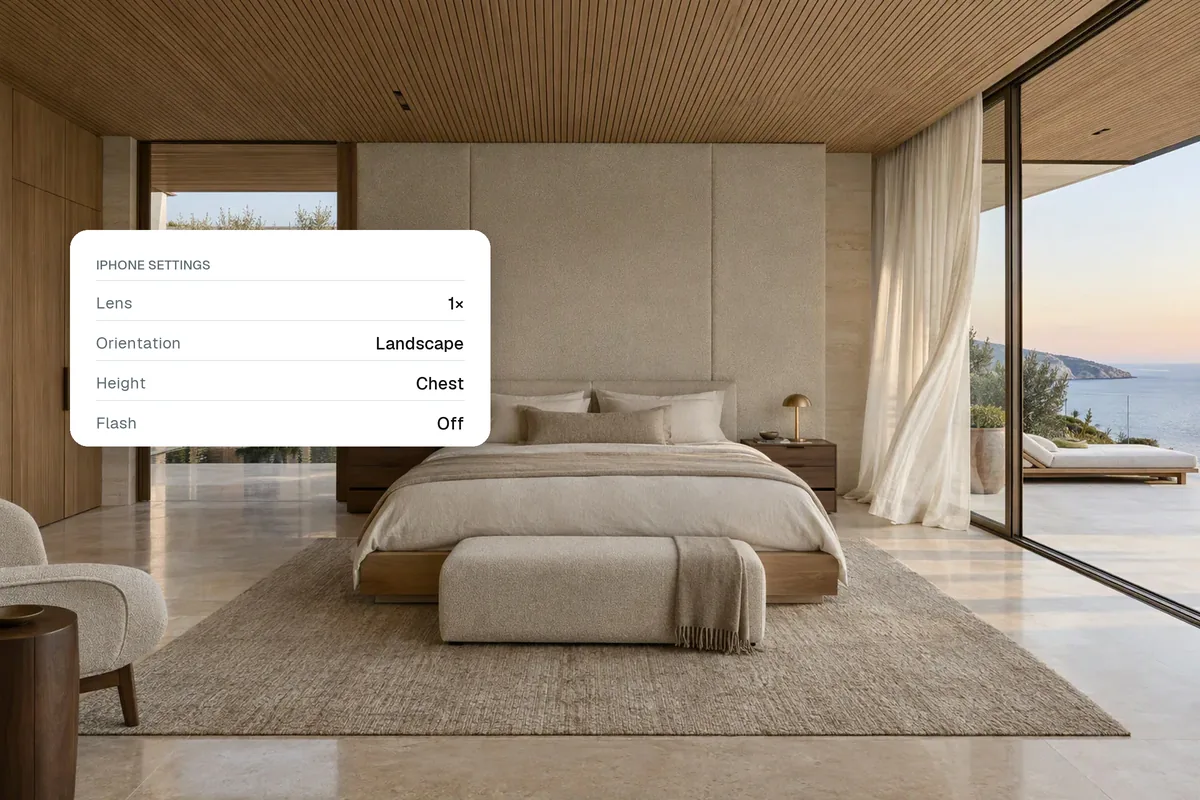
To take good real estate photos with an iPhone, shoot horizontally at chest height from the corner of each room, keep the phone level so walls stay straight, turn on every light and open the blinds, use the main 1x lens (or 0.5x only in large rooms), and keep HDR on. Then edit for brightness, white balance and straight lines. A modern phone and good technique beat an expensive camera used badly.
Camera settings
| Setting | What to use |
|---|---|
| Orientation | Landscape (horizontal) |
| Lens | 1x for most rooms; 0.5x only for big rooms |
| HDR / Smart HDR | On |
| Grid | On, to keep lines straight |
| Flash | Off |
| Live Photos | Off (saves storage) |
| Format | Highest quality available |
| Night mode | Off indoors unless very dark |
Where to stand
- In a corner, so you can see two or three walls.
- At chest height, about 1.2 to 1.5 m. Too high looks down on furniture; too low shows ceiling.
- Phone perfectly upright. Tilting makes walls lean. Use the grid and the level indicator.
- Doorways for small rooms. Step back into the doorway to fit more in.
Light is everything
- Turn on every light, including lamps.
- Open curtains and blinds.
- Shoot during the day, with the sun not shining straight into the lens.
- Tap the brightest area of the screen and slide exposure down slightly if windows look white.
Prepare the room
Remove personal items, cables, bins, fridge magnets and toiletries. Make beds, straighten cushions, close toilet lids. Five minutes of tidying saves hours of editing. If the room is empty, plan to virtually stage it.
Shot list for a typical home
- Front exterior, straight on and at an angle.
- Living room from two corners.
- Kitchen showing worktops and appliances.
- Each bedroom from the doorway or corner.
- Bathroom, straight on.
- Garden, from the house and towards the house.
- One or two details: a fireplace, a view, a feature window.
Edit afterwards
Phone photos usually need a small lift. Fix brightness, white balance (white walls should look white), and vertical lines. AI tools can also remove clutter, replace a grey sky or brighten a dark room.
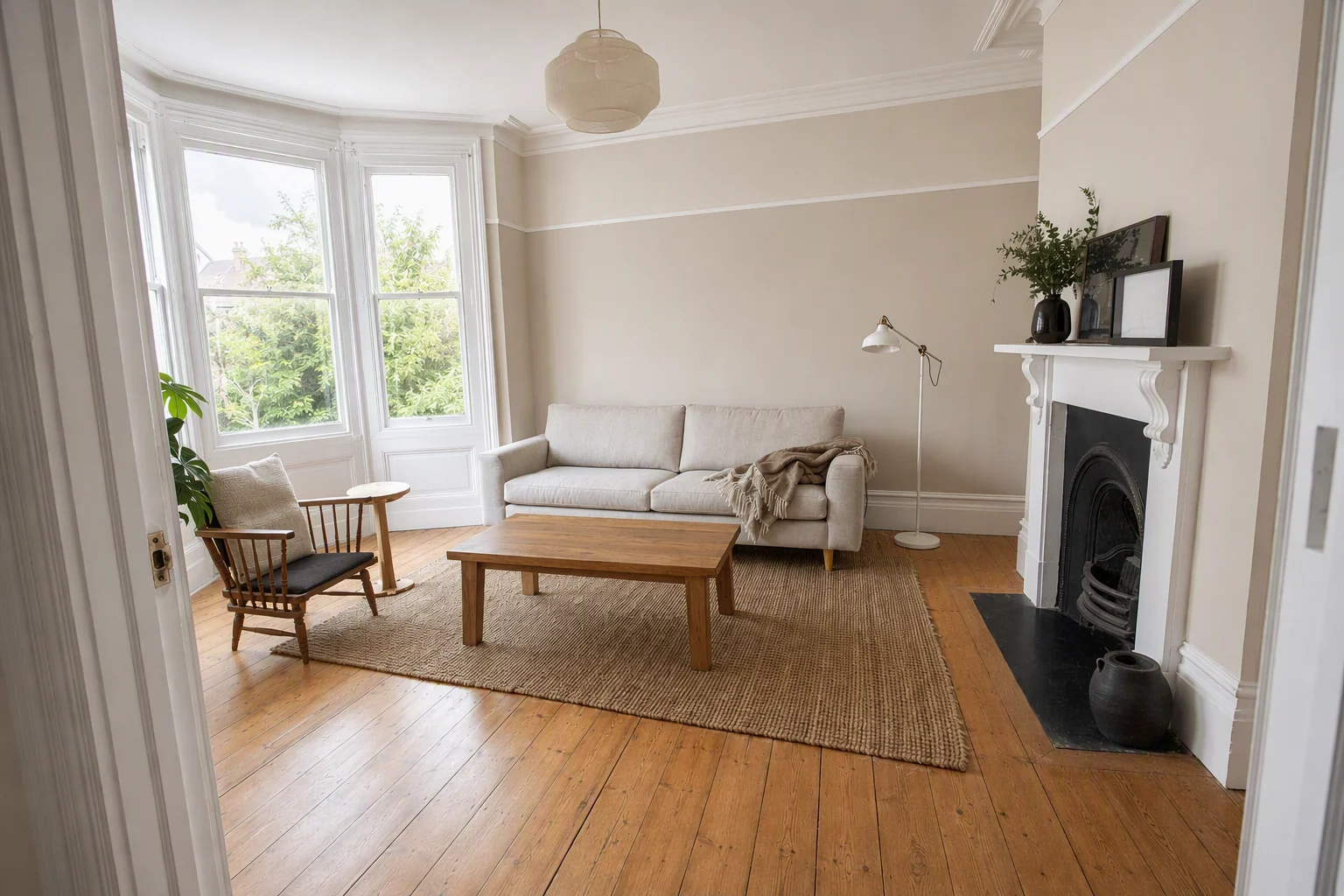
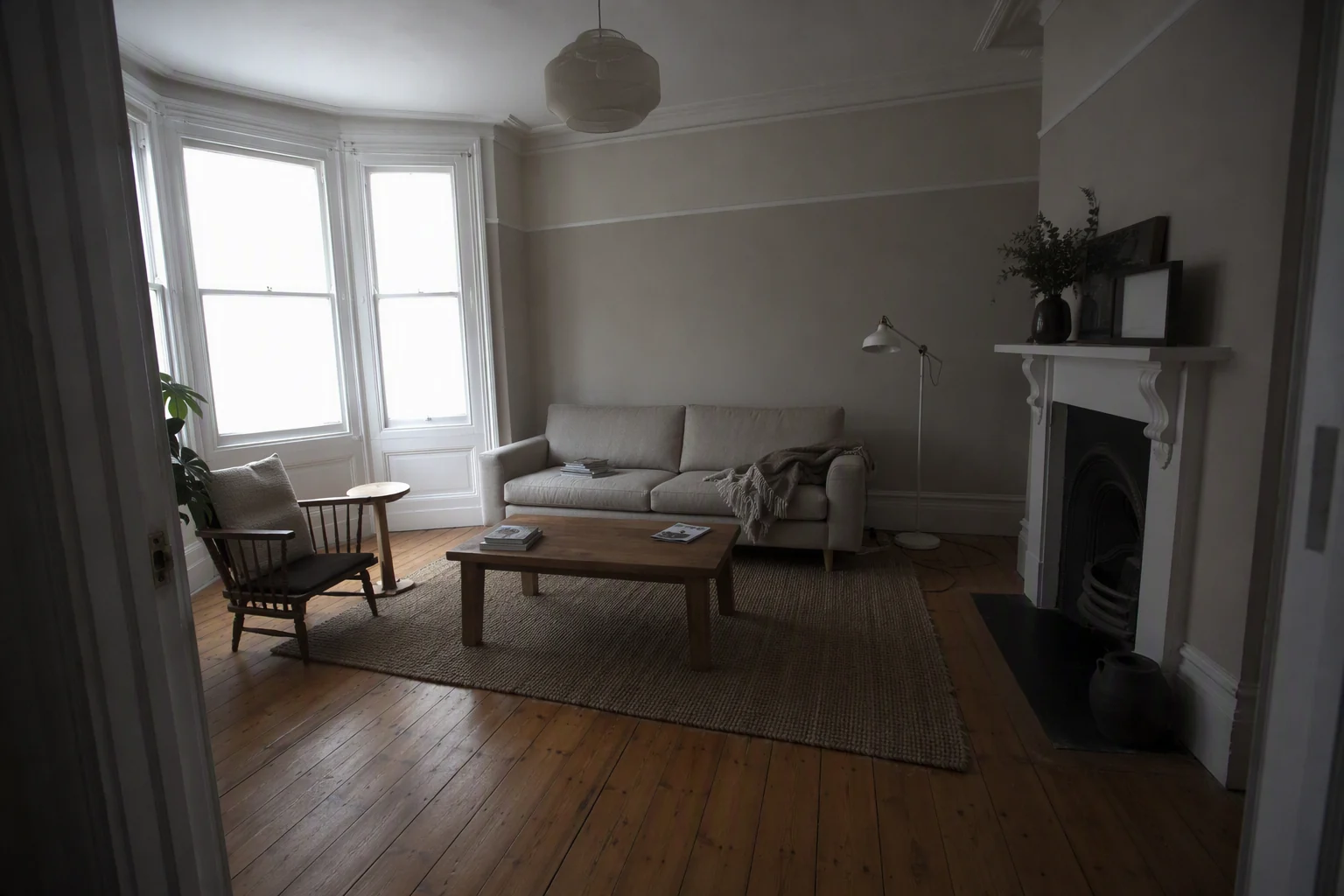
Our guides to how to edit real estate photos and smartphone property photos with AI go further.
Make the photos work harder
The same phone photos can become a video walkthrough, a set of reels and a before and after. In Splatr, upload them once and do it all in one place.
Related: real estate listing photo sizes, enhance property photos and listing photo resizer.
Put the guide into practice.
Turn your own photos into edited images and videos in minutes.
7-day free trial.