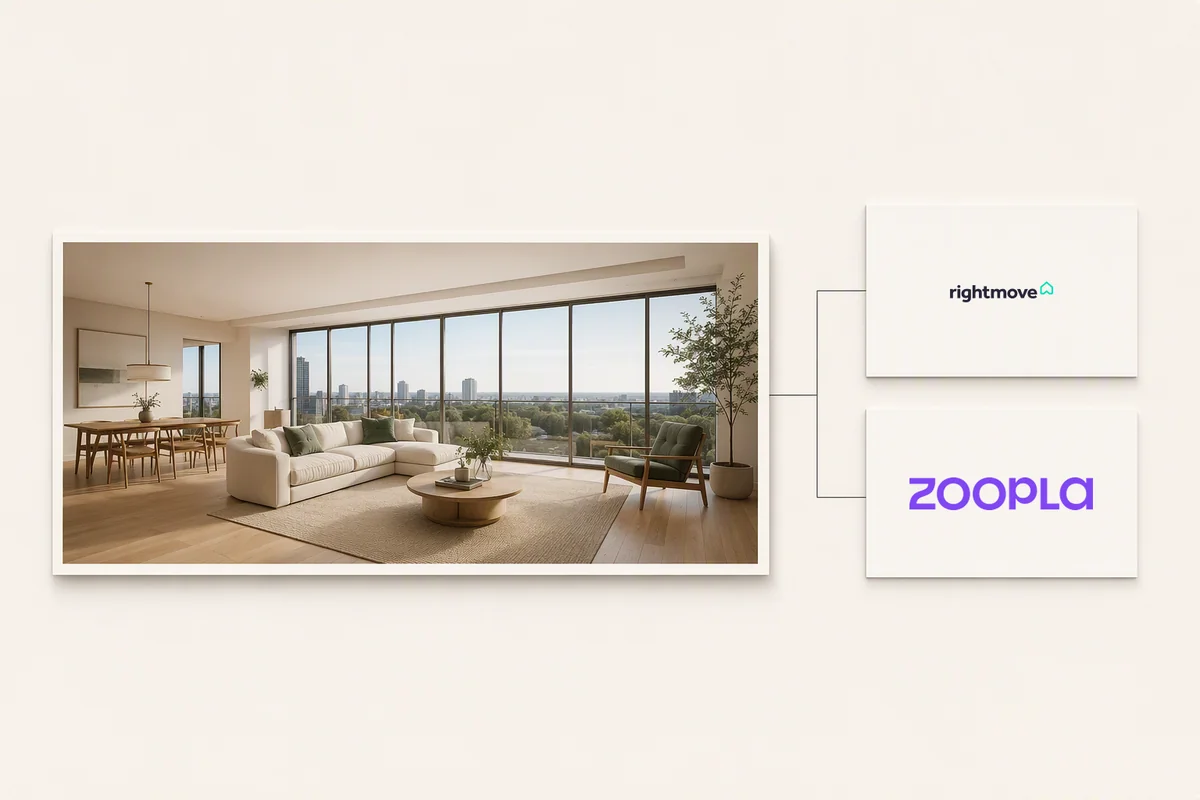
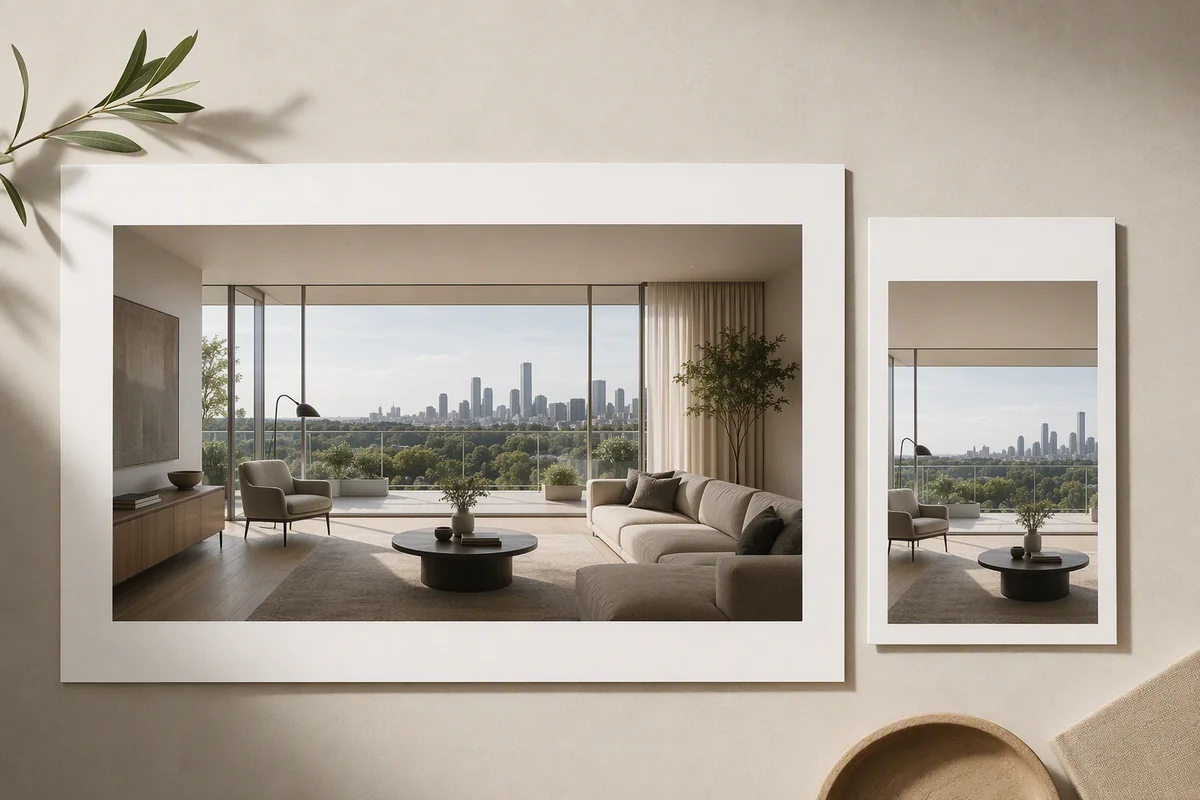
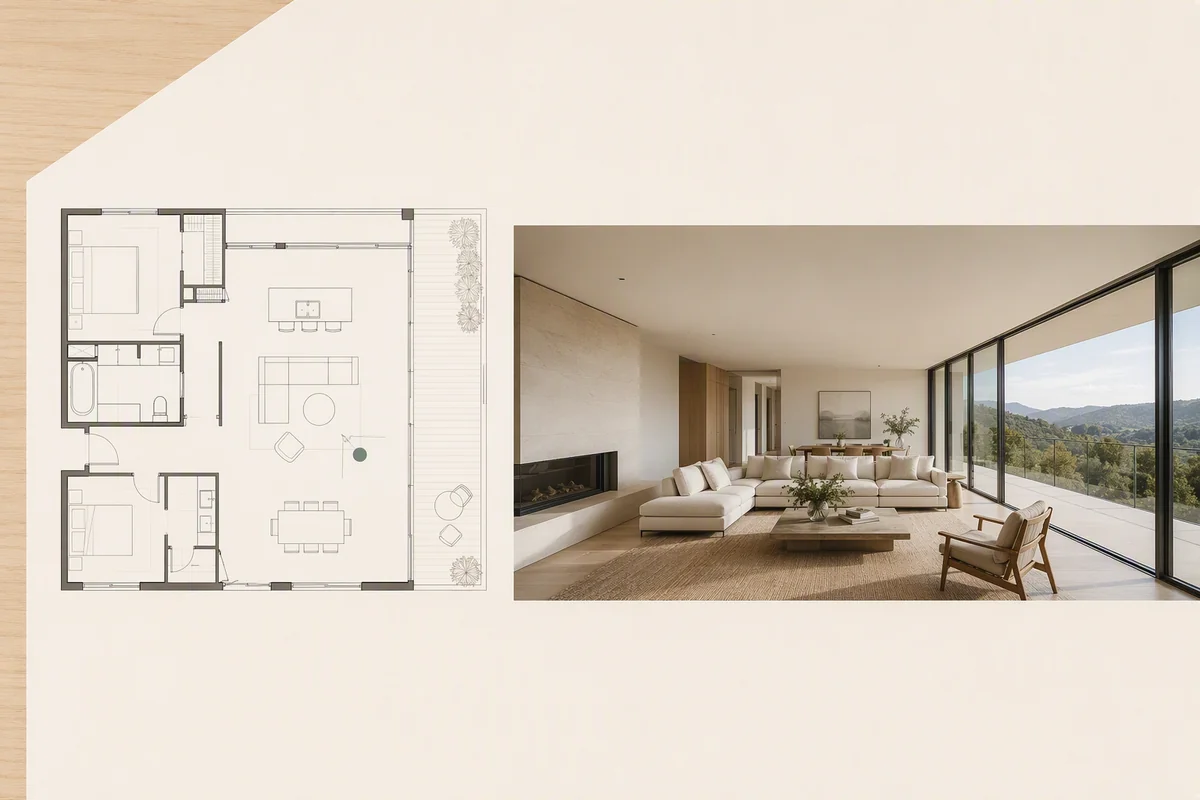
Splatr connects Reimagine AI with its panoramic property-tour workflow, allowing a room to be explored in another visual direction. The authoring experience includes “Reimagine AI this room in 360°”, while the visitor experience can offer “Reimagine AI this view” where enabled.
What can the author create?
The authoring action starts from a panoramic room and supports developing a new appearance for that space. It extends image-based furnishing and restyling into the context of a tour, where the room is presented as a panoramic scene.
This is useful for showing an alternative interior concept alongside the property’s existing or proposed presentation. The source panorama remains the reference for the room being reimagined.
How is the visitor action different?
The public “Reimagine AI this view” action relates to the visitor’s current view in the tour. It should not be described as identical to generating a complete replacement panorama through the authoring workflow.
Availability depends on the project, access conditions and whether the view is ready for capture. A visitor may be asked to sign in. These controls mean the action is not necessarily present on every public tour.
Why combine Reimagine AI with a property tour?
A standard panorama presents one appearance of a room. Reimagine AI adds a way to explore a furnishing or styling possibility in that viewing context.
For an empty property, the concept can communicate a potential use. For an interior proposal, it can support discussion of a different aesthetic. The result remains a generated possibility rather than a change to the property itself.
How does it relate to the other Studio plugins?
360° Visualization organises the panoramic rooms and floor-plan navigation. Reimagine AI supplies the visual-change workflow. Showcase provides the wider property presentation, including photographs, details and an optional film.
The combination supports both exploring a space and presenting the media around it. Explore all four Studio plugins.
What should you check in a reimagined room?
Inspect the fixed features, panoramic joins and consistency of the generated scene. Clearly distinguish the original property view from the proposed interior.
For conventional photographs, Reimagine AI’s property presets provide the related Furnish, Cleanup and Enhance workflows.
Put the guide into practice.
Try Virtual Studio with your own property images.
14-day free trial on the Basic plan.