You can use a smartphone property photograph as the starting point for a staged image in Splatr. Reimagine AI supplies the furnishing, cleanup, enhancement and local-editing tools, so you can create a visual concept from your own photograph without commissioning a new photography session for that image.
What should the phone photograph capture?
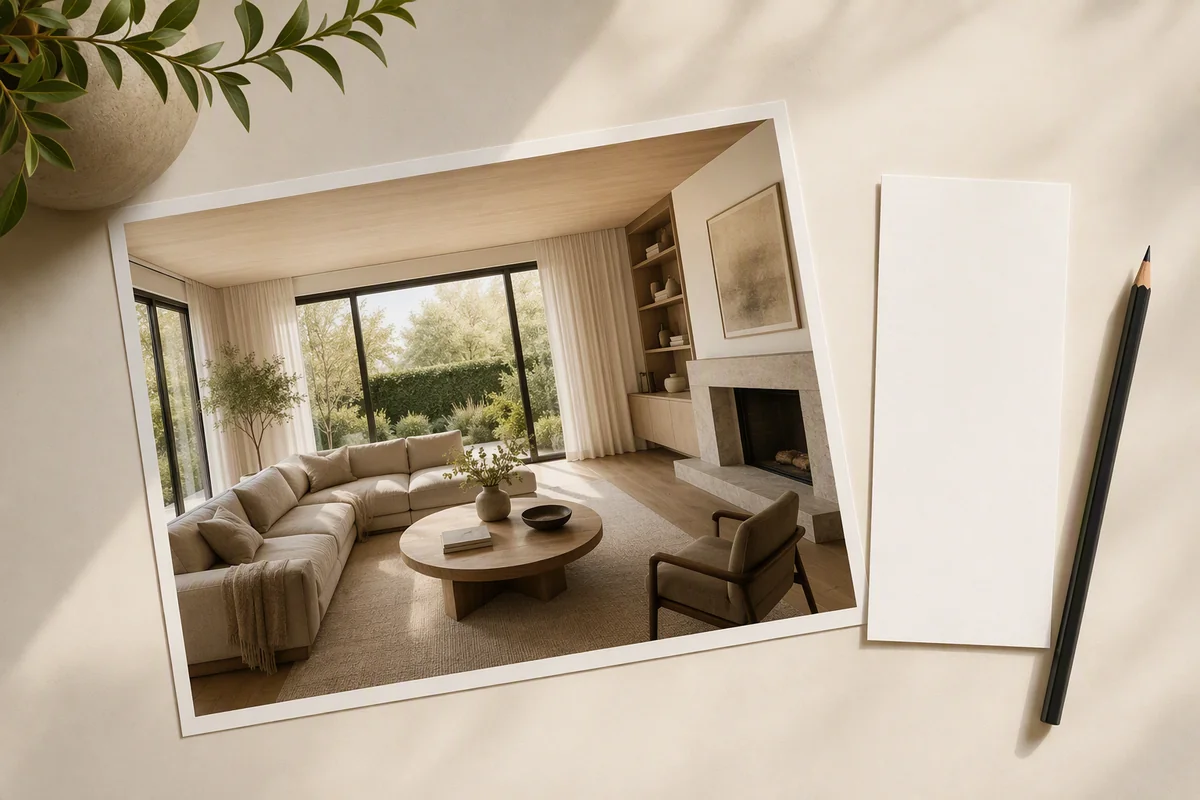
Take a clear, level photograph in available daylight, showing the floor, walls and important openings. Keep the original full-resolution file. Avoid digital zoom and extreme wide-angle distortion, which can make furniture scale difficult to judge.
Reimagine AI works from the image you provide. It can improve presentation, but cannot turn an obscured or blurred feature into a verified record of the property.
How do you furnish an empty room?
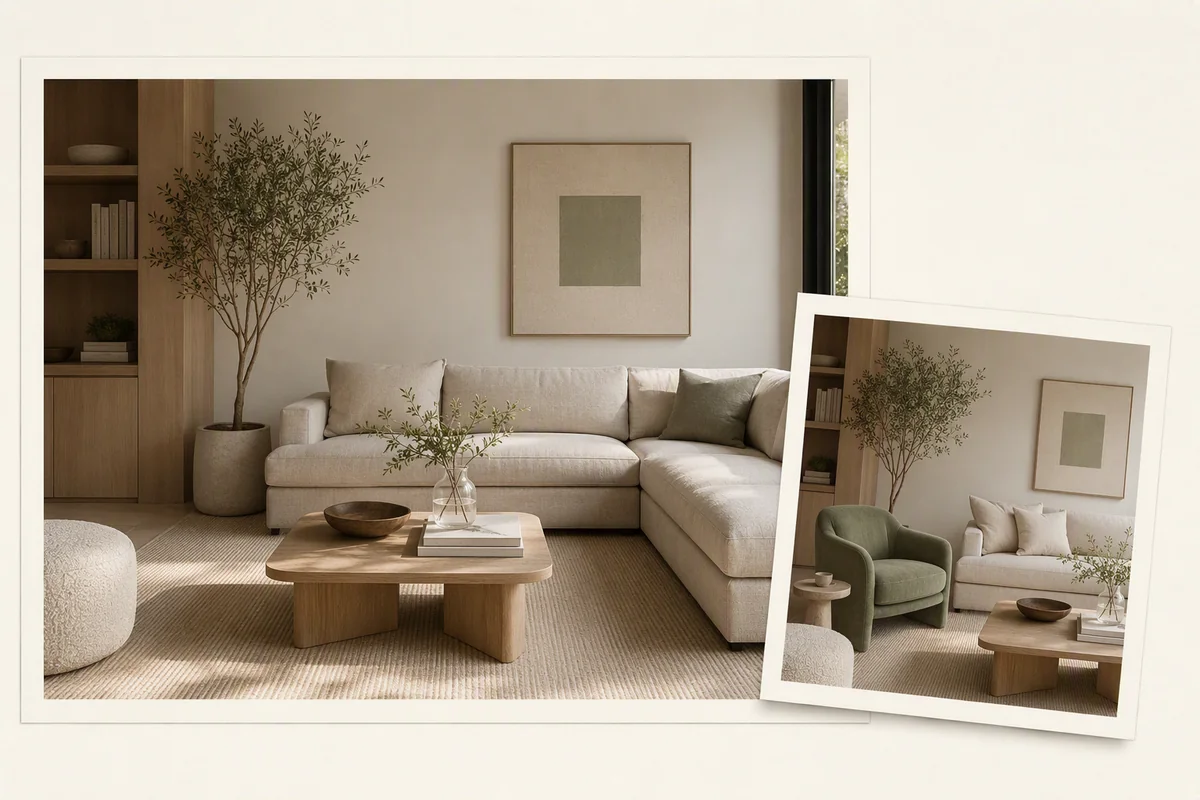
Upload the photograph, choose Furnish and describe the arrangement. For a living room, specify the seating and materials you want while retaining the existing architecture.
You can attach a reference image to guide the style. If you want more direct layout control, add furniture assets and drag them onto the image, then resize and rotate them before generation. That gives the request both a visual position and a written direction.
Learn how reference images work.
What if the room is cluttered or poorly lit?
Use Cleanup when the main problem is loose objects or untidy styling. Use Enhance when the furnishings are suitable but exposure, colour or detail need improvement.
These are different tasks within Reimagine AI. You do not need to replace a furnished interior just to improve the photograph. Keep permanent features and visible property condition accurate when selecting the result.
Can you correct one part of the result?
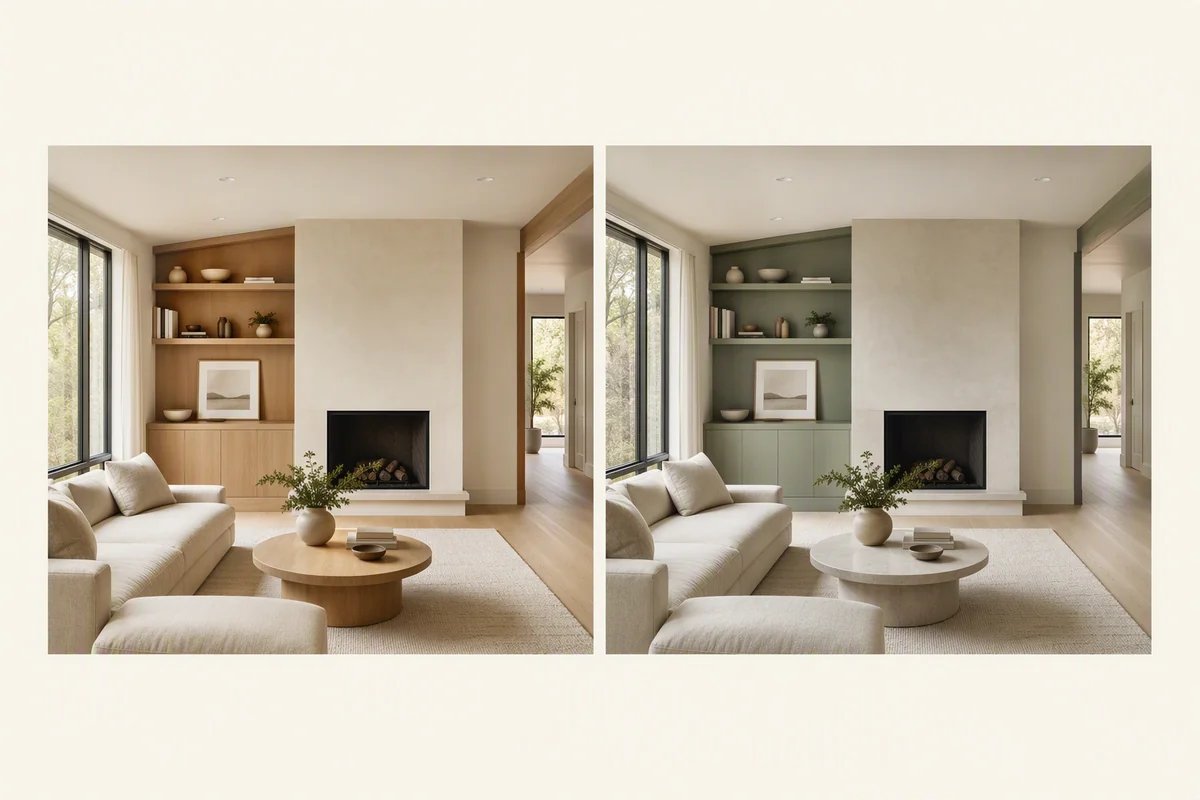
Draw over the area and describe what to add, remove or change. This can focus a request on a chair, an object on the floor or a proposed wall colour, instead of asking for a completely new interior.
A wall-colour change represents a proposal if the property has not been repainted. Identify that difference when the image is used in marketing. Review the whole result after local editing, including shadows and reflections.
When should you use image upscale?
After selecting the composition, use upscale when you need a larger-resolution image. Inspect the enlarged version before publishing; more pixels do not guarantee more accurate detail.
The selected image can join a Showcase property page or become source material for a generated film through Video Generator, currently beta.
Can this replace professional photography?
It provides a platform for creating staged marketing imagery from a phone photograph. It does not guarantee the lighting, composition or documentary coverage of a professional shoot. For difficult interiors or campaigns requiring a faithful photographic record, those skills still matter.
Get started for free with the 14-day Basic trial. Keep the original photograph and clearly identify virtual staging or proposed changes.
Put the guide into practice.
Try Virtual Studio with your own property images.
14-day free trial on the Basic plan.