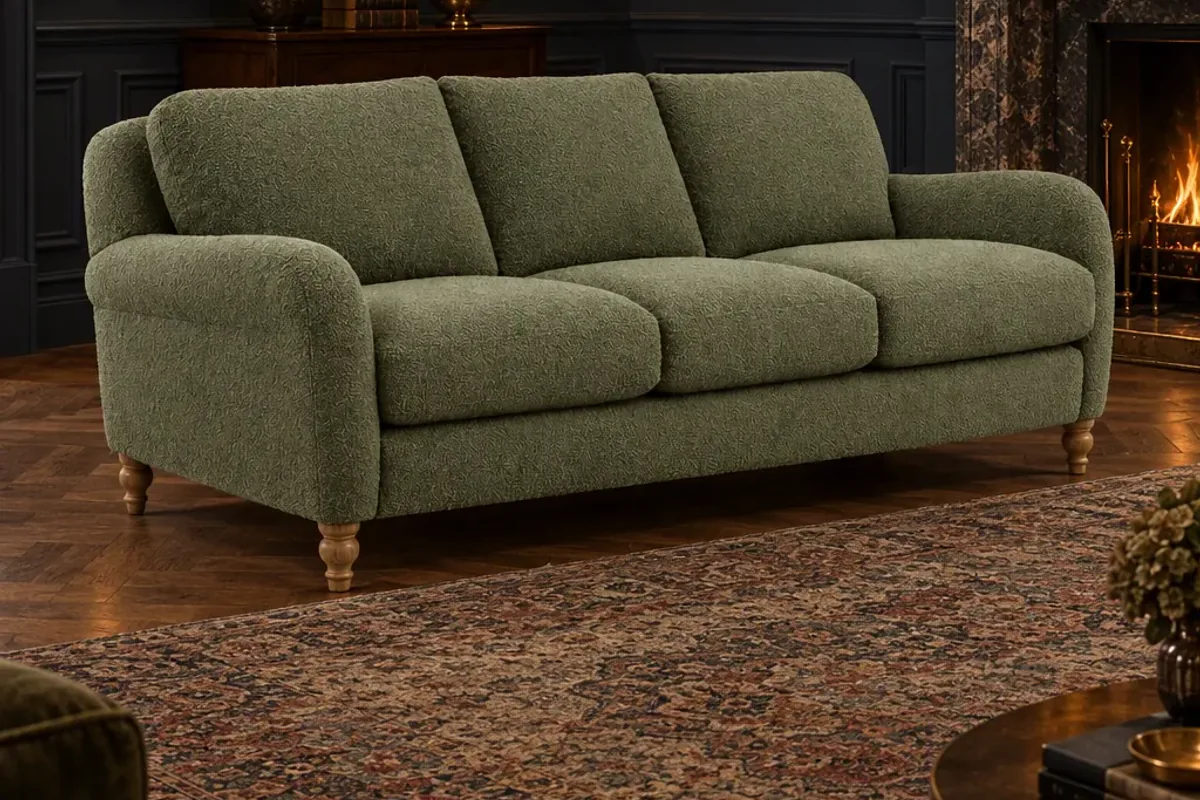
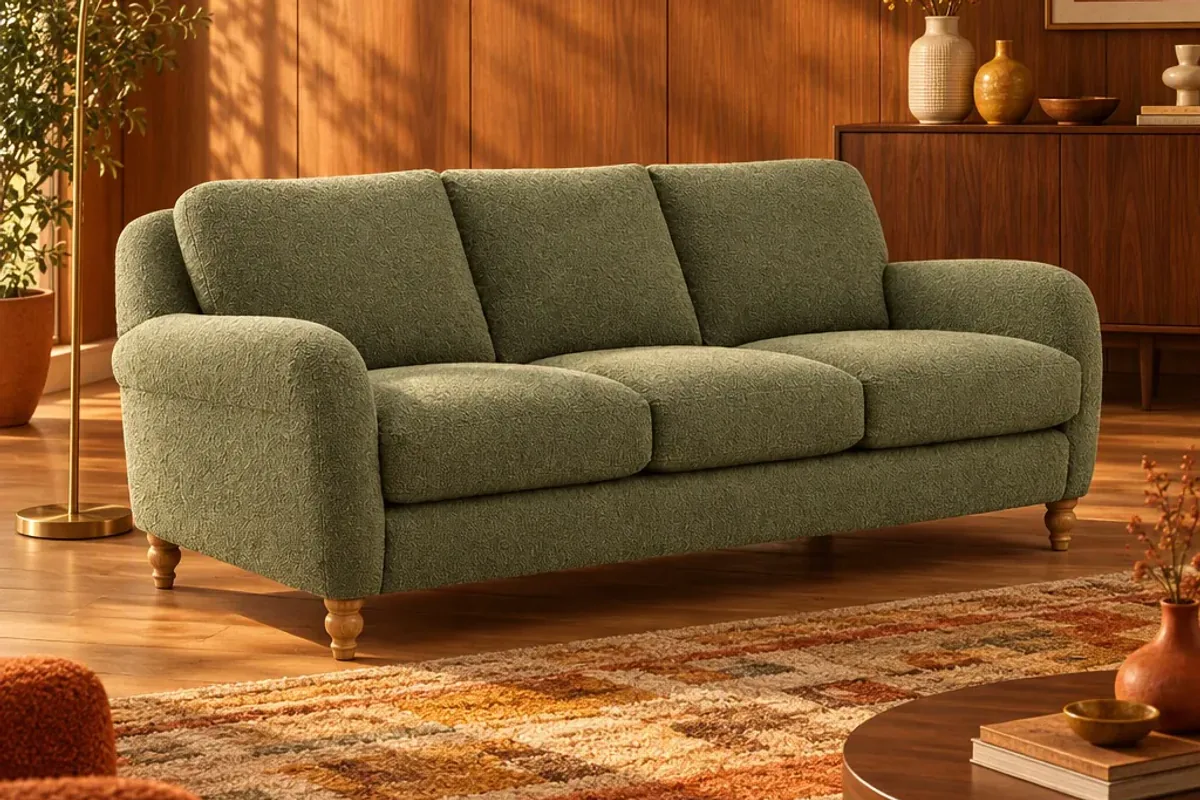
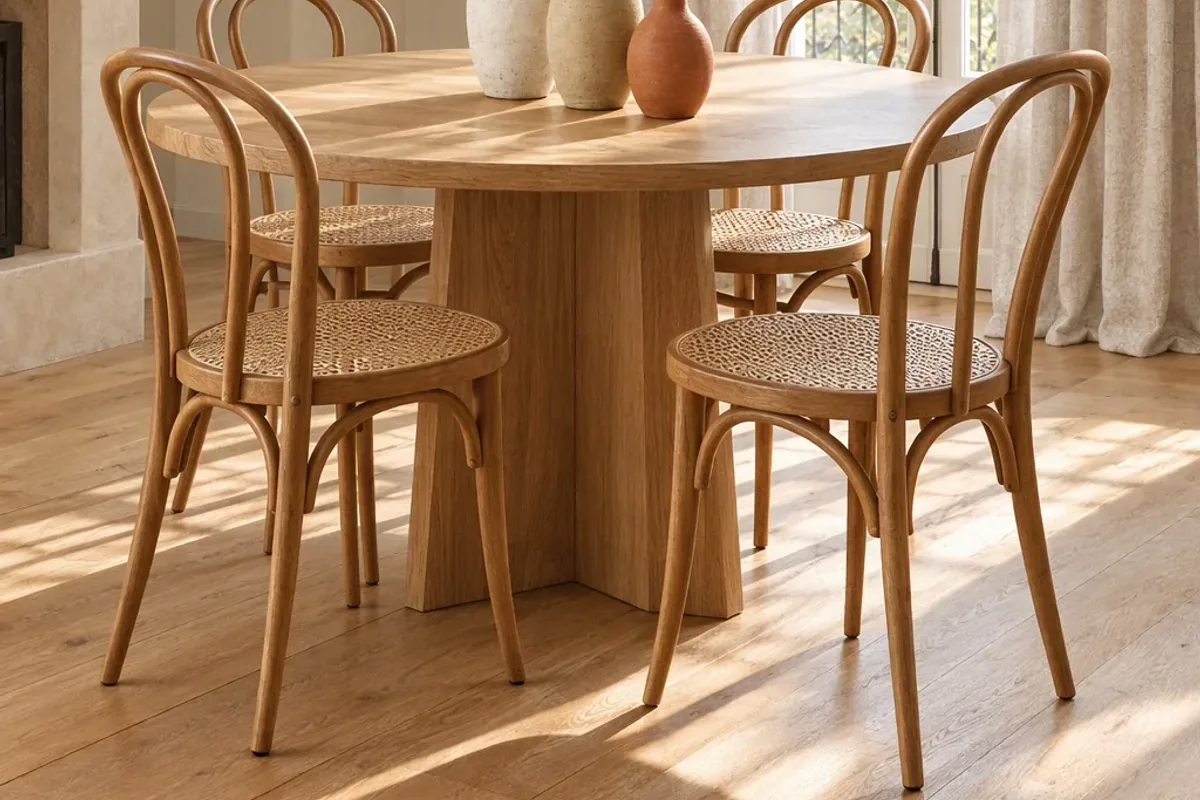
You can make lifestyle product images without a photoshoot by taking one clean photo of each product and staging it in a room with AI. The product stays real and the room is generated around it. For a small interiors brand, that turns a job that needed a studio, a stylist and a week into something you can do in an afternoon.
What counts as a lifestyle image?
A lifestyle image shows your product in use, in a believable setting. For interiors, that means a room: the lamp on a side table, the rug under a sofa, the curtains at a window. It tells the shopper how big the piece is, what it goes with and how it feels, which a white-background shot cannot do.
You still need the plain shot. Shoppers use it to compare products, and marketplaces often require it. Lifestyle images sit alongside it and do the persuading.
Step 1: How should you photograph the product?
Use what you have. A recent phone is enough.
- Clear a space with plain walls and floor. The stockroom works.
- Stand the product near a window, with the light coming from the side.
- Shoot from a three-quarter angle at roughly eye height for the product.
- Leave space around it so nothing is cut off.
- Take a second, closer photo of the material for detail.
Step 2: Which room styles should you choose?
Pick styles your customers actually live in, not only the ones you like. A good starting set is three: a light, neutral room, a warm room with more colour and a darker, more dramatic room. Showing the same sofa in all three helps different shoppers see it as theirs.
In Splatr, Reimagine stages the product in the style you choose. Keep the brief simple and let the product stay the centre of the image.
Step 3: What sizes do you need?
One image is rarely enough, because every channel wants a different shape.
| Where it goes | Shape | Why |
|---|---|---|
| Store thumbnail | 1:1 square | Tidy grids and marketplace listings |
| Social post | 4:5 portrait | Takes up more of the feed |
| Story, reel cover or ad | 9:16 vertical | Fills the phone screen |
| Website banner | 16:9 landscape | Homepage and category headers |
Splatr sizes the staged image for all four together, so you are not cropping a landscape photo into a story and losing half the sofa. There is more detail in product image sizes for your store, social and ads.
Step 4: How do you check the result?
Look at each image the way a doubtful customer would.
- Is the colour the same as the real product?
- Are the proportions right? Compare leg height and overall width.
- Does it sit on the floor properly, with a shadow that makes sense?
- Is the scale believable next to the door, window and other furniture?
If any answer is no, generate again or use a different source photo. Never publish an image that flatters the product into something it is not.
Step 5: Where should you use the images?
Put the best room image second in your product gallery, straight after the plain shot. Use the portrait version for social posts and the vertical one for stories and ads. Then turn a set of them into a short video, which is where interiors content gets most of its reach. Splatr can build a reel from your images in one click.
How much can you get done in a day?
For a first session, aim for ten products in three styles. That gives you thirty room images, each in four sizes, which is more content than most small brands publish in a quarter. Schedule it across the next month and repeat when the season changes.
If budget allows, keep one real shoot a year for your hero pieces. Our guide to furniture product photography costs explains where a shoot is still worth paying for. To try this with your own products, start on the Splatr e-commerce page.
Put the guide into practice.
Stage your own products and make your first reel in Splatr.
7-day free trial.