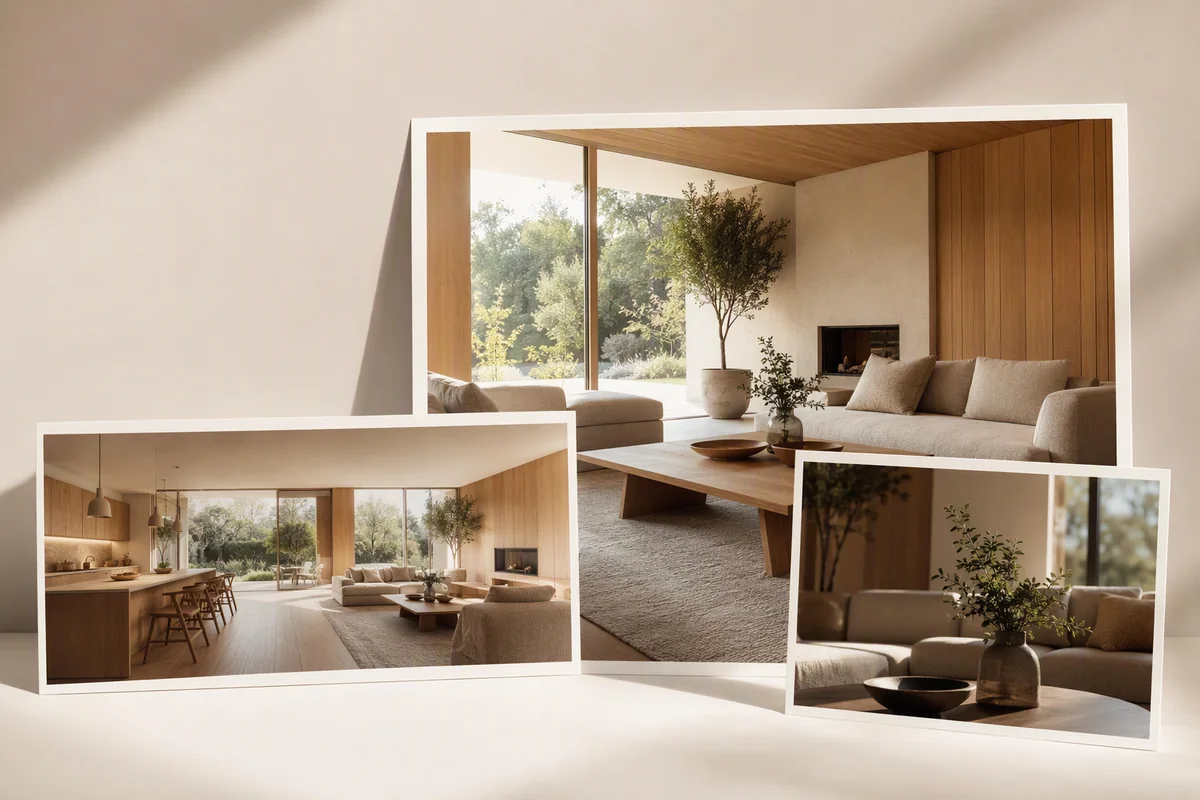
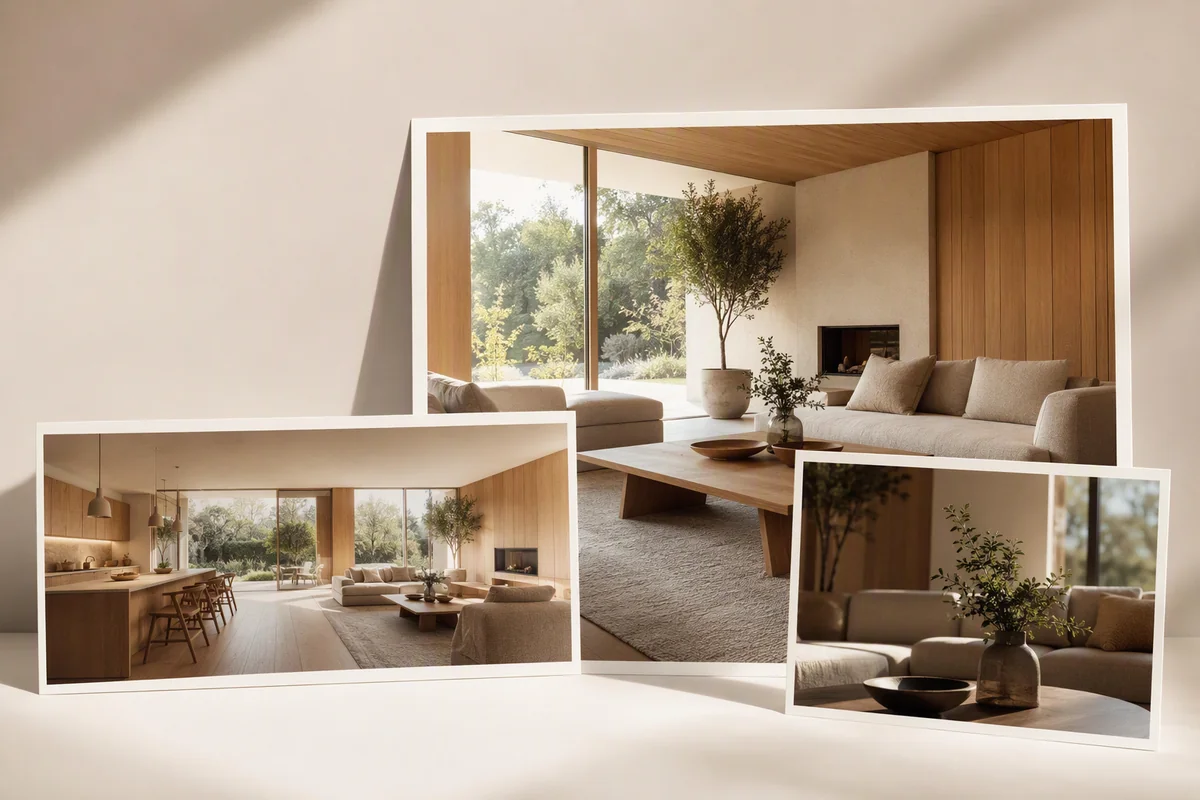
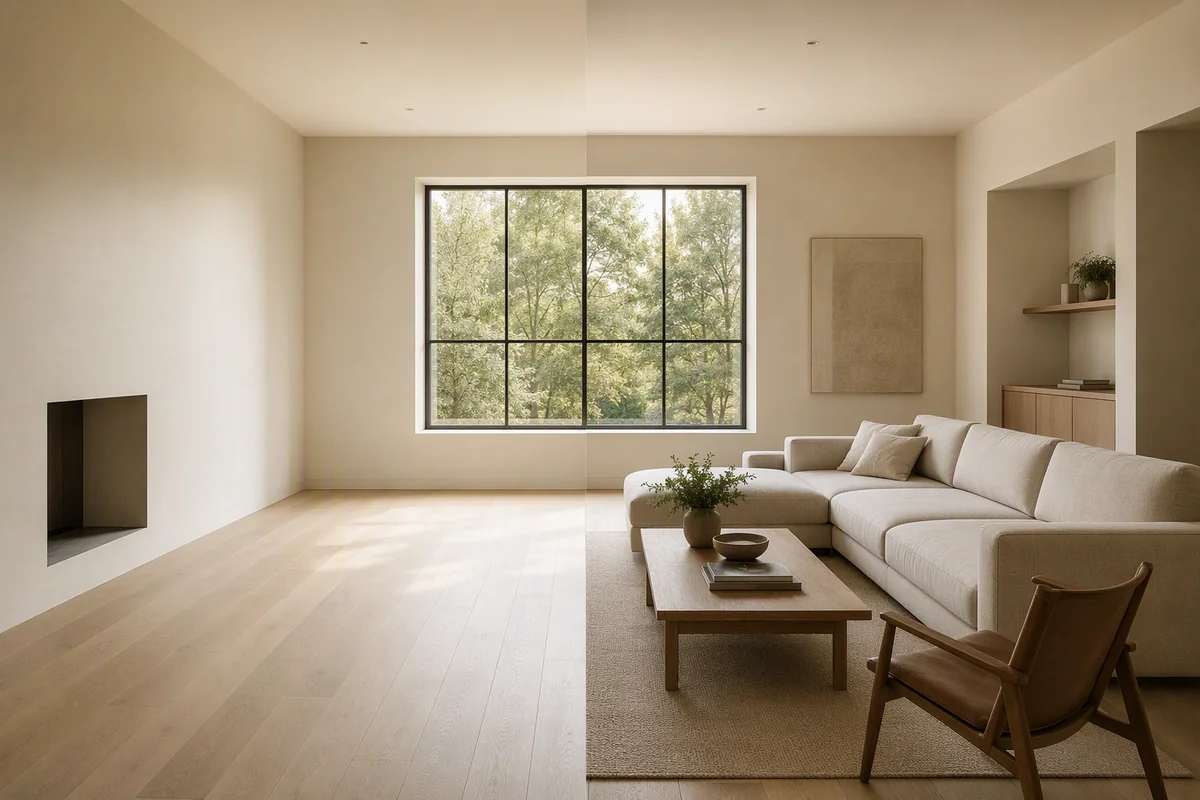
Showcase is Splatr’s Virtual Studio plugin for creating a shareable property presentation. It combines photographs, property information, location and an optional film in one page. A panoramic tour can sit alongside the presentation, but you do not need a 3D model or tour to use Showcase.
What can you include?
| Content | Role in the presentation |
|---|---|
| Property photographs | Show the rooms and selected views |
| Property details | Explain the listing’s key facts |
| Location | Place the property in context |
| Film | Introduce the space through video |
| Panoramic tour | Let visitors explore the rooms interactively |
The publishing workflow also supports a company logo, giving the shared presentation a recognisable brand identity.
How does Showcase work with Reimagine AI?
Use selected Reimagine AI outputs as part of the property imagery. Furnished, cleaned or enhanced photographs can join the presentation once reviewed.
That connects the creation stage with the page a buyer or client sees. Reimagine AI handles the edits; Showcase brings the finished assets and property context together.
Can you include a generated property film?
Video Generator creates clips from still images and exports an assembled film. Showcase can include a film as part of the property introduction. Video Generator is currently beta.
A film presents a selected sequence, while a tour gives the visitor control over where to look. The two formats serve different viewing preferences within a broader property presentation.
How do you share the page?
Publish the intended view and copy its public link. This gives agents, studios and property teams a hosted destination for direct sharing, rather than sending each photograph and video separately.
The public presentation should be checked after content or branding changes. Its images and property details should reflect the version intended for visitors.
Can the same link be used on property portals?
A branded Showcase page and a portal’s accepted tour destination can have different requirements. Use the appropriate public view and follow the portal’s rules for contact information, advertising and navigation.
Read the Rightmove and Zoopla sharing guide for their documented external-link processes. Showcase supplies the hosted presentation; portal publication remains a separate step.
Put the guide into practice.
Try Virtual Studio with your own property images.
14-day free trial on the Basic plan.