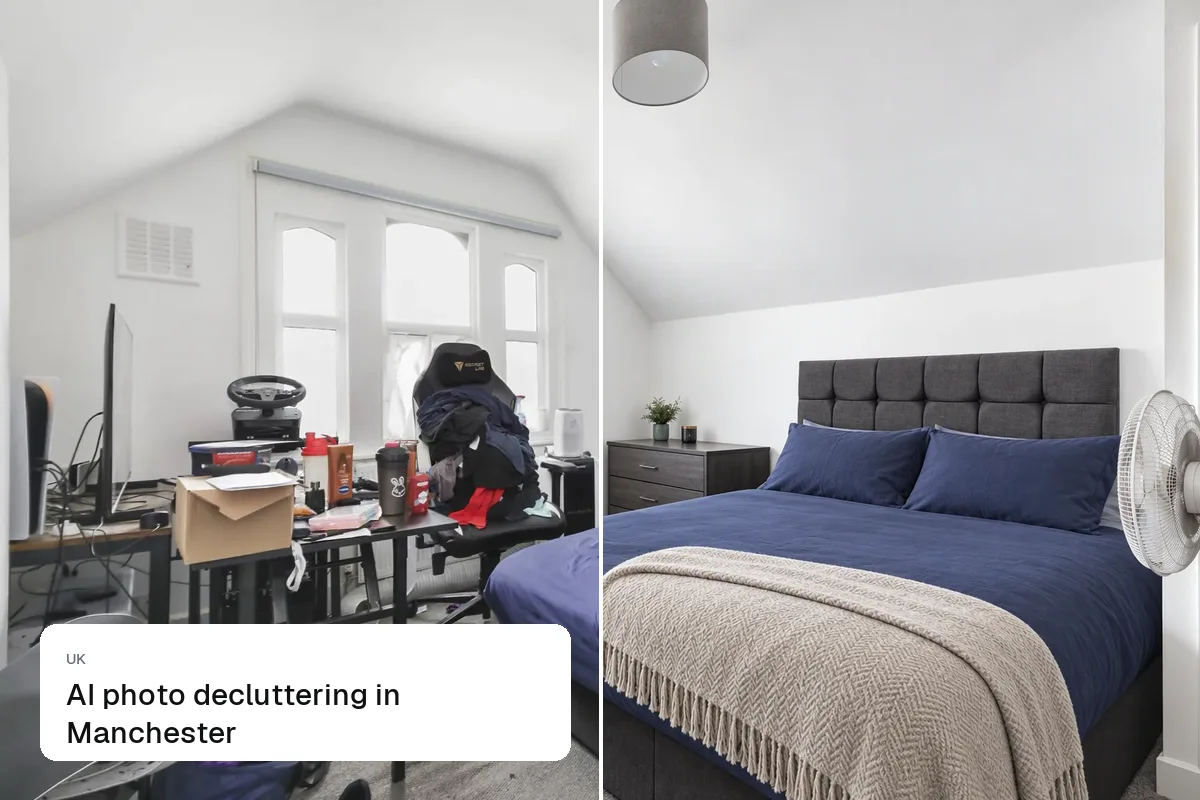
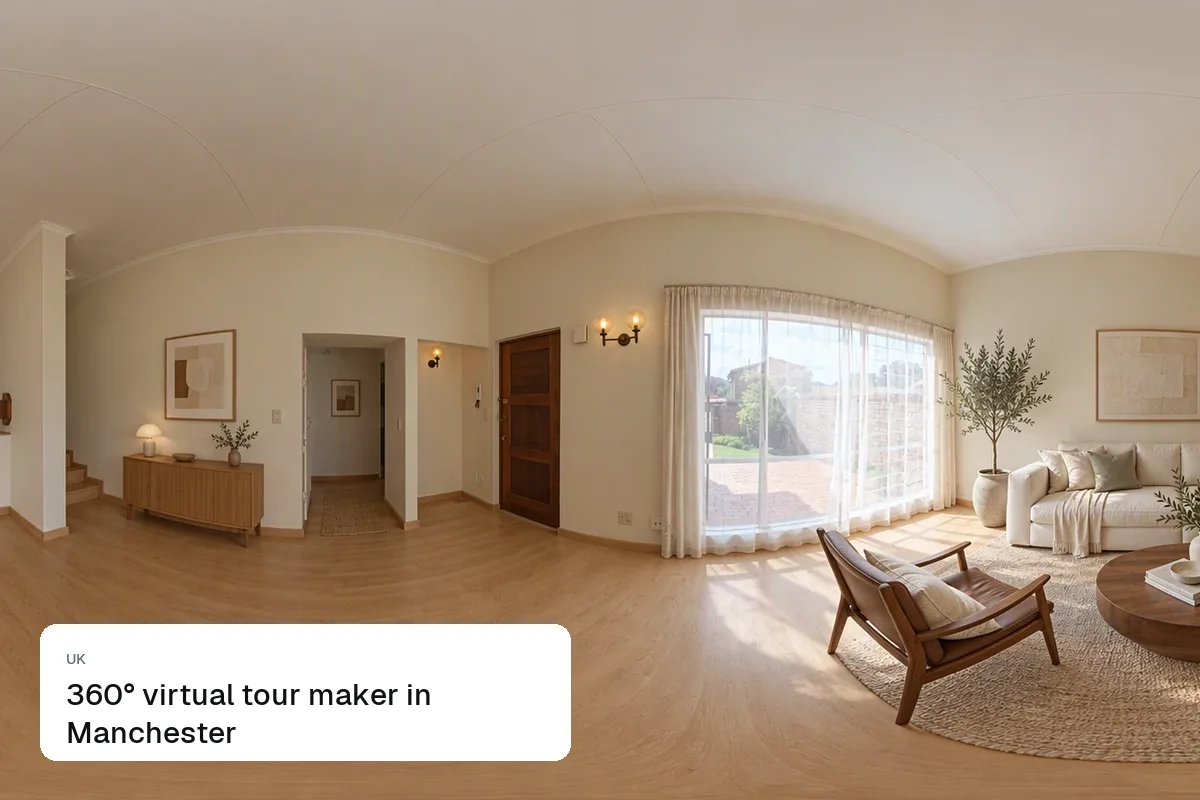
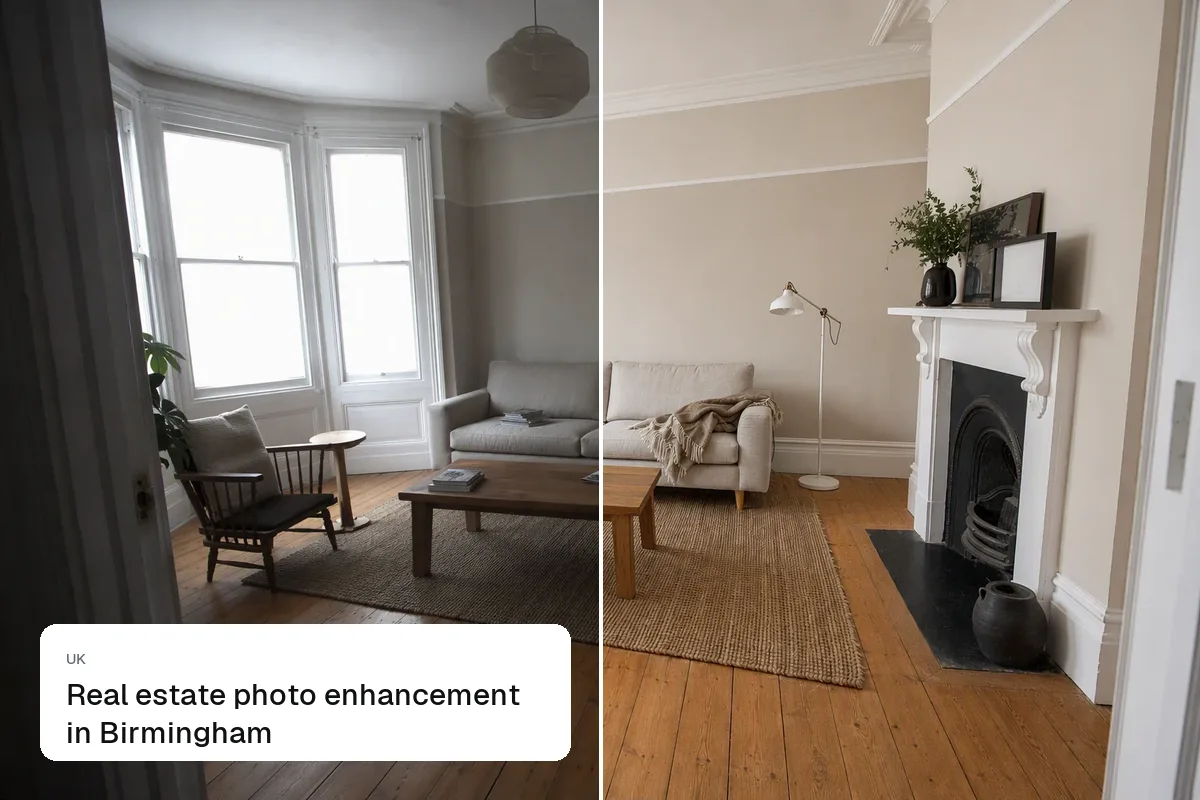
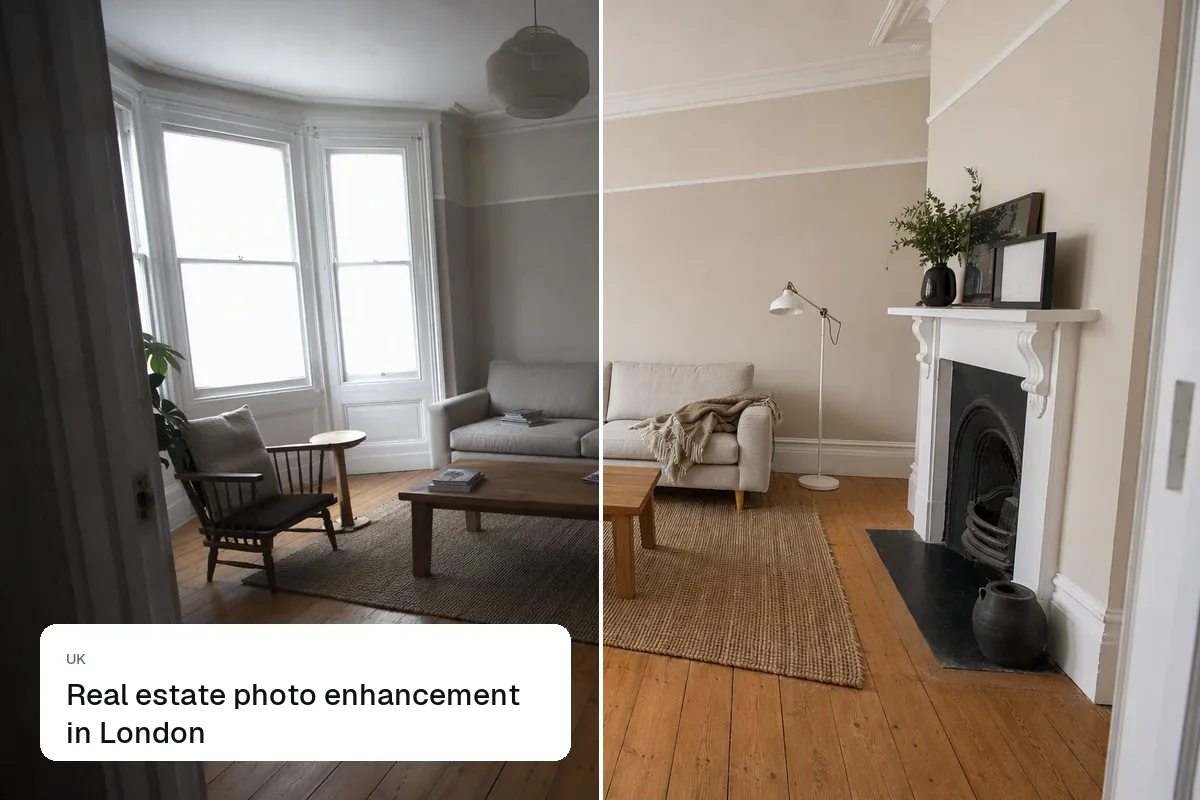
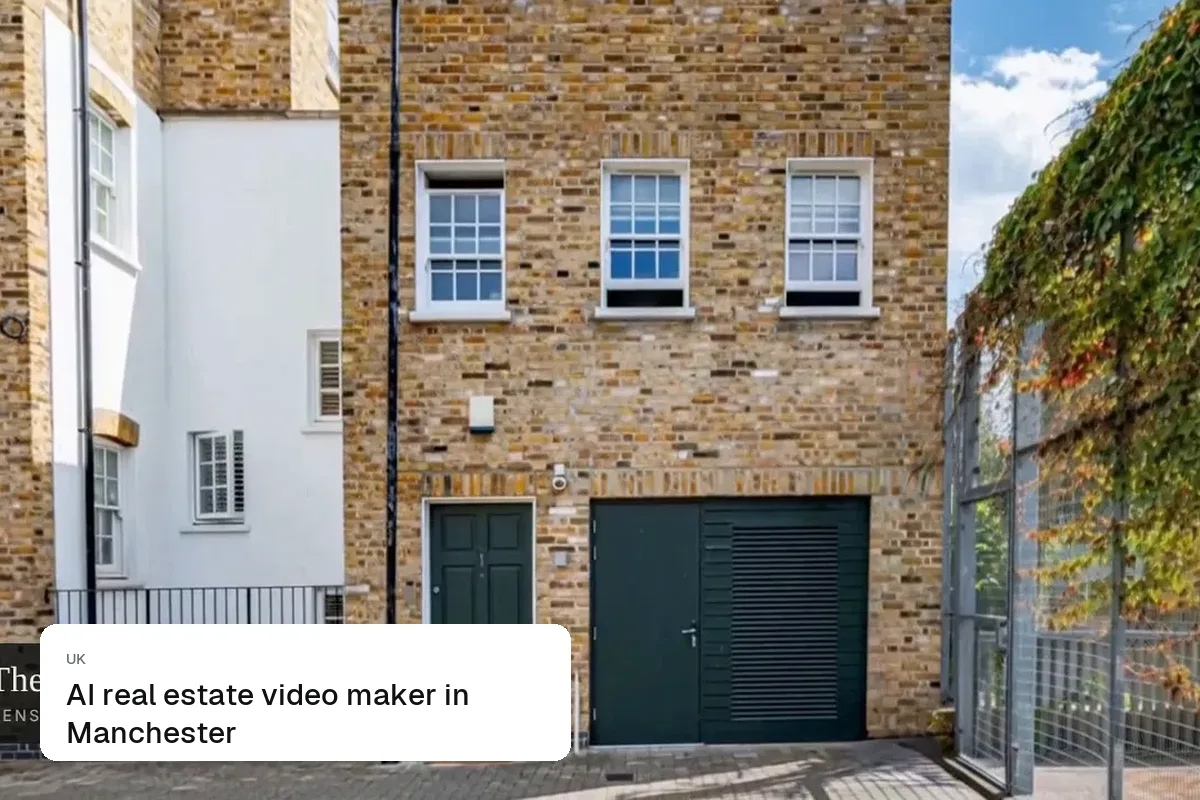
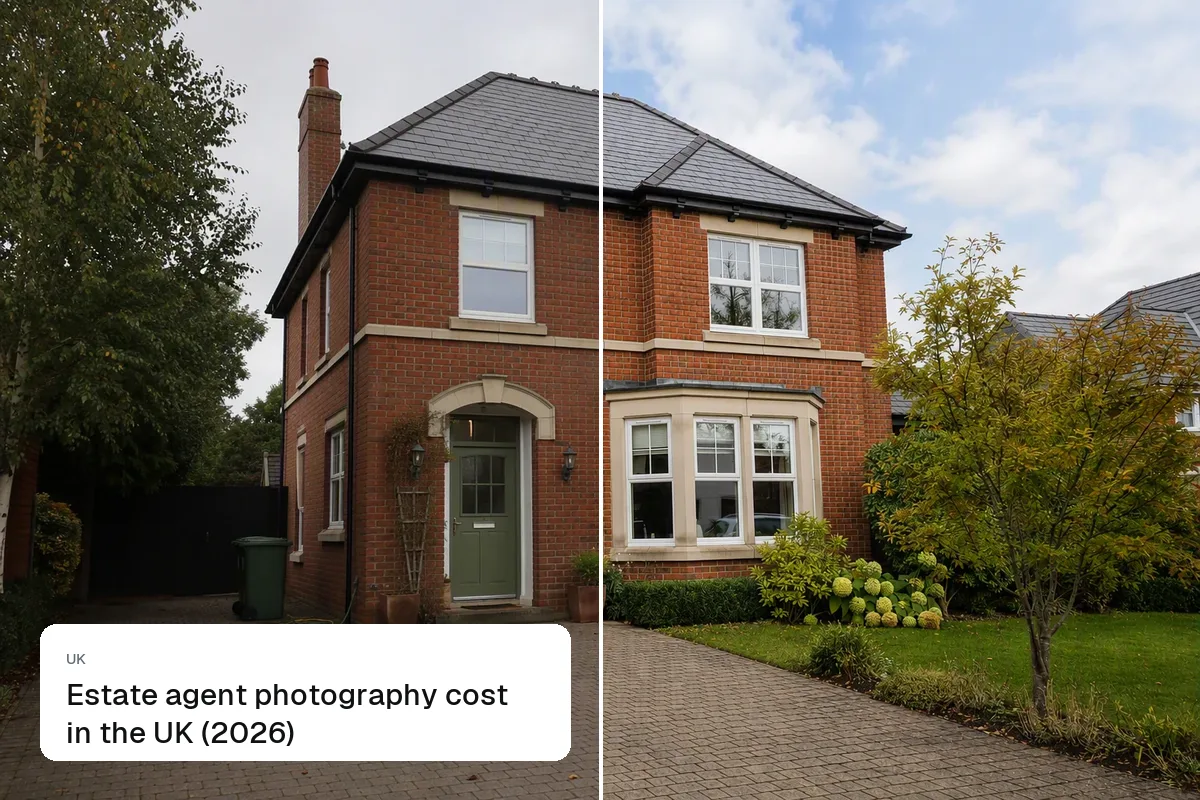
Manchester gets a lot of grey, wet days, and listing photos show it: dull interiors, white windows, and a flat look across a whole set. Enhancement brightens the rooms, balances the windows and corrects colour so a terrace or a city-centre flat looks the way it does in person.
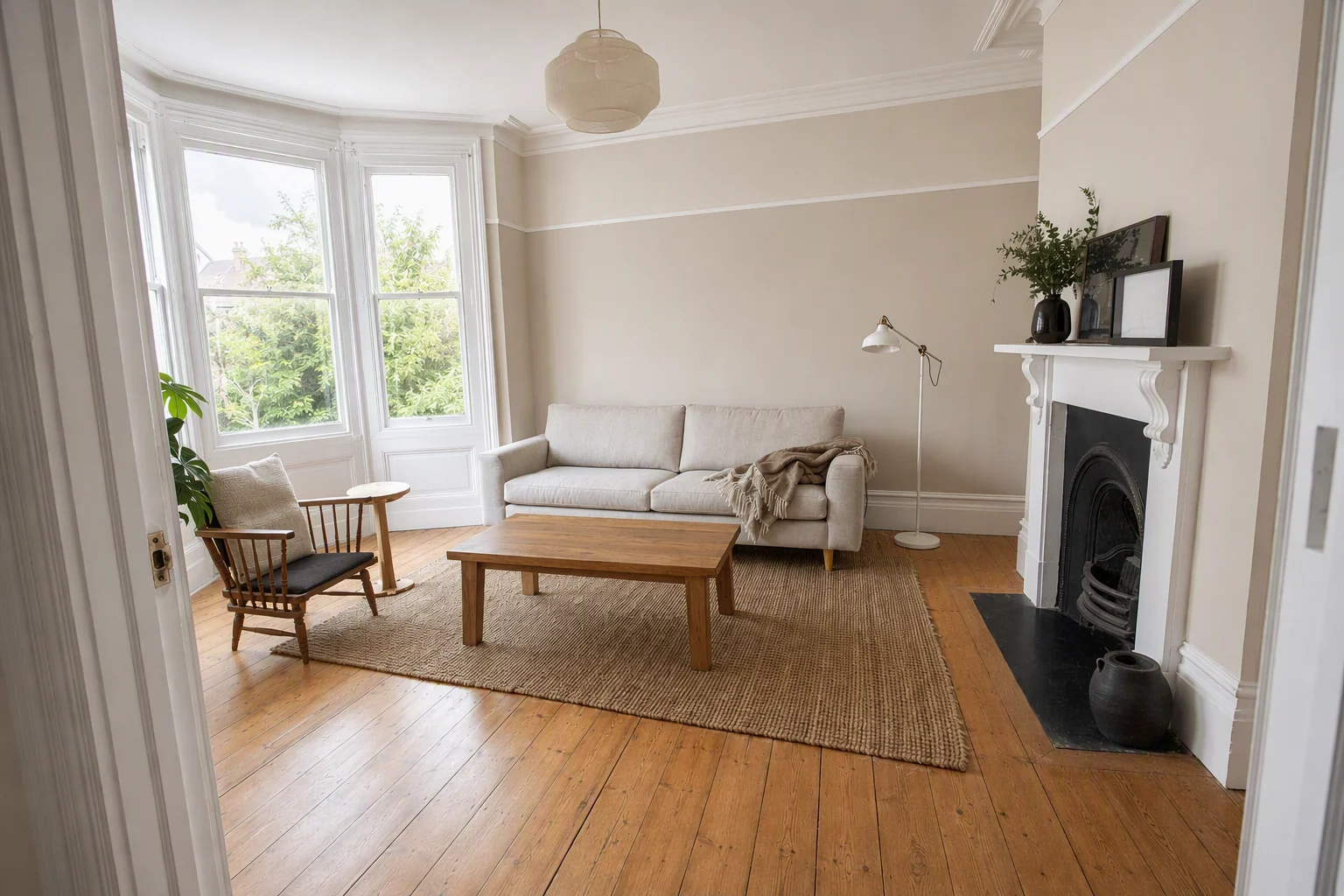
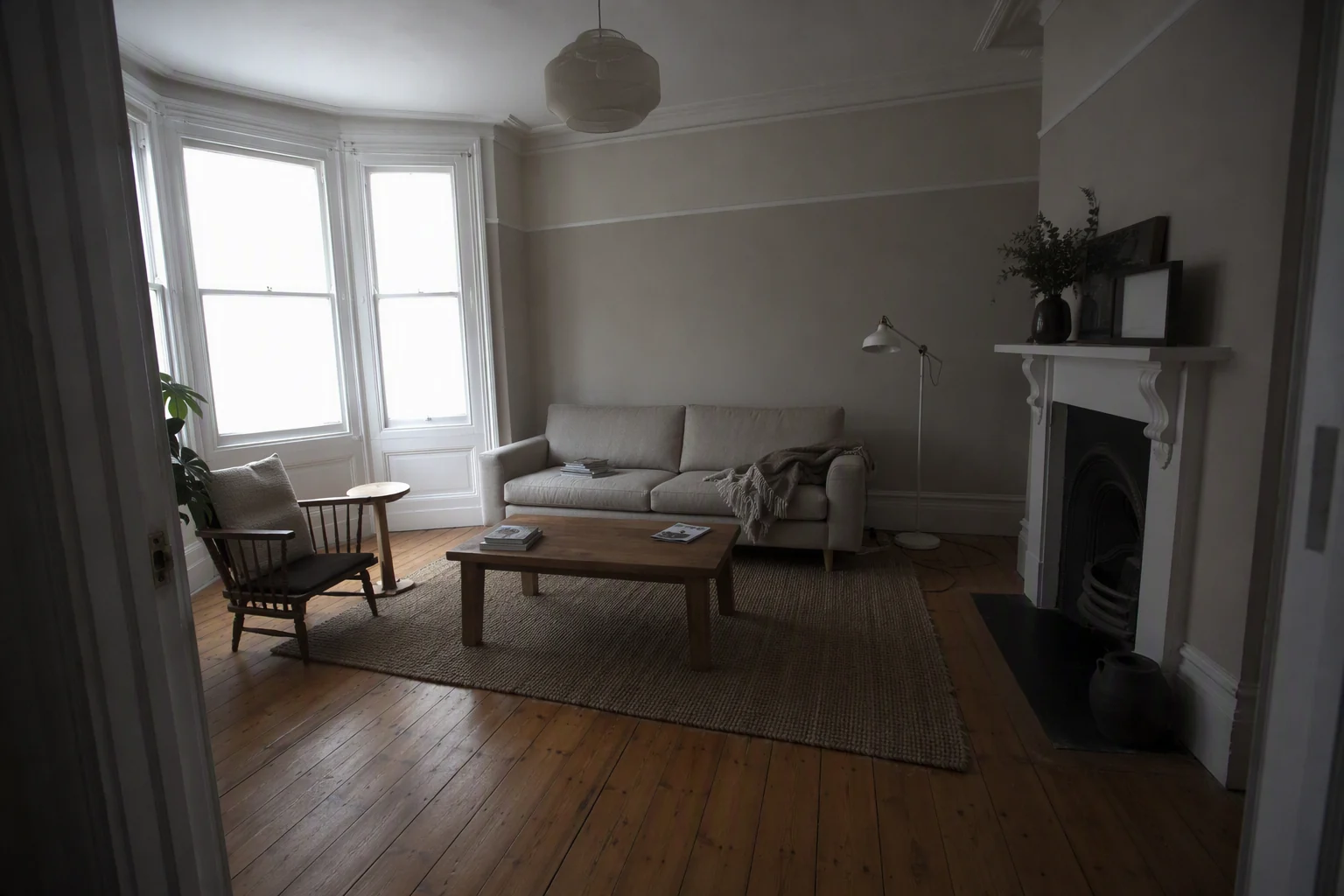
HDR enhance tips for Manchester listings
- Turn on every light and shoot in the middle of the day; let the edit balance the rest.
- Red-brick exteriors go brown under grey skies. Correct the colour, then replace the sky if needed.
- Mill conversions have big windows and dark corners. Balance both.
A Manchester example
A mill-conversion apartment in Ancoats photographed on a wet afternoon. The edit lifts the exposed brick and timber, recovers the view through the arched windows and evens the colour across all 14 photos.
How it works
- Upload your shootPhone or camera, a whole batch at once.
- EnhanceLight, colour, windows and verticals fixed.
- Download for portalsConsistent edits across every photo.
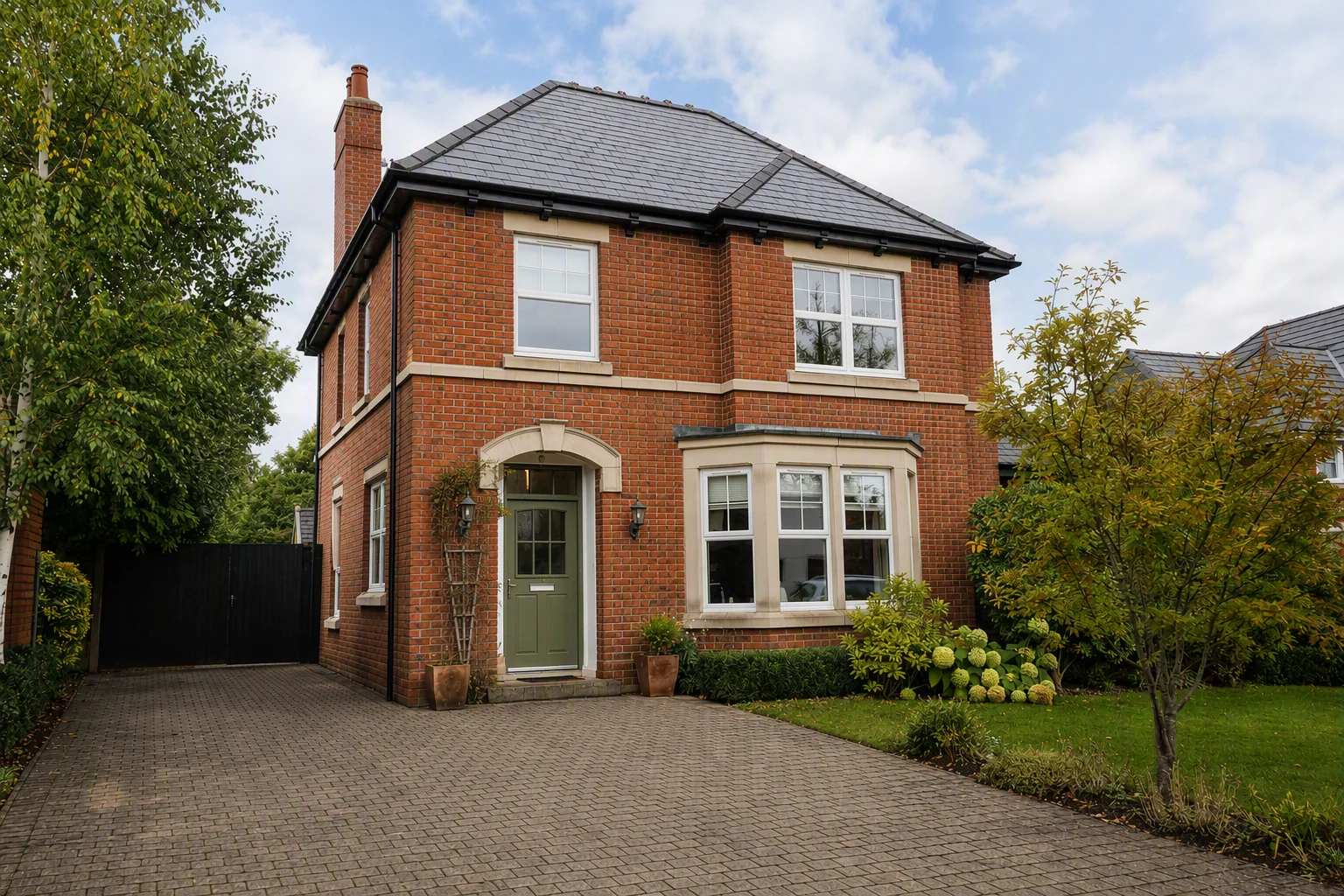
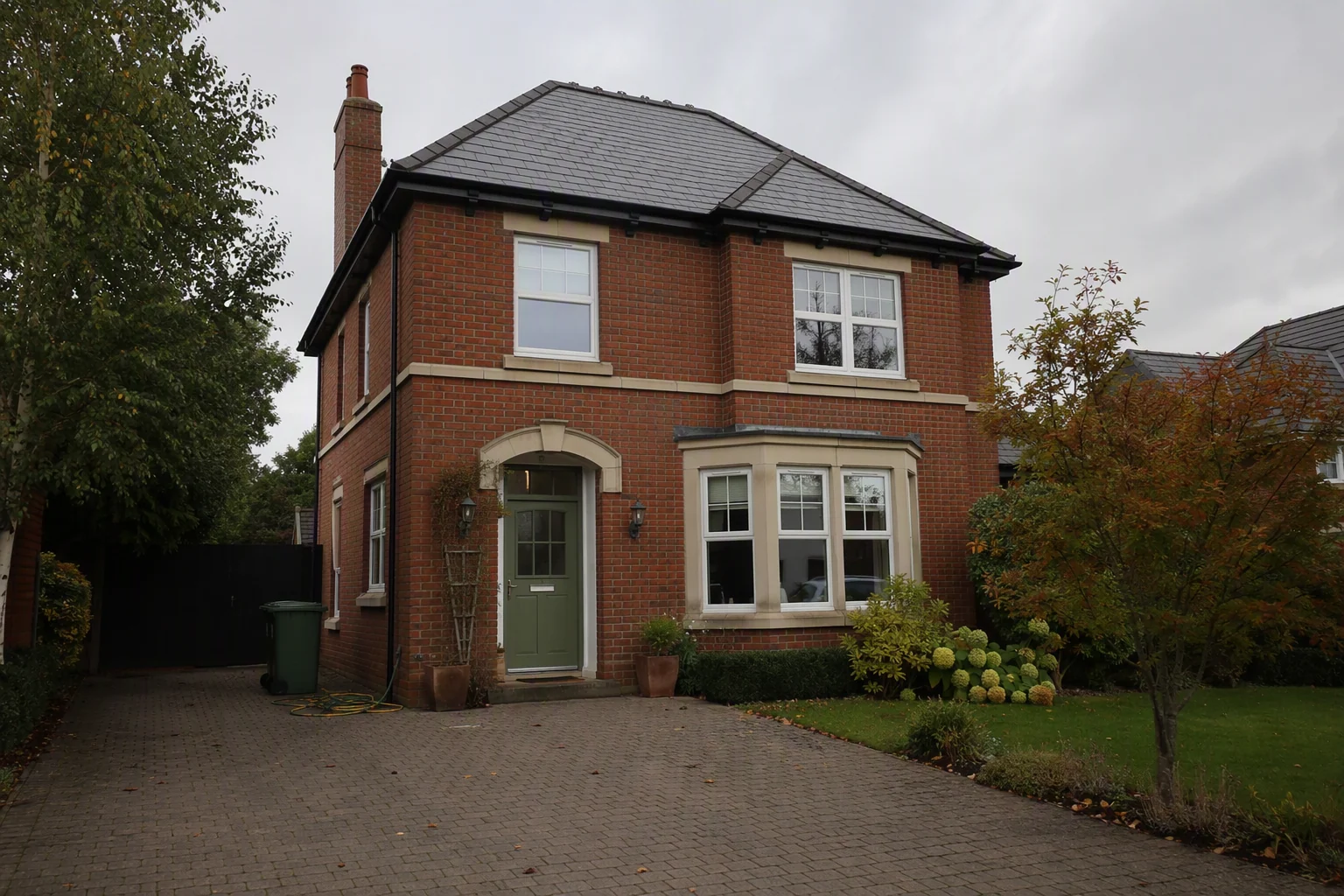
What it costs in Manchester
Questions from Manchester agents
Can enhancement fix photos taken in the rain?
It can brighten the interior, balance the windows and correct colour. For exteriors, combine it with sky replacement.
Will edited photos match the viewing?
They should. Enhancement corrects exposure and colour; it does not change the room. Buyers who view should recognise every photo.
How much does it cost?
A professional photo shoot in Manchester usually costs £80–£200 per property. Splatr is from $29 a month on the Basic plan, with a 7-day free trial.
Keep exploring
Other Splatr tools for Manchester listings: Virtual staging, Declutter, Empty room, Sky & twilight, Renovation, Property video, 360° tours. HDR enhance in other cities: Dubai, London, New York, Los Angeles, Miami, Abu Dhabi, Birmingham, Chicago, Houston.
Related guides:
Put the guide into practice.
Turn your own photos into edited images and videos in minutes.
7-day free trial.