Add furniture
Furnish an empty room so buyers can understand its scale and how to use it.

Stage your property photos, generate walkthrough videos and create a branded listing page—all in one platform. Share a link or let buyers explore it on your website.
One platform. From first image to finished listing.
Host your panoramas, connect rooms with hotspots and let people explore on their own terms.
Explore 360° toursAdd photos and listing details. Include 360° imagery for an immersive tour.
Stage and enhance your images, then generate a walkthrough video.
Download your visuals, share a property page or embed it on your site.
Your property photos, ready for a new look. Stage, edit and enhance them with AI.
Turn the photos you have into the listing images you want. Refine lighting and perspective, clear distractions or restyle a room—with a polished finish that puts the property in its best light.
Clear the clutter and explore a fresh style, with furniture and lighting tailored to the room.
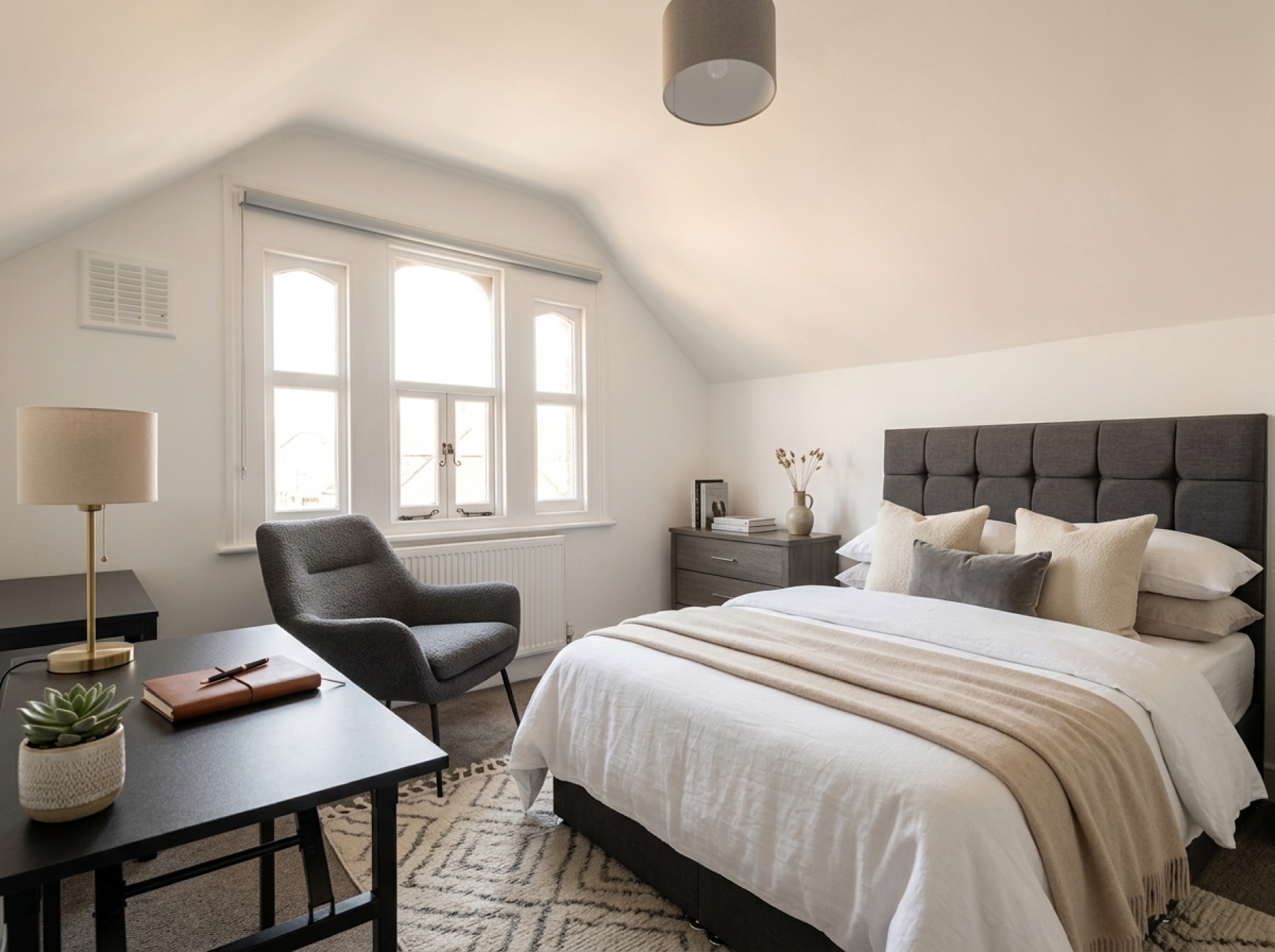
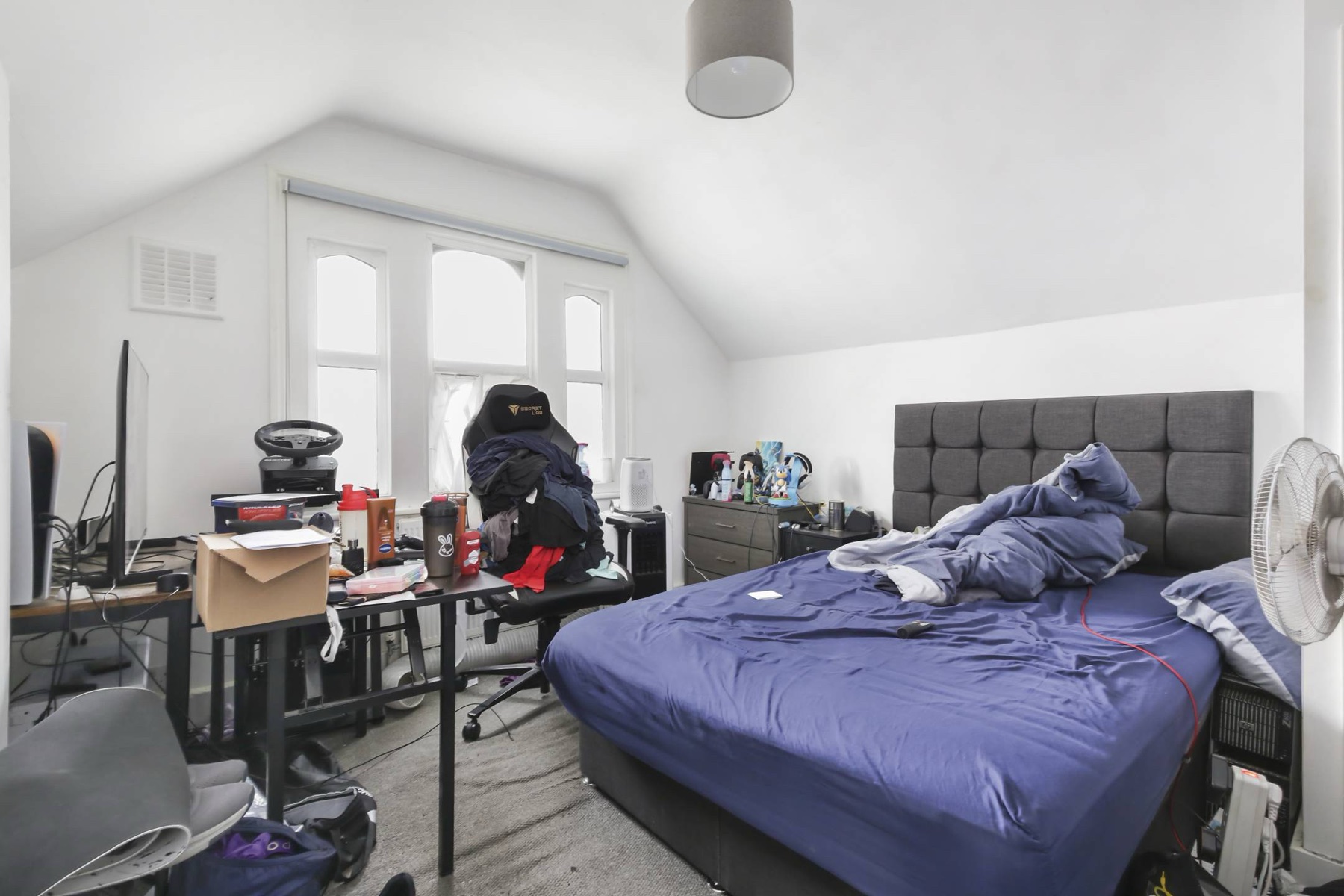
Add furniture to show how the room could be arranged, from a seating area to a place to dine.
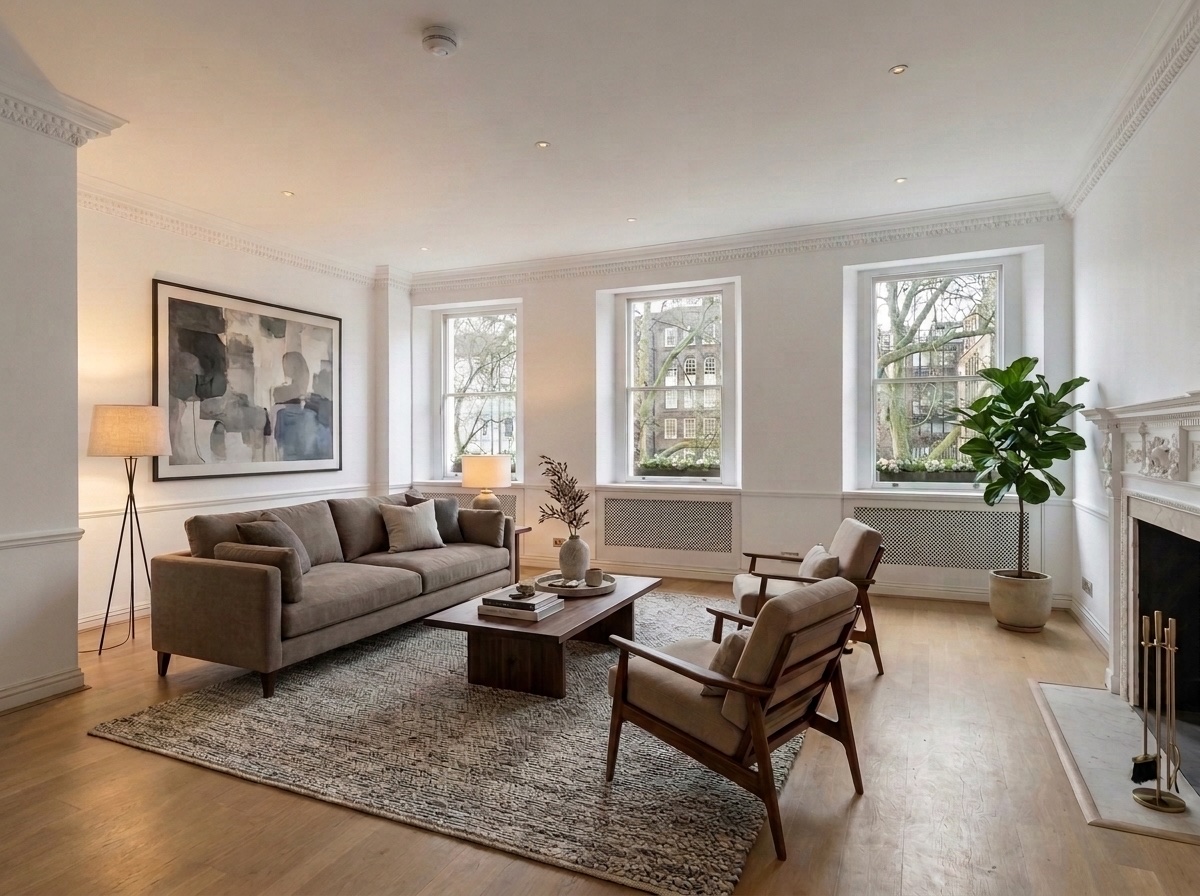
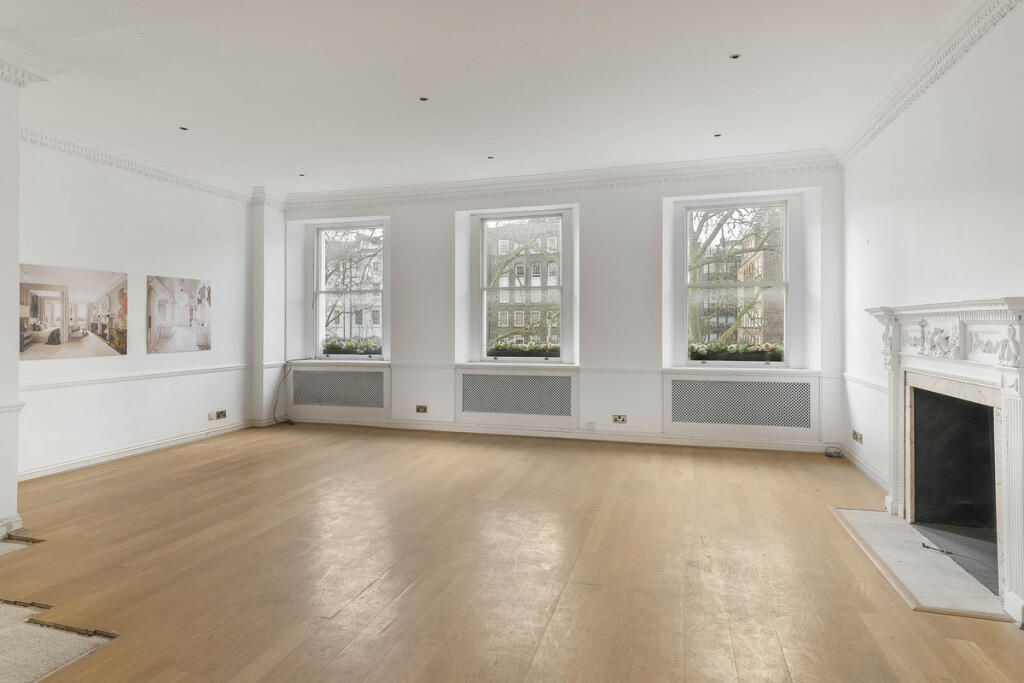
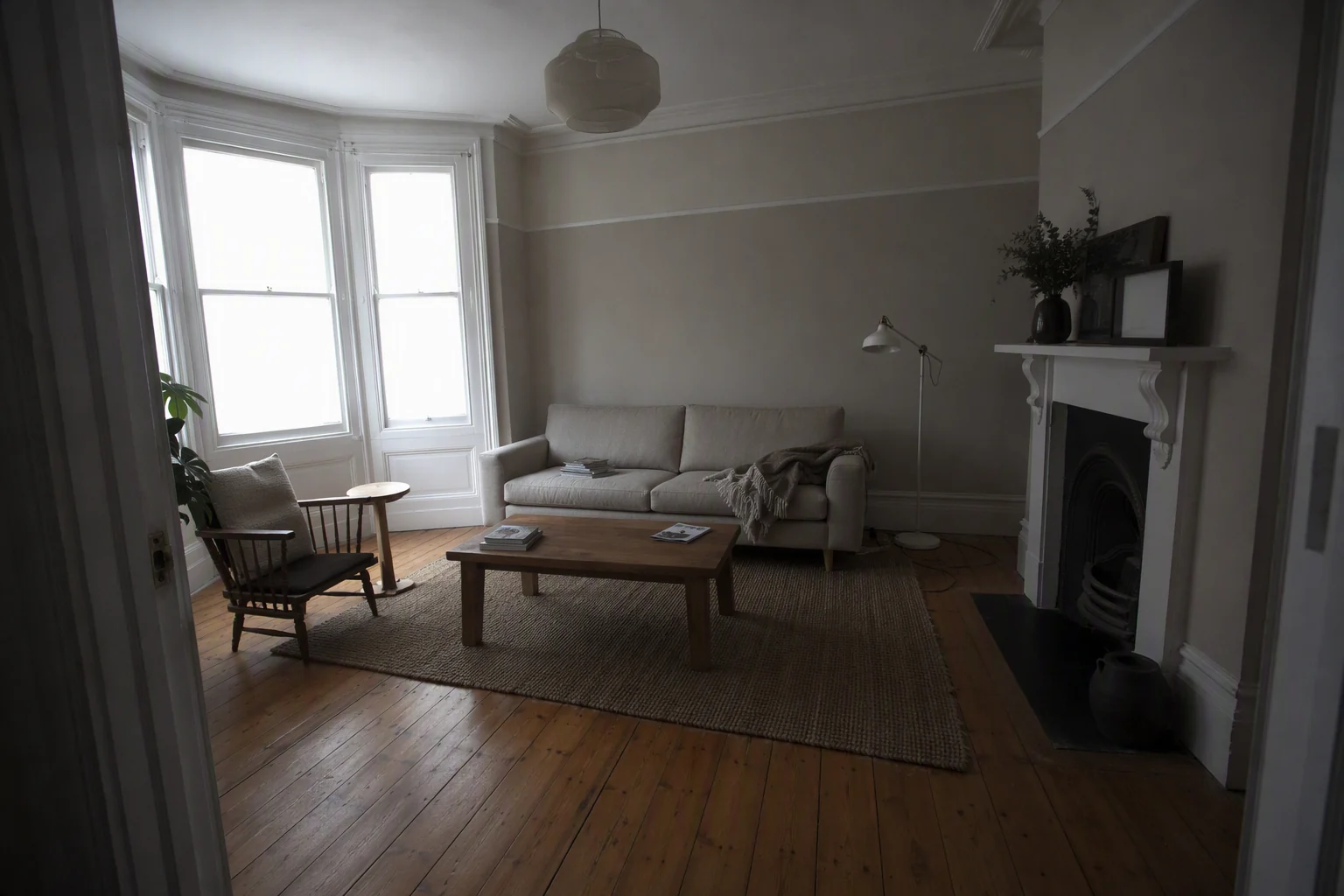
Lift dull lighting, refine perspective and bring out detail for a polished, professional-looking listing photo.
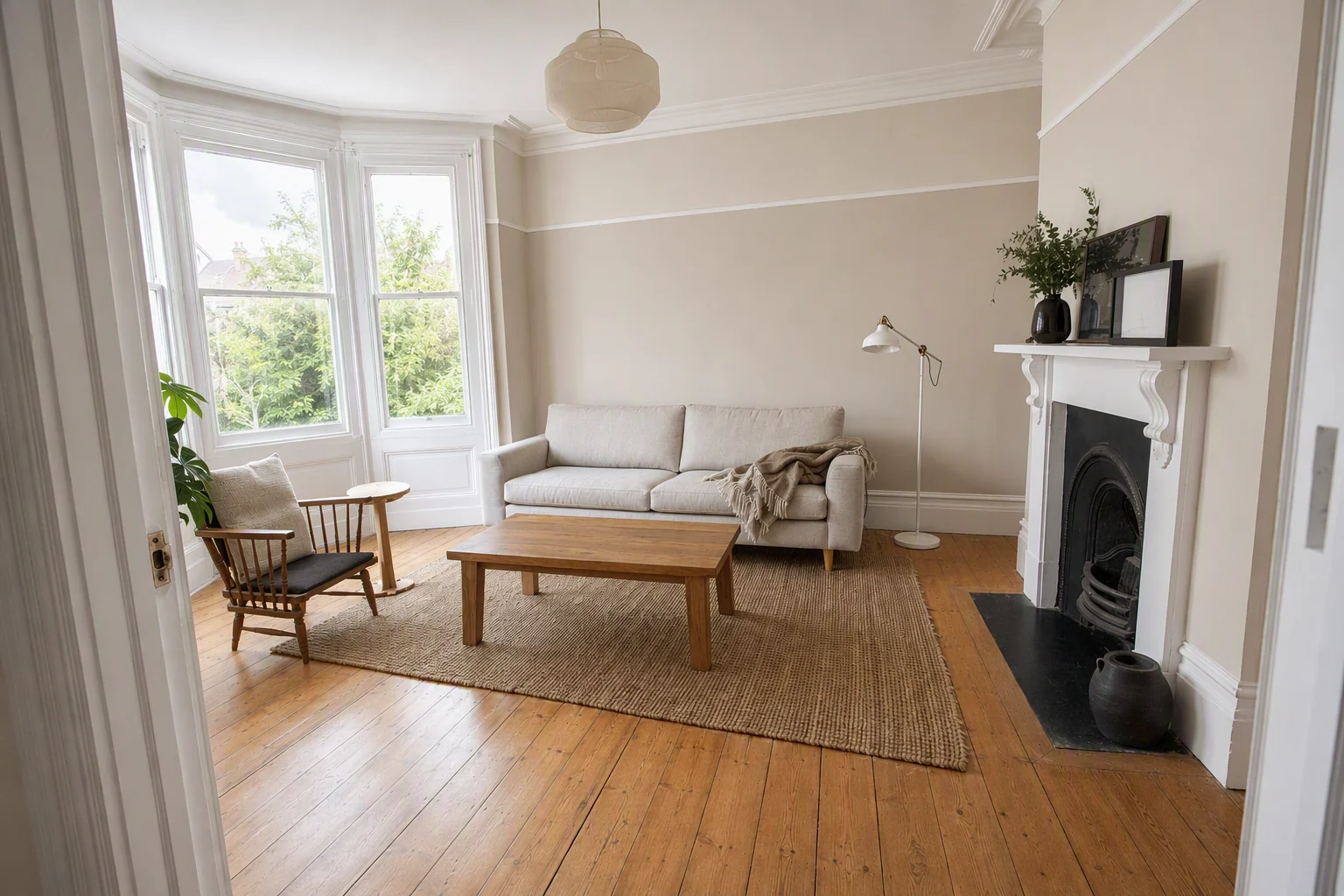
Describe the change you want, or add a reference image to guide the style.
Furnish an empty room so buyers can understand its scale and how to use it.
Clear existing furniture and clutter to show the space underneath.
Try a different interior style, from warm and traditional to clean and contemporary.
Improve clarity and bring out the details in your property photos.
Brighten a dark room or try warmer light to change its atmosphere.
Explore different wall colours and floor materials to show renovation possibilities.
AI-edited images show possibilities. Review the result, label virtual staging and keep the original photo available.
Give your listing another way to be seen. Generate a walkthrough video from your property images, download it and use it across your listings, website and social channels.
One video, ready to download and share.
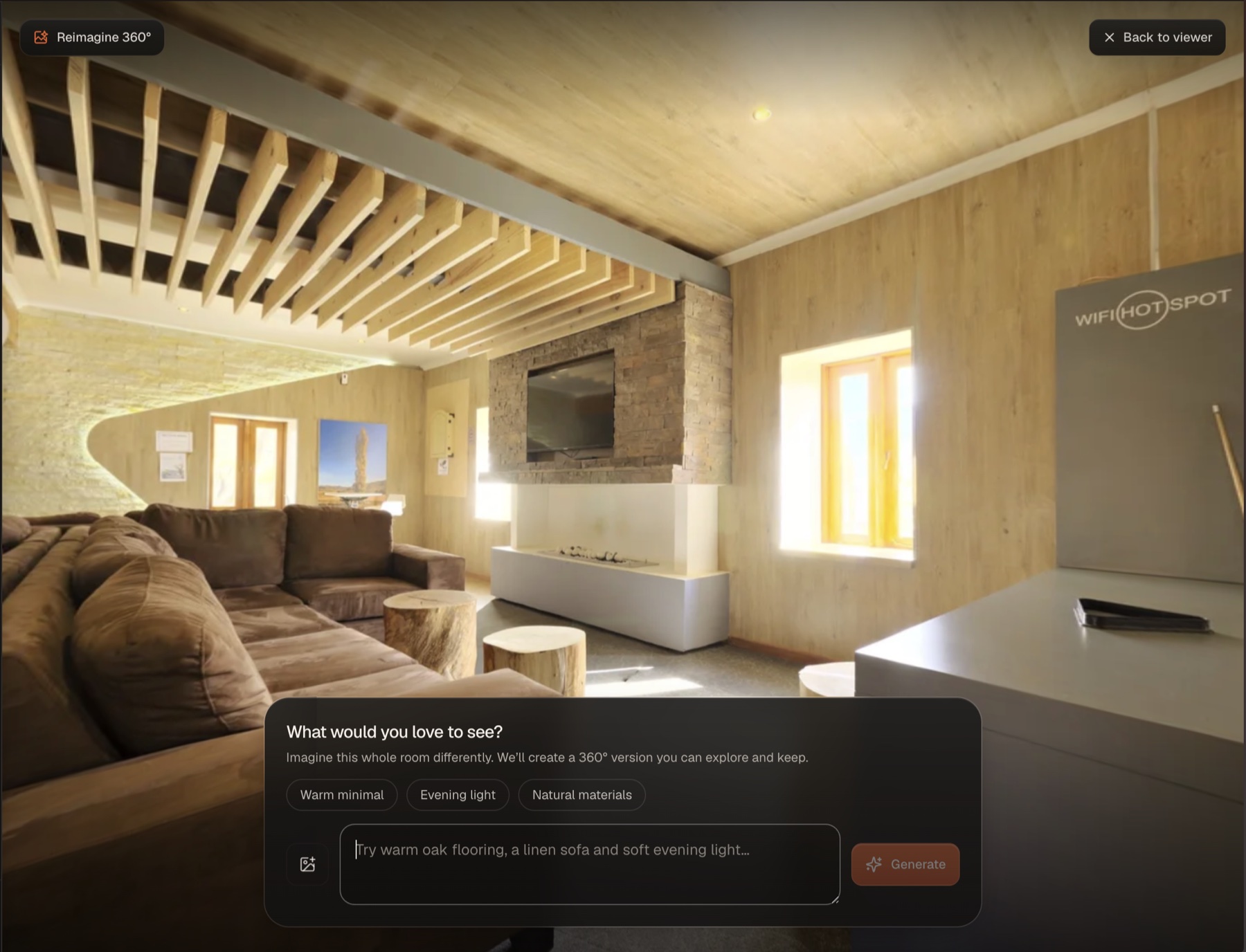
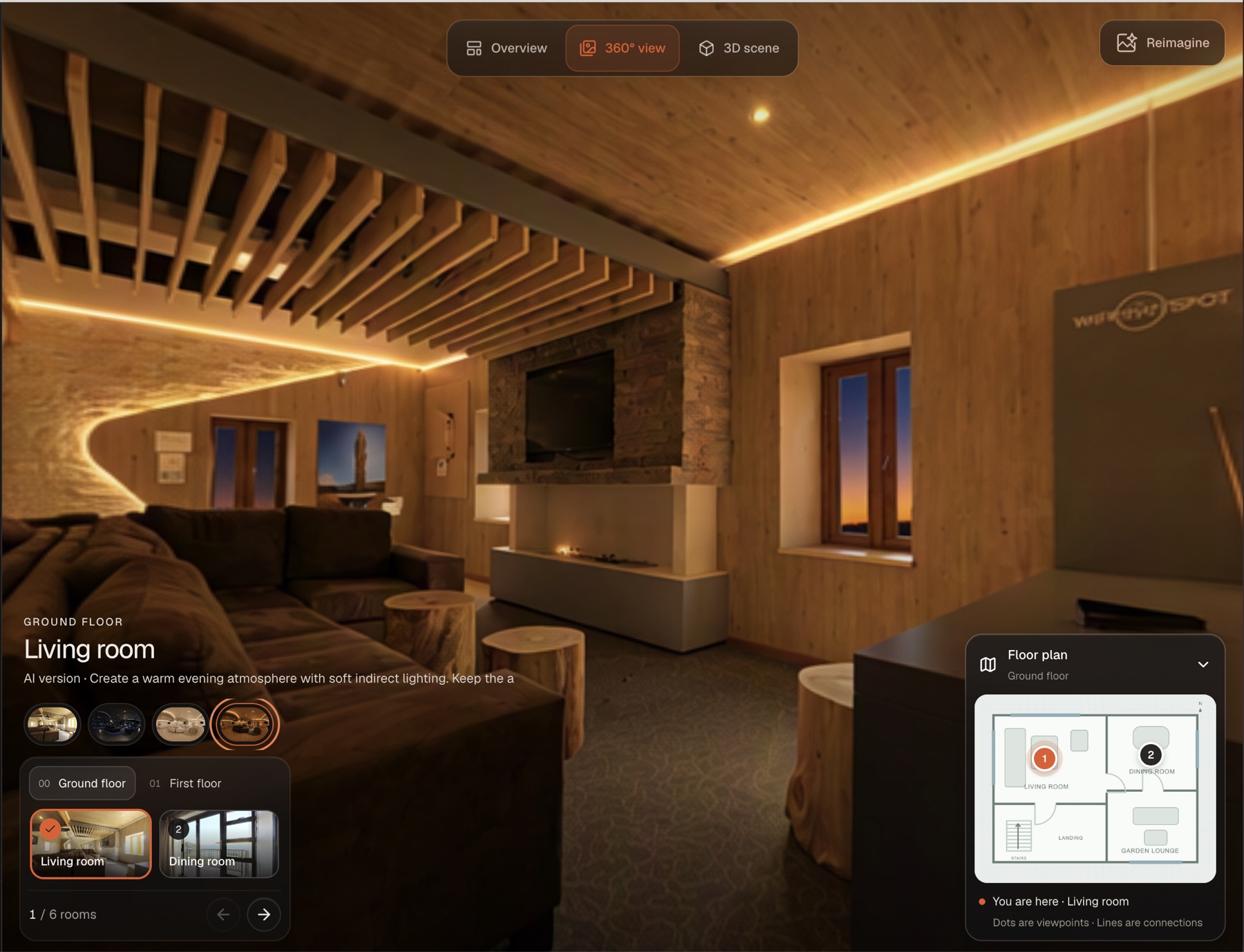
Start with a standard property photo or a 360° panorama. Describe the furniture, colours or lighting you have in mind, or add a reference image. Reimagine shows the room in the style you want to see.
See how it works · A 360° room example
Start with a property photo or select a room’s 360° image.
Describe the change or add a reference image to guide Reimagine.
Review the reimagined photo, or look around the result when working with a 360° image.
Bring your images, video, 360° views and property details together on a public page with your branding. Send the link to a client or embed the presentation on your website.
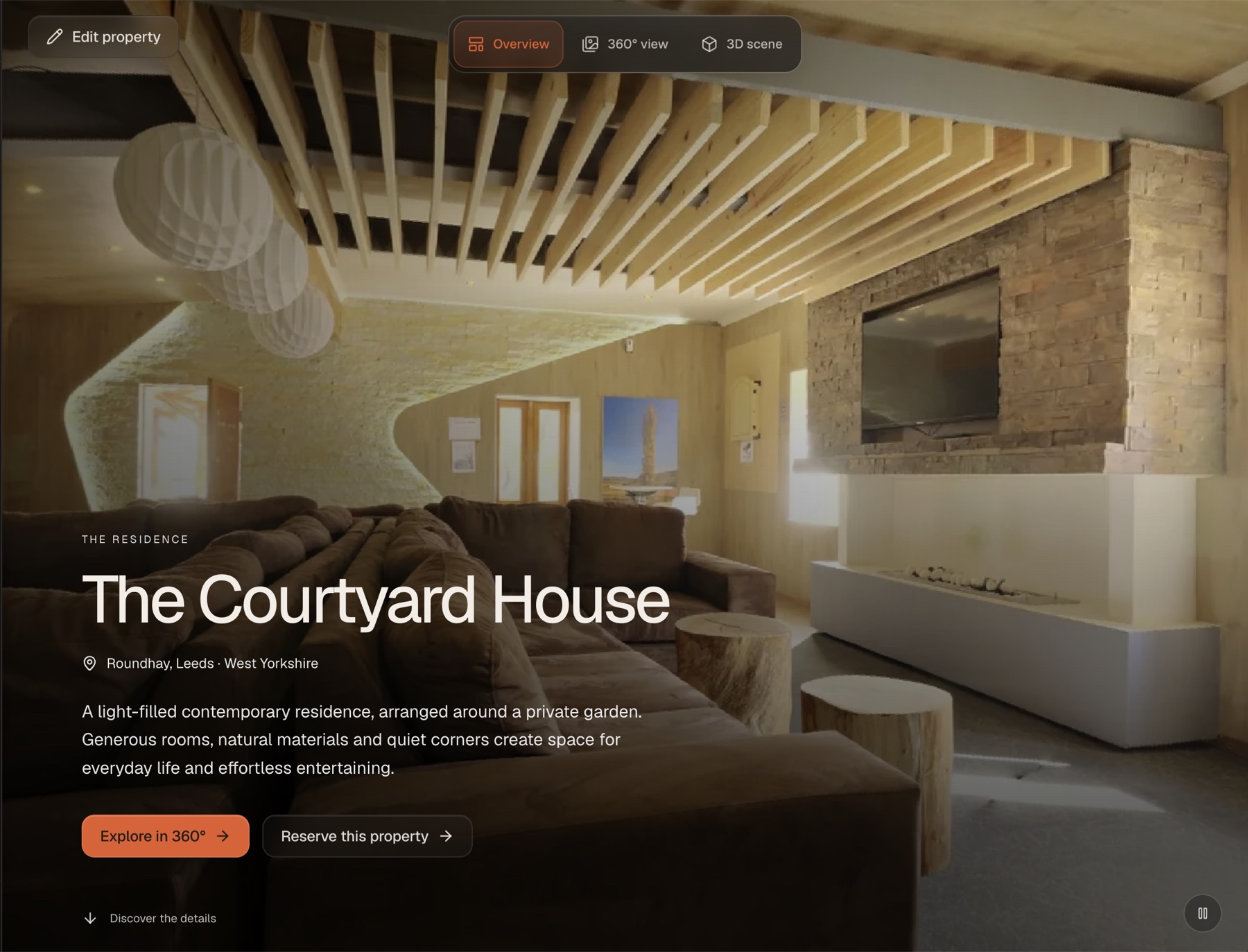
Add your logo, colours and property details. Keep the presentation consistent with your agency.
Send clients a single destination for the gallery, video and tour, with a direct way to enquire.
Let visitors explore the property from your own site, alongside your existing listings.
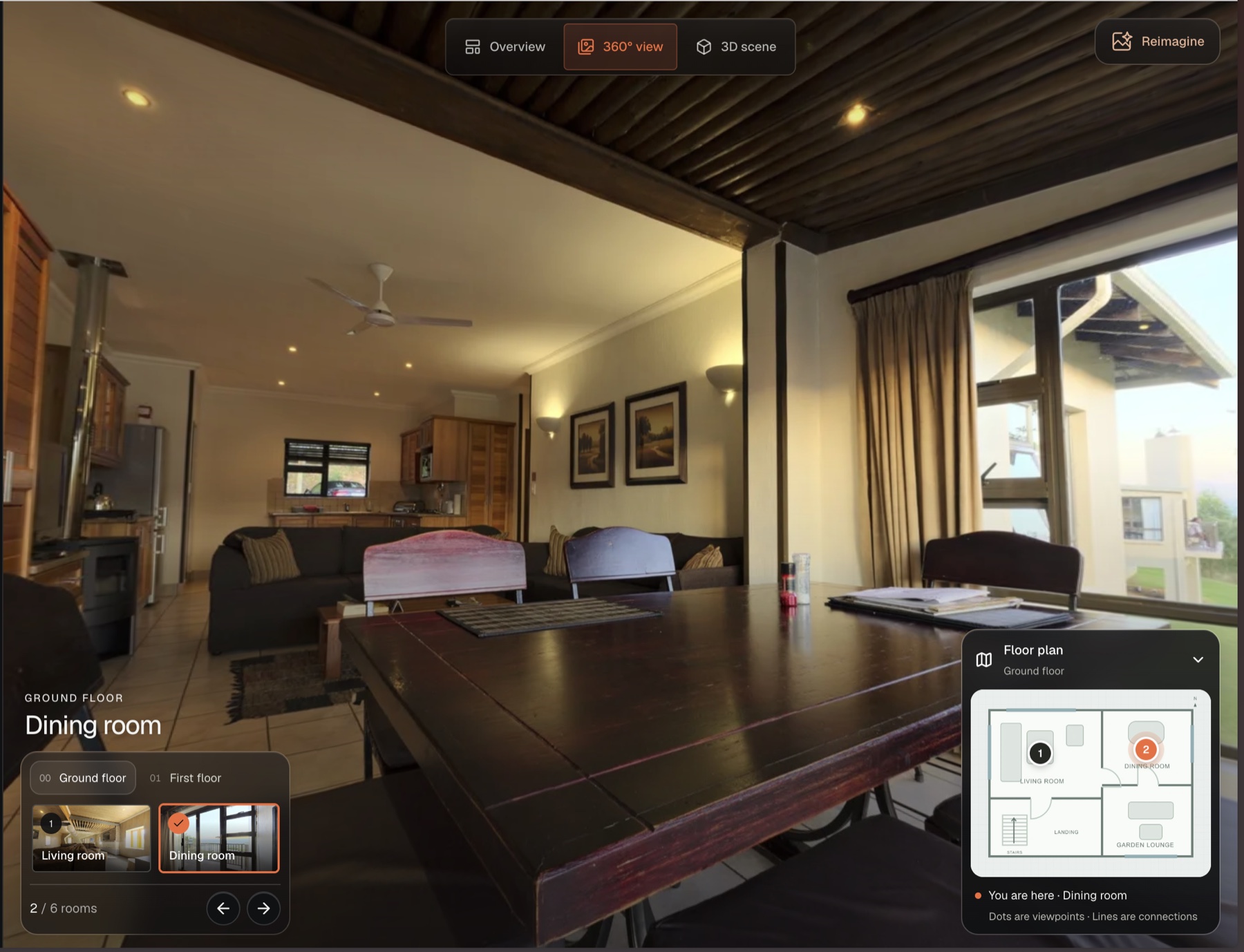
Connect panoramic views into a tour people can move through for themselves. Give them a feel for the space before they visit.
Link viewpoints so visitors can choose where to go next.
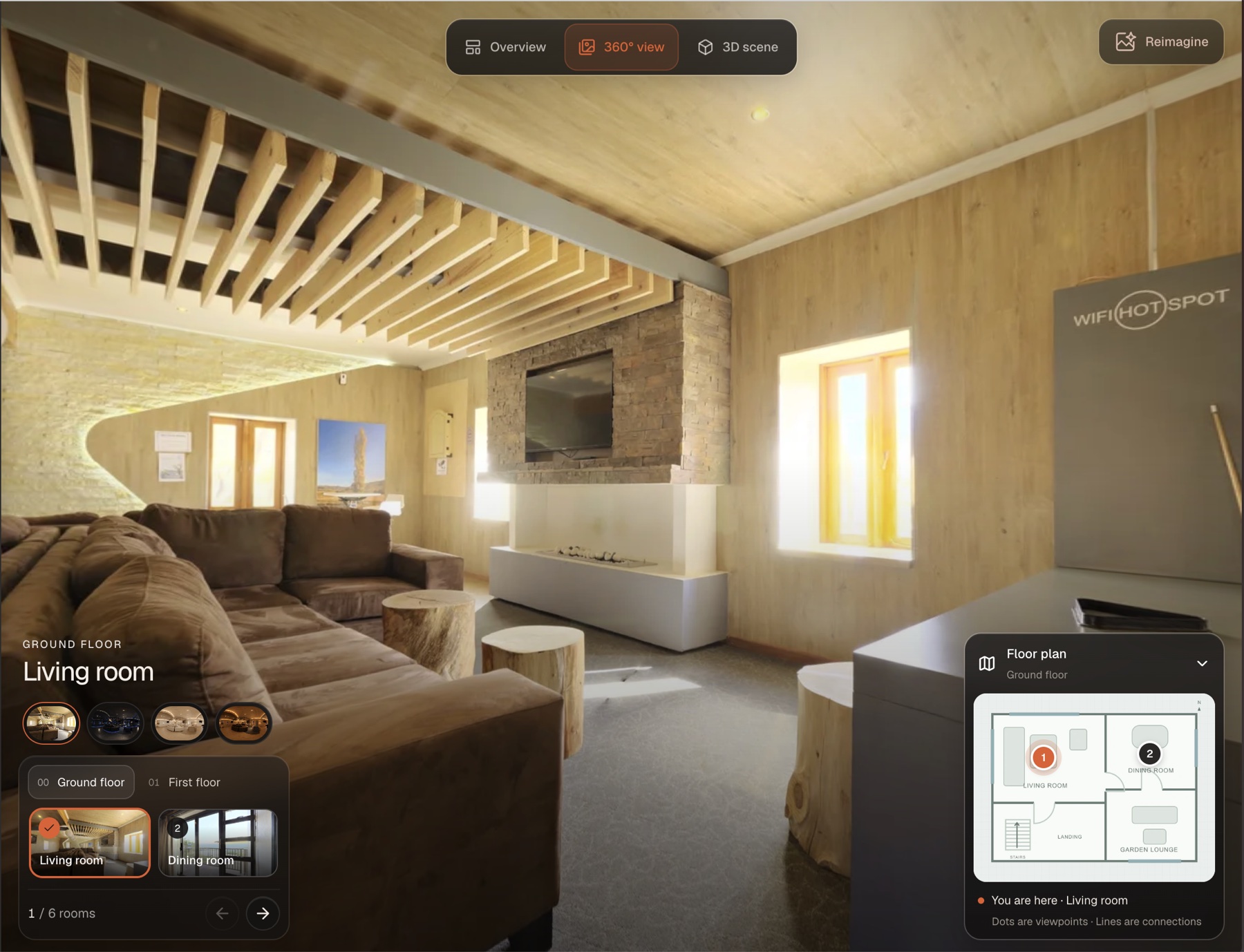
Start with finished 360° camera photos or rendered panoramas. No proprietary camera required.
Use your logo and colours to make the viewer feel part of your business.
Send clients a direct link, embed the tour on your website or add it to a property portal that accepts external tours.
Use the embed code to let visitors explore the tour inside your property page.
Rightmove and Zoopla support external tour links, subject to their listing requirements.
Show a place, document a site or invite someone inside. The same viewer opens up different experiences for your audience.
Help buyers and tenants explore rooms, understand the layout and shortlist a property before booking a visit.
Share a 360° record of a site visit so clients and project teams can review visible conditions remotely.
Let visitors explore your showroom or look around a vehicle interior before arranging an appointment.
Show rooms, suites, event spaces and facilities so guests can choose the stay that suits them.
Whether you manage one listing or prepare content for a whole agency, create the visuals and presentation in the same workspace.
Furnish vacant rooms, refresh dated interiors and send buyers a complete property presentation.
Create photos, videos and property pages with a consistent look across the properties you represent.
Turn your images into staged alternatives and walkthrough videos, ready for your clients to publish.
Present furnished options for available homes and rentals, then share the visuals with prospective buyers or tenants.
Yes. Use Reimagine to stage or enhance property photos on their own. Create a video, tour or public property page when you need a fuller presentation.
Add or remove furniture, explore another style, improve photo quality, adjust lighting, and try wall colours or floor finishes. Describe the change you want or use a reference image to guide the result.
Generate a walkthrough video from your property images in one click. Download the finished video to use on your listings, website or social channels.
You can stage ordinary property photos and create videos without a 360° tour. To offer room-by-room 360° exploration, add panoramic imagery to the property.
Yes. Create a branded public property page and share its link, or embed the presentation on your website so visitors can explore it there.
Yes. Staged and edited images illustrate possibilities and can alter details. Review each result, clearly label virtual staging and keep the original photography available.
Commission architectural models, renders and films for an unbuilt property.
Start with a property photo. Create the rest with Splatr.